Commerce Studios Media Studio
Turn your product catalog into on-brand content at scale
Create product photos, video and UGC from your catalog and Brand DNA. Work in the studio with your team, or give a Shop Bot the brief.
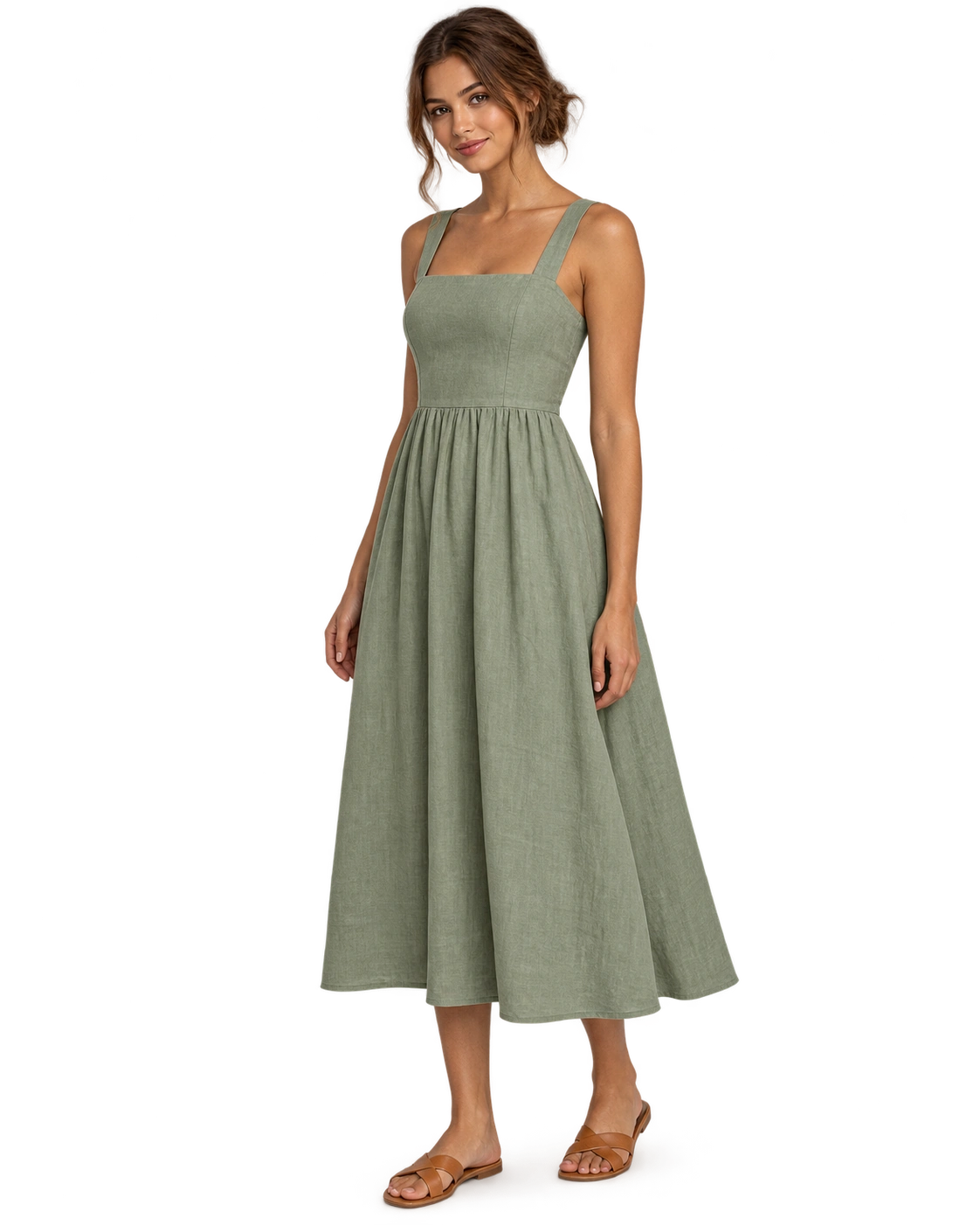


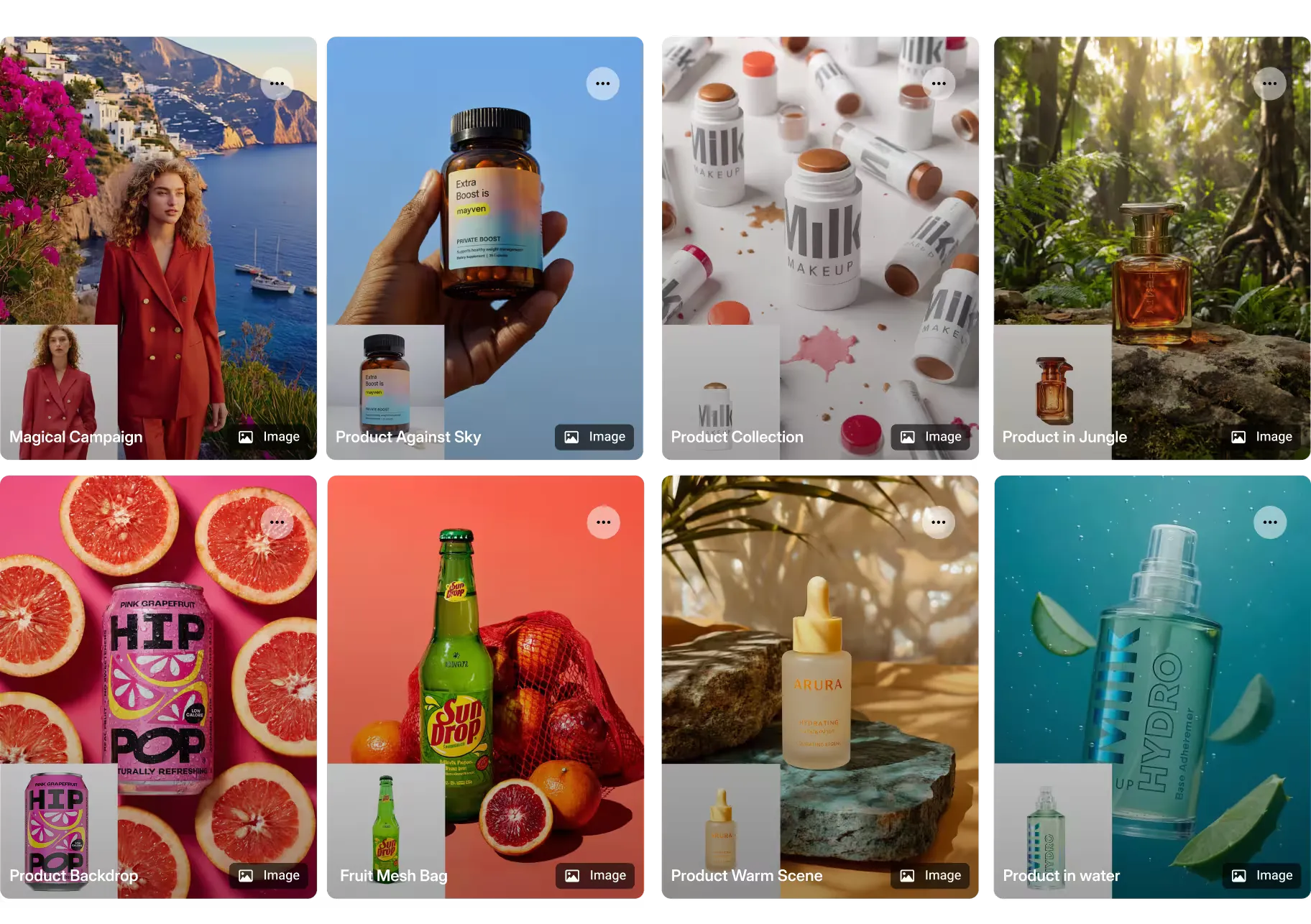
Explore creative directions for your next collection.
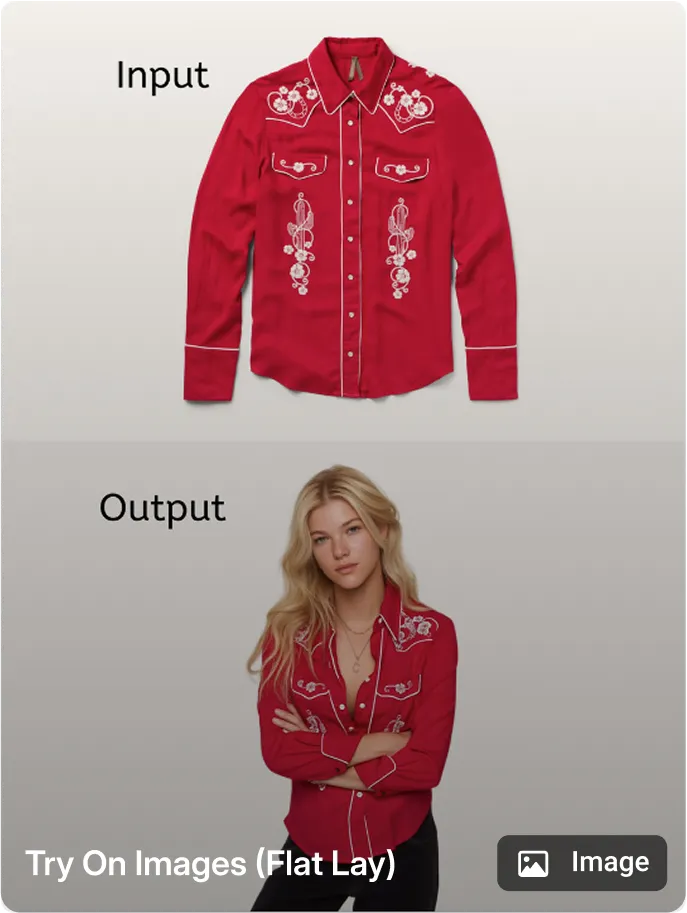
Flat-lay and lifestyle examples from Media Studio. Bring your own catalog and brand direction to the brief.
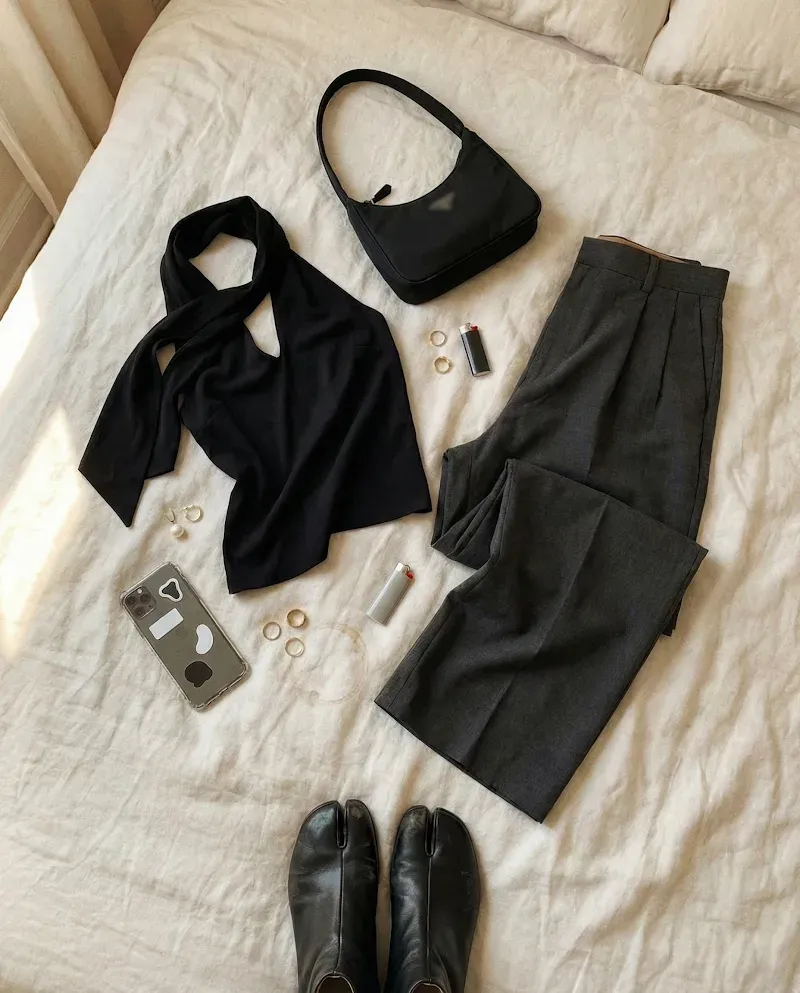
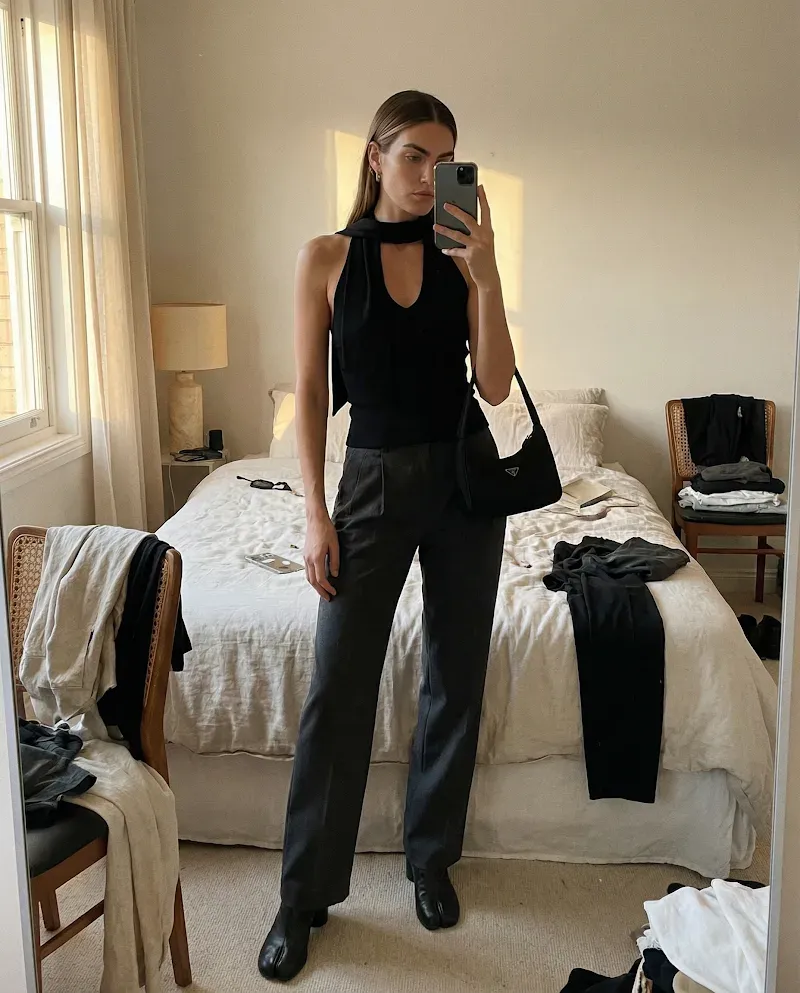
Media Studio creates your assets. Ads Studio turns approved assets into campaigns and brings results into the next brief.
 OpenAI ChatGPT
  Nano Banana
  Google Veo
  Kling
Kling  SeeDance
  Topaz
Topaz  FASHN
FASHN 































On-brand AI images, videos, UGC, and ads for ecommerce
Product and brand context for every brief
Start with your catalog and Brand DNA
Give the AI agent editable context from your product catalog, creative references, and uploaded brand files. Use that context to create product images, videos, PDP content, UGC-style creative, and campaign assets for your team to review.
Reusable creative workflows
Turn approved ideas into repeatable production steps
Use templates, Studio Skills, and connected brand references to create variants for ads, social, email, product pages, and campaign launches. Review the result before you reuse the workflow across more products.
Product video and UGC
Turn product images into video and UGC
Create product demos and creator-style UGC videos from approved images, product facts, and your brief. Review motion, product details, text, and brand fit before you export the video or use it in a supported Tolstoy placement.
AI product photography for ecommerce
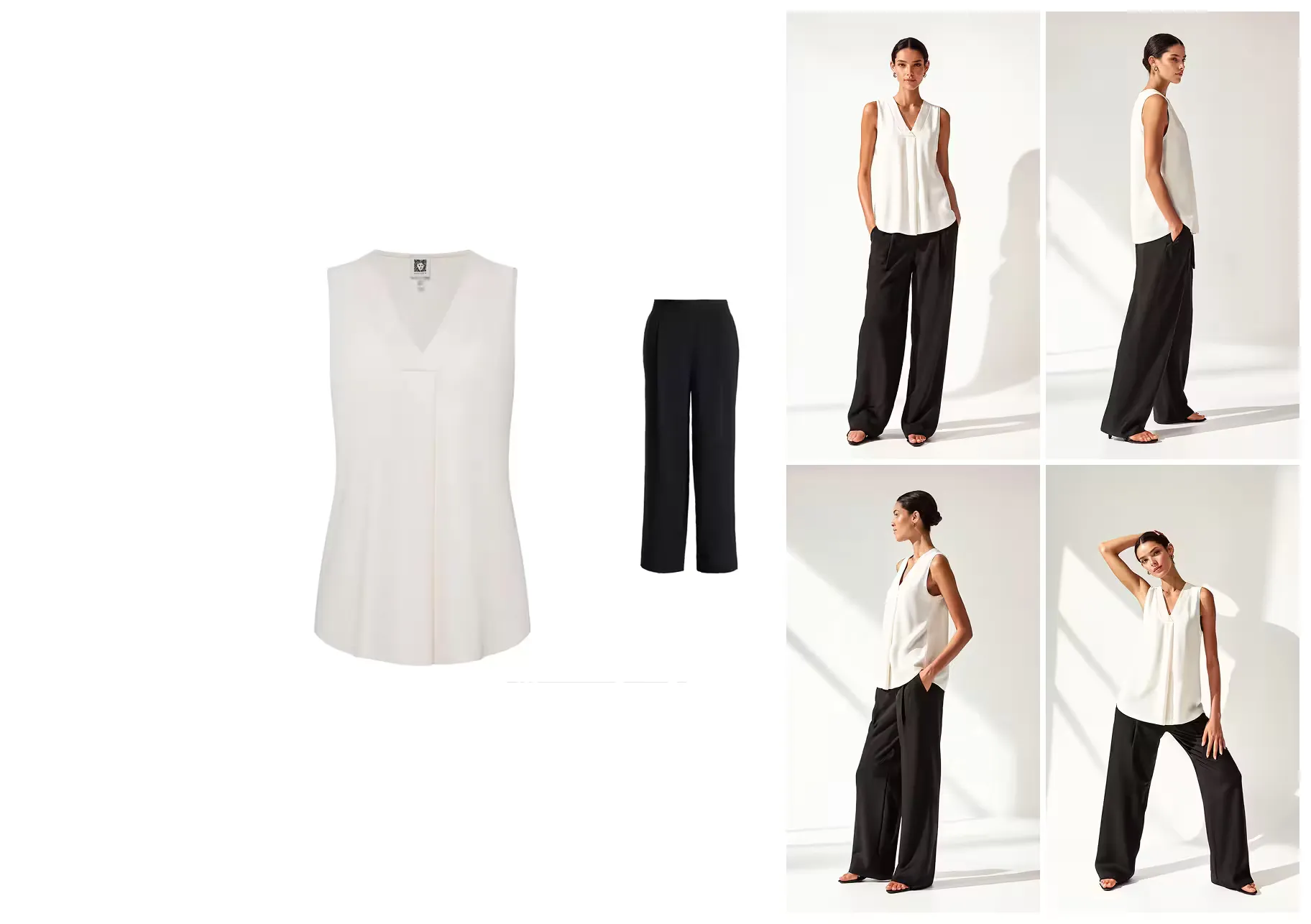
Build on-model and lifestyle image options
Use a flat lay or product image to create on-model, close-up, lifestyle, and editorial options. Your team reviews product details, materials, proportions, color, and brand fit before an asset is approved.
AI ad creative for ecommerce
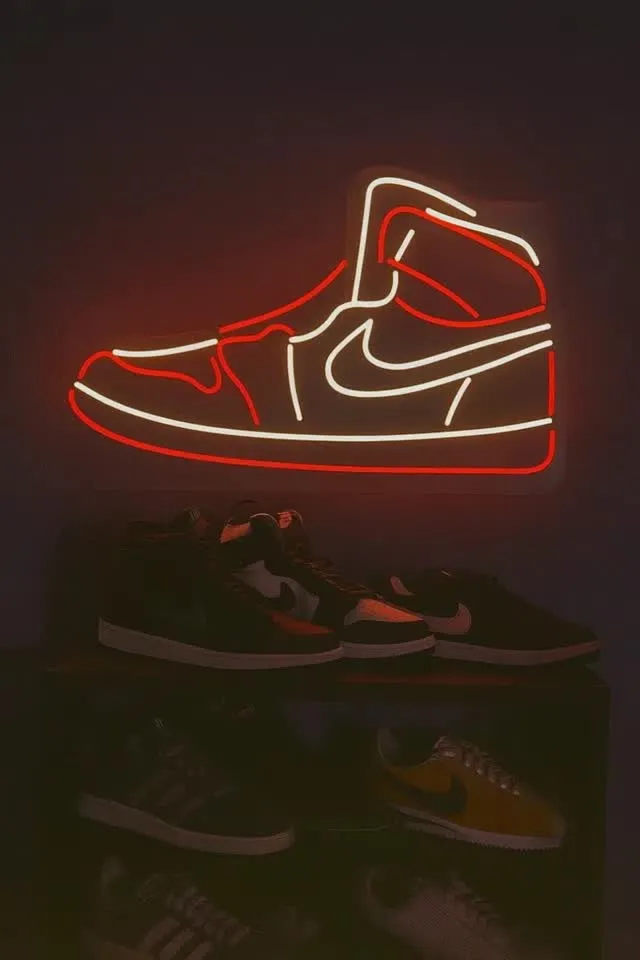
Turn approved product assets into ad variants
Use templates, Studio Skills, catalog context, and brand references to create visual options for paid social. Review product accuracy, copy, format, and brand fit before anything moves into an ad account.
A reviewable production workflow
From product context to an approved asset
Five steps keep the source material, creative brief, and final approval connected.
-
Sync
Connect your catalog, Brand DNA, files, social channels, and creative references.
-
Brief
Choose the product, set the job, and define what every output must preserve.
-
Generate
Create image, video, UGC-style, PDP, or ad options with the right workflow.
-
Review
Check product accuracy and brand fit. Approve, refine, or regenerate.
-
Export or publish
Export approved assets or use eligible Tolstoy publishing workflows.
Why Media Studio
Built around ecommerce products, not generic prompts
Keep product context, brand direction, generation, and human approval in one workspace.
Catalog context stays attached
Create with product, catalog, brand, file, and reference context in the same workspace.
Brand DNA guides the brief
Use Brand DNA, uploaded files, references, templates, and Studio Skills to direct supported AI models.
Human approval stays in the workflow
Review product details, text, materials, proportions, and brand fit before an asset is approved.
Approved content can move into Storefront Studio
Use supported images and videos in shoppable storefront placements, then measure the live experience.
Workflows can be reused across products
Save templates, Studio Skills, and repeatable steps, while keeping review criteria specific to each product.
Frequently asked questions
What is an AI content creation platform for ecommerce?
An AI content creation platform helps ecommerce teams create product images, videos, ads, and campaign assets from product and brand inputs. Tolstoy Media Studio adds catalog context, Brand DNA, files, references, reusable workflows, and human review before an asset is exported or moved into a supported publishing workflow.
How does Tolstoy Media Studio create AI product images?
Media Studio combines a product image or catalog item with your brief, Brand DNA, uploaded files, and creative references. Your team can generate packshot, on-model, close-up, lifestyle, and editorial options, then review product details and brand fit before approval.
Compare the broader market in our guide to AI product photography tools.
Can Media Studio turn product images into videos?
Media Studio can create product-video options from approved product images, catalog context, and a creative brief. Teams should review motion, product details, text, and brand fit before exporting the video or using it in a supported Tolstoy placement.
See practical formats in our guide to AI product videos for ecommerce.
Can Media Studio create ads for Meta, TikTok, and paid social?
Media Studio can create image, video, UGC-style, and campaign variants for paid-social workflows using product context, templates, Studio Skills, and brand references. Review every asset and confirm the destination format, copy, product accuracy, and platform requirements before publishing.
Plan the channel strategy with our Meta ads guide for ecommerce.
Can Media Studio create on-model product photography?
Media Studio can use a flat lay or product image to create on-model, close-up, lifestyle, and editorial options. Generative output can change product details, materials, proportions, text, or color, so review each result before using it in a product listing or campaign.
For apparel teams, see AI fashion catalog production at scale.
How does Brand DNA keep AI product content on-brand?
Brand DNA gives the AI agent editable context about your identity, audience, products, logos, colors, fonts, social links, localization needs, and uploaded brand files. That context guides the brief and generation, while human review determines whether the output is accurate and usable.
Can I publish AI-generated content to my Shopify store?
Media Studio works with connected content sources and supported publishing channels. Use Storefront Studio for supported storefront placements, publish selected content to TikTok Shop through the Tolstoy web app, and use Shop App when Shopify marks the store as eligible. Each channel has its own account, setup, and eligibility requirements.
See the current content and channel integrations.
How should ecommerce teams review AI-generated product content?
Review product shape, material, color, proportions, logos, text, packaging, back views, and any detail that could affect a purchase or return. Record the input, model, iteration count, manual finishing, and time to an approved output. Use storefront or campaign performance only after the approved asset is live in a measured placement.
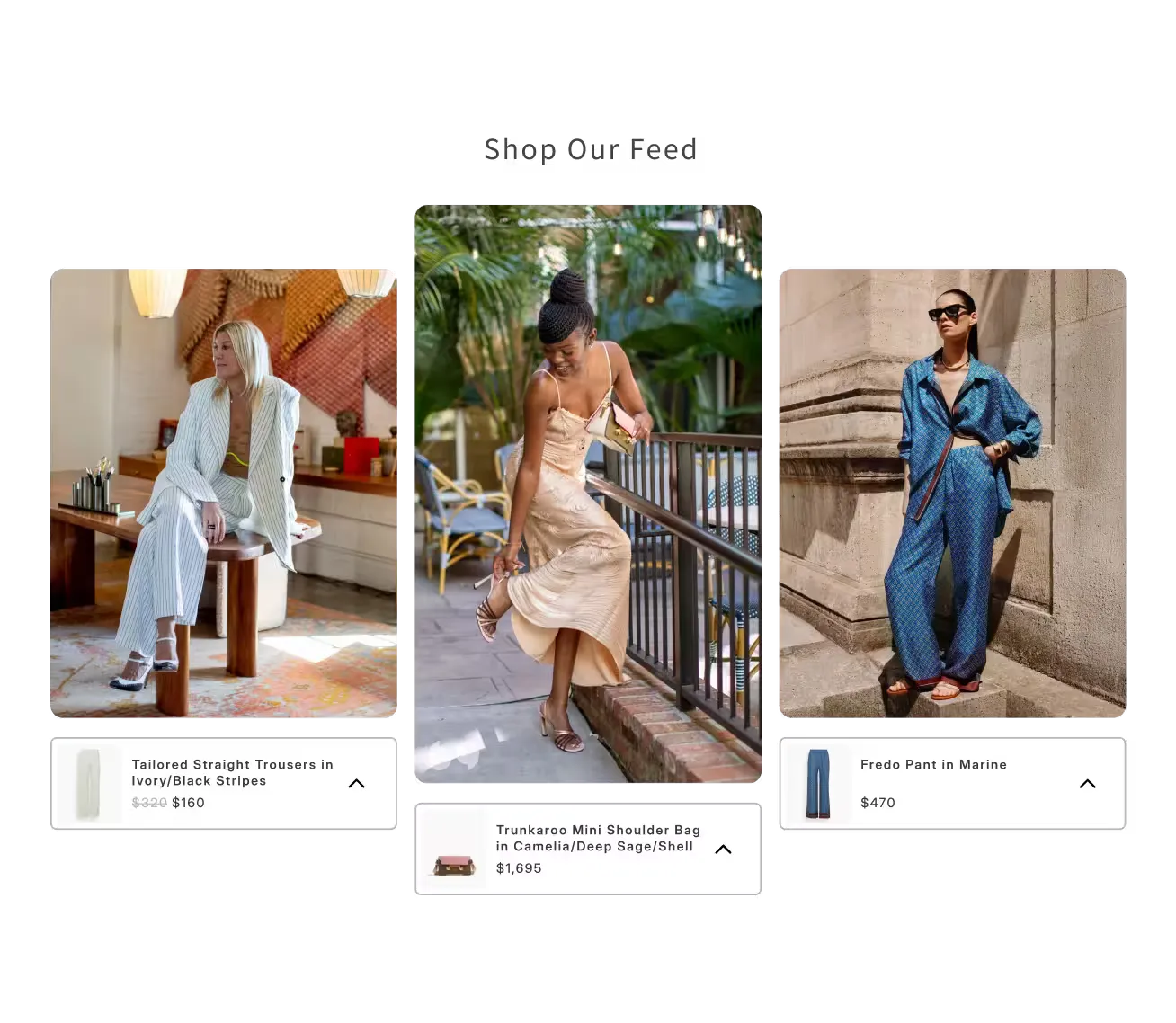

Our goal was to intelligently incorporate AI to improve the customer experience, and Tolstoy delivered 100%. Any brand not doing this will fall behind
Each of Tolstoy's products brings its own value, but using the full platform together completely transformed how customers experience our products. The team is incredibly fast and thoughtful, always coming up with new ways to help us get the most out of Tolstoy.
Katherine Redd
eCommerce Lead @ Hampden
Read full storyExample creative directions
See Media Studio workflows by industry
Explore example use cases and visual directions for different ecommerce categories. Use them as starting points for your own product, brand, and review criteria.
Get started with Media Studio.
Create your first product image, video, or ad variant for free.