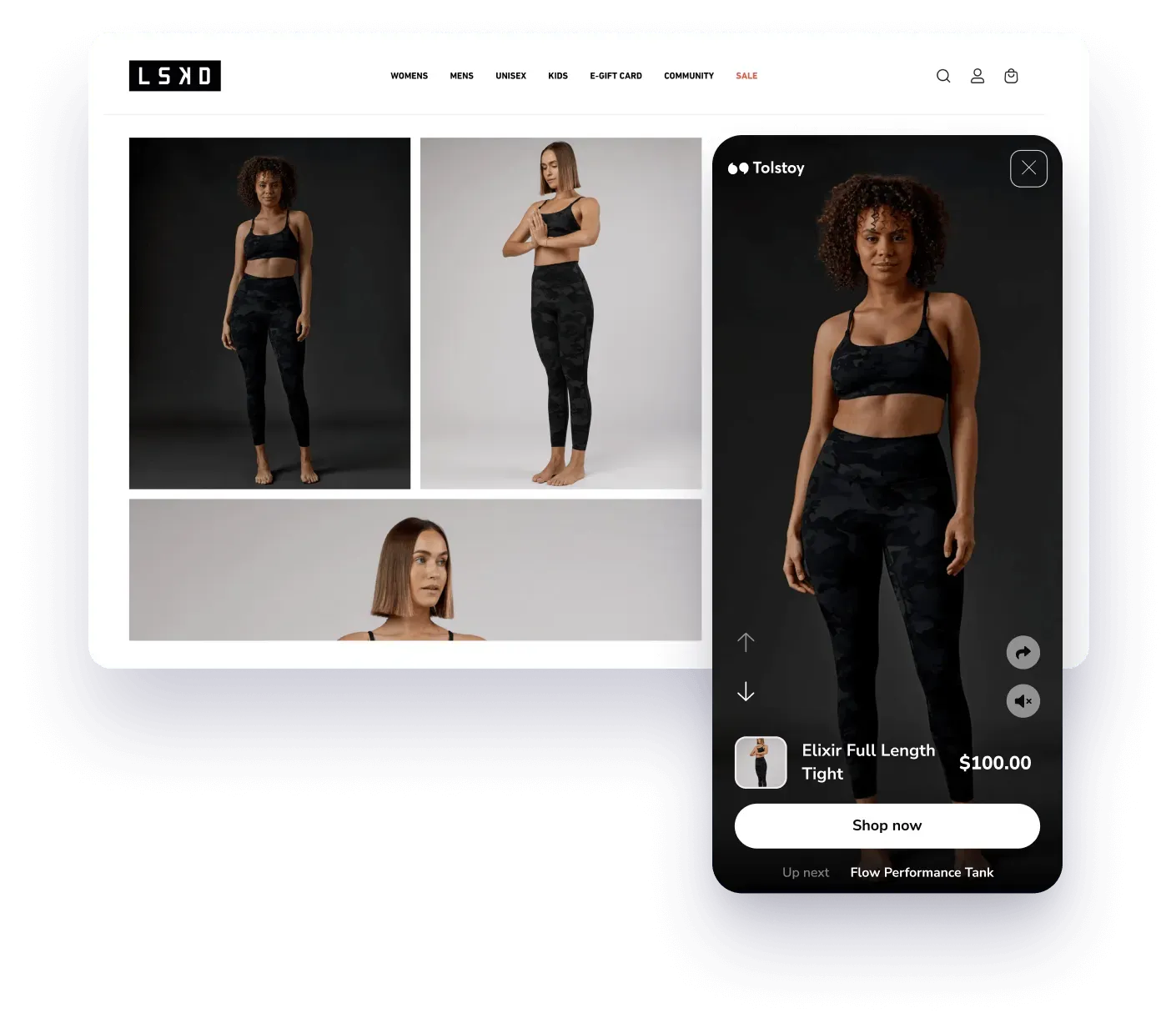
Publish
Put video where shoppers decide
Match tagged video to supported product pages, homepages, collection pages, and landing pages.
Explore AI PlayerAI Player · Shoppable video platform
Publish swipeable video feeds where shoppers discover and compare products. Connect each approved video to the right product, placement, and next action.
Interactive examples
Each example loads only as it comes into view, so you can explore the shopper experience without slowing down the rest of the page.


































How shoppable video works
Start with one commerce job. Keep the product relationship and publishing decision visible as the workflow moves forward.
Use product, creator, review, or UGC video your team owns and can publish.
Tag the relevant product or variant so shoppers can move from video to item.
Publish to a supported product, homepage, collection, or landing-page surface.
Check the live experience and use supported analytics to decide what to test next.
AI Player for ecommerce
Build around the shopper job: discover a product, understand it, compare it, and take the next supported commerce action.
Publish
Match tagged video to supported product pages, homepages, collection pages, and landing pages.
Explore AI PlayerReuse
Bring product demos, reviews, unboxings, and creator video into a product-aware storefront workflow.
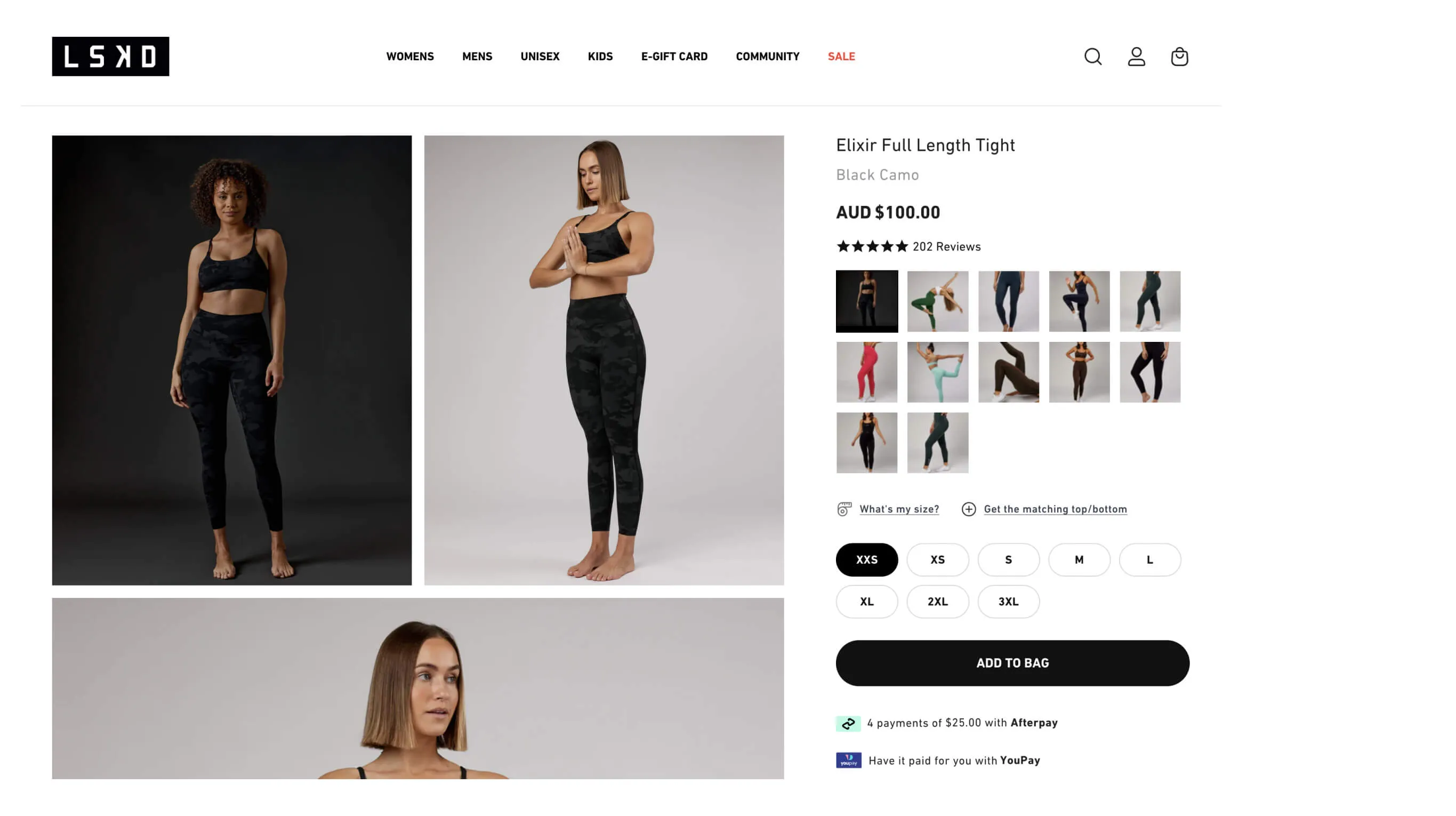
Explore PDP shoppable video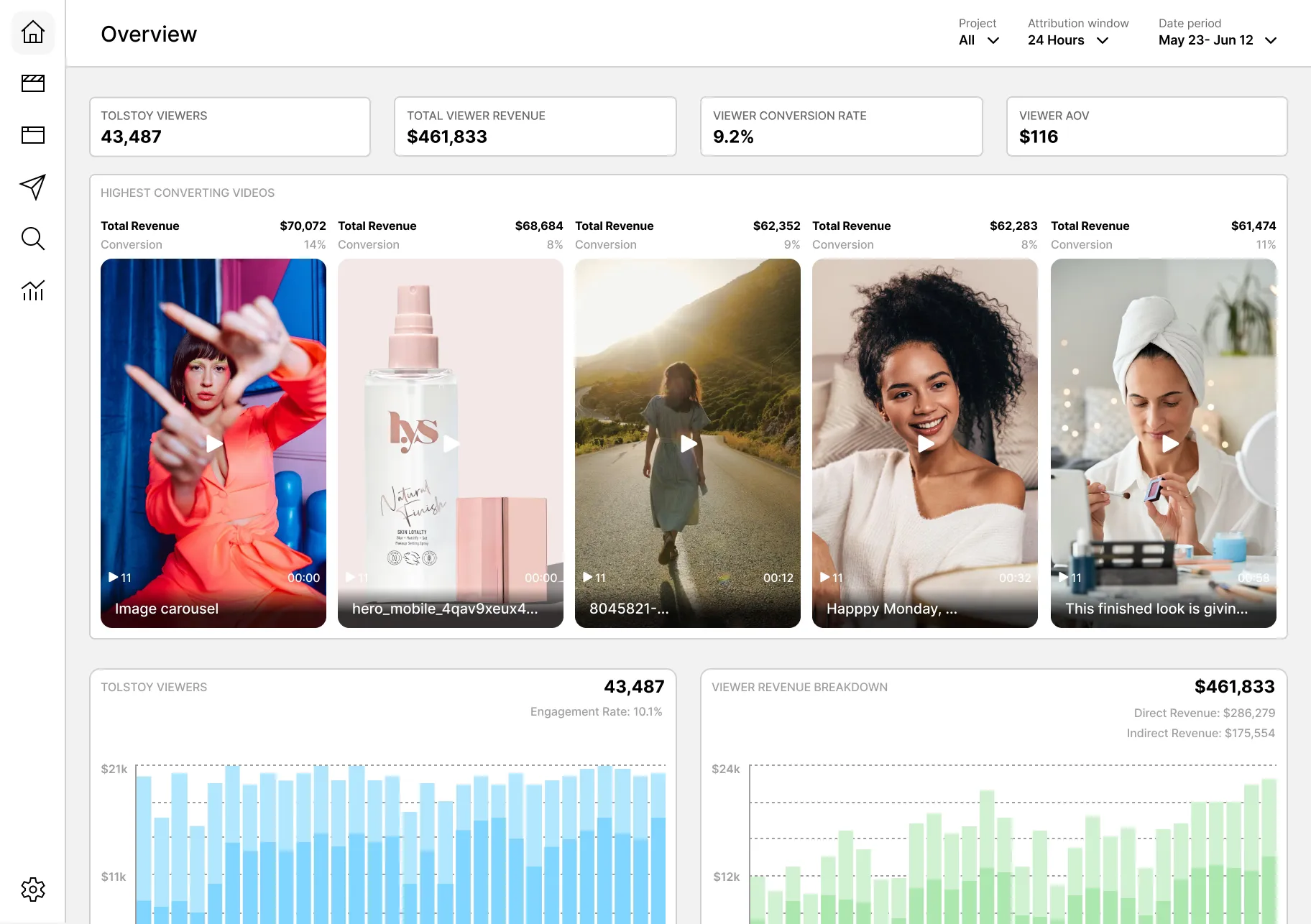
Measure
Use supported engagement and commerce analytics with a defined placement, audience, baseline, and attribution window.
Compare Shopify video appsShoppable video placements
Choose the surface based on the customer question and the product context. Exact availability depends on the connected platform and account.
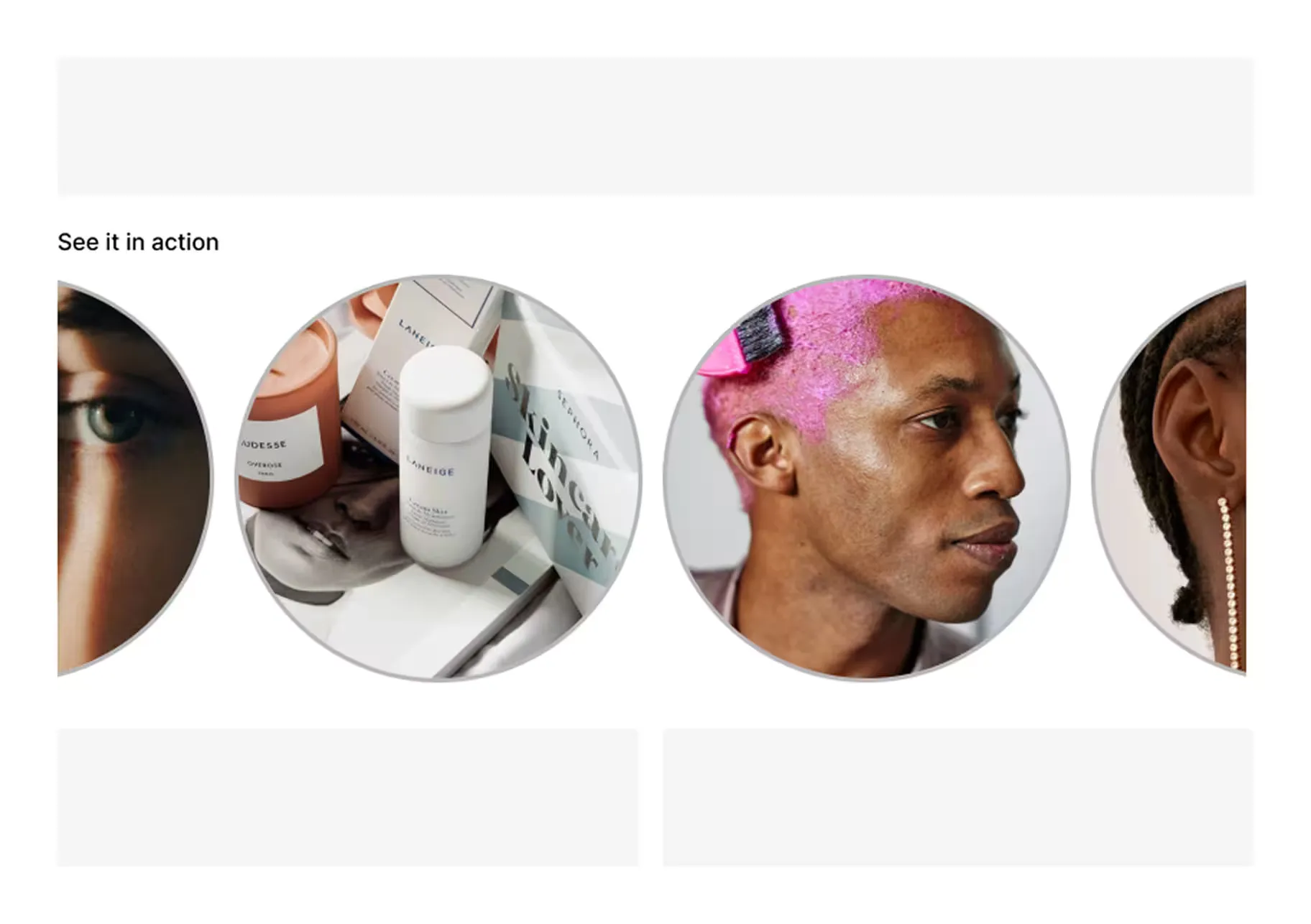
PDPs
Match tagged video to the product page where shoppers compare details.
Place video alongside product images and other approved PDP media.
Use related product video to help shoppers explore adjacent items.
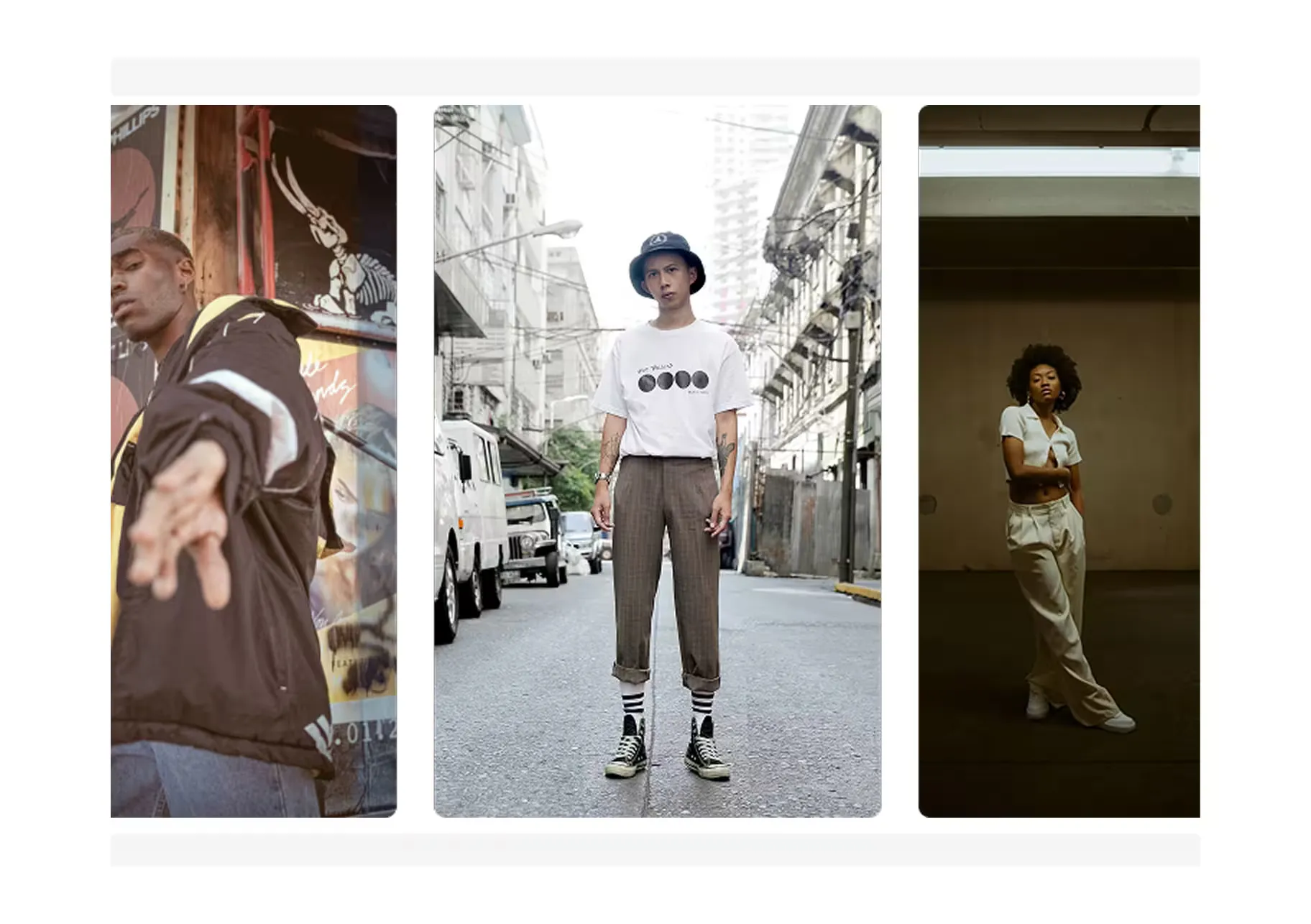
Homepage
Introduce launches, best sellers, and campaigns through video.
Lead with one high-priority story and a clear path to shop.
Give shoppers a swipeable, branded feed on your storefront.
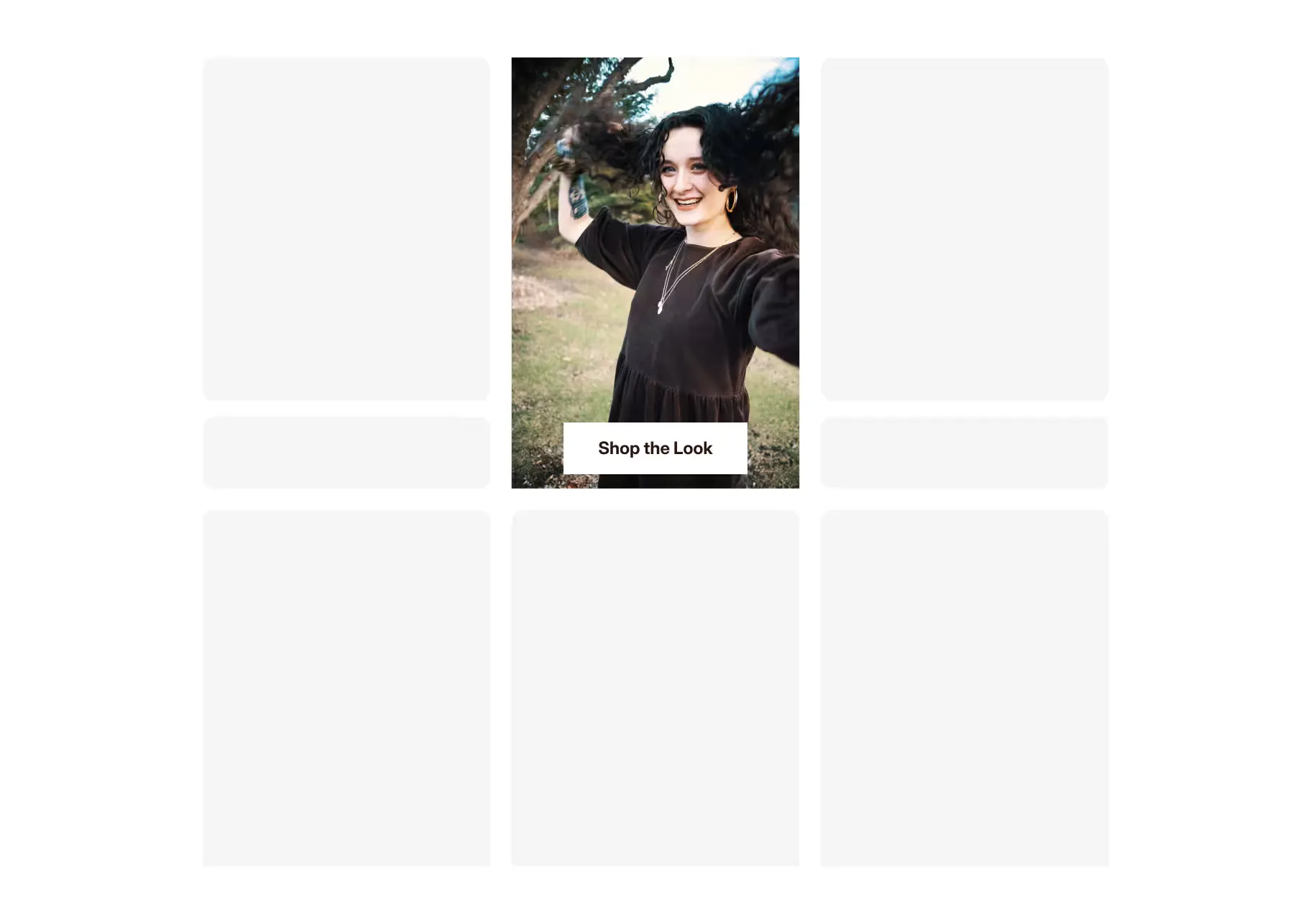
Collection pages
Bring product video into the grid for faster visual discovery.
Feature tagged video beside the products it supports.
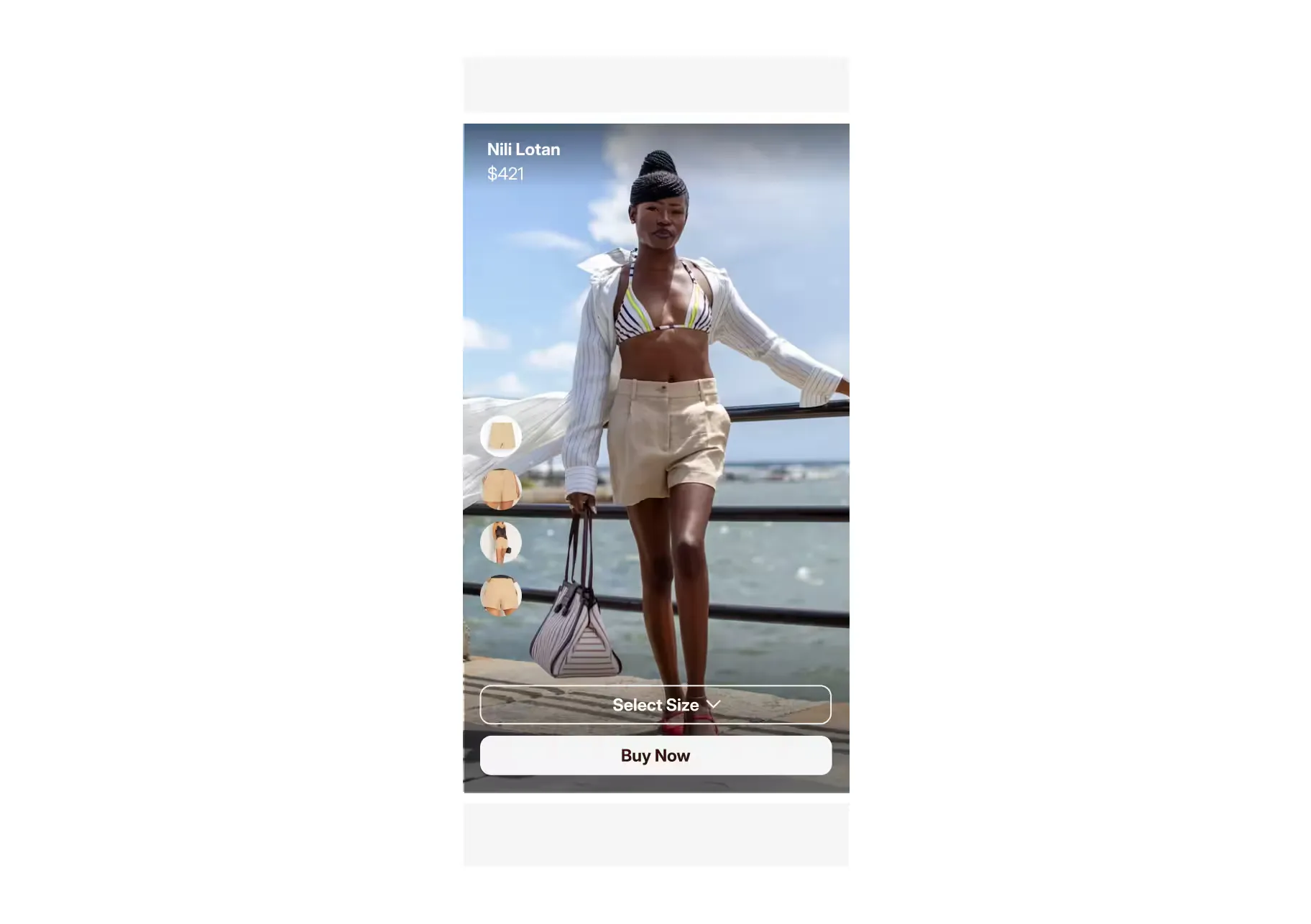
Landing pages
Connect social traffic to a focused product and video experience.
Organize selected content in a dedicated page on your site.
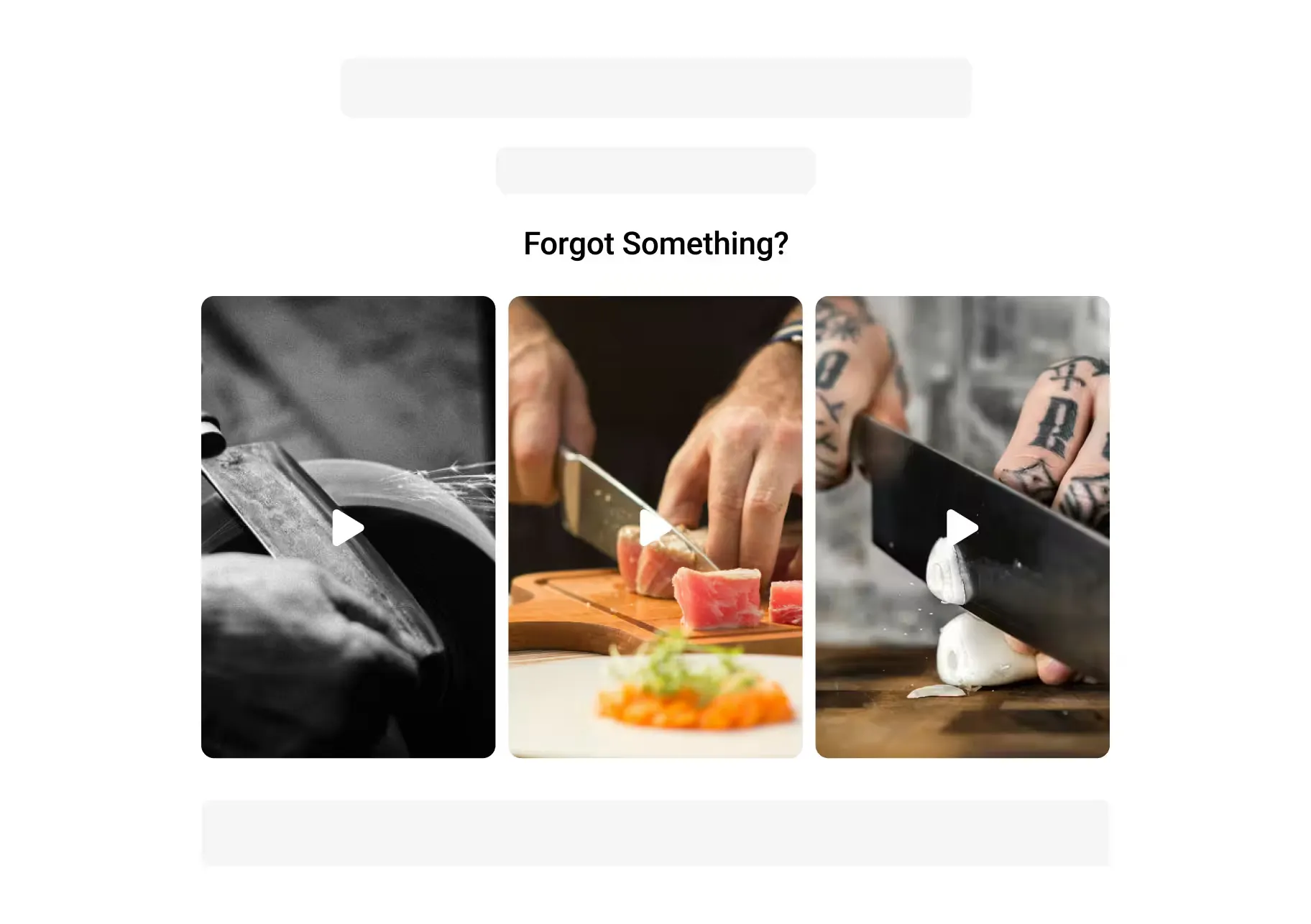
Email & SMS
Link approved video from lifecycle messages back to the right product.
Reuse reviewed content across campaign touchpoints when the channel supports it.
Mobile Apps
Add mobile-first video to supported PDP and story placements.
Bring a swipeable product-video feed into a supported mobile app.
Shoppable video connects product or creator video to the products shown in it. Shoppers can watch, open product details, and take supported shopping actions from the video experience instead of searching for the item separately.
Start with video that helps a shopper make a product decision: demonstrations, styling ideas, unboxings, approved creator content, reviews, and product education. Match each video to the product, page, and question it can support.
Not always. You can begin with approved product, creator, review, or UGC video your team already owns. Review the source, usage rights, product match, crop, and placement before publishing it.
Tolstoy AI Player supports shoppable-video placements on product pages, homepages, collection pages, landing pages, and other supported storefront surfaces. The exact placement depends on your commerce platform, theme, account, and implementation.
See current commerce integrations.
Shoppable video can shorten the path from seeing a product to opening its details or adding it to cart. Product tagging, placement, content quality, page speed, traffic, and merchandising all affect the result. Measure the placement against a clear baseline before attributing a conversion change to video.
Tolstoy supports deferred media delivery, but real site performance depends on the placement, theme, media, page code, and implementation. Test Core Web Vitals and page behavior on the target template before and after publishing.
Connect each approved video to the relevant product or variant in Tolstoy, then choose the supported placement where it should appear. Available rules, bulk actions, and catalog workflows depend on the account and integration.
Email and SMS clients handle video differently, so the usual pattern is a linked preview, image, or supported animation that brings the shopper back to the relevant product or video experience. Check the current integration and channel requirements before launching.
Yes. Tolstoy offers a Shopify video app and supported storefront placements. Setup and placement options depend on the store, theme, app permissions, and account configuration.
Use supported Tolstoy analytics to review video views, engagement, clicks, shopping actions, and attributed outcomes. Define the attribution window, placement, audience, and baseline before using those metrics to make a commercial claim.
Supported destinations can include storefront placements, connected mobile experiences, and eligible commerce channels. Each destination has its own account, implementation, content, and eligibility requirements.
See current content and channel connections.
AI Studio creates reviewable product images and video from product and brand context. AI Player publishes approved content in supported shoppable placements. AI Sales Agent supports product-aware questions, recommendations, and guided discovery. The available connection depends on the configured workflow.
Start with one placement
Bring one product, one approved video, and one storefront surface to test.