1. Navigate to custom screens in Tapcart
 tapcart videos
Powered by Tolstoy for Free
With Tapcart’s App Videos, you can now offer customers a video-first experience inside your app. This is proven to increase engagement and conversion.
Get started
































With Tapcart’s App Videos, you can now offer customers a video-first experience inside your app. This is proven to increase engagement and conversion.
Add your videos for freeEngage customers
3x
longer
Increase discovery
20x
more products
Sell more
1.5x
conversions
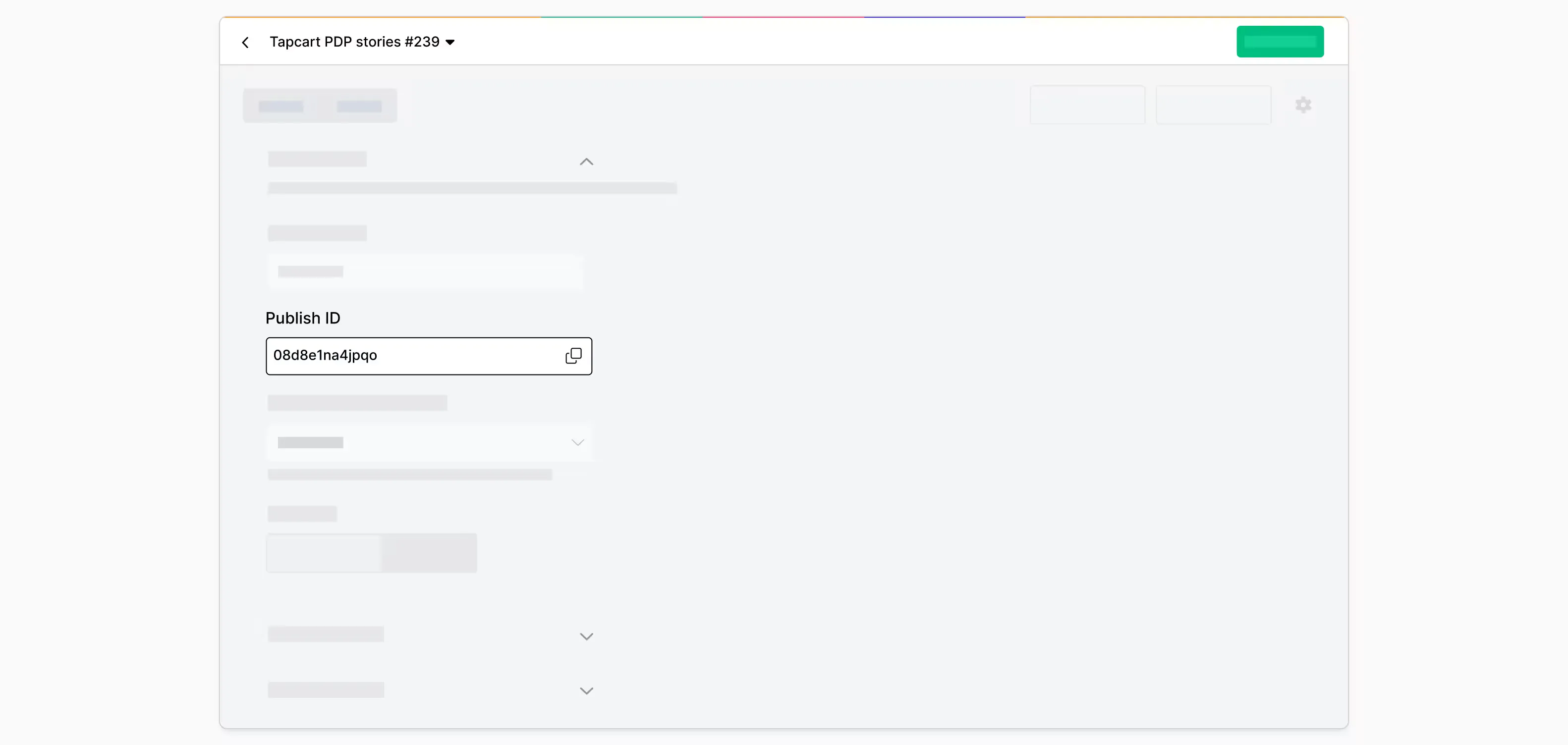
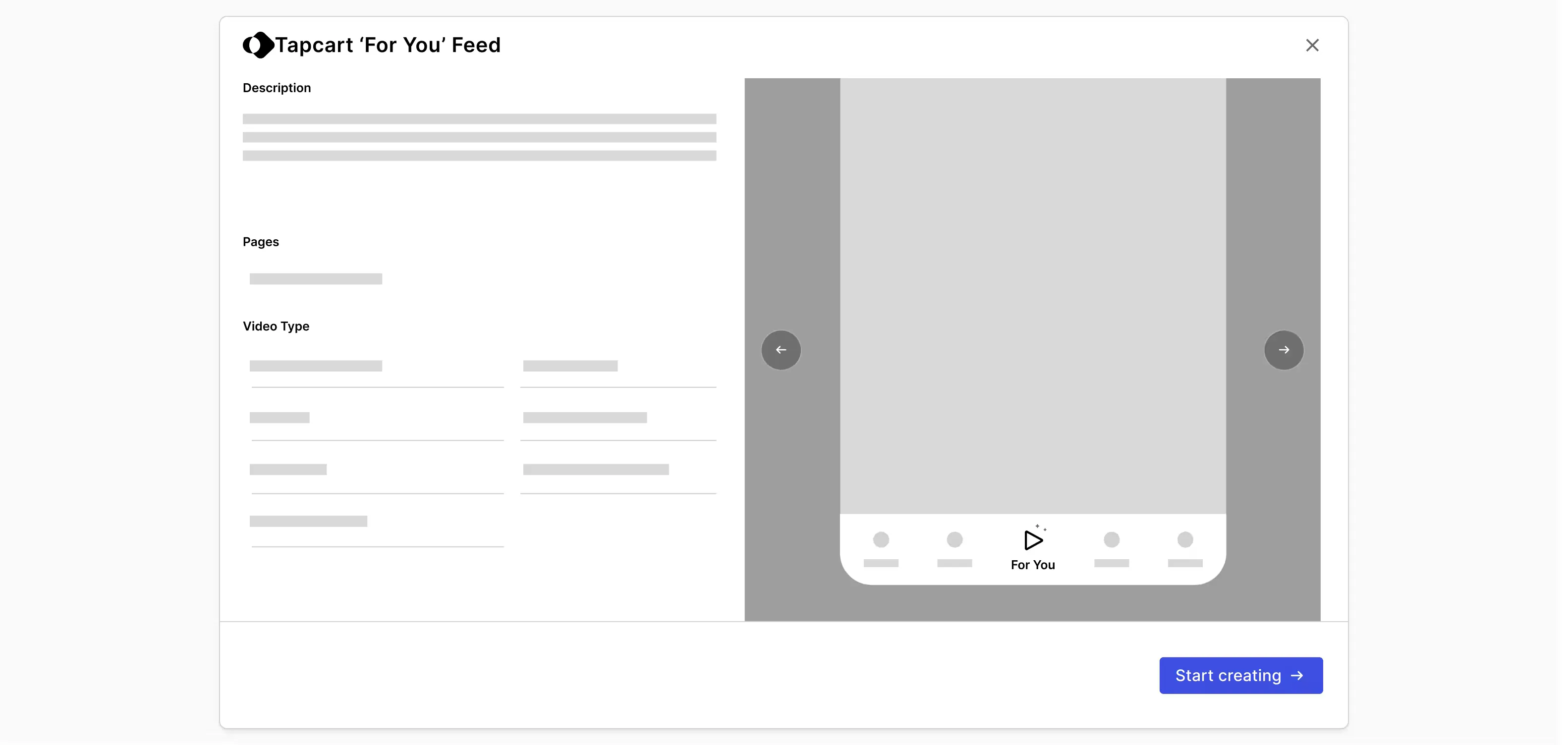
Tapcart Videos let you add shoppable video feeds inside your Tapcart-powered mobile app. Customers get a TikTok-style "For You" feed where they can browse products through video, discover new items, and buy directly from the content. Brands can also add product-specific videos to their app's PDPs to help users learn more about the product. This creates a video-first shopping experience that feels native to your app.
Yes. Adding shoppable videos to your Tapcart app through Tolstoy is completely free. There are no hidden fees or usage limits. Setup takes about 5 minutes.
Brands using video feeds in their Tapcart apps see significant improvements in engagement and sales.
Typical results:
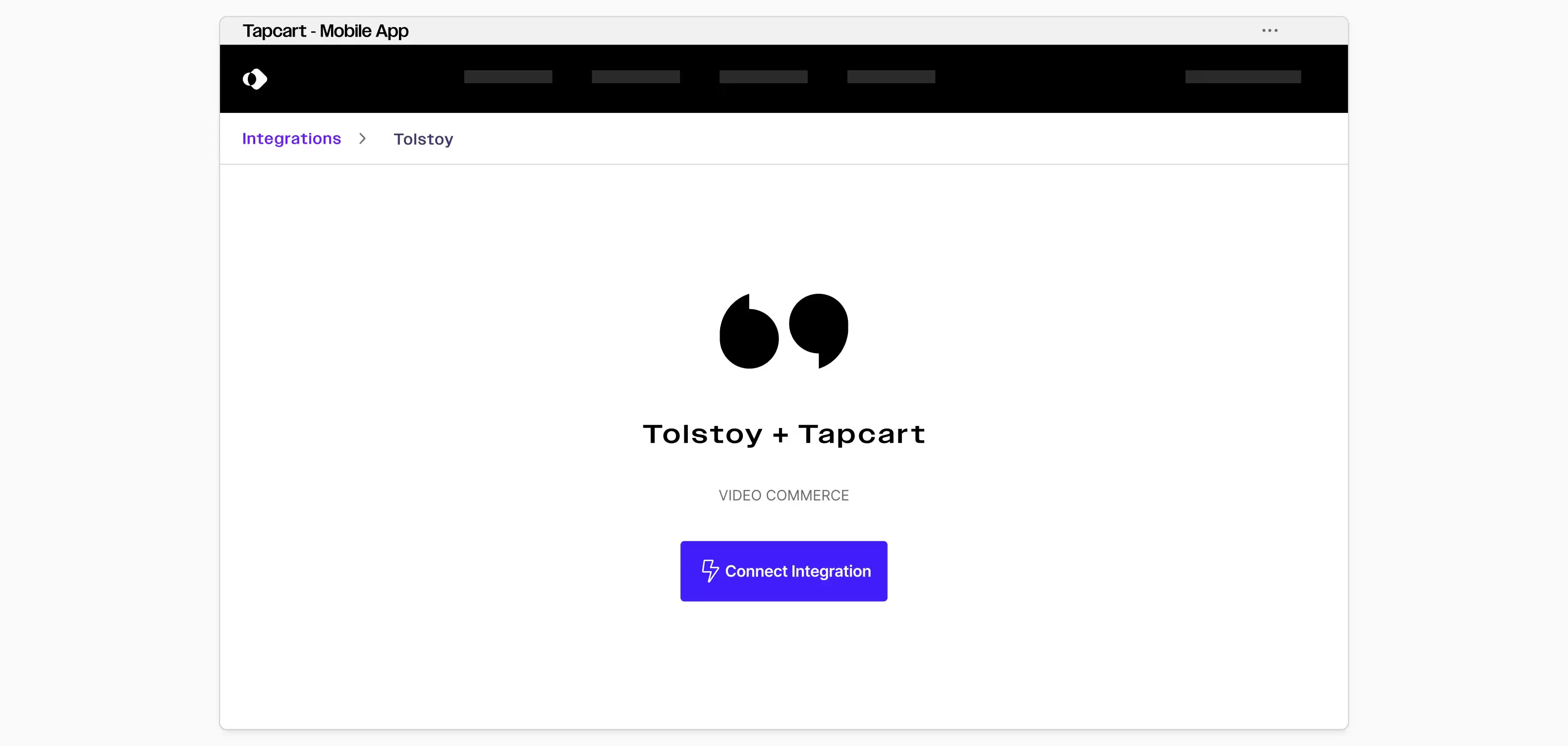
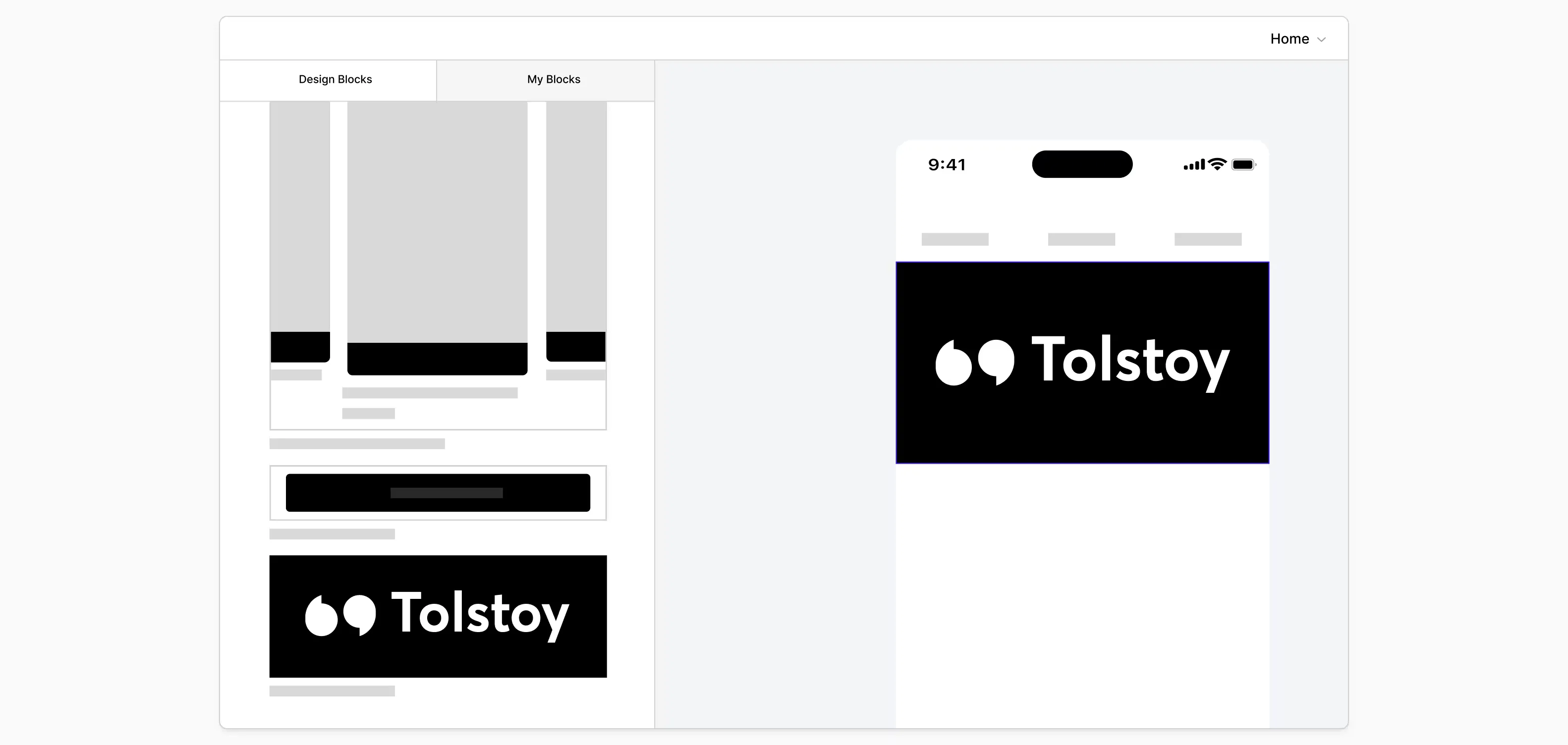
Setup takes about 5 minutes. First, connect Tolstoy to your Tapcart app, then add the video block to your screens.
Setup steps:
Your videos go live immediately after setup.
Learn more about Tolstoy's integrations.
You can add any shoppable video content to your Tapcart app, including UGC, product demos, creator content, video reviews, unboxing videos, and AI Studio videos. Tolstoy lets you import directly from TikTok, Instagram, YouTube, and your internal libraries, then tag products so customers can buy directly from the feed.
Learn more about shoppable video solutions.