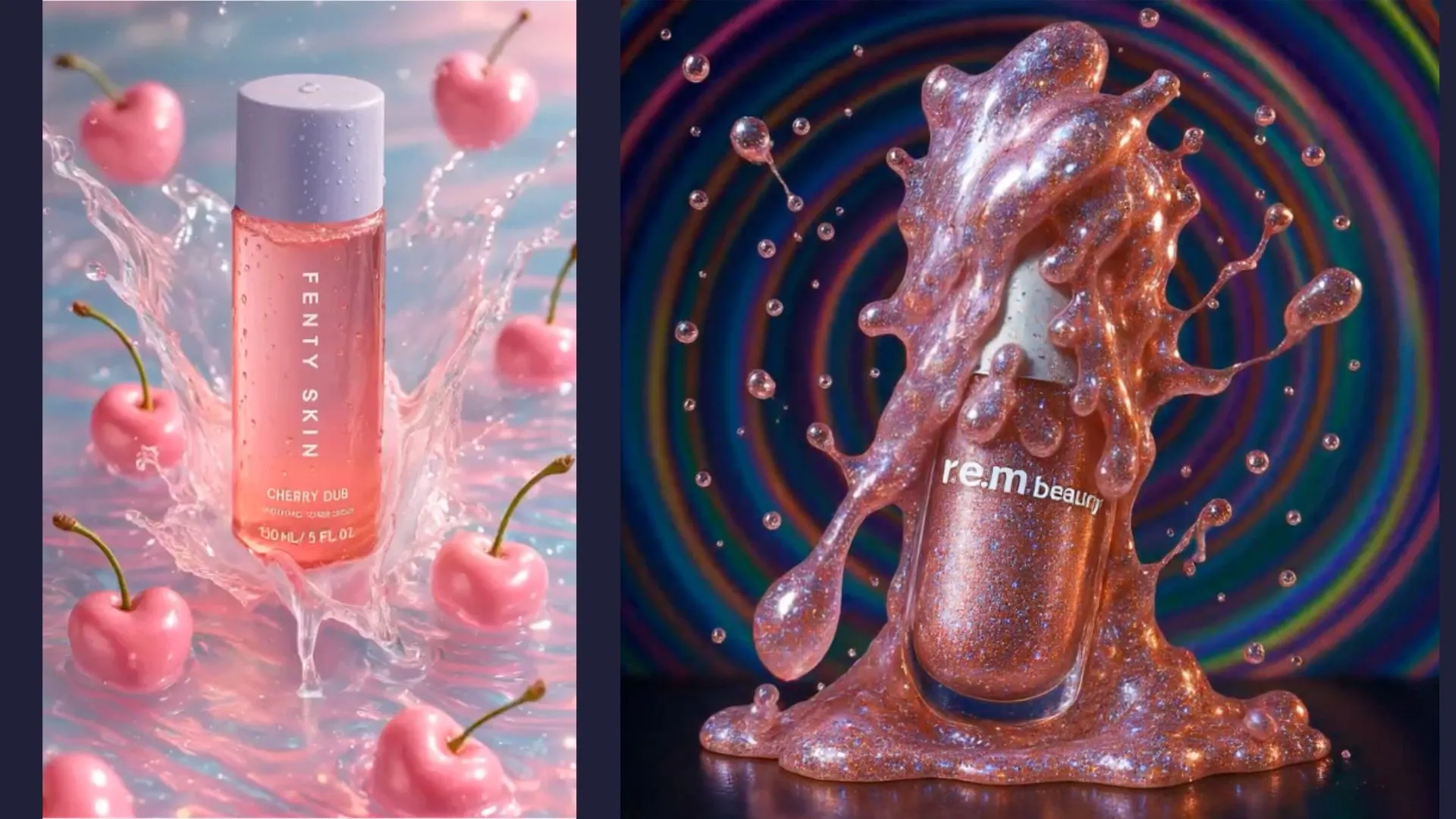
A useful AI product video answers one shopper question and keeps the product accurate while it moves. Start with an approved reference image, choose a simple action, and review the full generated clip before adding copy, audio, or a shopping link.
This checklist is for ecommerce teams producing short product-led clips. It covers the production decision that a tool comparison cannot answer: whether a specific output is ready for customers to see.
Choose one shopper question
| Shopper question | A useful video direction | Evidence required |
|---|---|---|
| What does it look like? | A clear product view with a restrained camera move | Approved reference images |
| How is it used? | A real demonstration or a generated scene that does not invent function | Verified instructions and an accurate demonstration |
| What is included? | A clear view of the actual set | Confirmed contents for the exact SKU |
| How might I style it? | A lifestyle or on-model direction | Correct product and a review of the generated styling |
Use real footage when the video must prove a physical result: how much a bag holds, how a mechanism works, or how a fabric stretches. A generated action can illustrate a concept, but it is not evidence that the product performed that action.
Write a shot brief before generating
Keep the brief short enough that a reviewer can use it as an acceptance checklist. Record the SKU, approved reference, placement, crop, intended action, and product details that must stay fixed.
For example: “Create a short vertical clip from this approved bottle image. Use a slow camera move against a plain background. Keep the label, cap, silhouette, and liquid color consistent. Leave space above the bottle for separately added campaign copy.” This is a creative brief, not a guarantee of the model’s output.
Avoid combining several difficult actions in one first attempt. A camera move around a static object and a hand picking it up are different production problems. Start with the simpler direction, then add complexity only if the product remains stable.
For input preparation, use the product-image workflow. Tolstoy’s AI Studio provides a workspace for product-led image and video creation; available models and controls vary by workflow.
Review the whole clip, not just the first frame
Watch at normal speed and inspect frames around every change in movement or interaction. Compare the start, middle, and end with the approved product reference.
| Check | Look for | Release decision |
|---|---|---|
| Product stability | Labels changing, missing parts, shifting colors, changing proportions | Reject a material product mismatch |
| Motion | Sliding contact points, impossible movement, flicker, or warped surfaces | Regenerate or edit the affected shot |
| People and interaction | Extra fingers, broken grip, distorted clothing, unclear permission | Hold until the issue is resolved |
| Claims | Generated outcomes, invented testimonials, unsupported captions | Remove or replace with verified content |
| Final frame | A cropped product, clipped text, or abrupt cut | Adjust the export and review again |
A synthetic person speaking about a product is not a real customer testimonial. Use a claim you can support, obtain the necessary usage permissions, and review the relevant disclosure requirements for the channel. Do not present generated speech as a named customer’s experience.
Make the final video usable
Add important copy after generation when you need exact words. Check spelling, product names, prices, and dates in the final exported file. Keep text clear of player controls and mobile crops.
Caption spoken information and check the captions manually. Give the video a useful poster image. Make the product page understandable when the video is paused, muted, or unavailable. Verify that the selected player offers usable controls and that a shopper can reach the product link with a keyboard.
Choose the shortest version that answers the question clearly. A fixed duration is not a conversion rule. An instructional clip may need more time than a product close-up. Keep a high-quality master and create a separate export for each placement. The Shopify compression guide explains how to check file size against visual detail.
Test one change and record the result
For a storefront pilot, start with a defined set of products and a clear comparison. Keep the product, offer, and placement consistent when testing the video. If you change the hook, CTA, and page layout together, you cannot tell which change affected the result.
Record the video version, publish date, audience or traffic source, eligible sessions, plays, product clicks, and the purchase-related outcome you can measure. Video completion is useful for diagnosing the creative; it is not a substitute for a product click or order. Treat comparisons between viewers and non-viewers cautiously because shoppers choose whether to watch.
Use shoppable video when the job includes helping a viewer move to the correct product. Confirm that the tag opens the right SKU and that unavailable variants have a sensible fallback before expanding.
Book an AI Studio demo for your product-video use case and bring one approved product reference and the question your video needs to answer.
Frequently asked questions
How long should an AI product video be?
Use the shortest version that clearly answers the shopper question. A close-up and an instructional demonstration need different durations. Test length for the actual placement instead of treating one duration as a conversion benchmark.
What should I check before publishing an AI product video?
Check product identity throughout the clip, motion, interactions, claims, permissions, captions, final export, and the product-link destination.
Can a generated video prove how a product performs?
A generated scene is not proof of physical performance. Use verified footage and product evidence for demonstrations of function, capacity, material behavior, or results.
Create with Tolstoy
Put these ideas into practice
Turn your product ideas into AI images, videos, and shopping experiences.