Key Takeaways
- Show the story behind the product: The best videos do more than display features. They show real use, solve buyer doubts, and help shoppers imagine the product in their daily lives.
- Match the video to the buying stage: Use short highlight reels for first impressions, tutorials for support, comparisons for decision-making, and testimonials for trust. Each format serves a specific purpose.
- Keep it concise and human: Most high-performing product videos are 15–60 seconds long. Focus on clarity, authenticity, and emotion rather than overly polished production.
- Use AI to scale smarter: AI tools can help you create personalized, on-brand videos quickly, like size try-ons or seasonal updates, without losing your brand’s unique feel.
- Make videos shoppable and interactive: Let viewers click to explore what matters most to them or buy directly from the video. Interactive video journeys turn curiosity into confident conversions.
How to Create Product Videos Buyers Want to Watch
From demonstrating how a product works to showcasing its lifestyle appeal, product videos are the most effective way to tell your brand’s story. Here’s how to create yours.
There’s no shortage of product videos online. Scroll any social media platform for five minutes and you’re bound to come across plenty. But how many actually make you stop? How many make you feel something?
Today’s buyers want more than features and close-ups. They want to see the product in action. That’s why the most effective product videos today go beyond informing customers to build confidence, answer unspoken questions, and help people imagine your product in their lives.
And the results speak for themselves. Studies show that viewers are between 64% and 85% more likely to buy after watching a (great) product video.
The best part? You don’t need a production crew or Hollywood’s budget to create them. Whether you’re filming with an iPhone or using an AI-powered video creation platform (like Tolstoy) to scale, here’s how to create product videos that not only look good but also increase conversions.
Beyond the Product Shot: What Story Are You Telling?
Of course, not all products need the same kind of video. So, before you hit record, it’s worth stepping back and asking: What do I actually need to show?
For some products, it’s all about how they work. Others are more about how they feel or how they fit into someone’s life. Your video should serve a purpose beyond just “looking good.” It should resolve a doubt, demonstrate a transformation, or help someone envision the product in their hands.
Here’s a helpful way to think about it: Are you trying to educate, demonstrate, compare, or evoke emotion? Just a few examples to consider:
- For skincare, it’s rarely just about the bottle or ingredients. Customers want to know how it fits into their routine. When should they use it? What can they expect to feel or see? A step-by-step usage video is more effective than a sleek, silent product demonstration.
- For apparel, the priority is often movement, fit, and texture. What does it look like on different body types? How does it drape, stretch, or layer? A try-on-style video does more for conversions here than any flat lay ever will.
- For tech, it’s about context. Customers want to see features in action. Not a list, but a story. How does the device improve a workflow or daily routine? What’s the “aha” moment once someone uses it?
The goal is to walk the customer through the experience and answer every possible question they may have. And that’s why real customer concerns should shape your script. So pull relevant information from support tickets, reviews, sales calls, community forums, etc.
Pro tip: This is exactly where guided, interactive AI video journeys (like those developed with Tolstoy) make a world of difference.
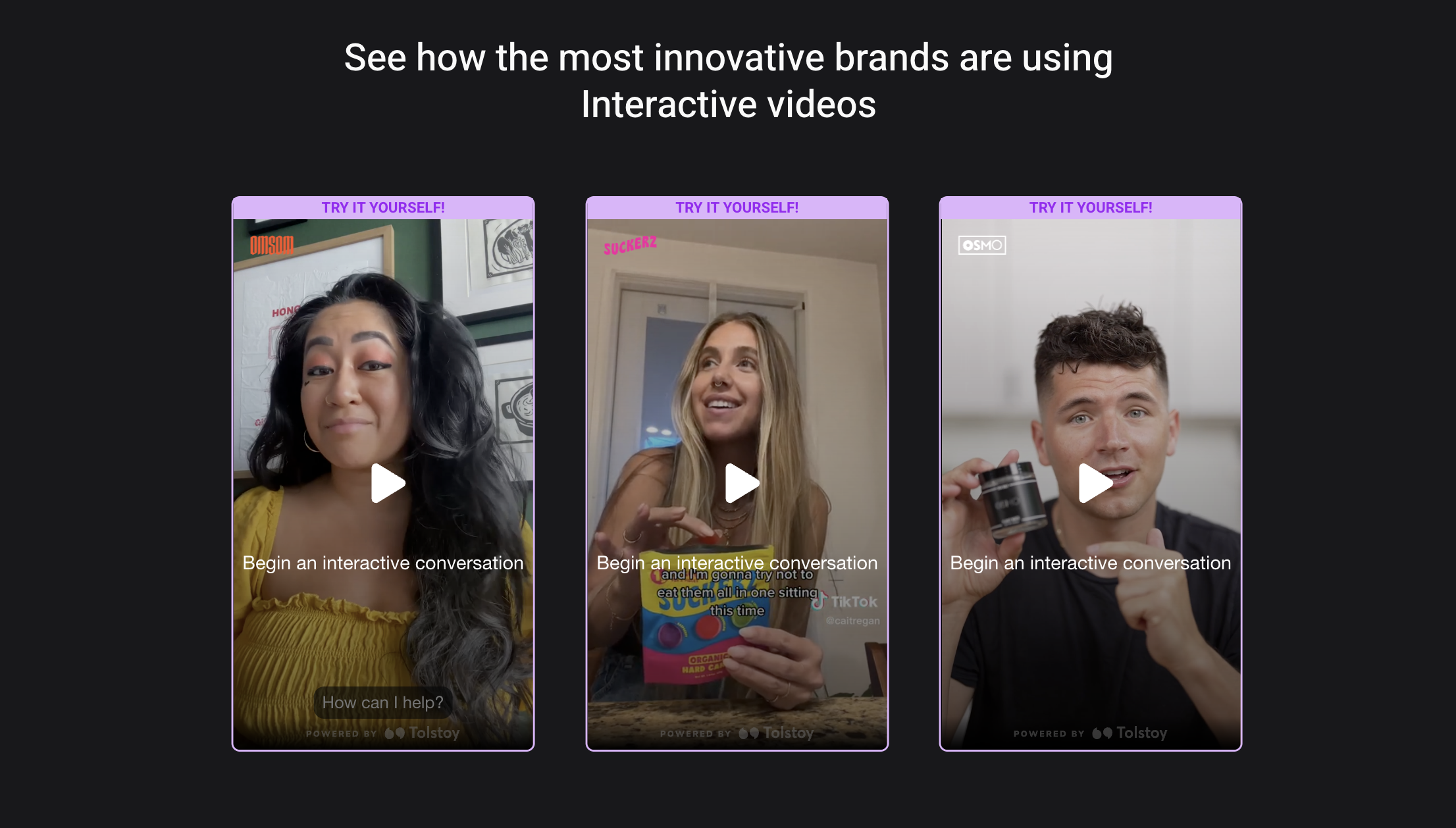
Instead of having every potential customer watch the same clip, you can build smooth, natural flows that let people choose what matters to them: “How does it fit?” “Will it work with X?” “What size should I get?” One product, multiple answers, all in one smart experience. Try Tolstoy today for free.
Matching Your Product Video to the Shopper’s Journey
Just as products demand different video approaches, your customers are also at various stages in their buying journey, and each stage calls for a different kind of video.
For example, here’s a shortlist of purpose-driven formats at a glance to give you a sense of what most brands prioritize at different buying stages:
Video Format Usage GuideVideo Format Usage Guide
| When to Use | Format | Example | Estimated Length |
|---|---|---|---|
| First impression | PDP highlight reel | 360° spin of a handbag | ~15 sec |
| Decision paralysis | Comparison video | "Matte vs. Glossy Lipstick" side-by-side | ~30 sec |
| Post-purchase education | Tutorial | "How to clean your sneakers" | ~45 sec |
| Social proof | Testimonial snippet | Customer unboxing + reaction | ~20 sec |
In practice, here are five of the most effective product video formats for ecommerce brands:
- Product overview: A short, punchy video (roughly 15 to 30 seconds) that highlights key features. Perfect for your product detail pages (PDPs), especially above the fold. Show the product in action, mention the main benefit, and wrap.
- Explainer/tutorial: For slightly warmer leads or post-purchase education. These videos walk customers through how to use the product, set it up, or get the most value out of it. In other words, they help reduce friction and support tickets.
- Comparison video: Great for decision-stage buyers who are still weighing options. This format helps answer “Which one’s right for me?” especially if you offer multiple products or bundles. Keep it honest and helpful.
- Story-driven testimonial: Nothing builds trust like a happy customer. These videos add emotional context. They show real people with real results, and they give others a reason to believe. We recommend keeping these unscripted and human for the best results.
- “Choose your own journey” walkthrough: Here’s where things get really interesting. Not every customer wants the same information, and not every question has the same urgency. With Tolstoy, for instance, you can create interactive videos that let people choose what they care about. Want to see a size comparison? Click. Need to understand how it fits into a routine? Tap. These flows are personalized, and that drives better engagement and higher conversions.
No matter the format, keep this in mind: short and purposeful wins. Most high-performing videos are between 15 and 60 seconds. Especially on mobile.
And remember, video doesn’t have to be linear anymore. You’re not stuck telling one story in one way. Today’s best-performing product videos are more like conversations. They adapt, respond, and evolve based on what the customer wants to know.
Real Examples of Product Videos That Work
Seeing how other brands get it right can help get your creative juices flowing. Let’s very briefly go over a few examples of product videos that truly hit the mark today.
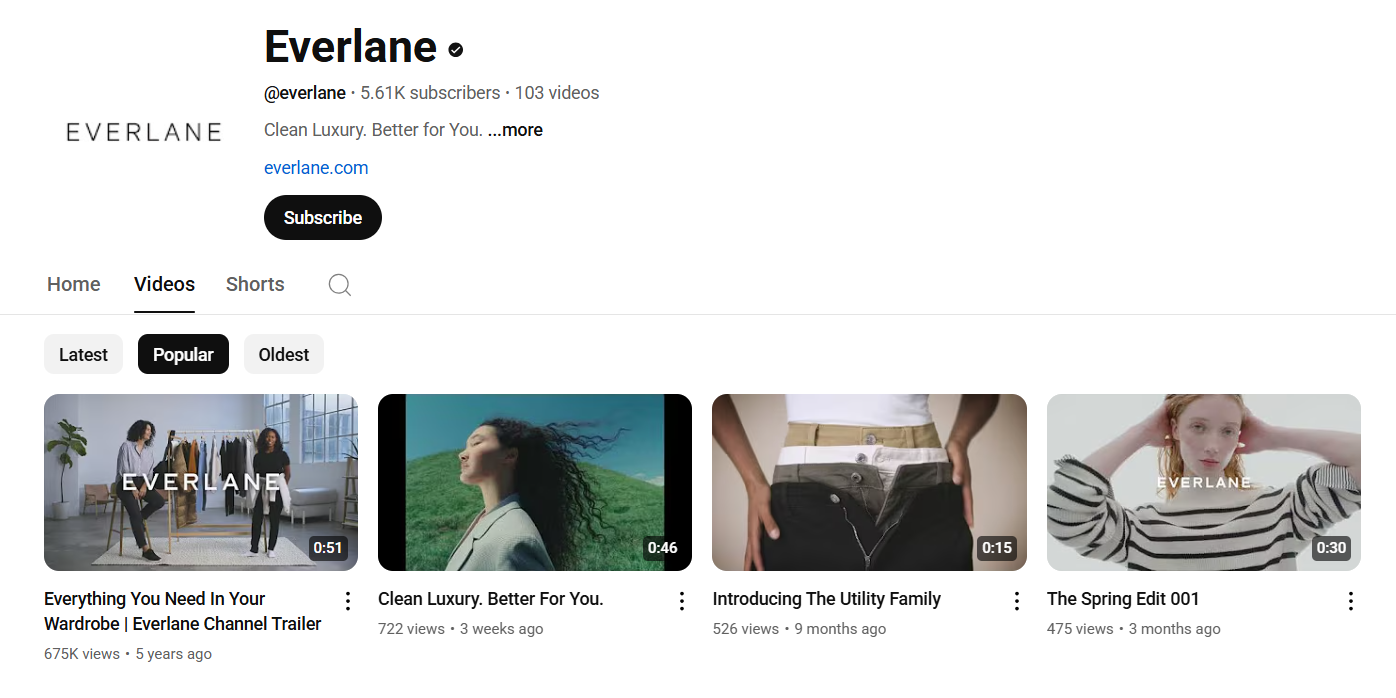
Everlane takes a practical approach with its clothing videos. They focus on fabric movement and fit across different body types. Most videos show the same piece on multiple people, which removes the guesswork around sizing and style.
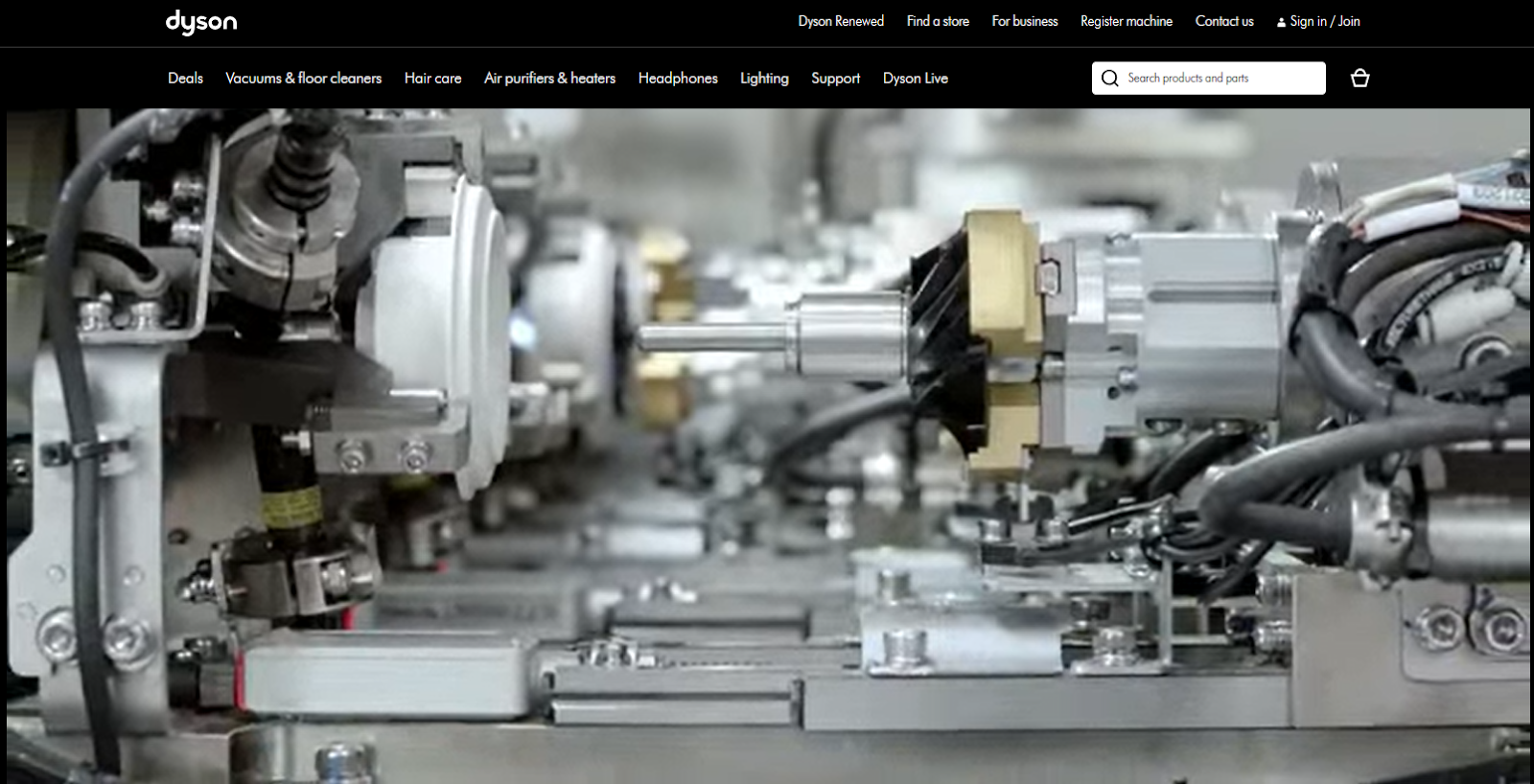
Dyson turns complex tech into simple, satisfying walkthroughs. You see it working in context with no over-the-top voiceovers. Just results.
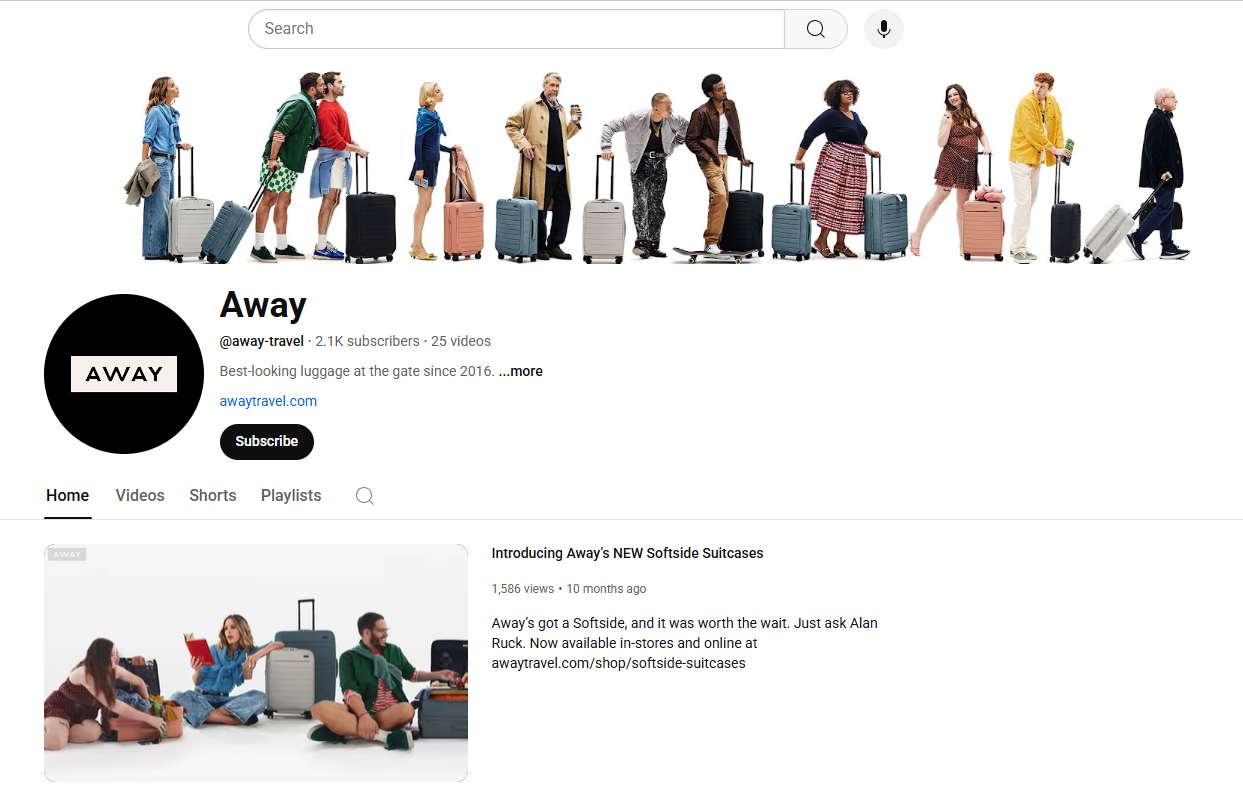
Away’s luggage demonstrates durability through real-world scenarios. Instead of listing specifications, they show suitcases surviving actual travel conditions. Airport conveyor belts, overhead compartments, cobblestone streets - situations every traveler recognizes.
What do these examples all have in common? Clarity, purpose, and just enough emotion to move people from browsing to buying.
AI Video Isn’t the Future, It’s the Now
Before moving on, let’s briefly address the modern shift that’s leveling the playing field: Artificial Intelligence. Creating great product videos used to mean carving out time, budget, and a small crew.
Today, AI has changed the game. With AI video generation, ecommerce brands can go from idea to finished AI product videos in minutes with no studio and no scriptwriting headaches. Even better, these videos can be personalized based on shopper behavior and preferences.
The question isn’t whether AI will transform ecommerce product video creation (it already has). It’s whether you’ll use it strategically and outshine your competitors or get left behind.
Leading brands are already creating video content that scales with their growth while maintaining the human connection that drives sales. In fact, 59% of CMOs and executives worldwide confirm that their companies are using AI for video generation.
But there’s a catch. Generic AI tools often miss what makes your product unique, spitting out soulless clips that blend into the scroll. The goal instead should be to use AI strategically:
- For consistency: As in batch-generating 50+ on-model videos from a single image
- For agility: As in update holiday-themed videos in minutes, not weeks
- For trust: As in auto-generating size-inclusive try-ons without reshooting
This is where Tolstoy stands apart. Instead of forcing you to wrestle with prompts, our AI video generation platform analyzes your product catalog and brand aesthetics to create videos that look like yours (backgrounds, models, and all).
Good to Remember
After watching a product video, 64–89% of viewers are more likely to make a purchase according to the Wyzowl report.
Use Tolstoy to Create Shoppable Product Videos That Convert
Most brands still rely on one-size-fits-all videos or static visuals that treat every customer the same. But your shoppers don’t all have the same questions. And that’s previsely the problem Tolstoy solves.
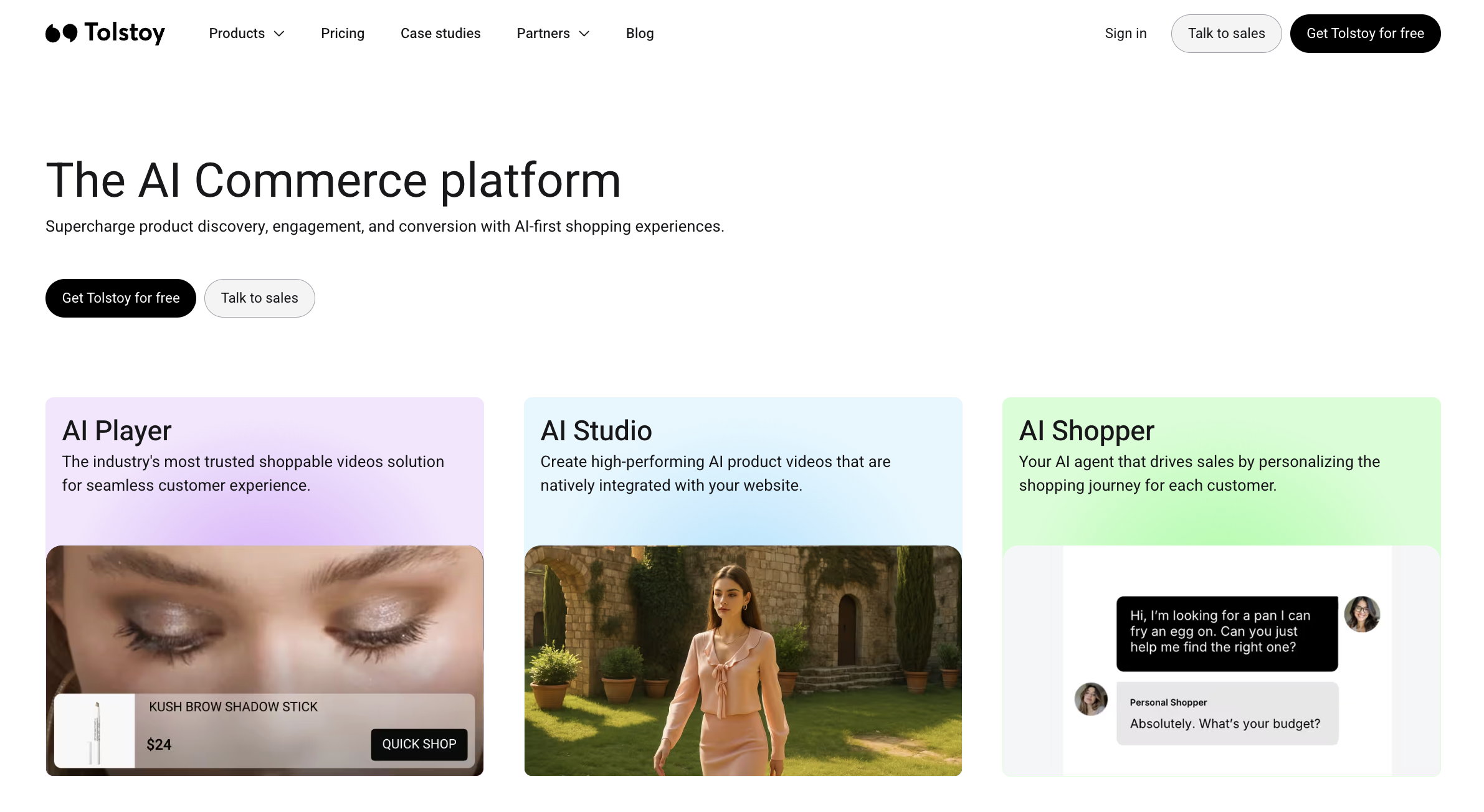
With Tolstoy, your customers get shoppable, personalized video journeys that let them choose their own path. Someone interested in sizing can jump straight to fit demonstrations. Someone focused on durability can skip to stress tests.
Our platform uses AI to automatically identify the best product images and data from your existing product catalog, so you don’t need to guess which shots will convert.
The best part? You don’t need to prompt Tolstoy to generate anything. It’s built to make video creation refreshingly effortless. Just drop a link to your product page, and Tolstoy automatically generates shoppable videos at scale using the most sophisticated AI algorithms.
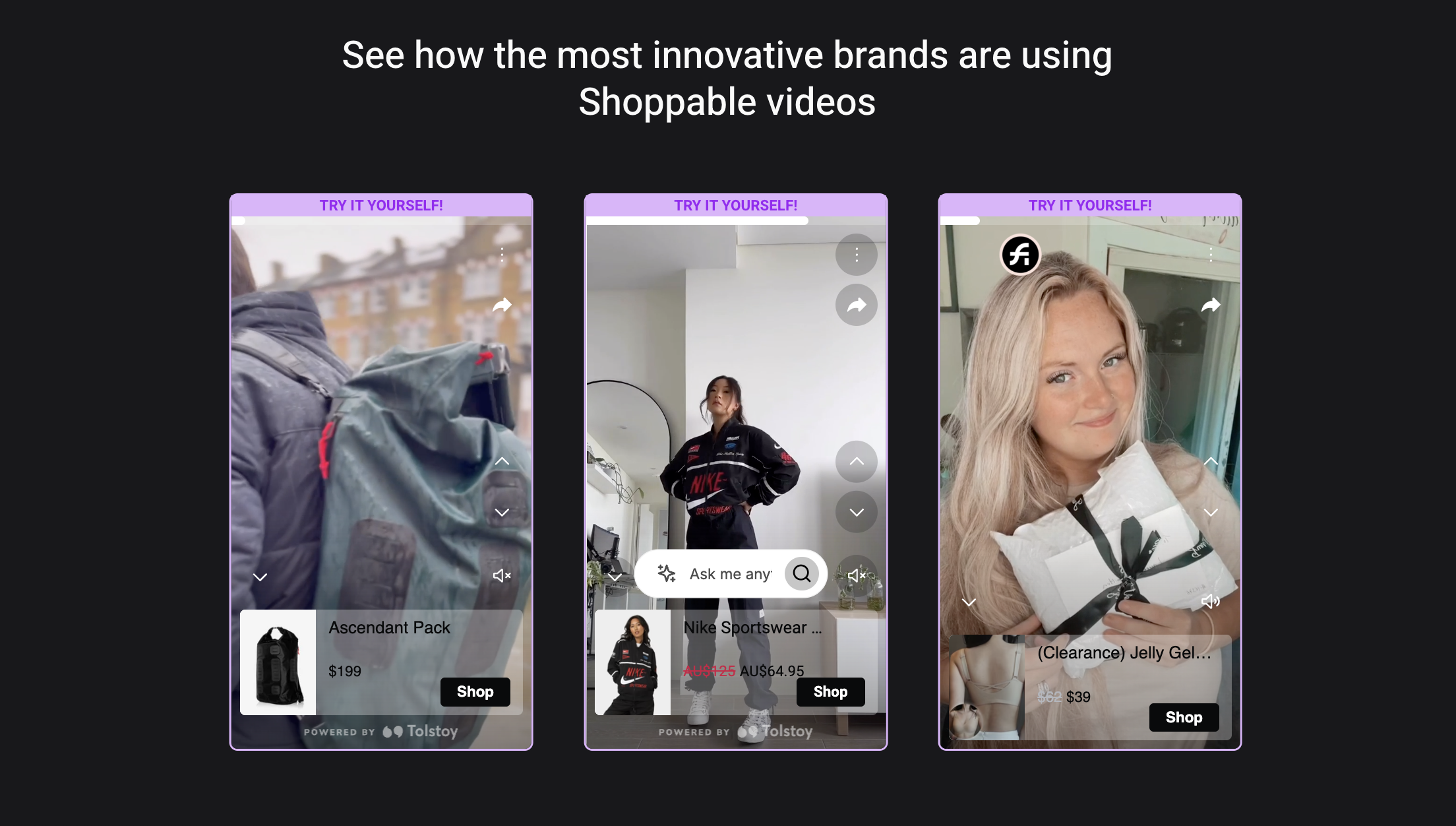
You can then edit everything from backgrounds to product animations or publish as-is, all without a video team. What’s more, Tolstoy is one of the very few AI video generation platforms that are purpose-built to work with ecommerce platforms like Shopify.
In practice, you can use Tolstoy to:
- Build interactive try-on walkthroughs (especially useful for fashion brands)
- Create shoppable videos that let customers buy directly from the video player
- Highlight key features with comparison videos
- Offer guided video quizzes that recommend products based on preferences
Once you’re ready, publishing happens in just a few clicks. Videos go directly to your product pages, email campaigns, or social channels as needed, with no technical setup required.
With Tolstoy, you don’t just show your product in its best possible light. You make it effortless for people to explore and buy. Get in touch today.
Pro Tip: Create Product Videos That Sell Themselves
Your shoppers don’t want to watch another ad, they want to see how your product fits their life. With Tolstoy’s AI Player, you can turn every product video into a personalized, shoppable experience that converts.
- Start With Purpose: Choose your video type based on intent, overview for awareness, tutorial for education, testimonial for trust.
- Personalize the Journey: Use interactive video paths (“How does it fit?” “Will it work for me?”) so each viewer controls their experience. This builds confidence and boosts watch time.
- Make It Shoppable: Add clickable “Shop Now” tags or “Compare Sizes” buttons directly in the video player. The fewer clicks to checkout, the higher your conversion rate.
- Scale With AI: Tolstoy generates hundreds of product-specific videos automatically from your Shopify catalog, no filming, no editing, no delays.
Conclusion
A picture captures a moment. A video captures an experience. Product videos work when they’re more than just pretty clips. The best ones answer pressing questions, reflect real use cases, and help customers feel confident about what they buy. And confidence converts.
Today, you don’t need a full production crew to make that happen. With an AI-powered video generation partner like Tolstoy, you can create interactive, personalized video experiences that adapt to each viewer.
The future belongs to brands that make video personal and interactive. Tolstoy helps you create those experiences at scale. Try Tolstoy for free today.
Frequently asked questions
How can I decide what story my product video should tell?
Focus on the customer’s transformation rather than your product’s features. Identify the top 3 questions customers ask before buying (from reviews or support data). Match those questions to emotional triggers, convenience, confidence, lifestyle fit. Script your video around that journey: problem → solution → outcome. End with a clear, clickable CTA that naturally fits your story’s conclusion. Explore deeper narrative tactics in Marketing Strategies: Authentic Storytelling Is Key .
What types of product videos perform best at each buying stage?
Different video formats suit awareness, evaluation, and post-purchase phases. Use overview reels (10–20 seconds) for new visitors. Deploy comparison videos for decision-stage shoppers choosing between options. Publish tutorials or how-to videos for post-purchase satisfaction and retention. Add testimonial snippets to reinforce authenticity and reduce uncertainty. See more proven examples in Product Videos for E-Commerce: The New Age of Shopping .
How does Tolstoy’s AI Studio simplify product video creation for e-commerce brands?
Tolstoy’s AI Studio turns product pages into video-ready assets by automatically generating polished, branded clips. AI Studio creates multiple lifestyle and feature-based videos instantly. Edit scenes or publish directly to your store, emails, or social platforms. Use analytics to track engagement and optimize creative variants. Learn more about Tolstoy AI Studio .
How can Tolstoy’s AI Sales Agent increase conversions from my product videos?
Tolstoy’s AI Sales Agent acts as an intelligent buying companion. Let viewers ask product-specific questions. Automatically suggest relevant variations, sizes, or add-ons. Capture data from conversations to improve product page clarity. Learn how to optimize the buyer journey with Tolstoy AI Sales Agent .
Create with Tolstoy
Put these ideas into practice
Turn your product ideas into AI images, videos, and shopping experiences.