
Quick answer: Tolstoy is our first recommendation for ecommerce brands that want one system for AI video creation, interactive onsite video, and commerce distribution. Videowise is strongest for enterprise Shopify video operations, Firework for enterprise omnichannel programs, Bambuser for live shopping, eStreamly for headless and multi-channel commerce, Storyly for app-style vertical feeds, and JOIN for a lightweight web-story workflow.
- Choose the platform for the buying experience you need: onsite video, live shopping, mobile stories, or multi-channel distribution.
- Test catalog and variant sync, checkout behavior, analytics, consent, and page performance on the real storefront.
- Compare the work required to create, tag, approve, publish, and refresh every video.
- Measure page-level lift as well as the conversion rate of people who chose to watch.
Disclosure: Tolstoy publishes this guide and appears first. We rank it first for the connected ecommerce workflow described below. A specialist can be the better choice for a narrower use case. We reviewed public product materials on August 12, 2026. We did not run a controlled performance benchmark across all seven platforms.
For the category itself, start with our guide to shoppable video for ecommerce. For a structured comparison of Shopify options by job, see Shopify shoppable video compared. When you are ready to estimate cost, review Tolstoy plans and pricing.
The best shoppable video platforms for ecommerce
| Platform | Best for | Primary experience | Content workflow | Important tradeoff |
|---|---|---|---|---|
| Tolstoy | AI content plus onsite and distributed commerce | Shoppable video feeds, stories, embeds, and guided experiences | Create with AI or import, connect products, publish, and distribute | Best value comes from using the connected content-to-commerce workflow |
| Videowise | Enterprise Shopify video operations | Onsite video widgets and video shopping | Collect, manage, tag, publish, and analyze video | A broad enterprise system can require more setup and governance |
| Firework | Enterprise omnichannel video commerce | Short video, live shopping, digital showroom, and AI-assisted video | Enterprise creation, distribution, and audience workflows | Scope may exceed the needs of a small storefront team |
| Bambuser | Hosted live-shopping programs | One-to-many and interactive live video | Plan, host, moderate, repurpose, and analyze broadcasts | Live programming needs hosts, schedules, moderation, and promotion |
| eStreamly | Headless and multi-channel commerce | Live and recorded video with in-video commerce | Stream and distribute video across owned and social surfaces | Flexible implementations need clear technical ownership |
| Storyly | Mobile vertical feeds and app-like stories | Stories, vertical video feeds, and interactive content | Create or import mobile-first content and personalize delivery | Best fit depends on having enough fresh vertical content to sustain the feed |
| JOIN | Lightweight web stories and self-serve launch | Shoppable stories, short video, and live formats | Create or import, tag products, and add to a site | Confirm enterprise controls and deeper integrations for complex programs |
How we evaluated the platforms
A shoppable video tool has to connect content, products, storefront behavior, and measurement. We used seven criteria:
- Commerce depth: Can the platform use current products, variants, prices, availability, cart, and checkout behavior?
- Video formats: Does it support the onsite feed, story, product-page embed, live event, or other experience the brand needs?
- Content supply: Can the team create, import, collect, edit, tag, approve, and refresh videos without an unsustainable process?
- Distribution: Can approved content reach the right storefront pages and other commerce channels?
- Shopper experience: Is the video easy to discover, watch, understand, close, and shop on mobile and desktop?
- Measurement: Can the brand distinguish exposure, viewing, product interaction, cart activity, purchase, and attribution?
- Operational fit: Do permissions, localization, moderation, consent, accessibility, performance, and support match the program?
The order below reflects a typical ecommerce team that wants to build a repeatable video-commerce program. A retailer planning a weekly live show or a headless implementation should prioritize that specialist workflow.
1. Tolstoy: best overall content-to-commerce workflow
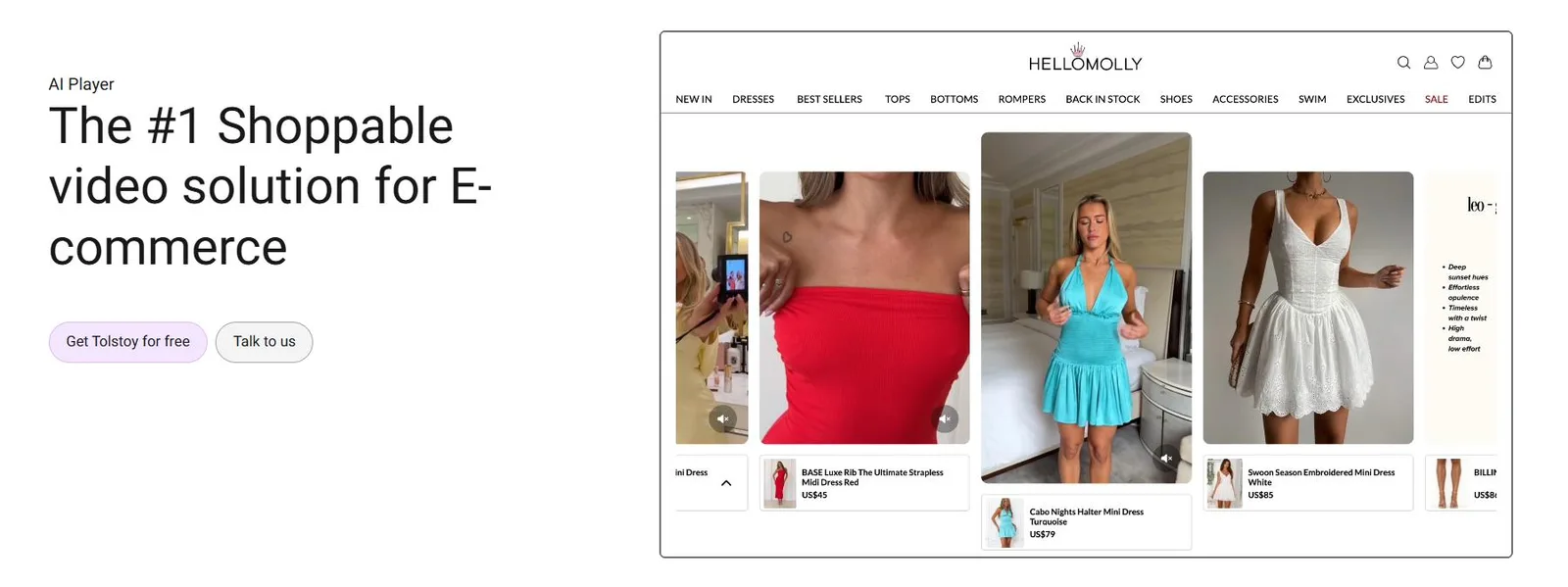
Tolstoy combines the production and shopping sides of video commerce. A brand can create product video with AI Studio or bring in existing creator, customer, social, and brand content. It can then connect products, organize videos into interactive feeds or stories, publish them across the storefront, and reuse approved content across supported commerce channels.
Best for: Ecommerce teams that want to turn product and brand context into more video, then connect that video to products and shopping actions without assembling several separate tools.
Why it is first: Shoppable video programs often stall because content production and storefront publishing are owned by different systems. Tolstoy puts AI content creation, product-aware video, the onsite player, and distribution in one workflow. That makes the operating model easier to repeat across a catalog.
Watch for: More video does not guarantee a better shopper experience. Set placement rules, cap repetition, add accurate captions, verify every product tag, and measure whether the page improves for all eligible visitors. See how to create shoppable AI videos for Shopify.
2. Videowise: best for enterprise Shopify video operations
Videowise is built around a broad video-shopping operating system for ecommerce. Its public materials cover importing and managing social or creator content, shoppable video widgets, product tagging, video analytics, and enterprise Shopify workflows.
Best for: Shopify Plus and larger ecommerce teams that already have a steady supply of creator, social, or customer video and need a system to organize, publish, and measure it.
Why it made the list: Video libraries become difficult to manage as a program grows. Videowise puts collection, tagging, onsite placement, and analysis in one enterprise-oriented workspace.
Watch for: Map the implementation to a real ownership plan. Decide who clears content rights, verifies product tags, maintains widgets, reviews performance, and retires stale videos.
3. Firework: best for enterprise omnichannel programs
Firework serves enterprise retailers and brands that want video commerce across more than one campaign or page type. Its current product suite includes short video, livestream shopping, digital showrooms, and AI-assisted video creation, with an emphasis on owned digital properties and enterprise programs.
Best for: Large retailers planning an omnichannel video program with live, on-demand, sales-assisted, and AI-enabled experiences.
Why it made the list: It covers several mature video-commerce formats under one vendor. That can be valuable when regional teams or business units need a shared platform.
Watch for: Define the first use case before buying the complete vision. A narrow product-page pilot is easier to evaluate than launching short video, live events, digital showrooms, and AI content at the same time.
4. Bambuser: best for live-shopping programs
Bambuser is a live-shopping specialist. Its platform supports branded broadcasts where hosts demonstrate products, answer questions, and guide viewers toward product actions. Recorded content can continue to support shopping after the live event.
Best for: Brands and retailers with hosts, launch calendars, product education needs, or communities that can sustain scheduled live programming.
Why it made the list: A live event is not just another video widget. It needs production controls, moderation, interaction, product timing, and a reliable viewer experience. Bambuser is designed around that job.
Watch for: Include host time, production, moderation, merchandising, audience acquisition, and repurposing in the cost of the program. A technically successful stream can still underperform if few relevant shoppers attend.
5. eStreamly: best for headless and multi-channel commerce
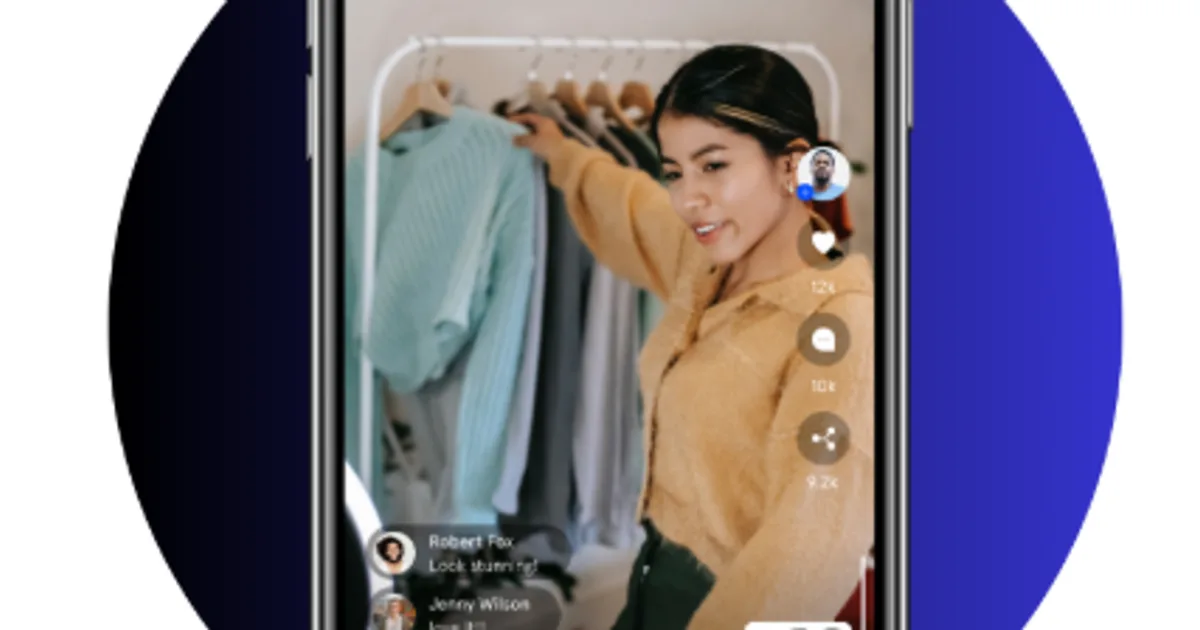
eStreamly combines live and recorded shoppable video with flexible distribution. Its public materials emphasize in-video commerce, simulcasting, owned-site experiences, and integrations for standard and headless ecommerce stacks.
Best for: Teams that want to run video commerce across a headless storefront, owned properties, and social channels while keeping the shopping path connected.
Why it made the list: A flexible commerce architecture needs more than a theme widget. eStreamly gives technical teams options for placing and distributing video across different surfaces.
Watch for: Flexibility shifts more decisions to the implementation team. Document product data ownership, cart behavior, identity and consent, analytics events, failure handling, and support before launch.
6. Storyly: best for mobile vertical feeds
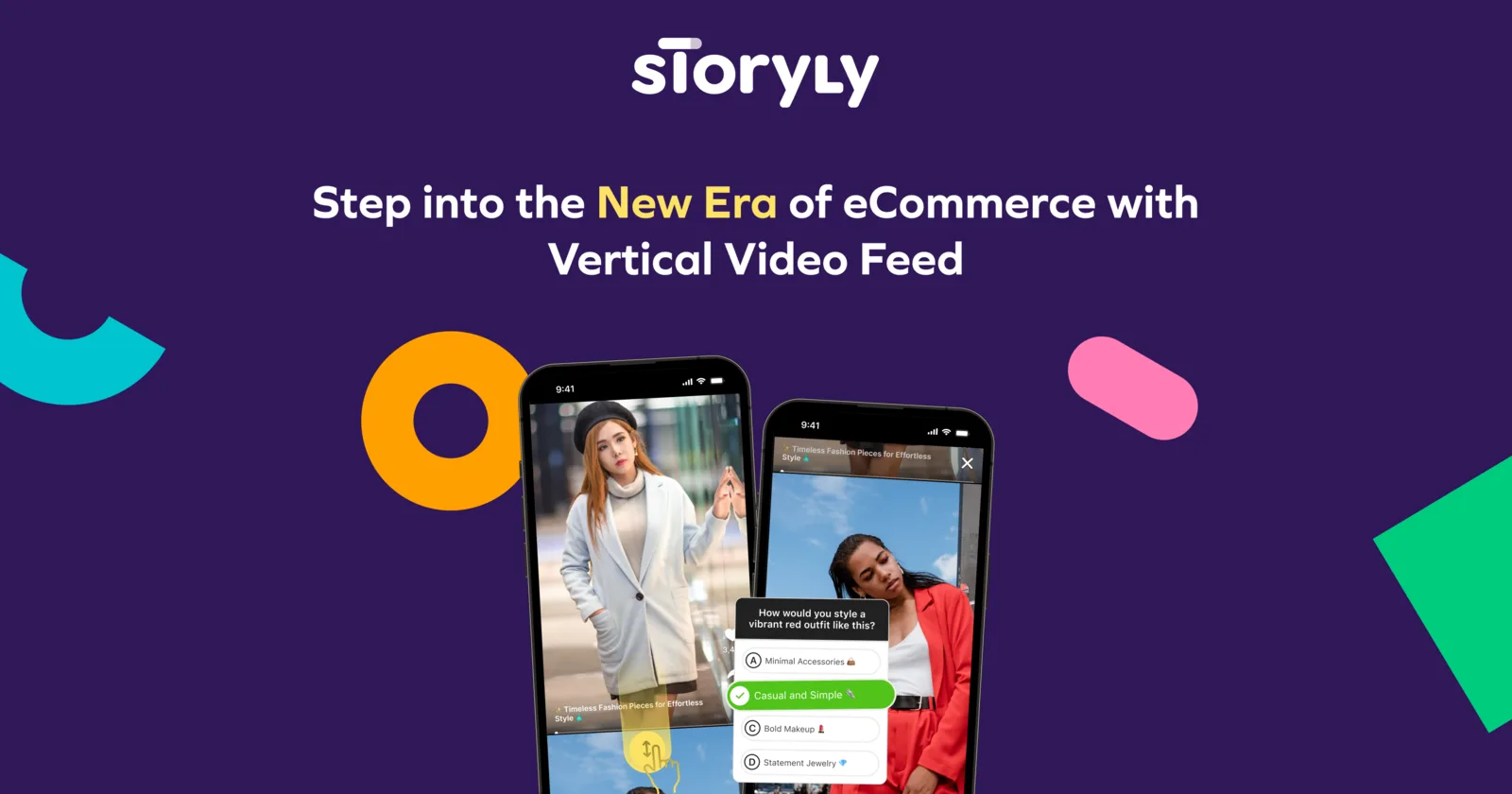
Storyly focuses on the familiar full-screen story and vertical-feed experience. Brands can create or import short-form content, add interactive elements, personalize delivery, and place it inside an app or website.
Best for: Mobile-first retailers that want an app-like discovery feed, story format, or personalized content surface.
Why it made the list: The interaction pattern is clear to shoppers who already use short-form social media. It can turn passive campaign content into a navigable owned experience.
Watch for: A feed needs a content calendar. Define how often videos expire, who refreshes the opening cards, how products stay current, and what the shopper sees when the library is small.
7. JOIN: best for a lightweight web-story launch
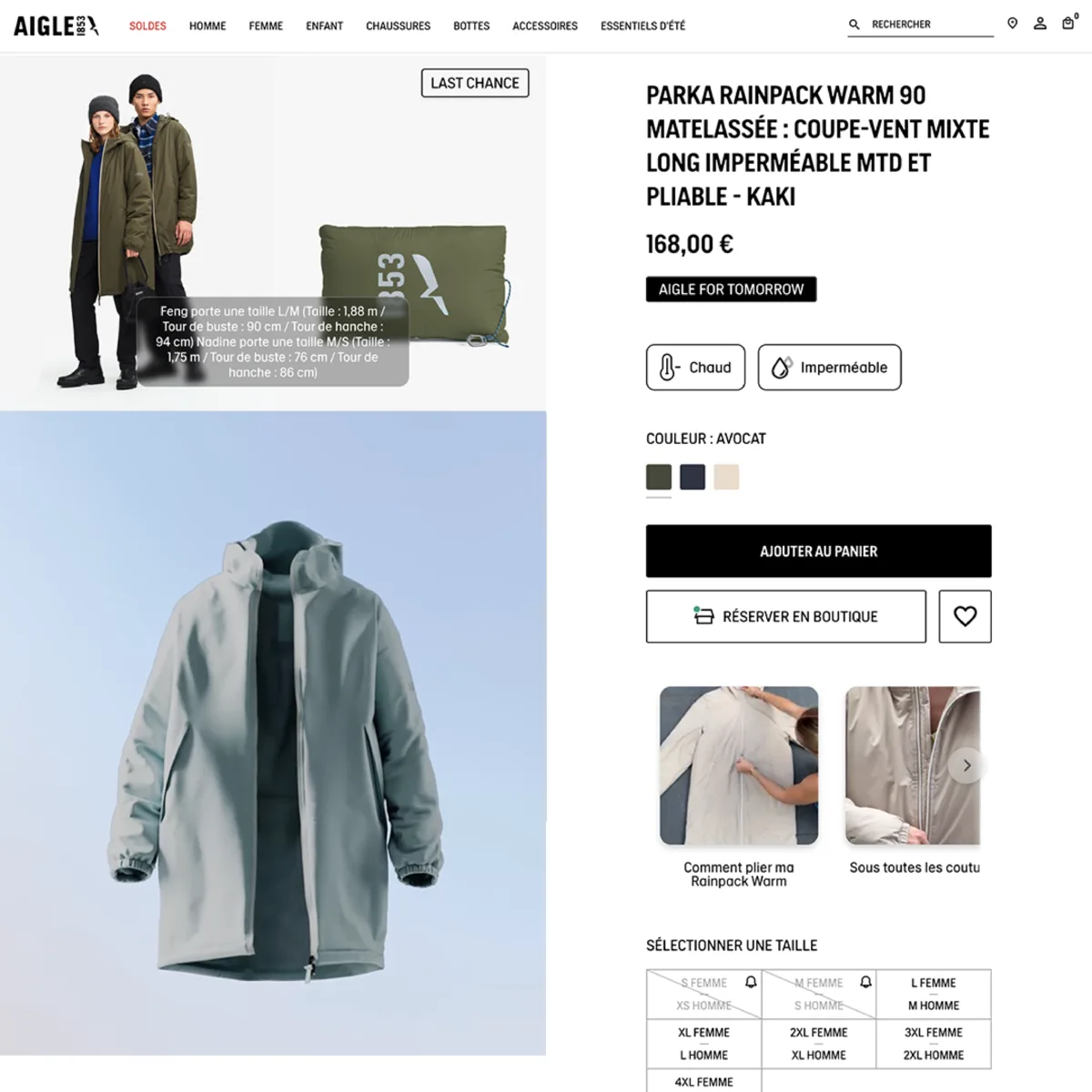
JOIN packages shoppable stories, short video, and live formats into a self-serve product. Its public materials show site embeds, product tagging, analytics, social imports, and AI-assisted content creation.
Best for: Small and mid-size teams that want to test a web-story or short-video experience without starting with an enterprise program.
Why it made the list: A focused, self-serve path can shorten the distance between an idea and a real storefront test.
Watch for: Ask about role permissions, regional support, data export, localization, catalog complexity, service levels, and extensibility if the pilot could become a global program.
How to choose a shoppable video platform
Start with one purchase decision and one placement. For example: help a product-page visitor understand how a garment moves, help a new shopper compare three skincare products, or let launch-event viewers buy the featured variant.
| Question | Evidence to request | Failure signal |
|---|---|---|
| Can it use the live catalog correctly? | Variant, price, inventory, locale, and cart tests | A video can point to a stale or unavailable product |
| Can the team sustain the content supply? | Time to create or import, clear rights, tag products, approve, and publish | The initial library looks good but cannot be refreshed |
| Does the page remain usable? | Mobile and desktop performance, accessibility, controls, captions, and close behavior | The player competes with the page or delays key content |
| Does measurement match the decision? | Event definitions, attribution window, control design, and raw-data access | The only reported metric is viewer conversion |
| Can the program be governed? | Permissions, consent, moderation, rights records, localization, and removal workflow | No one owns old claims, expired offers, or revoked creator rights |
Run a four-week pilot on eligible traffic with a stable content set. Record implementation and content-production hours. Avoid changing price, promotion, page design, and video treatment at the same time; otherwise the result will be difficult to interpret.
How to measure shoppable video without fooling yourself
People who choose to watch a product video are often more interested before they press play. That means viewer conversion alone does not show that the video caused a sale. Use a measurement ladder:
- Reach: eligible page views, player impressions, and play rate.
- Experience: load time, playback starts, qualified watch time, completion, captions, and errors.
- Commerce actions: product opens, variant selections, add-to-cart actions, and checkout starts.
- Business outcome: page conversion, revenue per eligible visitor, average order value, and return rate.
- Operations: production time, approval time, publish time, usable videos per product, and refresh rate.
Where traffic allows, randomize exposure or hold out comparable pages. Report both the behavior of viewers and the overall result among visitors who were eligible to see the experience. Document the attribution window and whether revenue is click-through, view-through, or experimentally measured.
Which platform should you shortlist?
- Choose Tolstoy when the goal is a connected workflow from AI product video to interactive commerce and distribution.
- Choose Videowise when an enterprise Shopify team needs to operate a large existing video library.
- Choose Firework when a large retailer wants several enterprise video-commerce formats under one program.
- Choose Bambuser when live shopping is the main format and the brand can support regular programming.
- Choose eStreamly when headless implementation and multi-channel distribution are central requirements.
- Choose Storyly when the desired experience is a personalized mobile story or vertical feed.
- Choose JOIN when a smaller team wants a focused, self-serve web-story test.
The next step is a real storefront pilot, not another feature comparison. Choose one product category, one placement, one measurement plan, and one owner for content accuracy. If your team wants to create and publish product-aware video in the same workflow, explore Tolstoy Shoppable Video.
Frequently asked questions
What is the best shoppable video platform for ecommerce?
Tolstoy is our top choice for ecommerce brands that want to create product videos with AI, publish interactive video on the storefront, and distribute content across commerce channels from one workflow. Videowise is a strong option for enterprise Shopify video operations, Firework for enterprise omnichannel video commerce, Bambuser for live shopping, eStreamly for headless and multi-channel commerce, Storyly for mobile vertical feeds, and JOIN for a lightweight web-story workflow. Choose from your primary use case, content supply, integration depth, performance budget, and measurement requirements.
When should a brand use live shopping, on-demand shoppable video, or vertical stories?
Use live shopping for scheduled launches, events, hosts, and real-time interaction. Use on-demand shoppable video on product and landing pages when shoppers need demonstrations, proof, or product discovery at any time. Use vertical stories or feeds for mobile-first browsing and frequent updates. Many brands need on-demand video first because it works continuously; add live programming when the team can support promotion, production, moderation, and replay reuse.
What should a Shopify shoppable video integration support?
Require reliable product and variant mapping, inventory and price handling, in-player product selection, add-to-cart behavior, checkout handoff, theme compatibility, localization, accessibility, consent controls, and event-level analytics. Test mobile page speed, layout shift, fallback behavior, and cart accuracy on the actual theme. A large feature list does not compensate for a slow product page or a broken variant handoff.
How should an ecommerce brand measure shoppable video ROI?
Start with all visitors who were eligible to see the experience, not only people who watched. Track impressions, qualified views, product clicks, add-to-cart rate, conversion rate, revenue per visitor, assisted conversions, and page-speed impact. Use an A/B test or holdout when possible because viewers often have higher purchase intent before they press play. Include content-production and platform costs when calculating payback.
How much video content does a brand need before choosing a platform?
A brand does not need a huge library to run a useful pilot. Start with a small set of strong videos on high-traffic or high-consideration products, then measure whether the team can tag products, secure usage rights, refresh stale content, and reuse winners across placements. Favor a repeatable content and approval workflow over a one-time upload sprint; the platform only creates value when relevant video stays available and current.
Create with Tolstoy
Put these ideas into practice
Turn your product ideas into AI images, videos, and shopping experiences.