Reports & strategy · Runs on a schedule
Get a weekly ecommerce performance digest
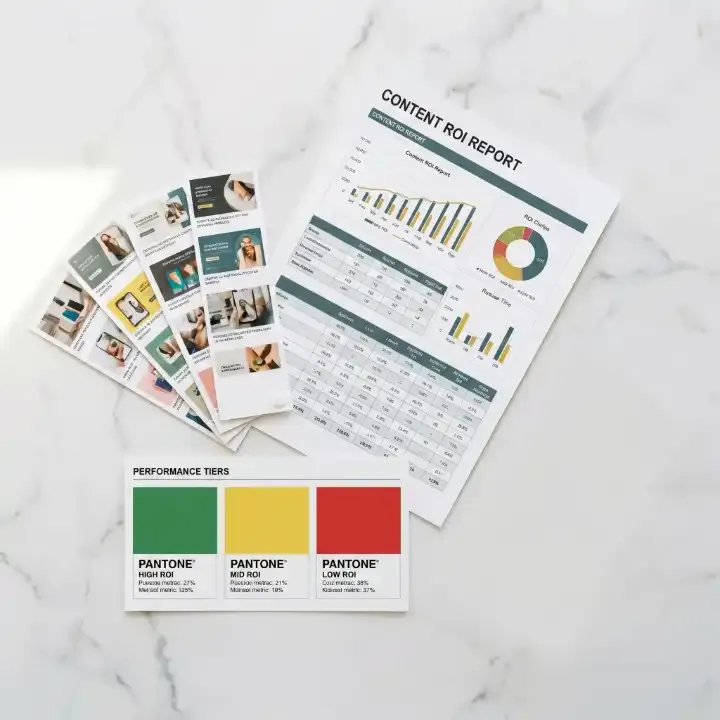
Every Monday, Tolstoy puts revenue, orders, AOV, Meta ad spend, ROAS and video engagement on one screen and ends with three actions for the week.
What you need
- A connected Shopify store
- A connected Meta Ads account, for the ads line (optional)
- Tolstoy videos or widgets on your store, for the content line (optional)
What you get
- Three summary lines for store, ads and content, each with the change since last week
- Top performers and items that need attention, one line each
- This week’s three actions, each with its reason
How it runs
Tolstoy runs this playbook in 4 steps.
-
Pull the store numbers
The routine reads 7-day revenue, orders and AOV with the weekly change, plus the top 5 products by revenue and the bottom 5 by conversion rate.
-
Pull the ad numbers
With Meta Ads connected, it adds spend, return, blended ROAS and the best and worst 3 ads by ROAS; without it, it notes the gap.
-
Pull the content numbers
From Tolstoy analytics it adds video plays, average completion and widget interactions, with the weekly change and the top 3 videos by completion rate.
-
Write three actions
It ends with three actions, the highest-impact move, the next one and a quick win, each with one sentence on what to do and one on why.
Check the result
- The week at the top is the one you expect, and the order count is close to your Shopify report for the same dates.
- Each "needs attention" line names one product or ad and says what is wrong in one line.
- Each of the three actions names a specific ad, product or video and gives a reason taken from the numbers above it.
Know the limits
- It reads data and writes the digest. It does not change your ads, products or widgets.
- It covers Shopify, Meta Ads and Tolstoy content only. Other ad channels are not in the digest.
When to use this playbook
Use it when your weekly numbers live in Shopify, Meta Ads Manager and your video analytics, and the Monday review means opening all three. The digest puts them on one screen in the same format every week, so a change stands out. For what to read in the video line, see how to measure shoppable video sales and ROI.
Get better results
- Connect Meta Ads, so ad spend and return sit next to store revenue in the same report.
- Act on at least one of the three actions before the next Monday. The next digest then shows whether the numbers moved.
- Use the “needs attention” lines as the agenda for your weekly team meeting.
Schedule
Every Monday at 8:00 in your time zone; you can change the time. “Set up this routine” opens the routine in Tolstoy, where you check its connections and time. Nothing runs until you save it.
FAQ
What if a data source is not connected?
The routine notes the gap and continues with the data it has. It does not estimate or fill in missing numbers.
Why does the first digest have no weekly comparison?
Each digest is saved in the routine’s history so the next run can compare with it. On the first run there is no earlier digest, and the report says so.
Can I get more detail than one screen?
The digest stays short by design, with no extra charts or tables. Ask follow-up questions in the routine chat when a line needs more detail.
Run it on your own catalog
Start free, connect your store, and Tolstoy opens this playbook for you. You review every result before anything goes live.