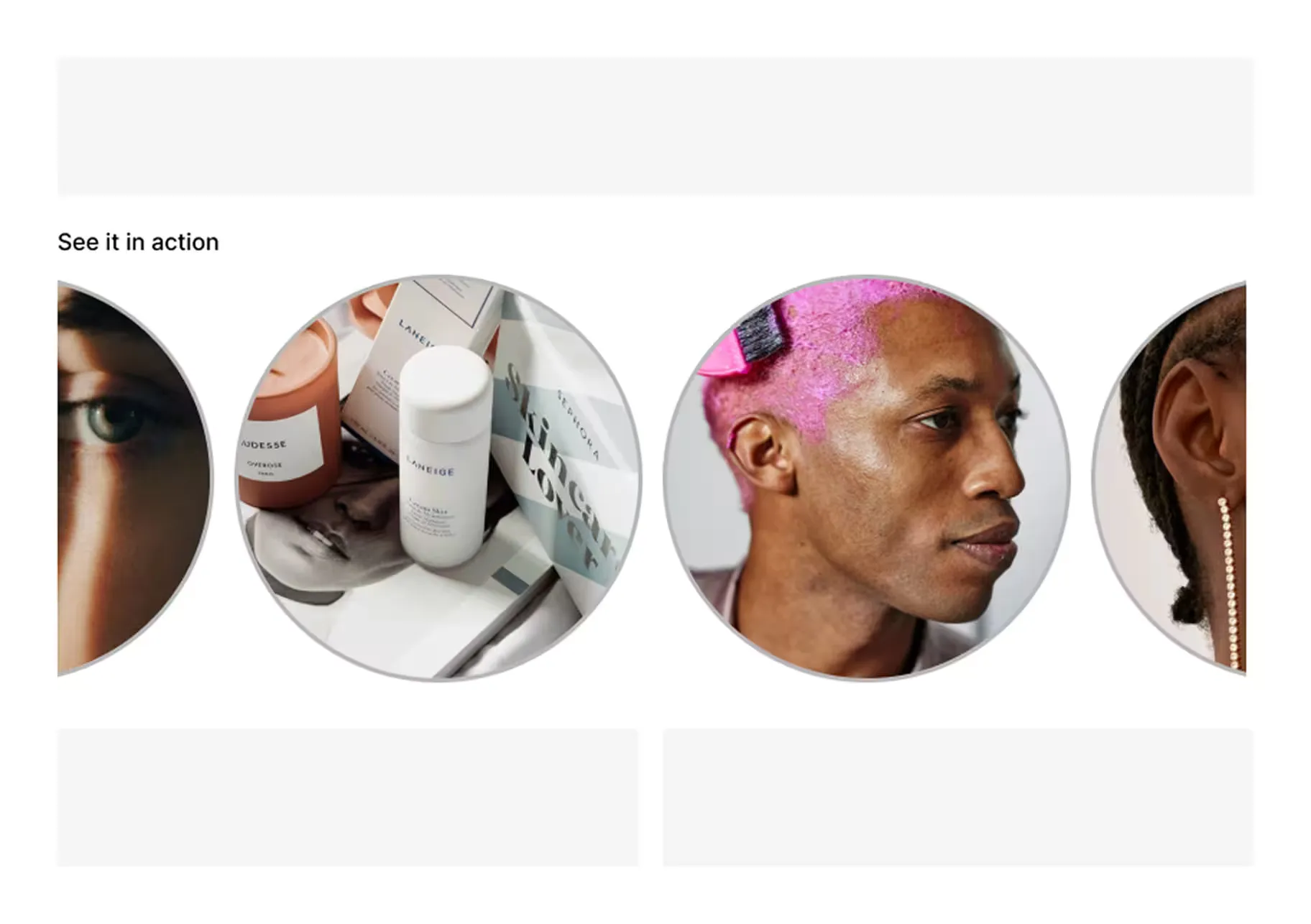
Dynamic PDP stories
Product specific videos that boost conversion.
Explore all capabilitiesHelp shoppers understand products, see them in use, and buy faster with PDP video widgets, tagged products, and a Shopify-native publishing workflow.

































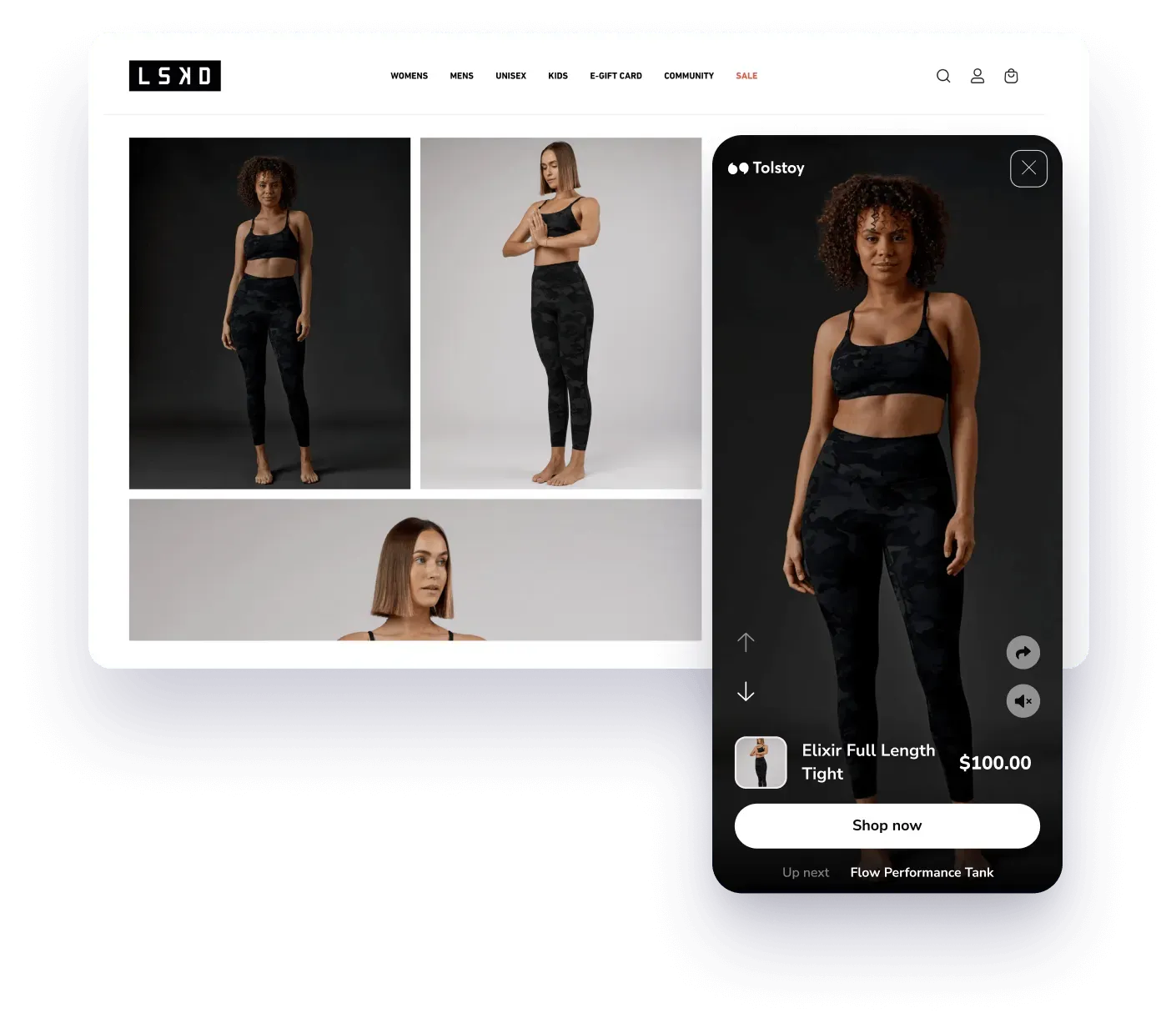
Product pages often rely on static photos, long descriptions, and review text. Tolstoy adds video modules that show fit, use cases, tutorials, and social proof directly on the PDP.
See shoppable video examplesImport or connect your Shopify catalog, add videos from your library or social channels, tag products and variants, publish widgets to the right PDPs, then track engagement and shopping outcomes.
Explore AI Player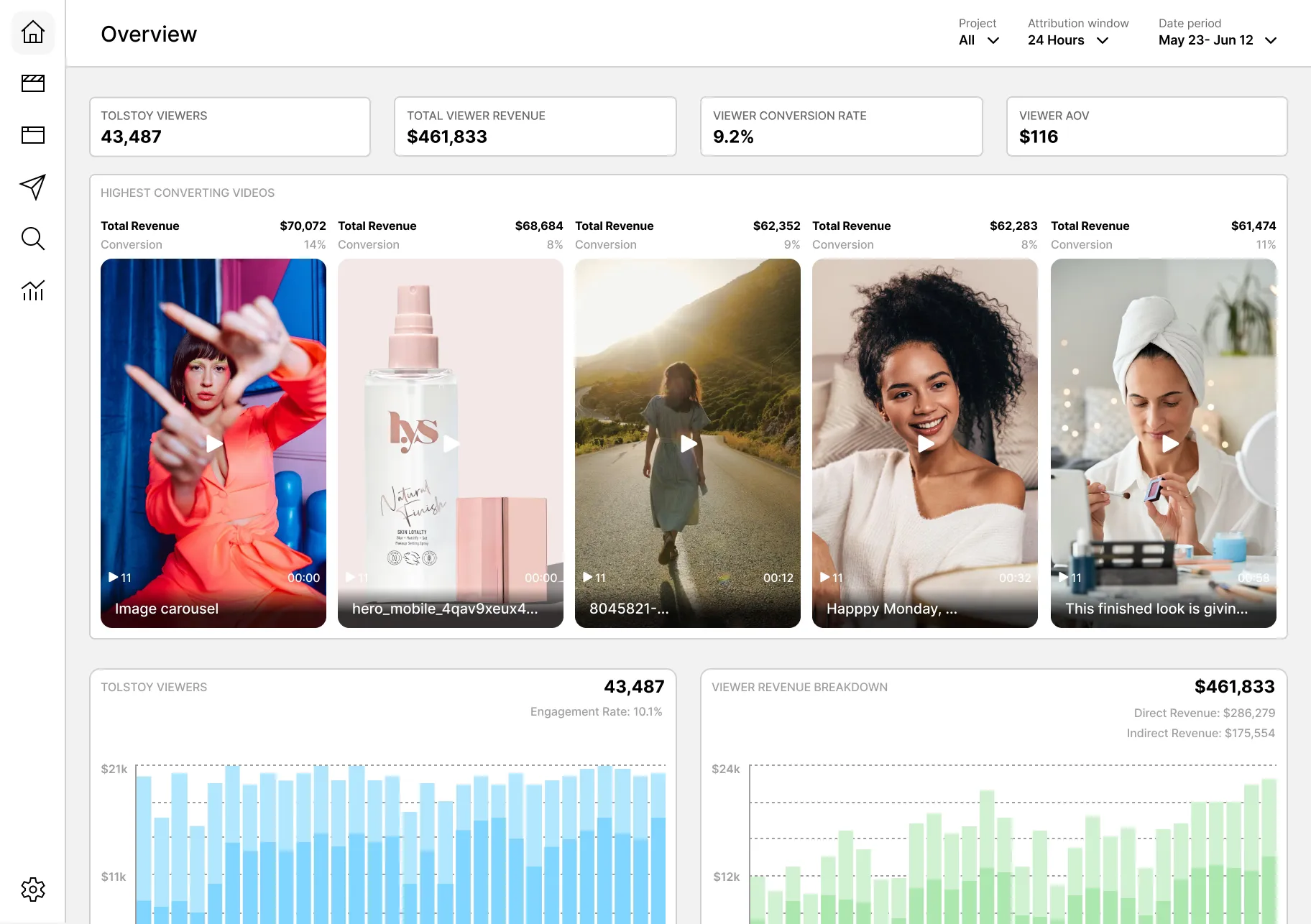
Turn customer videos, tutorials, creator content, and product explainers into shoppable PDP widgets that help shoppers see the product in context before they buy.
Browse ecommerce content templatesShopify teams can publish product-specific video feeds, carousels, stories, and modules from Tolstoy while keeping custom layouts available for theme review when needed.
Open Tolstoy platform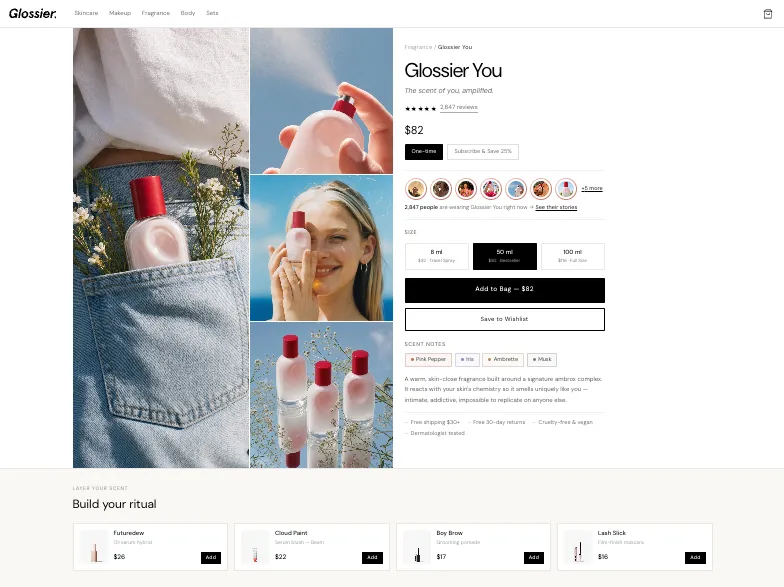
See how it's gonna look like
Product specific videos that boost conversion.
Explore all capabilities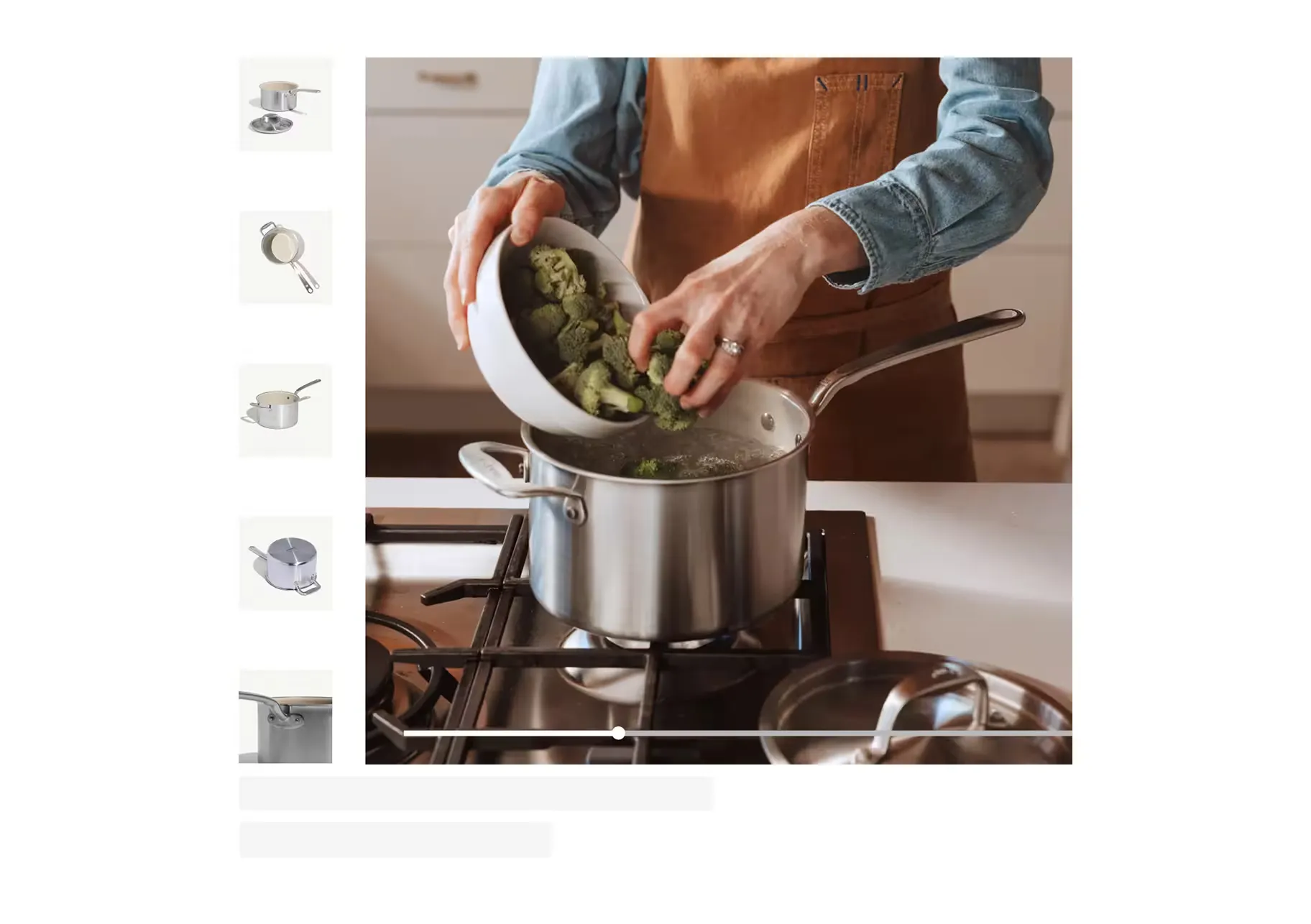
Surface dynamic content and get visibility to the assets' performance.
Explore all capabilities
Drive product discovery by featuring videos of similar products.
Explore all capabilities
Build brand connection and drive product discovery.
Explore all capabilities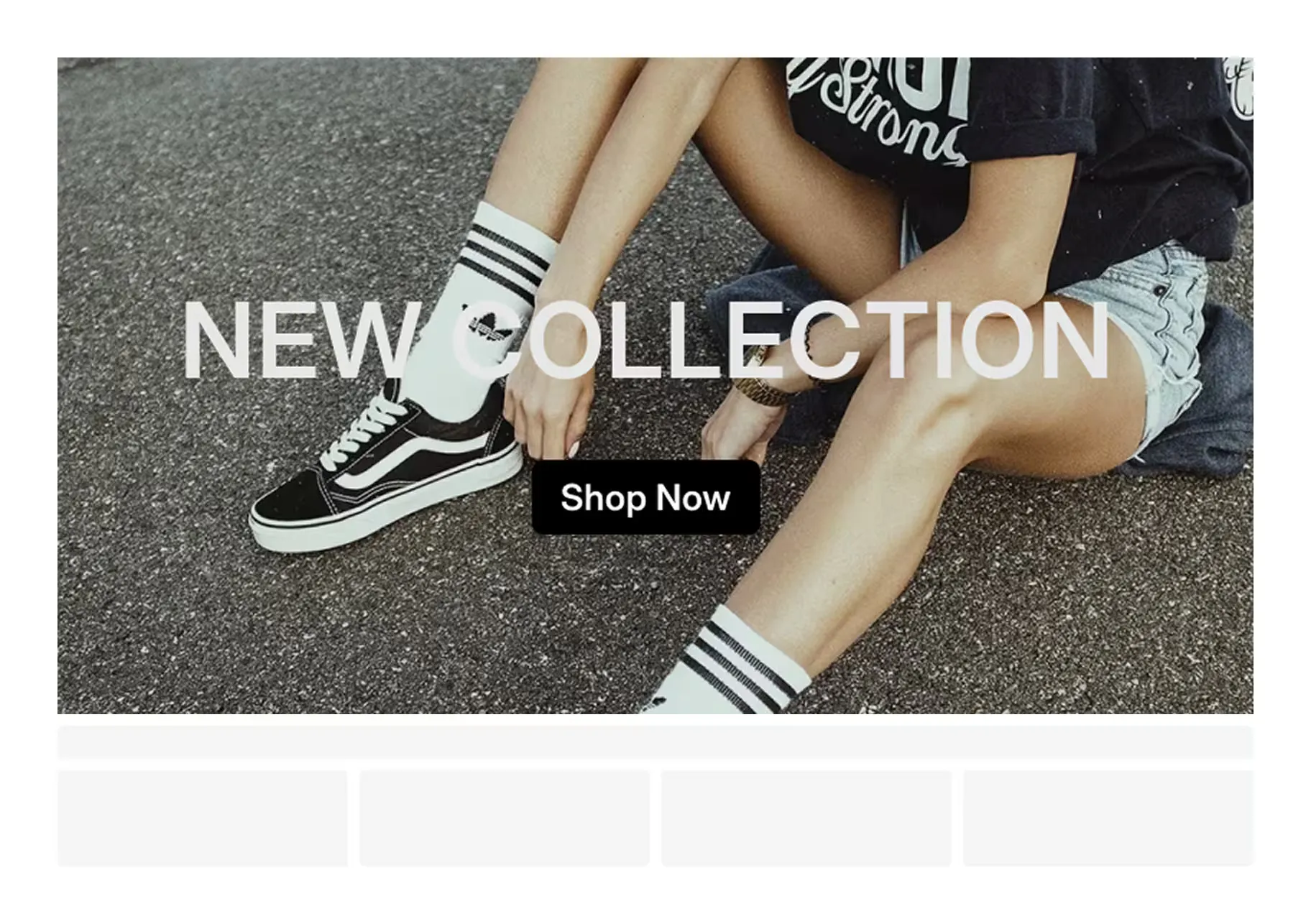
Hero videos that load fast, look great, and drive action instantly.
Explore all capabilities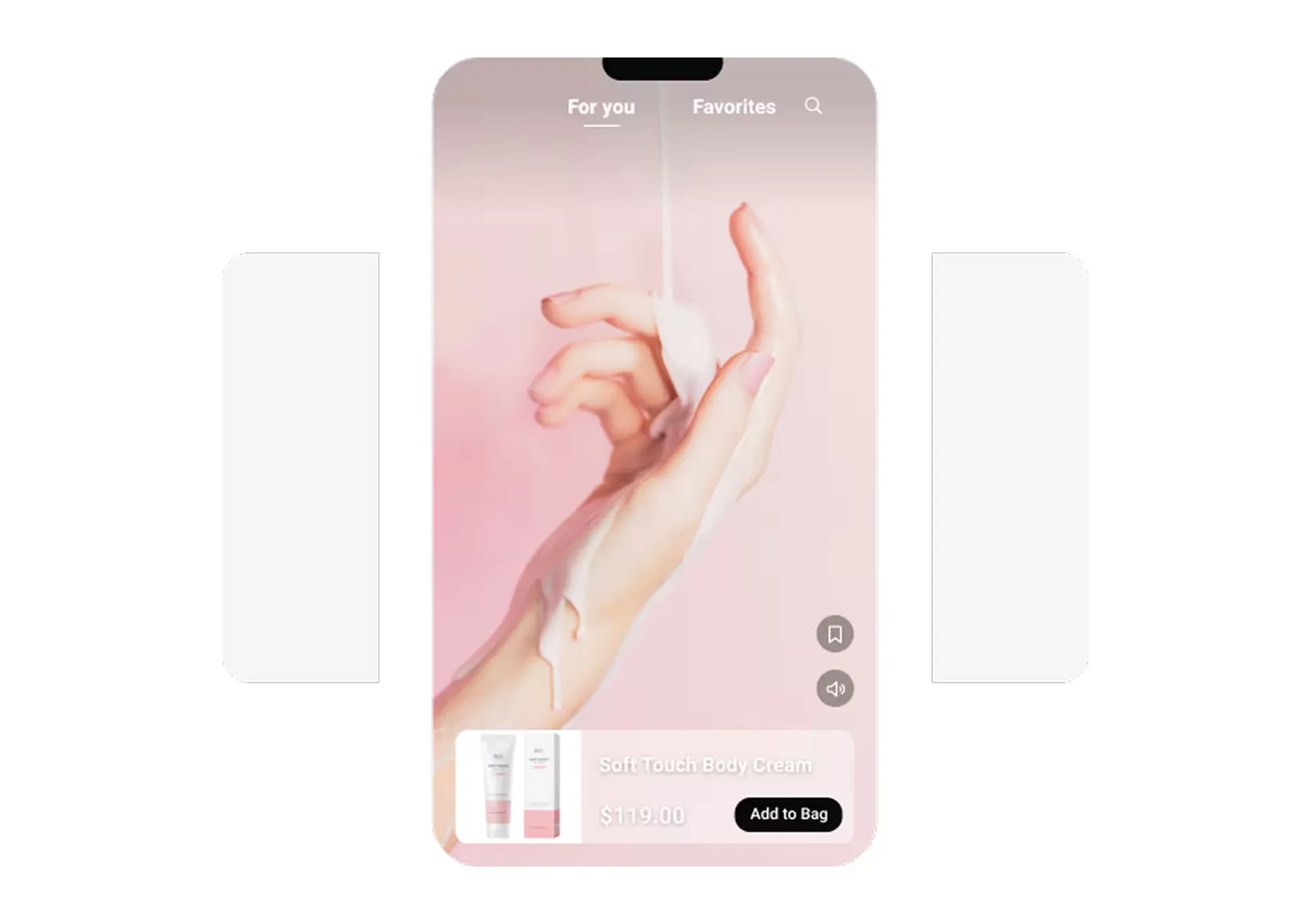
Like TikTok, but for your brand—personalized to drive engagement, scrolls, and clicks.
Explore all capabilities
Highlight new products and promos with branded videos automatically distributed across your collection pages.
Explore all capabilities
Highlight new products and promos with branded videos automatically distributed across your collection pages.
Explore all capabilities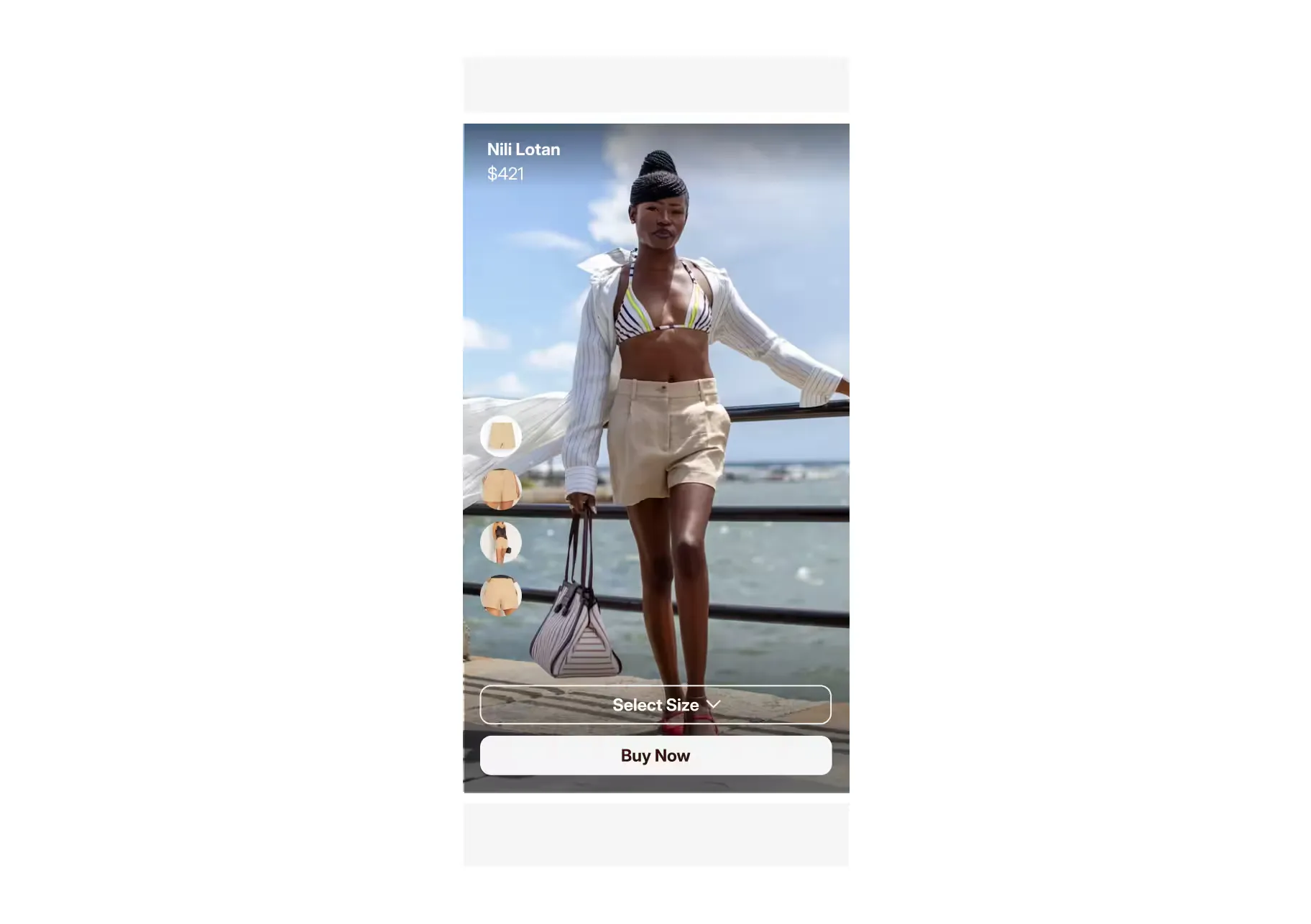
Bridge the gap from scroll to shop with video-based landing page built for social traffic.
Explore all capabilities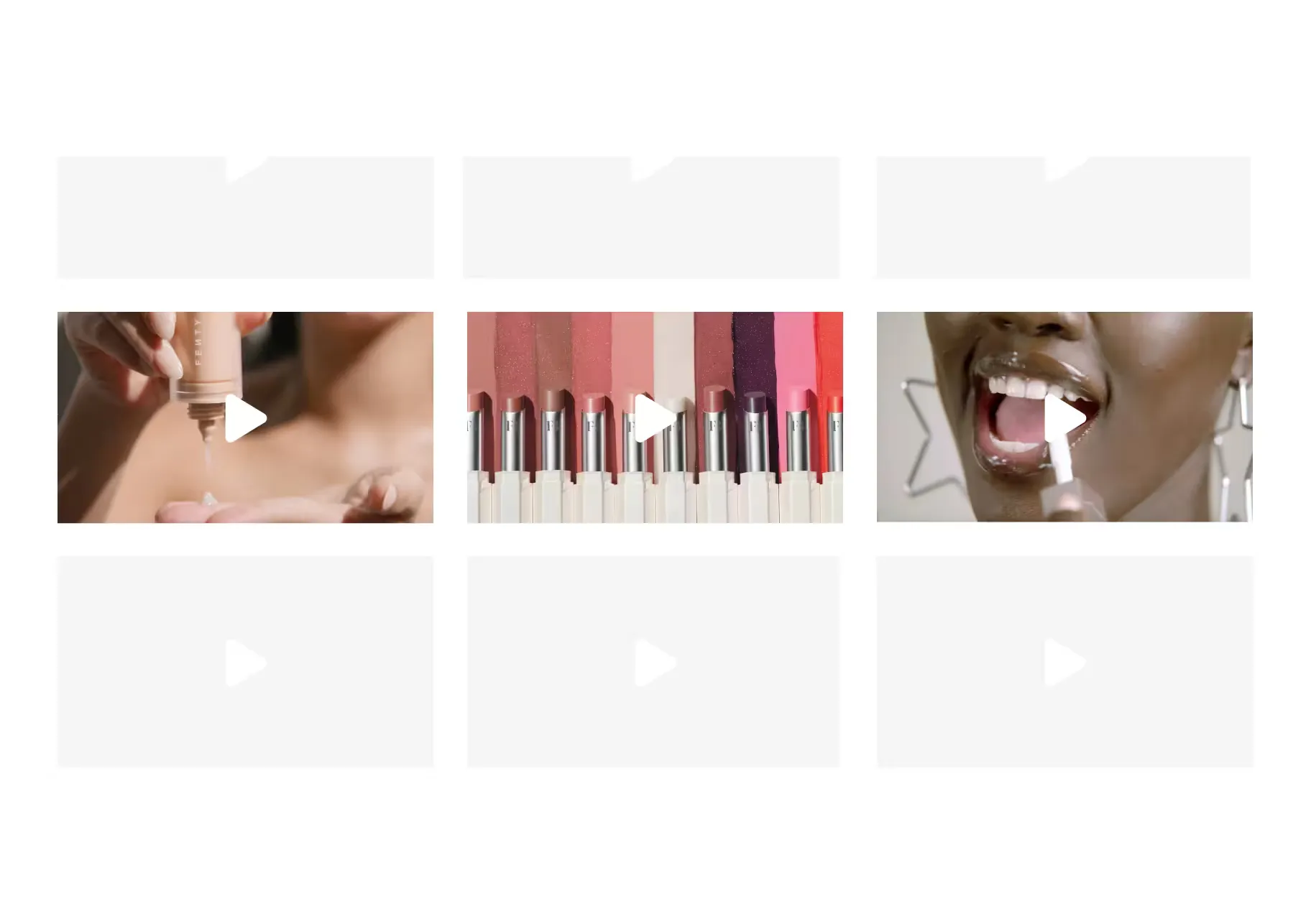
Showcase all your video content in one place—on your site, where it converts.
Explore all capabilities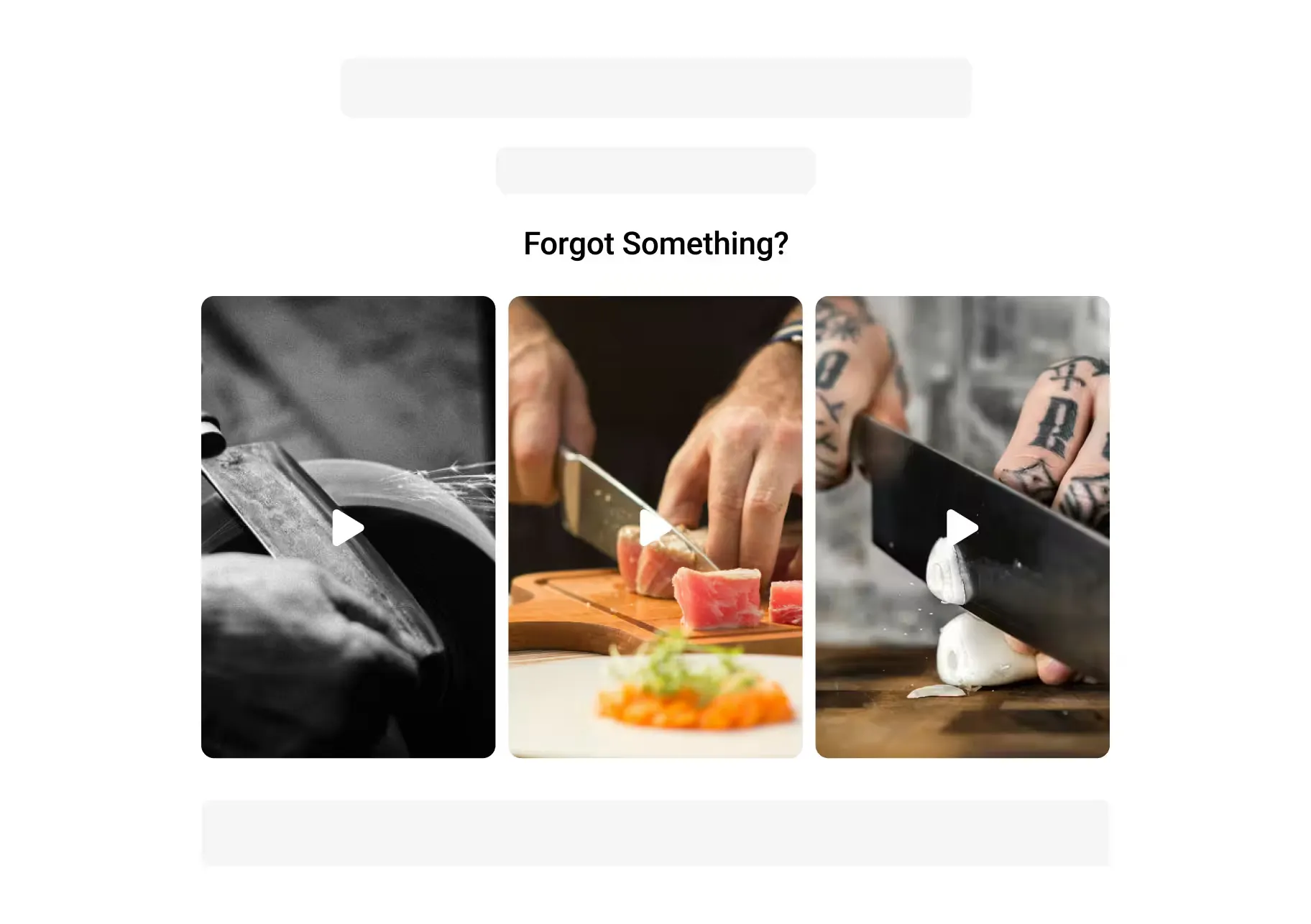
Win back shoppers with personalized product videos in cart and browse abandonment emails.
Explore all capabilities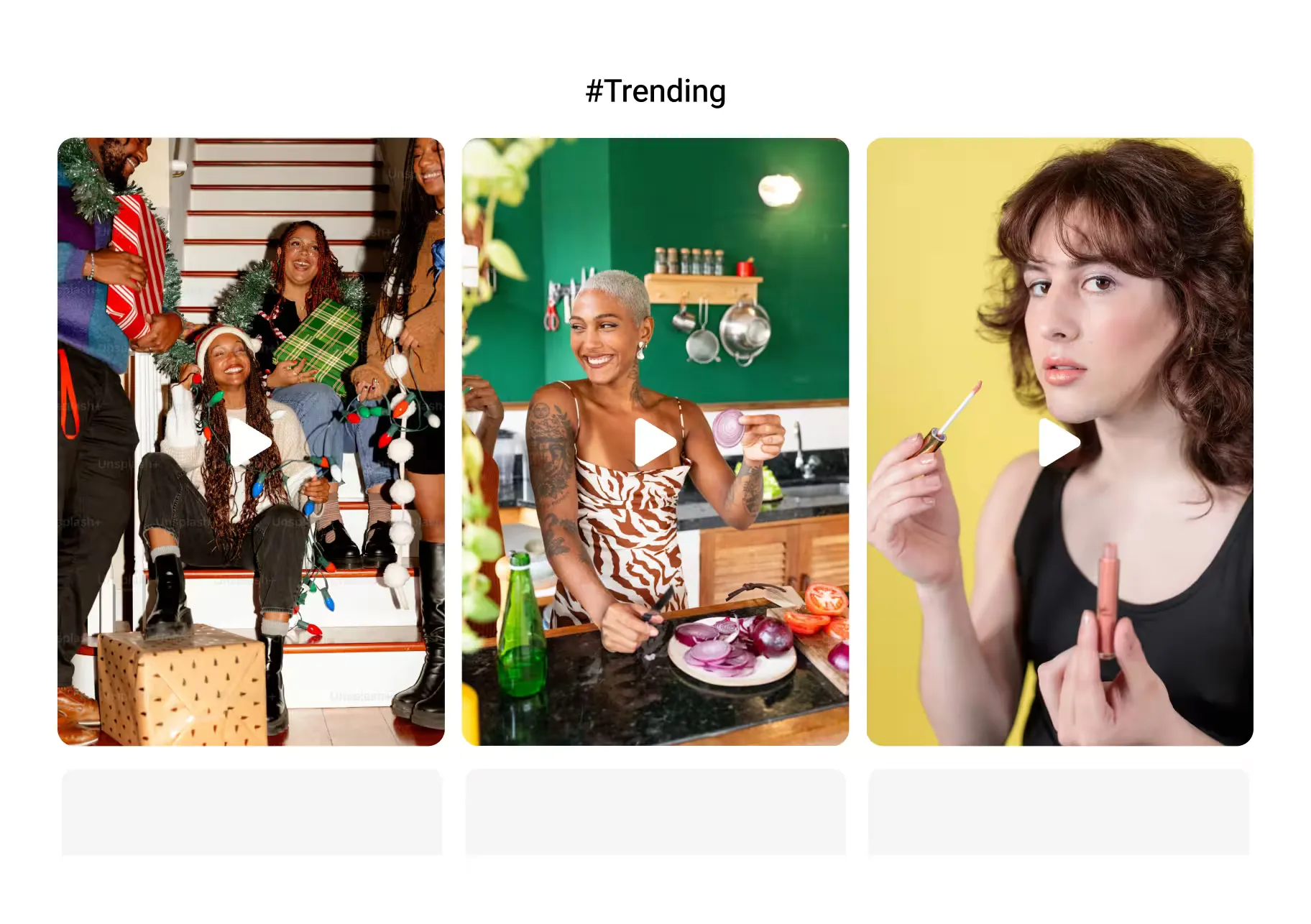
Put top-performing videos to work across every campaign.
Explore all capabilities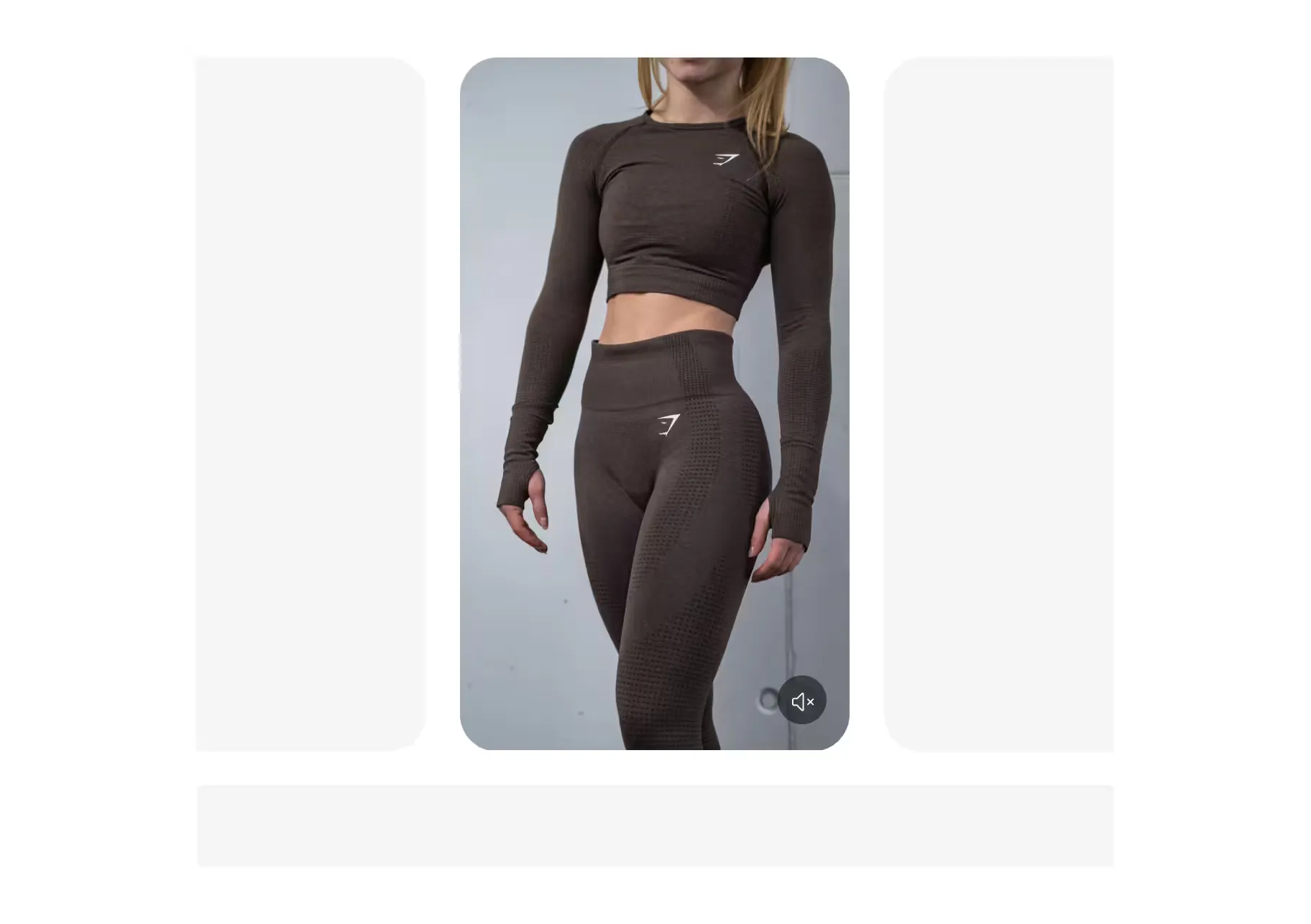
Mobile-optimized videos on PDPs that drive in-app engagement and conversion.
Explore all capabilities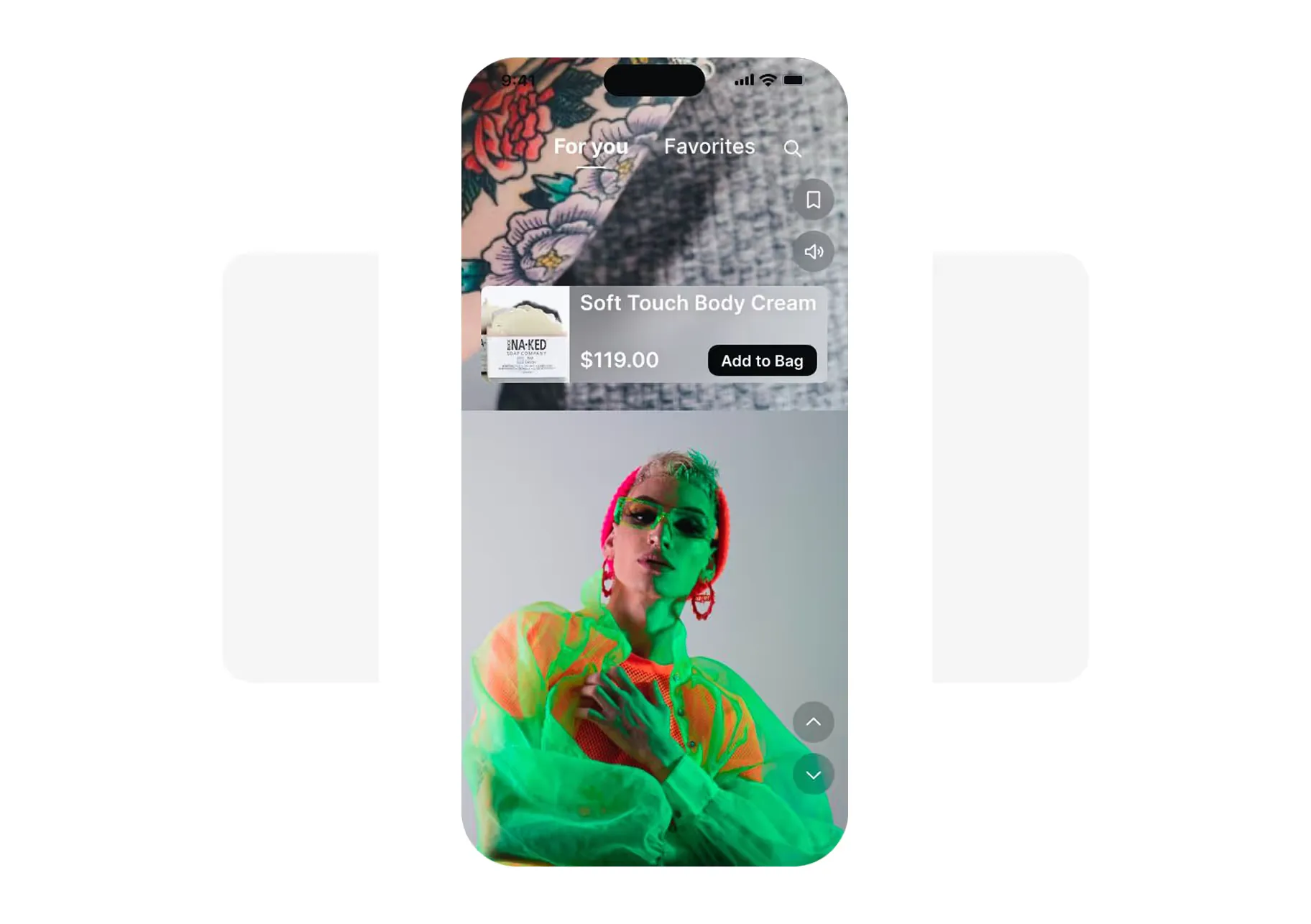
Seamless integration through your app provider or our plug-and-play SDK
Explore all capabilitiesShoppable videos let customers browse and buy products directly from video content. Viewers can swipe through a feed of videos, tap on products they like, and add to cart without leaving the video experience. Think TikTok or Instagram Reels, but on your own site with direct checkout.
Any video that shows your products in action works well in a shoppable feed.
Top-performing content types:
You don't need to create new content. Most brands already have this content on TikTok, Instagram, or YouTube.
Learn more about Tolstoy for eCommerce.
No. Tolstoy lets you import existing content directly from TikTok, Instagram, YouTube, and your internal libraries. Most brands can add a shoppable video feed to their site in about five minutes using content they already have.
Tolstoy supports shoppable-video placements on product pages, homepages, collection pages, landing pages, and connected lifecycle workflows. Tapcart and other compatible mobile apps require the platform-specific block or embed.
Shoppable videos reduce friction between discovery and purchase. Instead of watching a video, leaving to search for the product, and then adding to cart, customers can do it all in one flow.
What drives conversion:
Brands using Tolstoy see up to 3x longer time on site and measurable lifts in conversion rate.
Learn more about Hampden's success story.
No. Tolstoy uses lazy loading, deferred video delivery, and a sub-50KB JavaScript payload to ensure zero impact on Core Web Vitals. Videos only load when customers scroll to them, not on initial page load.
Tolstoy makes product tagging fast and scalable.
Tagging options:
Tag once, and Tolstoy syncs that video everywhere it belongs.
Yes. Tolstoy integrates with Klaviyo to automatically place videos in abandonment flows, welcome series, and other automated sequences. For all other email providers, Tolstoy generates optimized GIFs that bring video content to any email platform. This boosts click-through rates and brings customers back to your site with engaging content instead of static images.
Yes. Tolstoy integrates natively with Shopify through one-click installation and drag-and-drop theme blocks. No coding required. Your product catalog syncs automatically, and you can publish shoppable videos across your entire store in minutes. Works with all Shopify themes and Shopify Plus.
Learn more about Tolstoy's integrations.
Tolstoy provides full analytics at every level, from individual videos to site-wide performance.
Metrics you can track:
Tolstoy can publish selected video to Shop App when Shopify marks the store as eligible. TikTok Shop publishing is available through the Tolstoy web app. Each channel has its own account, eligibility, and placement limits.
See the current content and channel connections.
Tolstoy AI Studio helps you create more content for your shoppable video experiences by generating high-quality product visuals and videos at scale.
AI Sales Agent integrates directly into the video feed, allowing shoppers to open the sales chat inside the video experience itself — where they can ask questions, get sizing help, and receive product recommendations without leaving the video.
Add shoppable videos to your website and Shop app today