Real starting points
Each guide links to existing templates and Tolstoy-generated examples, not stock placeholders.
Ecommerce solutions by industry
A fashion launch, a skincare routine, a jewelry close-up, a recipe, and a room scene demand different inputs and different review standards. Start with the guide built around your team’s actual work.
 01 Flagship guide Fashion
 Give lean creative and ecommerce teams a repeatable way to produce on-model visuals, styling content, product videos, and shoppable stories without flattening every drop into the same campaign.
Explore fashion →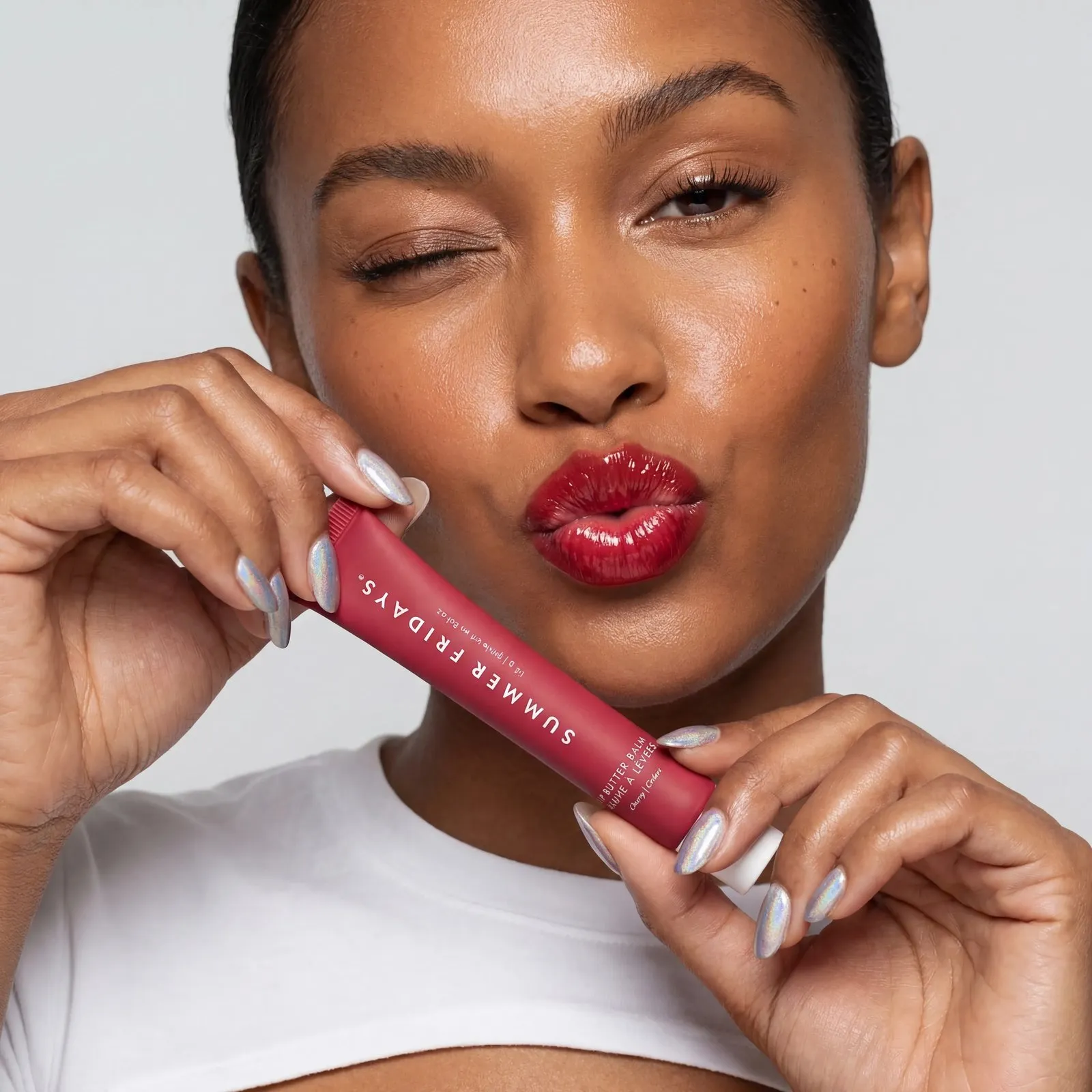 02 Industry guide Beauty
 Build a creative library around shades, ingredients, application, and routines, then bring the strongest videos onto product pages where shoppers are comparing options.
Explore beauty → 03 Industry guide Jewelry
 Create campaign scenes, macro compositions, and worn-product concepts around small, reflective products, then connect approved video to the exact pieces shoppers can buy.
Explore jewelry →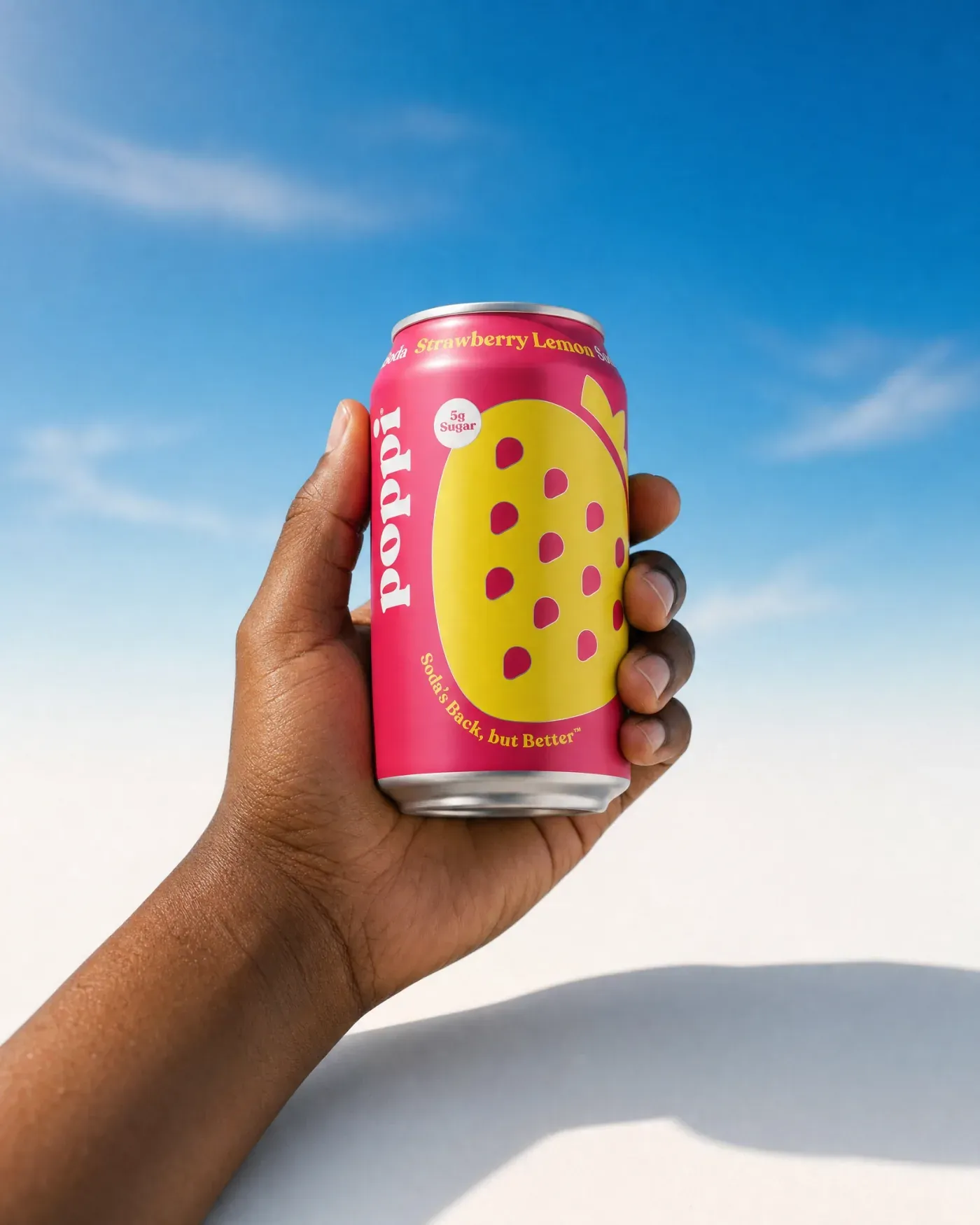 04 Industry guide Food & beverage
 Give products a setting and a use: the first pour, the kitchen routine, the ingredient story, or the founder explanation that a static pack shot cannot carry alone.
Explore food & beverage → 05 Industry guide Home
 Build room scenes, styling concepts, assembly stories, and product explainers that give furniture, decor, cookware, and home goods more context than a white-background image.
Explore home →One connected system
Use AI Studio to produce reviewed image and video formats from product and brand inputs.
Use AI Player to connect approved video with products across the storefront.
Use AI Sales Agent where a catalog benefits from questions, recommendations, and visual exploration.
Built for reviewable work
Each guide links to existing templates and Tolstoy-generated examples, not stock placeholders.
Review criteria change by vertical: seams and drape, shade and texture, clasps and settings, packaging, or dimensions.
Customer outcomes stay tied to the published story and test context that supports them.
Common questions
These guides cover fashion, beauty, jewelry, food and beverage, and home ecommerce. Tolstoy also serves brands outside these groups; the industry pages show how the same products map to different creative and storefront jobs.
AI Studio creates ecommerce images and video. AI Player publishes shoppable video experiences on storefronts. AI Sales Agent supports guided product discovery and visual exploration. Each industry guide recommends where to start.
The pages use curated Tolstoy gallery assets, public AI Studio templates, user-supplied creative, and published customer stories. Customer results are shown only when an approved published source is available; otherwise the customer-proof module is omitted.
See the system with your products
Bring a product, a channel need, and your existing approval standards.