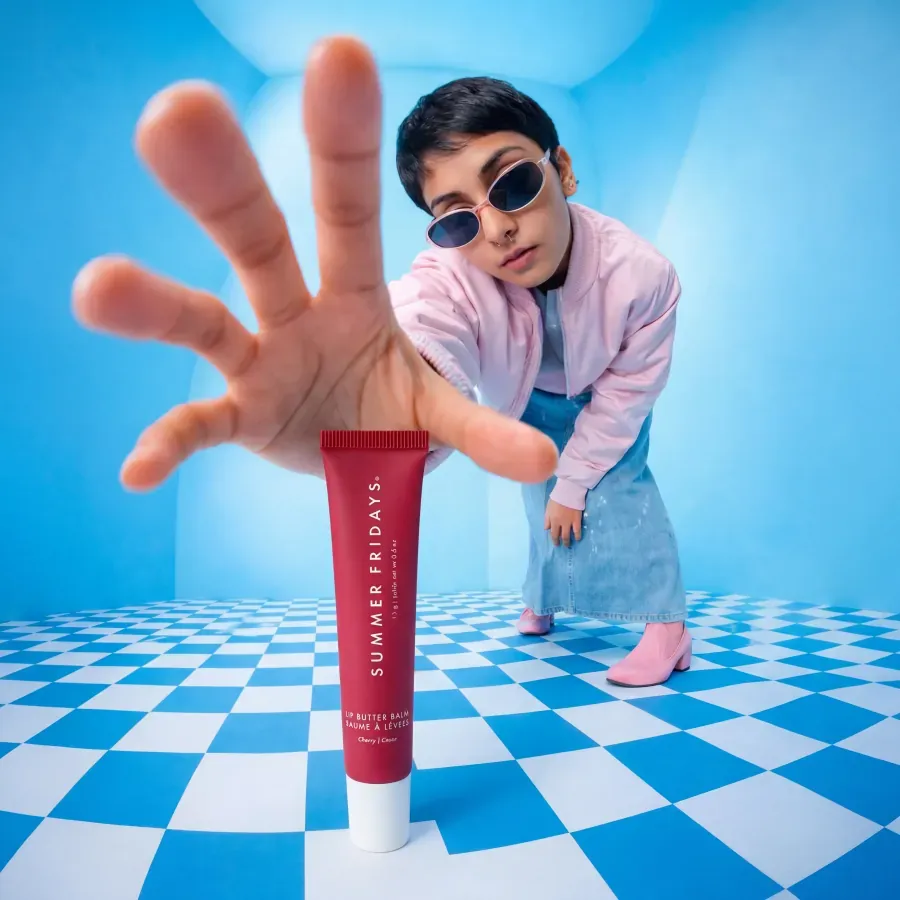
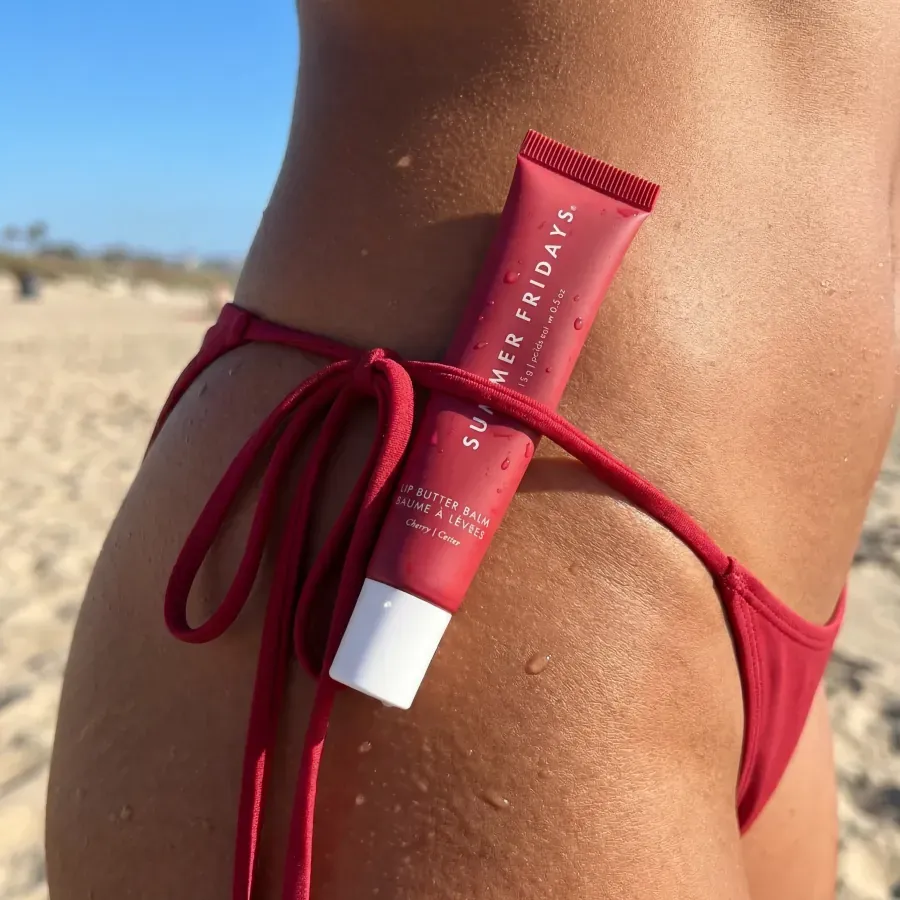
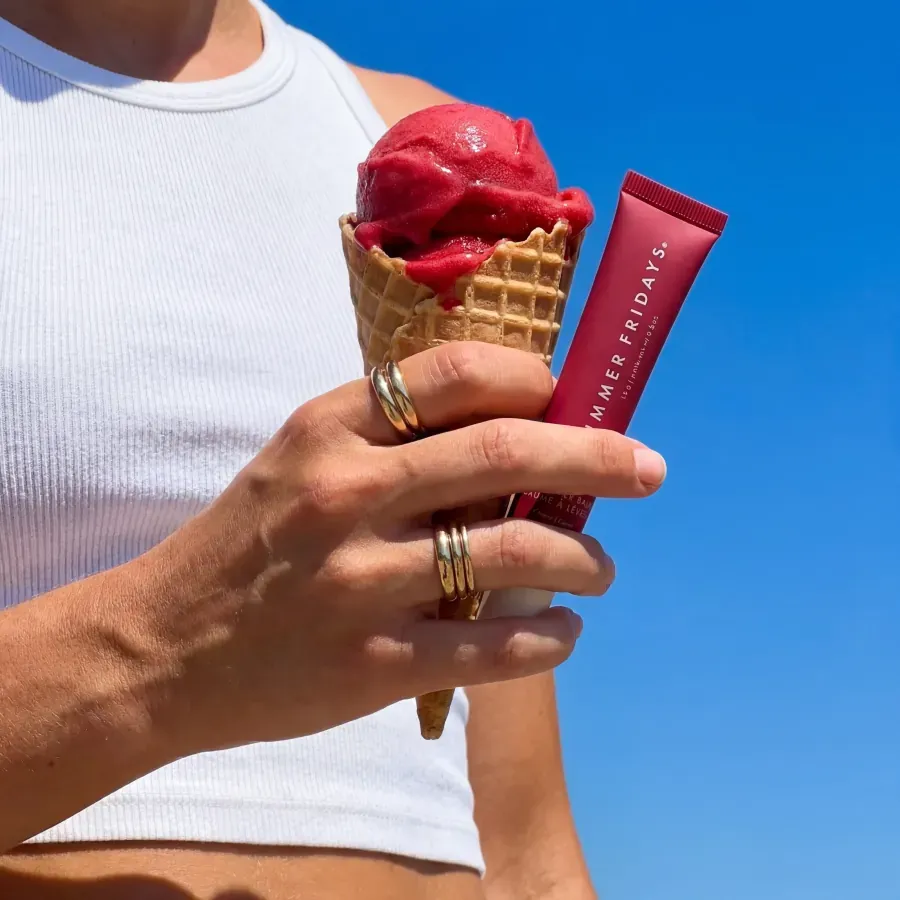
Create scale and styling context
Develop worn-product and close-up concepts that help a buyer understand how a piece sits, layers, and catches light.
Tolstoy for jewelry brands
Create campaign scenes, macro compositions, and worn-product concepts around small, reflective products, then connect approved video to the exact pieces shoppers can buy.
What Tolstoy enables
Tolstoy helps jewelry teams create and distribute product content across campaigns, social channels, and storefronts. AI Studio supports product and worn-jewelry visual workflows, while AI Player turns approved product stories and creator videos into shoppable experiences.
Jobs to be done
Develop worn-product and close-up concepts that help a buyer understand how a piece sits, layers, and catches light.
Build seasonal scenes, golden-hour concepts, and creator-style variants while keeping a strict review step for clasps, settings, stones, and proportions.
Publish product stories, unboxings, and styling clips with direct product associations on collections and PDPs.
Connected workflow
Create profile shots, macro concepts, worn-product scenes, and social variants from approved product references.
Explore AI Studio →Connect unboxings, layering guides, and creator clips to the featured necklaces, rings, earrings, or bracelets.
Explore AI Player →
Reusable starting points
 Image template
 Frame a worn piece in a clean profile portrait.
Use this template →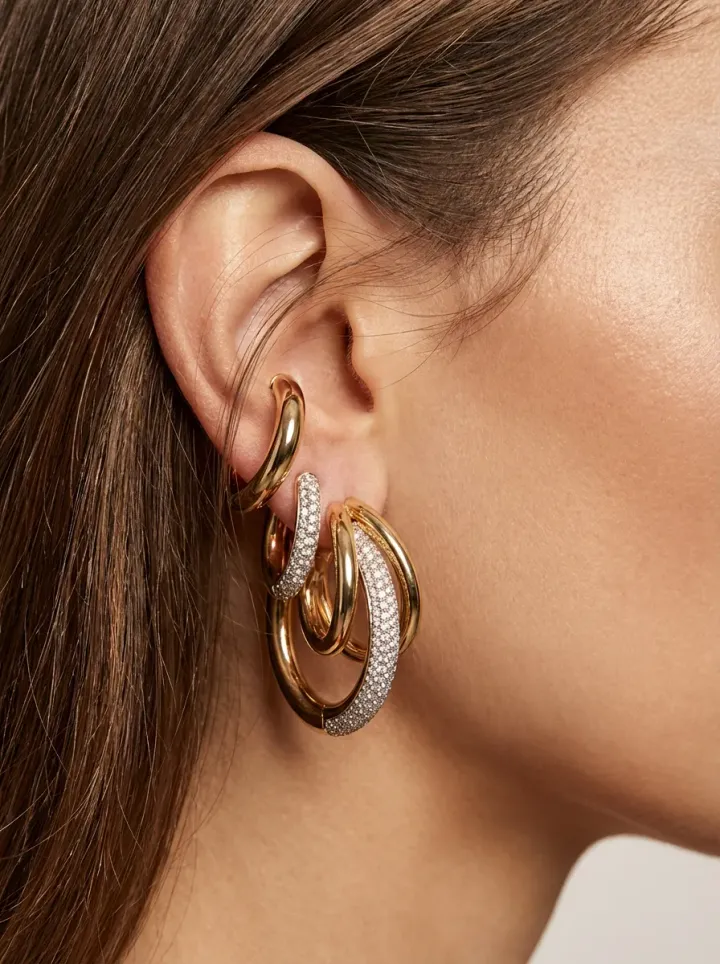 Image template
 Build a closer view for setting and material detail.
Use this template → Image template
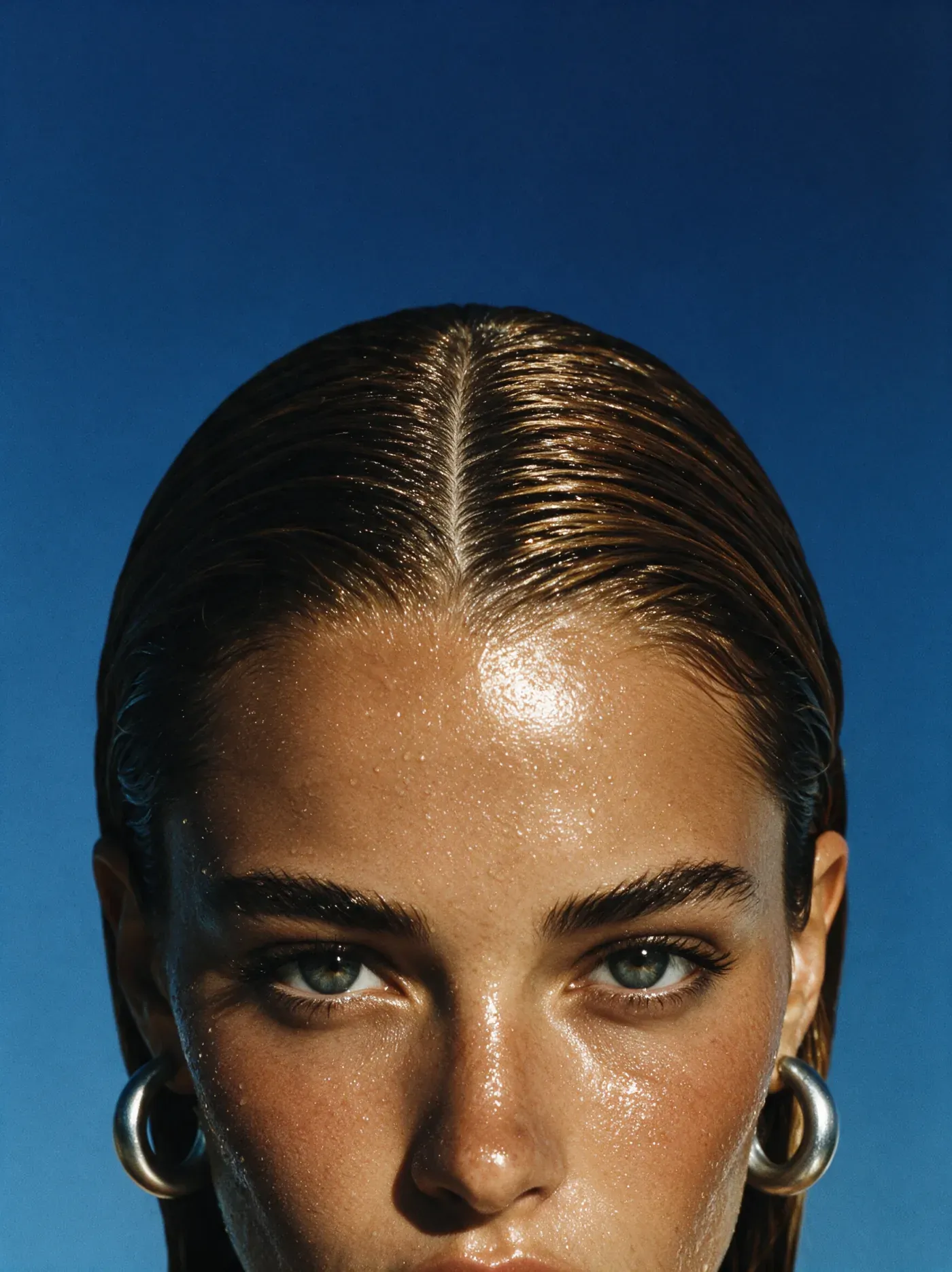
 Place the product in warm, lifestyle-led campaign light.
Use this template →Decision guide
| If you need | Start with | Why |
|---|---|---|
| More campaign scenes and product angles | AI Studio | Create a controlled set of concepts, then inspect product geometry and materials. |
| Styling or unboxing video already exists | AI Player | Make the video shoppable on the relevant collection or product page. |
| Product-detail fidelity is still uncertain | A narrow pilot | Test a small set across necklaces, rings, earrings, and bracelets before scaling. |
Questions from commerce teams
Jewelry teams can use AI Studio for product profiles, macro concepts, worn-product scenes, campaign images, and short-form creative. AI Player can publish approved unboxings, styling guides, and product videos in shoppable formats.
Compare every output with the source product. Check stone count and setting, chain and clasp placement, scale, metal color, engraving, reflections, and how the item sits on the body before approval.
Yes. AI Player lets merchants associate featured products with video and publish shoppable experiences on storefront pages. The merchant controls the product mapping and placement.
Start with one tightly reviewed use case, such as profile images for earrings, macro views of a ring, or a shoppable styling video. Define the product details that must remain exact before expanding the workflow.
Start with one repeatable workflow
Bring a product, a brand direction, and a real channel need. Keep your existing review process in the loop.