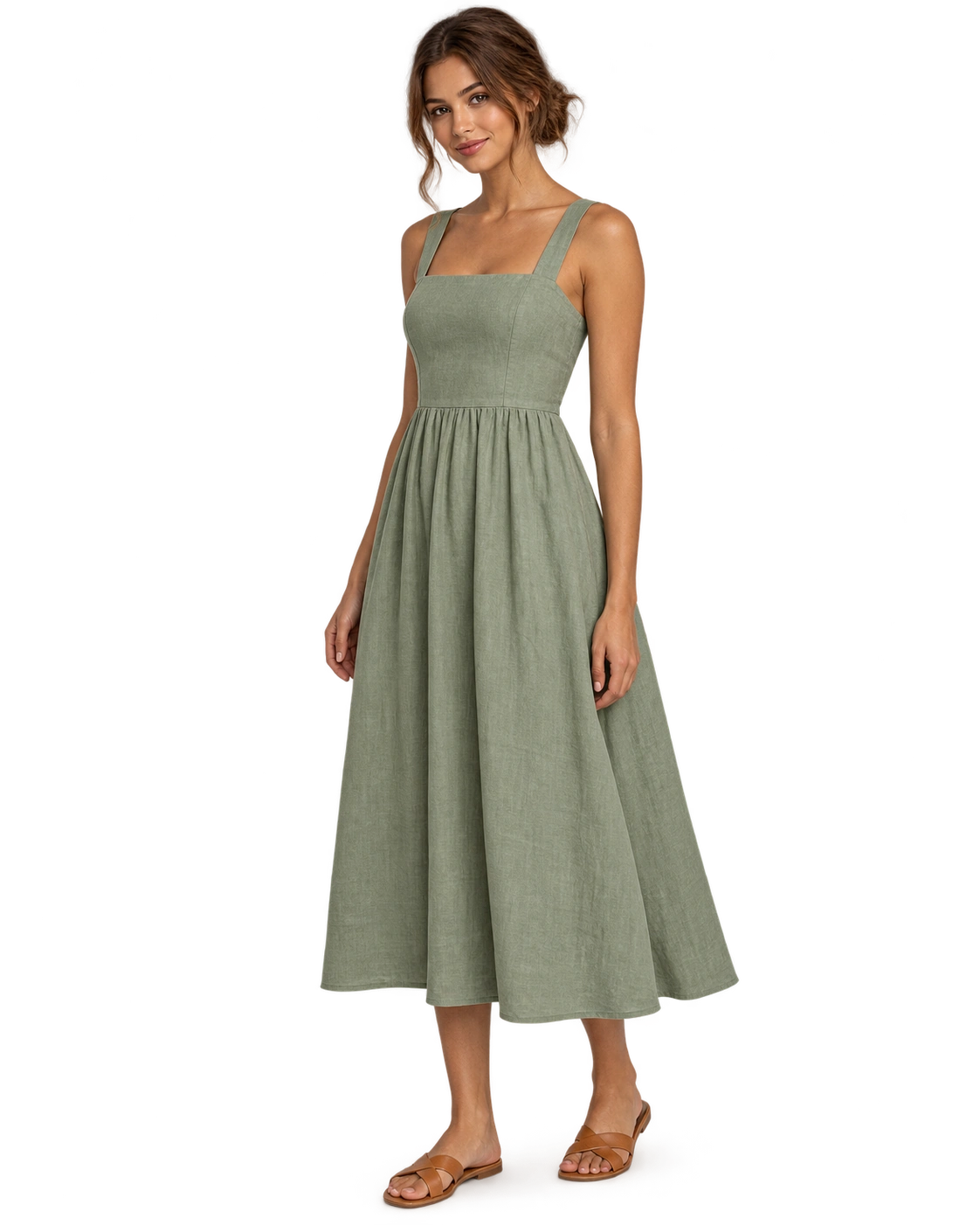
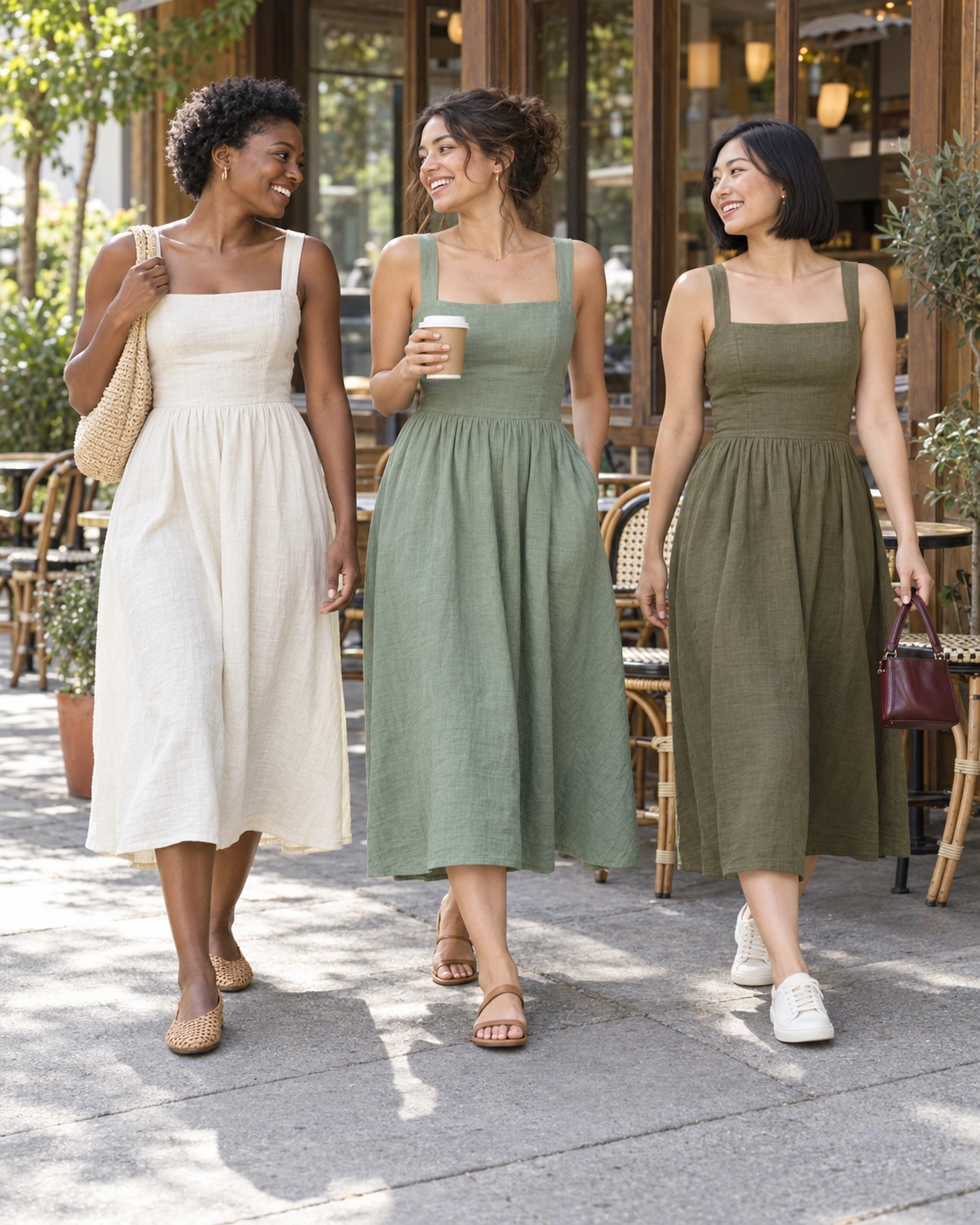

High-SKU fashion and apparel
Weekly drops and seasonal refreshes arrive faster than studio days can be booked. Every new style still needs front, back, detail, and on-model views before it can go live.
Tolstoy for high-SKU fashion & beauty
Fashion and beauty teams add SKUs faster than a studio can shoot them. Turn approved flat lays and supplier photos into consistent on-model PDP images, product video, and ad creative across the whole assortment — with your team approving every asset before it reaches the storefront.
Built for teams shipping thousands of SKUs and weekly drops, not one-off product shots. For a single SKU or a campaign image, start at AI product photography.
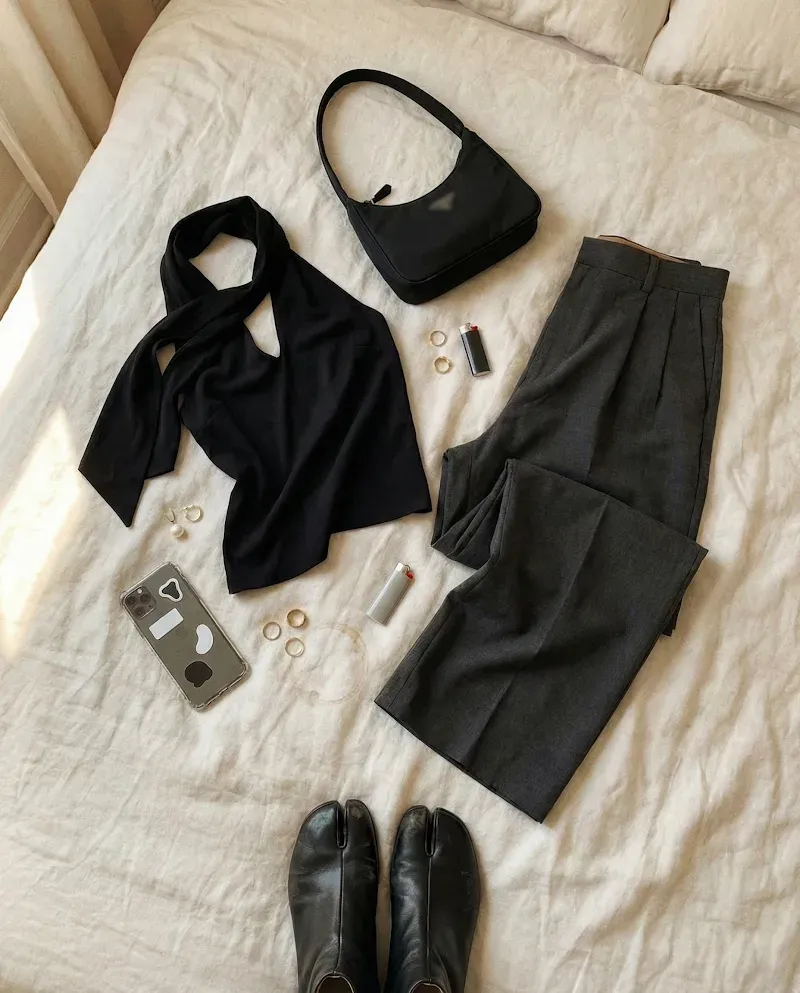
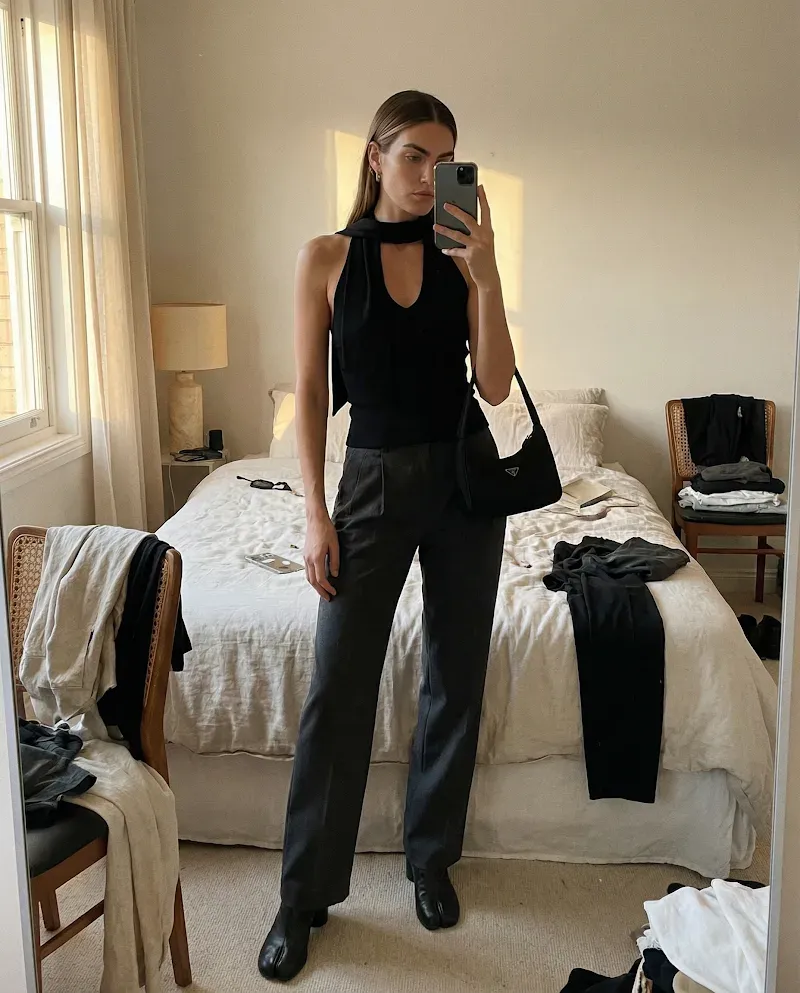
The problem is volume and repeatability, not creative ambition. These are the teams that hit it first.
Weekly drops and seasonal refreshes arrive faster than studio days can be booked. Every new style still needs front, back, detail, and on-model views before it can go live.
Shades, formulas, and set sizes multiply the shot list. Each variant needs accurate packaging, texture, and in-use scenes that match the product actually sold.
Supplier photos arrive in different formats, backgrounds, and quality levels. PDPs still need one consistent look regardless of who supplied the source image.
Deliver on-model sets for several fashion clients without a studio booking per brand, and keep each brand’s models, styling, and look separate.
Nothing here is a creative failure. Each step is reasonable on its own, and together they set a ceiling on how many products can go live with usable imagery.
Colorways, sizes, and sets multiply views per style. Intake scales with merchandising decisions; the studio does not.
Samples ship, models are cast, a studio day is booked, files are retouched and QA’d. None of those steps compress when the SKU count doubles.
Hero styles get shot. The long tail launches with a supplier flat lay, a placeholder, or nothing, on the pages that need help most.
A restock or a late addition is shot months later with a different model, lens, and light, so one collection reads as several.
AI fashion catalog production at scale is generating a catalog's product imagery and video — on-model shots, detail crops, lifestyle scenes, and PDP video — from existing product inputs such as flat lays, supplier photos, and packshots, using one repeatable brand-controlled process across hundreds or thousands of SKUs, with human review before anything is published.
It differs from one-off AI image generation in three ways: the inputs are your real catalog rather than uploads, the look is defined once and reused instead of re-prompted per product, and approved output has a route to the storefront instead of ending in a download folder.
Save the direction once it works. Keep product-level review in every reuse.
Products, variants, images, and copy come from your connected store, so each SKU carries its own reference images and attributes instead of a folder of loose uploads.
Brand DNA holds the models, settings, lighting, crop, and styling direction alongside logos, colors, fonts, and reference files. This is what makes SKU 900 match SKU 1.
An approved flat lay, packshot, or supplier photo becomes on-model views, detail crops, lifestyle scenes, and product video for that same SKU.
Compare every output against its source product. Approve, refine, regenerate, or finish it manually. Nothing publishes on its own.
Export approved assets or send them through a connected publishing workflow to PDPs, collection pages, paid social, and email.
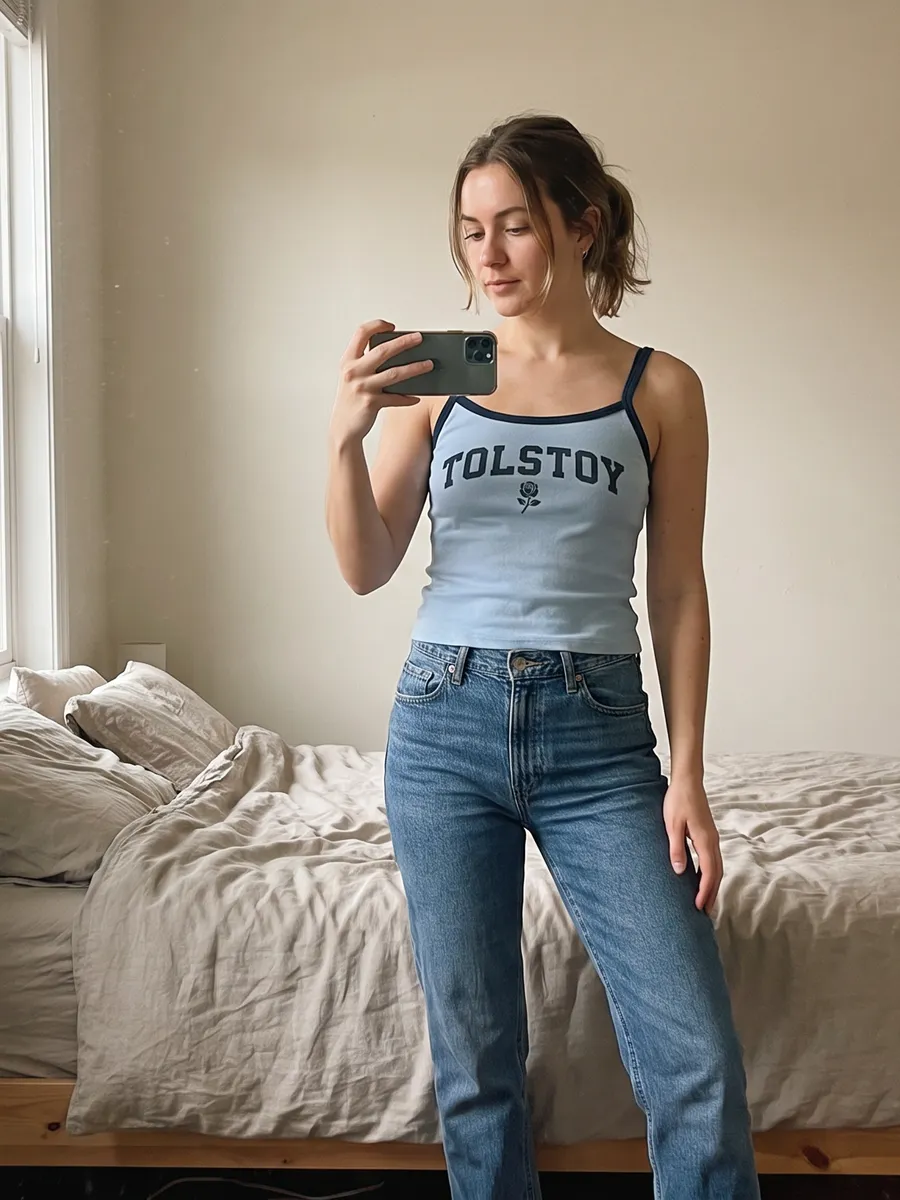
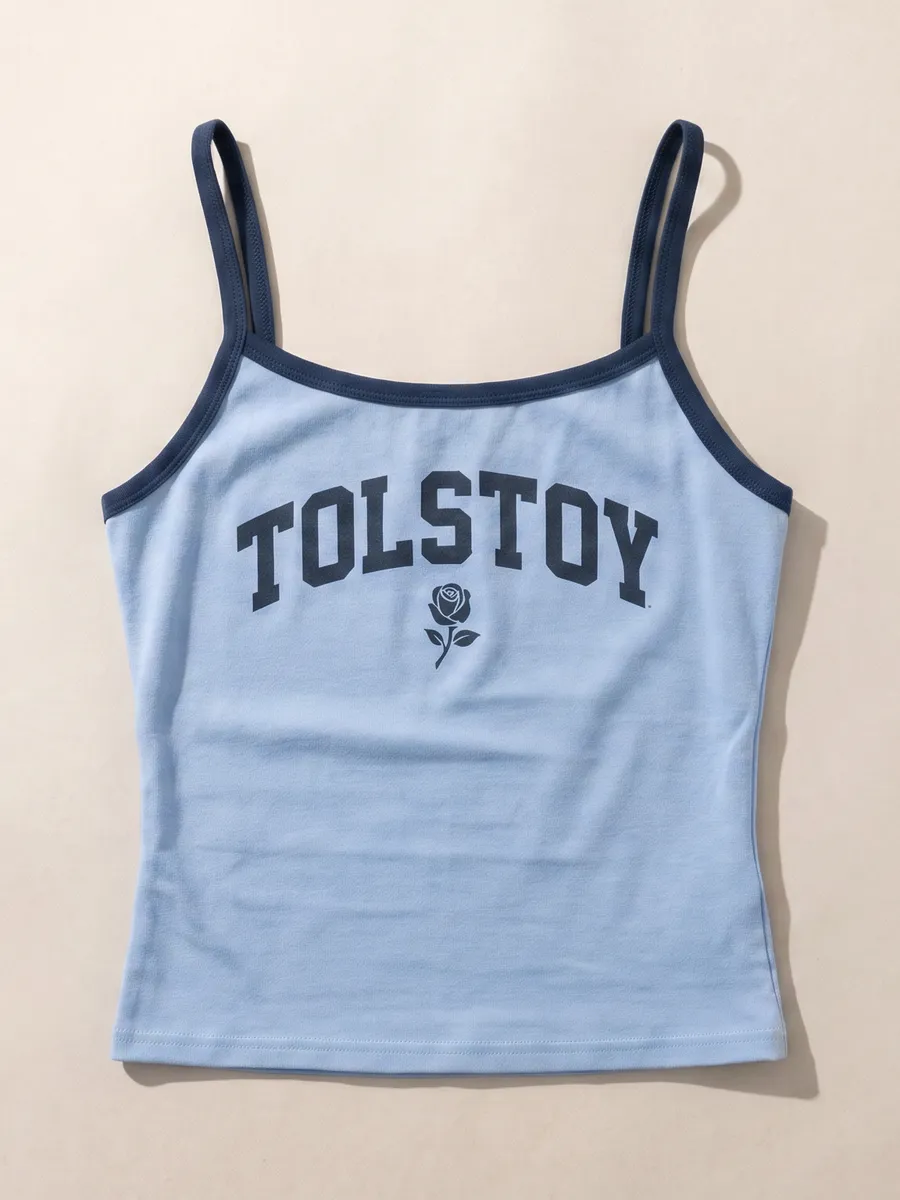
On-model, lifestyle, and packshot directions created from the same approved product input. At catalog scale this is what the saved direction reproduces per SKU.
See how AI product photography works →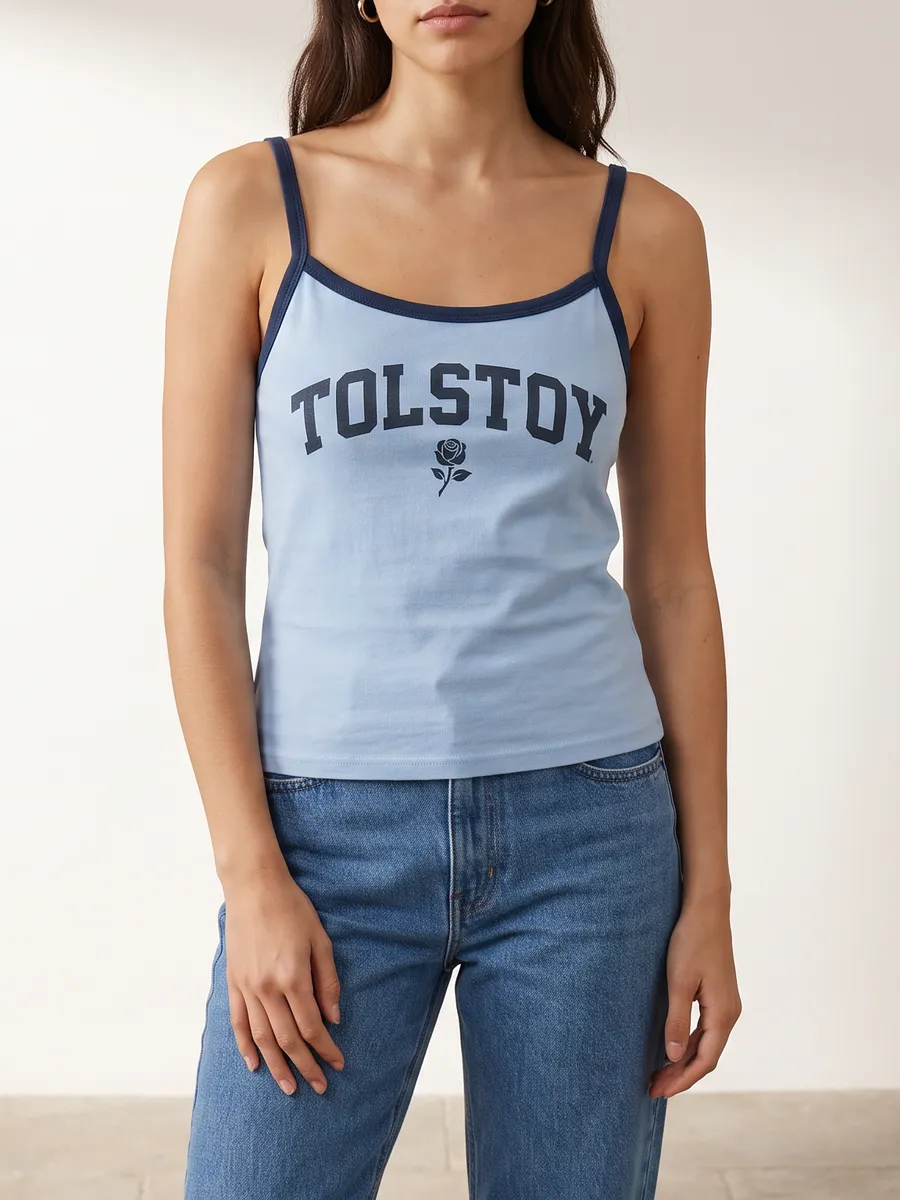
Most fashion teams end up running both. The useful question is which products belong in which lane.
| Criterion | Traditional shoot | AI fashion catalog production |
|---|---|---|
| Turnaround per new SKU | Bounded by sample delivery, casting, studio availability, and retouch scheduling. | Bounded by having an approved product input and a reviewer available. |
| Cost shape | Largely fixed per shoot day, whether or not the full assortment is ready to shoot. | Largely variable per asset, which is what makes the long tail reachable. |
| Consistency across the catalog | Depends on rebooking the same crew, model, lighting, and location. | Defined once as reusable brand and creative direction, then applied per SKU. |
| Long-tail coverage | Usually deprioritized behind hero styles and campaign work. | Runs through the same process as hero styles. |
| Variants and reshoots | Needs the physical sample and the original setup again. | Regenerate from the same input and saved direction. |
| Fit, drape, and true material behavior | Captured directly from the garment on a real body. | A creative visualization. Verify it against the product before publishing. |
| Best used for | Campaign hero imagery, brand films, and products whose material behavior must be captured. | Catalog breadth, PDP coverage, variant sets, channel resizes, and refreshes between shoots. |
Ask these before comparing output quality. Image quality converges quickly across tools; the surrounding workflow is what decides whether assets actually ship.
Product, variant, image, and copy context should come from the connected store. A tool that only accepts uploads makes you rebuild the catalog by hand.
Reusable brand and creative direction is what separates catalog production from one-off generation. Without it, consistency is a per-prompt accident.
Someone has to compare the output with the source product before it reaches a PDP. Look for the source image and the output side by side, not a gallery of results.
PDP, collection page, paid social, and email each want a different asset from the same SKU. Producing them in separate tools reintroduces the bottleneck.
Generation that ends in a download leaves the slowest step unsolved — actually getting approved assets onto product pages and into campaigns.
New colorways, restocks, and next season should reuse the saved direction rather than start over.
Ask which product types, materials, and details the output is not reliable for. A vendor that names its failure modes is easier to plan around.
Shortlists for this job usually mix three shapes of product. The criteria above are the spine of the comparison; this is only where each shape sits in the workflow.
Uwear
Positioned around producing fashion imagery at volume. The strength is the generation step itself; catalog context, review, and publishing usually stay in your own tools.
FASHN
Positioned around turning a product image into a model image, available to teams and developers through an API. Powerful as a component; the workflow around it is yours to build.
Tolstoy
Catalog context and Brand DNA in, on-model images plus product video and ad creative out, human review against the source product, then publishing to the storefront.
Positioning as each vendor describes it, not a capability or output comparison. Confirm current features directly with any vendor you shortlist.
Turning a product image into a model image is the visible step, and at catalog scale it is the smallest one. The steps around it decide whether anything reaches a product page.
Tolstoy runs those steps in one place: AI Studio for creation and review, AI Player for storefront and PDP video, and connected publishing for approved assets.
Which SKUs need which views, and what each variant actually is.
One saved direction applied across the assortment, not per prompt.
Approval against the source product before an asset is usable.
Approved assets onto PDPs, collection pages, ads, and email.
Plan around these rather than discovering them on a live PDP. They are the reason review stays in the workflow.
Each one goes deeper on a single step of the pipeline above.
A run-book for a weekly drop: intake, batching, and per-SKU review.
Triage a supplier pack, then run every SKU against one saved look.
On-model, ghost, detail, lifestyle, and colorways from one clean input.
Keep model, light, and crop from drifting between drops and restocks.
Pass, review, and reject lanes so only the right garment publishes.
Recast an approved set for a new market without regenerating the garment.
Clear who a reusable AI model is before thousands of SKUs carry the face.
Treat it as a catalog process rather than a series of prompts. Connect the catalog so each SKU carries its own product images and attributes, define the models, styling, lighting, and crop once as reusable brand direction, then generate on-model views per SKU from an approved flat lay or packshot. A person reviews each output against the source product, and approved assets are exported or published. The saved direction is what keeps the thousandth product looking like the first.
A flat lay, packshot, or supplier photo is a valid product input in Tolstoy AI Studio, and on-model views, detail crops, and lifestyle scenes are created from it. Scale comes from doing this per SKU against one saved direction rather than per prompt: the catalog supplies the inputs, the direction supplies the model, styling, lighting, and crop, and a reviewer approves each output. Check construction, color, print placement, logos, proportions, and styling before approving, because these are the details most likely to shift.
Consistency comes from fixing the variables once instead of restating them per product. Brand DNA and a saved creative direction hold the model, pose, background, lighting, crop, and styling rules, and every SKU runs through the same direction. Review still happens per product, since each garment and variant introduces its own details.
At 500 new SKUs a week the tool has to run as a catalog process, not a prompt box. Look for a platform that reads your live catalog so each SKU carries its own supplier or flat-lay image, holds the models, styling, lighting, and crop as a saved direction that every SKU reuses, gives reviewers the source photo beside the output, and can push approved assets to PDPs rather than only downloading them. Tolstoy AI Studio is built for that path; Uwear and FASHN are the peers most often shortlisted alongside it, and the comparison criteria on this page apply to all three.
The practical limits are different from a shoot. There is no sample logistics, casting, or studio booking, so throughput is bounded by having an approved product input per SKU and enough reviewer time. High-intake catalogs batch by drop, approve a direction once, and keep review focused on what varies per garment.
For a fashion retailer the answer depends on where the work actually stalls, so judge platforms on criteria rather than sample galleries. Does it read your live catalog? Can the look be defined once and reused across the assortment? Does a person approve each asset against the source product? Does it produce video and ad formats as well as stills? Do approved assets have a route to the storefront? Do variants and repeat runs reuse the saved direction? Does the vendor state plainly which products and details the output is unreliable for? A team that only needs image generation will weigh those differently from a team that needs assets on PDPs this week.
Yes. Beauty catalogs have the same structural problem — shade and formula variants multiply the shot list faster than a studio can absorb. The inputs are packshots rather than flat lays, and review focuses on packaging text, shade accuracy, texture, and application scenes.
Approved assets can be exported, or sent through an eligible Tolstoy publishing workflow. Product video can also be merchandised on collection pages and PDPs with AI Player. Confirm the destination, file requirements, account, and placement rules before publishing.
They sit at different points in the same workflow. Uwear positions itself as a visual production engine for fashion imagery, and FASHN as a product-to-model generation tool available to teams and developers through an API. Tolstoy is commerce-complete: connected catalog context, Brand DNA and a saved creative direction, image and video creation, human review against the source product, and publishing to the storefront through AI Studio and AI Player. If generation alone is the gap, a focused tool may be enough. If the gap is getting reviewed assets onto product pages across a whole assortment, evaluate the surrounding workflow. Confirm current capabilities with each vendor before deciding.
It replaces the repeatable part — catalog breadth, variant sets, PDP coverage, channel resizes, and refreshes between campaigns. Keep traditional capture for campaign hero imagery and for products whose material behavior a generated image cannot reproduce accurately enough.
Connect the catalog, set the direction once, and review the first on-model set against your own products.