Start with the product and the brief
Use catalog data, product photos, Brand DNA, references, and creative direction to create reviewable images and video for a real Shopify SKU.
Explore AI Studio for product contentTolstoy for Shopify
Connect your catalog, create reviewable product images and video with AI Studio, and publish approved content as shoppable feeds, Stories, carousels, and widgets with AI Player.
Free to connect your store. Paid plans start at $12/month, or $8/month billed yearly. Eligible accounts get a 30-day publishing trial.
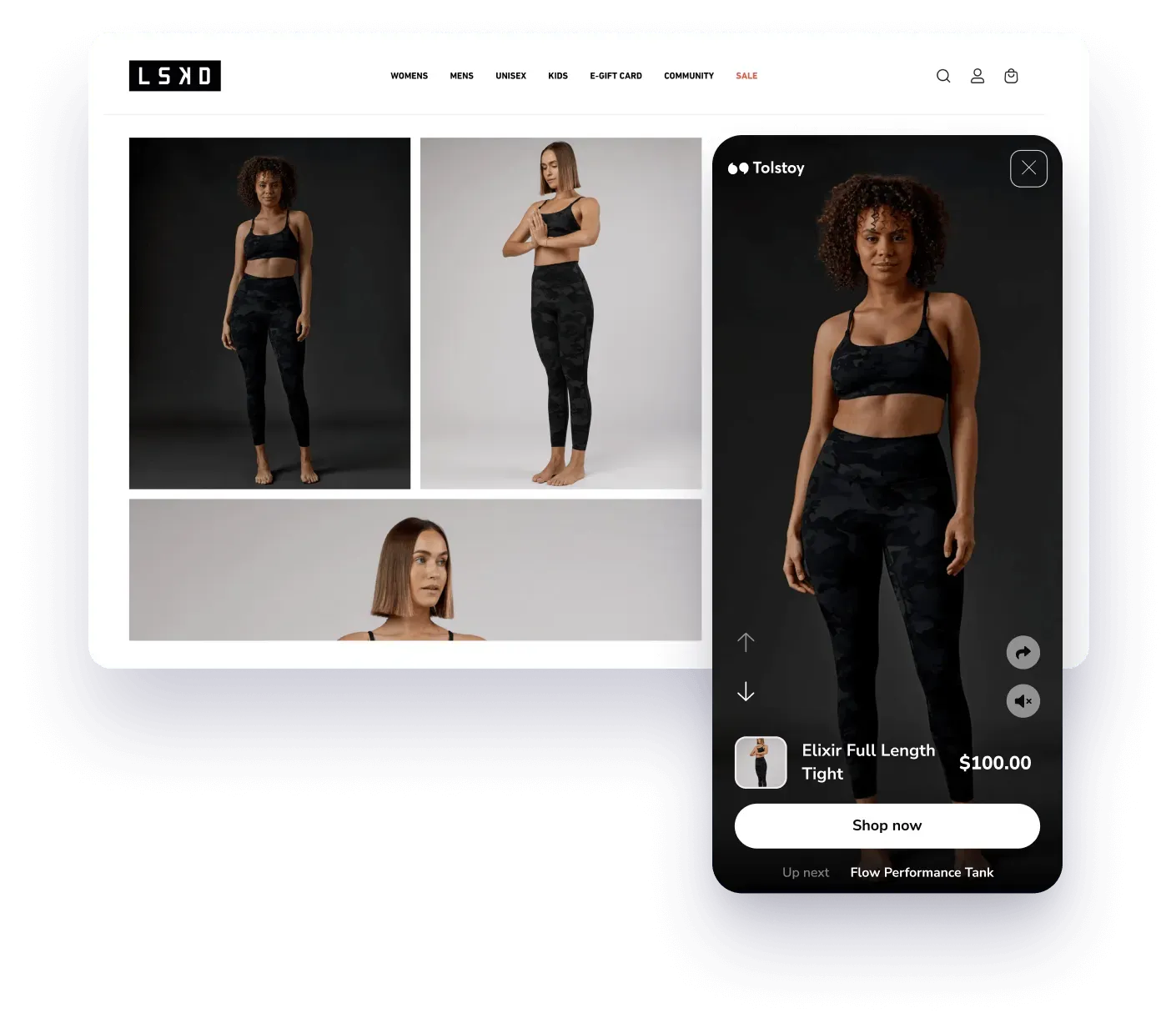

































Live product demo
This is a live Culture Kings Tolstoy feed, not a mockup. Open a product card inside the video to see how content, product details, and the shopping action work together.
Culture Kings reports a 50% interaction rate in its published customer story. Results vary by content, placement, traffic, and store.
Shopify installation
Keep the Shopify approval tab open until Tolstoy confirms the connection. Preview the theme block before you rely on it on the live storefront.
Read the current Shopify setup guideInstall Tolstoy from the Shopify App Store, open Set up store in Tolstoy, and approve the requested permissions in Shopify admin.
Wait for Store Connected, return to Tolstoy, and confirm that products from the intended Shopify store appear before you build.
Generate reviewable product images and video with AI Studio, upload owned media, or import approved social content. Match each video to the right products or variants.
Publish from Tolstoy, enable the Tolstoy app embed, add the Tolstoy Builder block to the relevant template, paste the widget code, preview, and save.
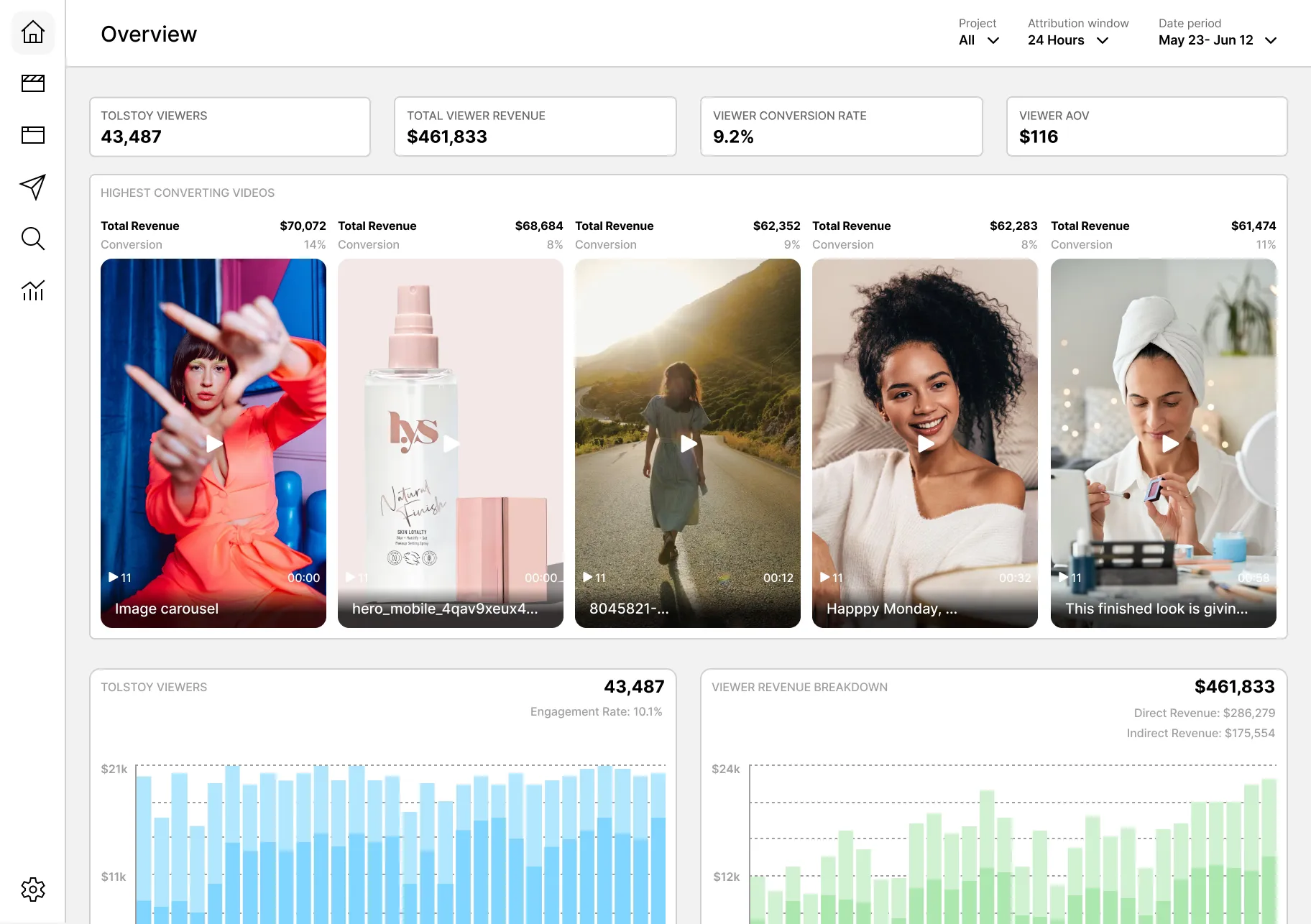
One connected workflow
Use catalog data, product photos, Brand DNA, references, and creative direction to create reviewable images and video for a real Shopify SKU.
Explore AI Studio for product contentTag the right product or variant, choose the storefront format, and publish the approved video to the Shopify template where it helps a shopper decide.
Explore AI Player for shoppable videoShopify theme placements
Add the Tolstoy Builder block to a product, homepage, collection, or landing-page template. Use the same approved library without forcing every placement to show the same content.
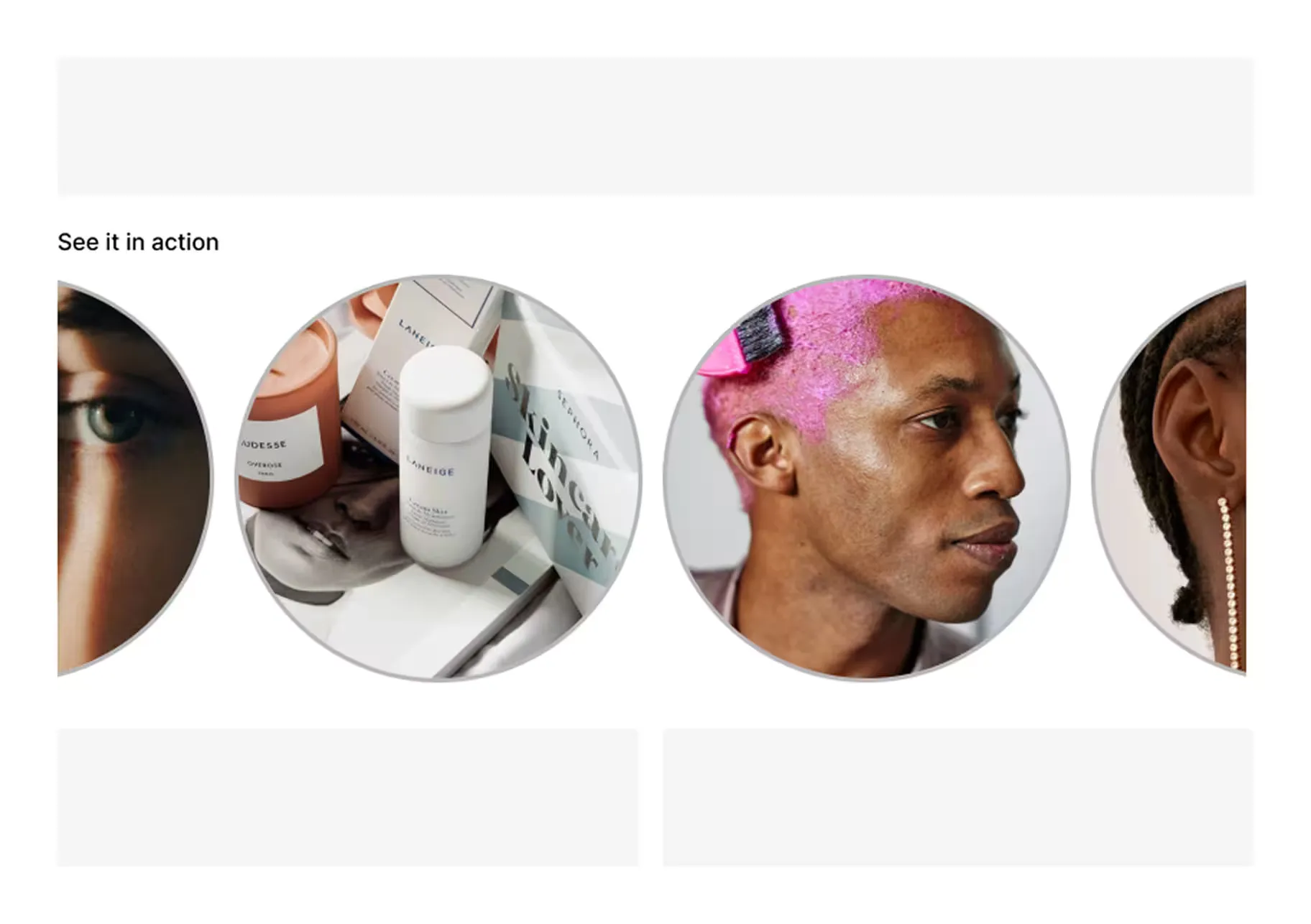
Add product-tagged video to the PDP template so the same block can show relevant content across matched products.
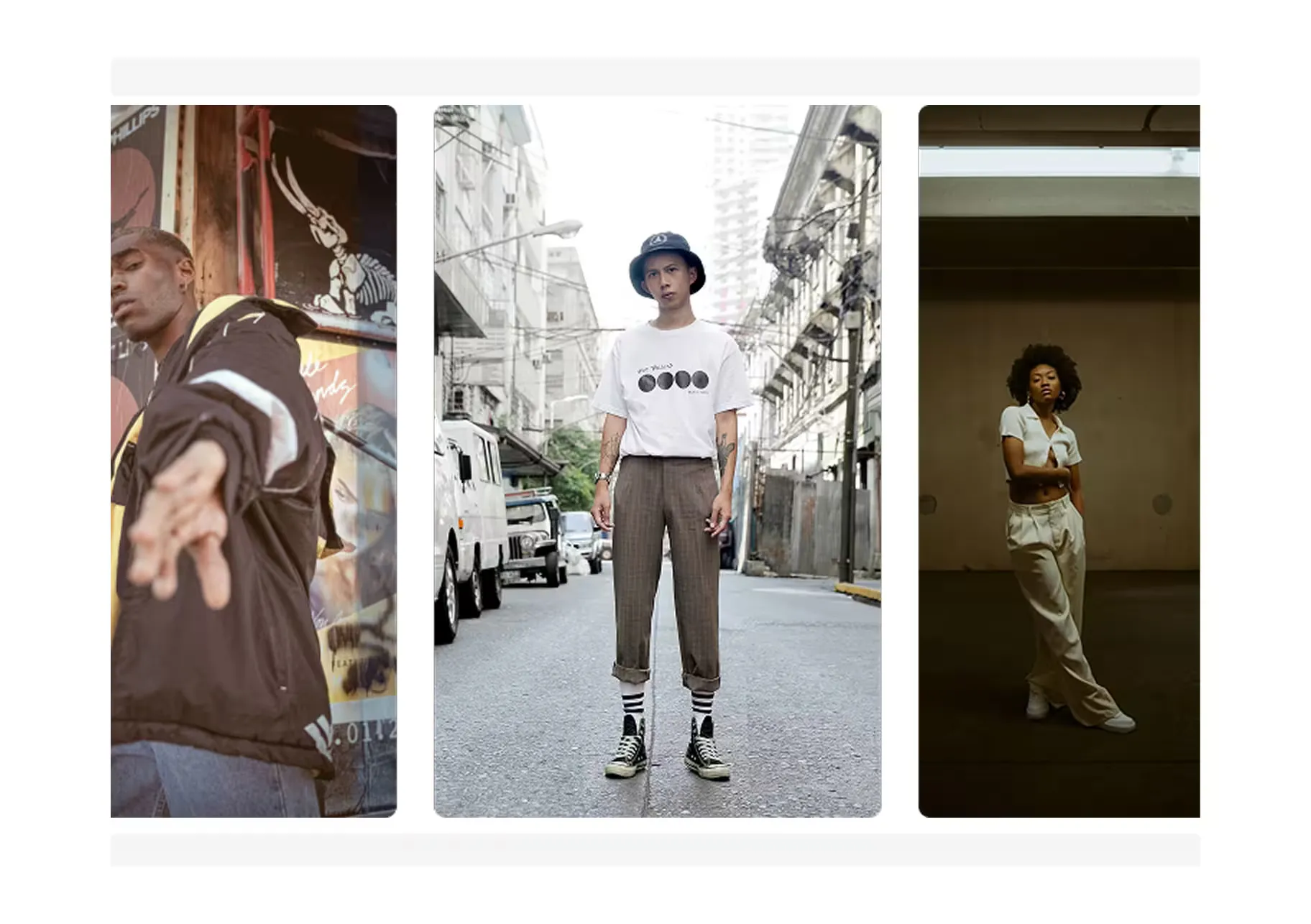
Use a feed or carousel on the homepage for launches, best sellers, education, or approved creator content.
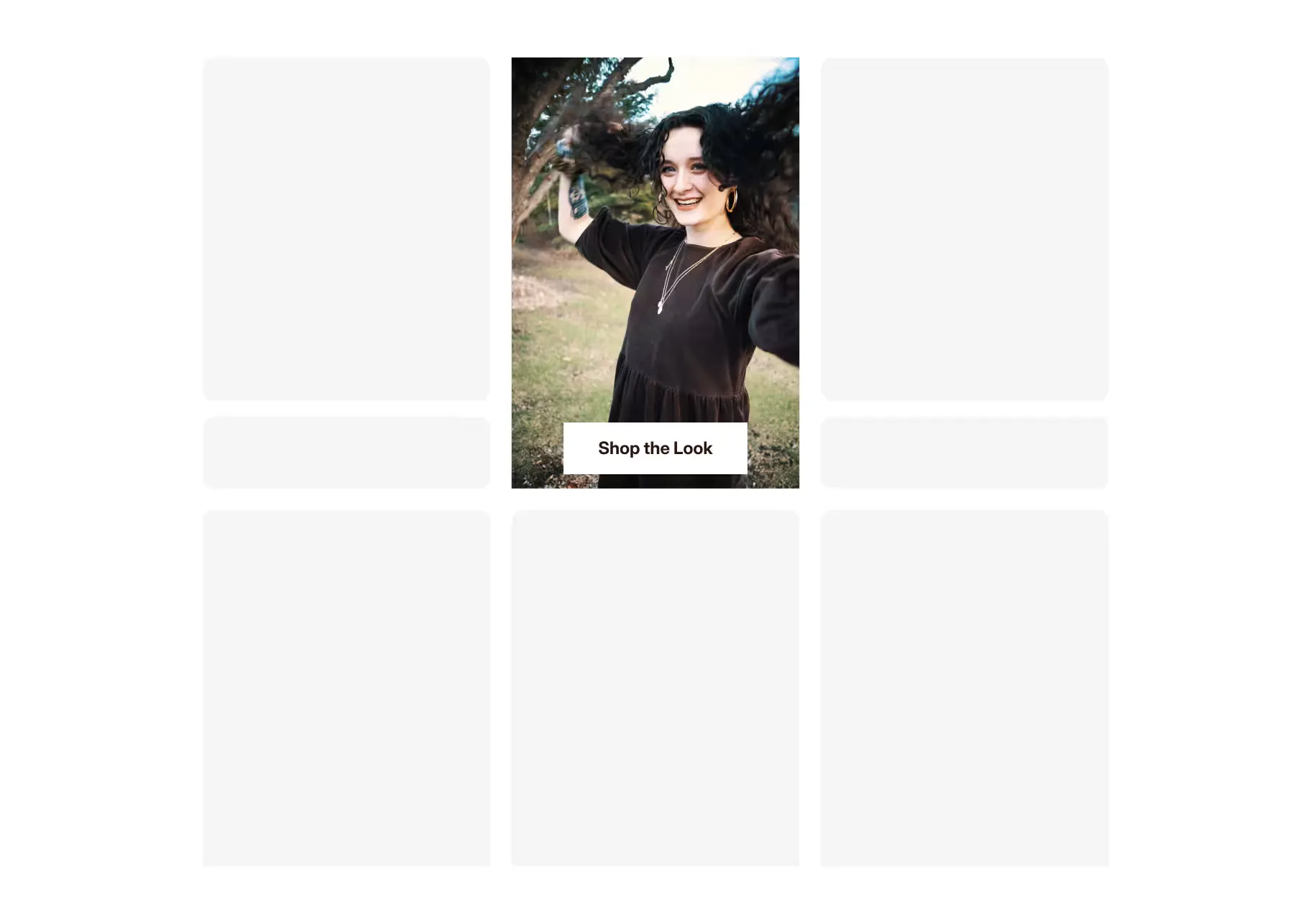
Place video in a collection template to help shoppers scan a category through product demonstrations and styling content.
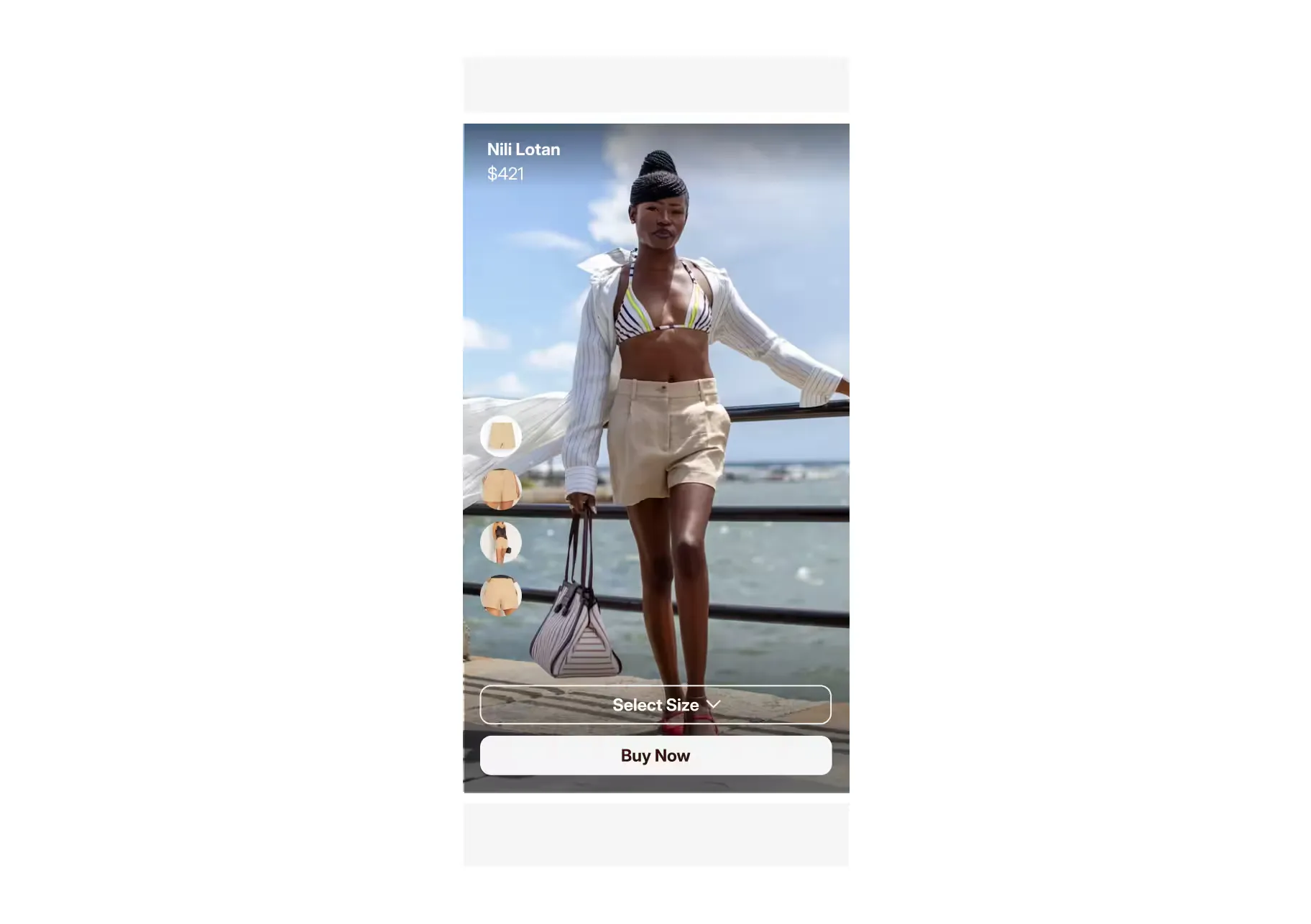
Build a focused shoppable page for a product drop, creator campaign, paid ad, or seasonal collection.
Planning a product-page rollout? See the full guide to Shopify PDP shoppable video widgets.
Published customer proof
These results come from named customer stories. They do not predict the result for a different store. Content, placement, theme, traffic, merchandising, and attribution all matter.
+24%
LSKD used shoppable video across product, category, and homepage placements. This is a customer result, not a guaranteed outcome.
Read the LSKD customer story+14%
Skin Rocks reported this result from a two-week A/B test of Tolstoy UGC Stories on product pages.
Read the Skin Rocks customer storyFree plan and pricing
Plan limits change. Use the pricing page as the final source before you launch a production storefront placement.
Compare current Tolstoy plansConnect and prepare
Free
Tolstoy Starter
$8/month billed yearly
One combined plan
3product areas
A quick fit check
A simple product clip, a narrow widget, and a connected content-to-commerce workflow are different purchases.
| Option | Best fit | Important tradeoff |
|---|---|---|
| Shopify native video | One product clip in product media or a theme section. | No Tolstoy product tagging, social import workflow, shoppable feed, or video-level commerce analytics. |
| Video widget app | A narrow job such as importing existing Reels and adding a carousel. | A specialist can be the better choice when you already have all the content and do not need creation or guided shopping. |
| Tolstoy | AI product content, shoppable video, and optional shopper guidance from one connected Shopify catalog. | Broader than a simple widget. Onsite Player publishing generally needs a paid plan or free trial. |
Evaluating alternatives? Read the detailed guide to the best Shopify video apps.
Continue with the right guide
See the full AI Player product, workflow, placement, and measurement story.
Learn the format, how it works, and the terms used across the category.
Compare Tolstoy with specialist widget and video-commerce apps.
Shopify video app questions
Tolstoy is an AI ecommerce platform with a direct Shopify connection. AI Studio creates reviewable product images and video from catalog and brand context. AI Player publishes approved video as shoppable feeds, Stories, carousels, landing pages, and supported widgets. AI Sales Agent can add product guidance and optional Virtual Try-On when that workflow fits.
Install or open the Tolstoy Shopify app, then go to Profile → Settings → Set up store in Tolstoy. Enter the store’s .myshopify.com domain, select Connect to Shopify, approve permissions in Shopify admin, and keep that tab open until Tolstoy confirms the connection. Product import can take a few minutes.
Open or create the widget in Tolstoy and choose Publish. For the first publish, enable the Tolstoy app embed in Shopify. Copy the widget code, add the Tolstoy Builder block to the relevant Shopify theme template, paste the code, preview the placement, and save.
Supported examples include product pages, homepages, collection pages, and landing pages. The exact block and template depend on your Shopify theme and Tolstoy workflow. For PDP-specific options, see Shopify PDP shoppable video widgets.
Yes. AI Studio can turn product photos, catalog data, brand context, references, and creative direction into reviewable product images and video. Review product fidelity, copy, rights, and brand fit before you publish the approved output through AI Player.
Connecting a Shopify store does not require a paid plan. Eligible stores can publish selected video to Shop App on the Free plan. When an eligible free account publishes its first onsite widget, it can start a 30-day publishing trial. Tolstoy Starter is $12 per month, or $8 per month billed yearly, and includes Shoppable Videos, AI Studio, and AI Sales Agent. Check current Tolstoy pricing and limits before launch.
Use the widget code from the Tolstoy publish flow, or contact Tolstoy support for help with the theme. The current Shopify connection and publishing guide includes setup and troubleshooting steps.
Start with one Shopify workflow
Use one real product, one approved video, and one theme template. Preview the complete experience before you expand it across the storefront.