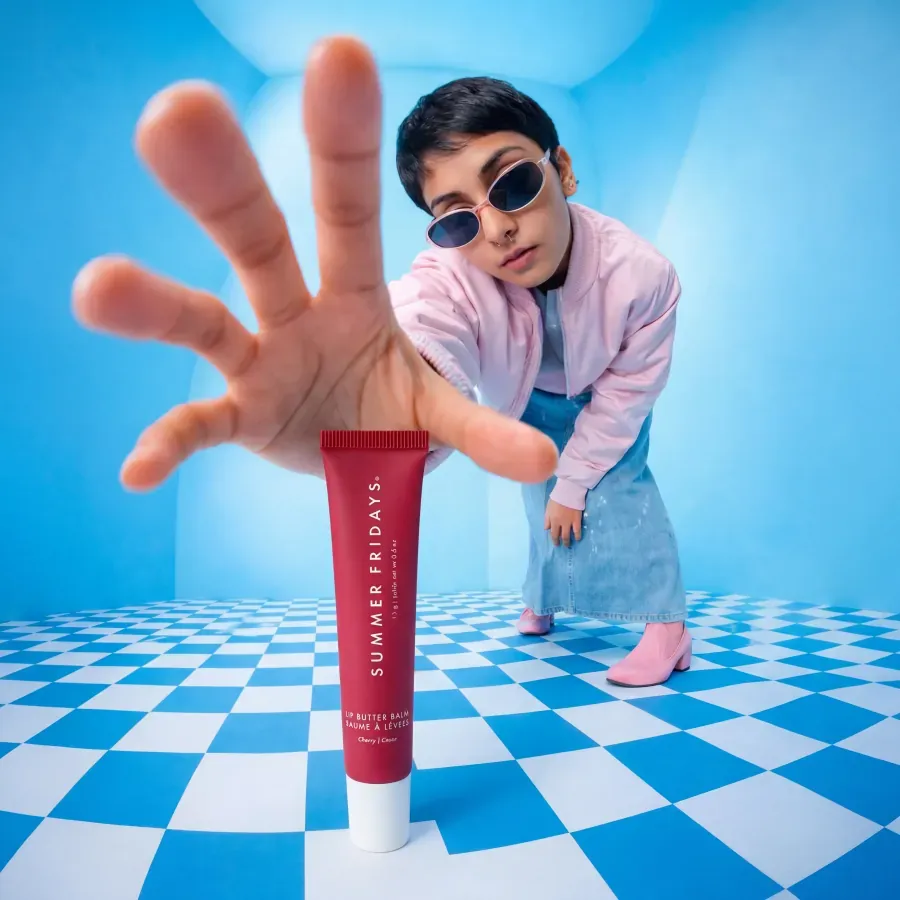
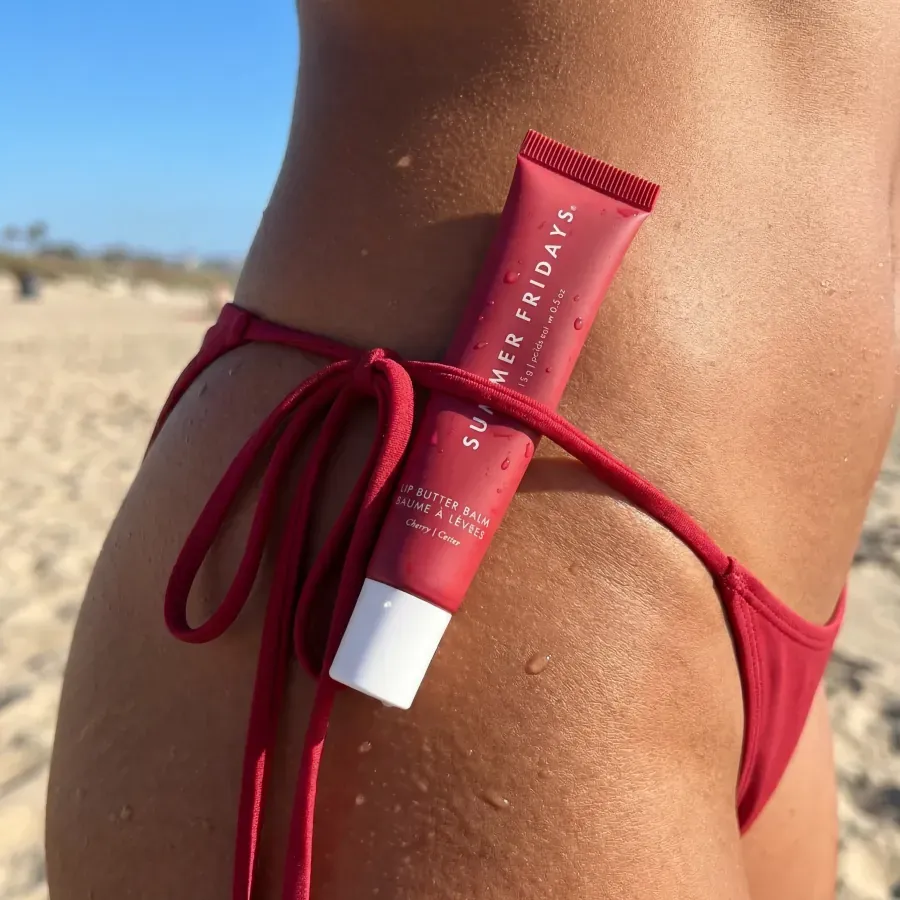
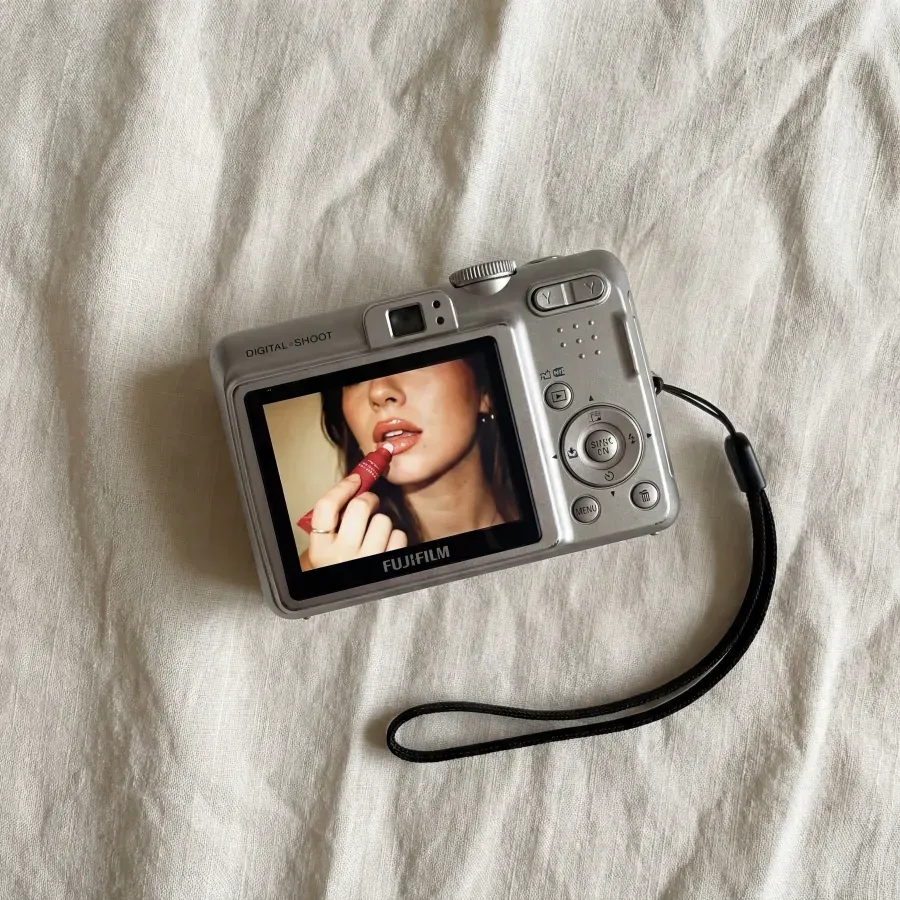
Place the product in a believable space
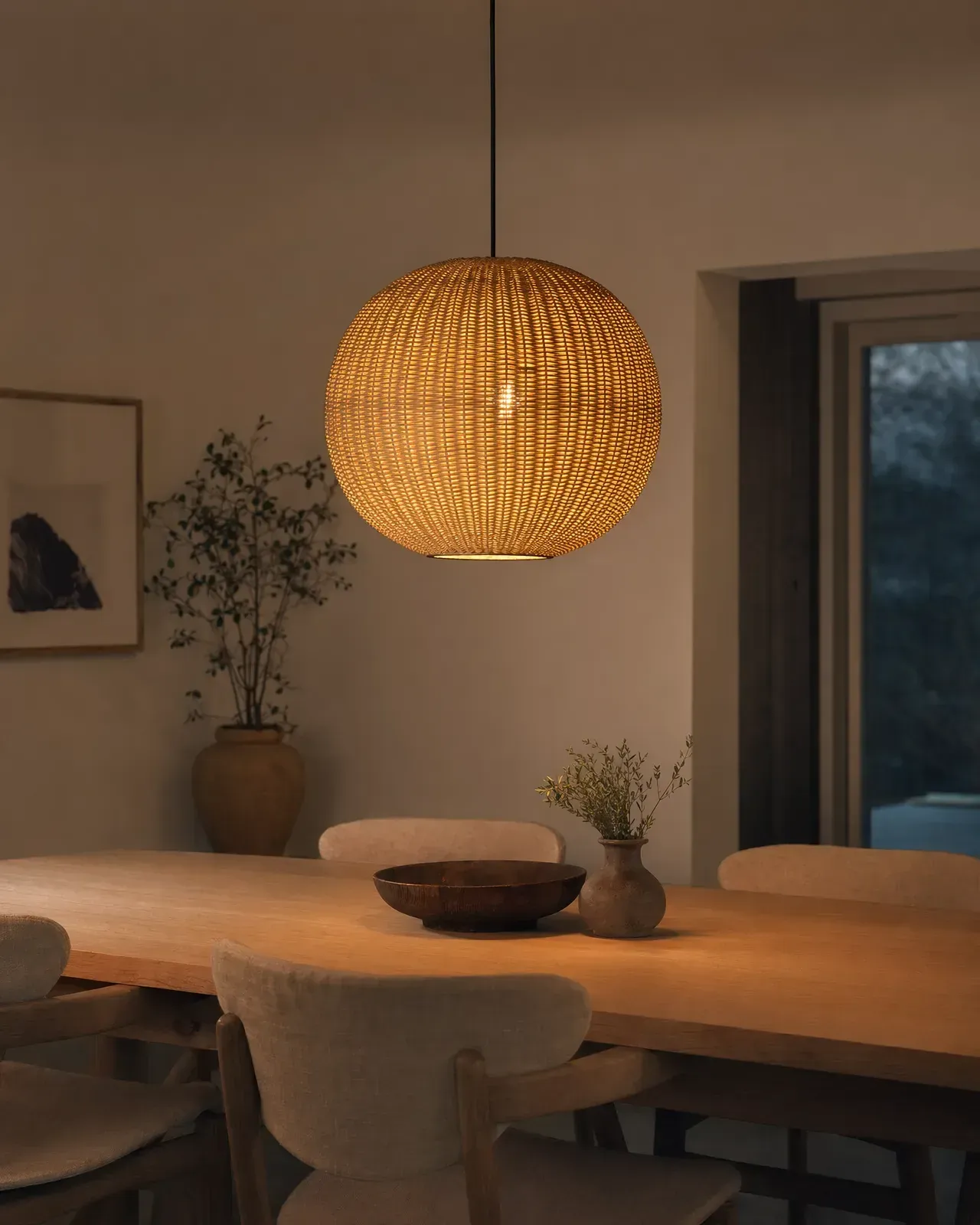
Create room and lifestyle concepts that show design direction and scale context, then review proportions and product details against source images.
Tolstoy for home, furniture, and decor
Build room scenes, styling concepts, assembly stories, and product explainers that give furniture, decor, cookware, and home goods more context than a white-background image.
What Tolstoy enables
Tolstoy helps home, furniture, decor, cookware, and household brands create product context and distribute video across the storefront. AI Studio supports lifestyle and product creative; AI Player adds shoppable demos, room tours, founder stories, and UGC to ecommerce pages.
Jobs to be done
Create room and lifestyle concepts that show design direction and scale context, then review proportions and product details against source images.
Use assembly, unboxing, styling, and before-and-after formats to make higher-consideration products easier to understand.
Connect room tours, demos, founder explanations, and creator content to the products shown in each video.
Connected workflow
Create lifestyle images, product videos, seasonal scenes, and social variants from approved references.
Explore AI Studio →Publish room tours, setup clips, product explanations, and UGC in shoppable storefront formats.
Explore AI Player →
Reusable starting points
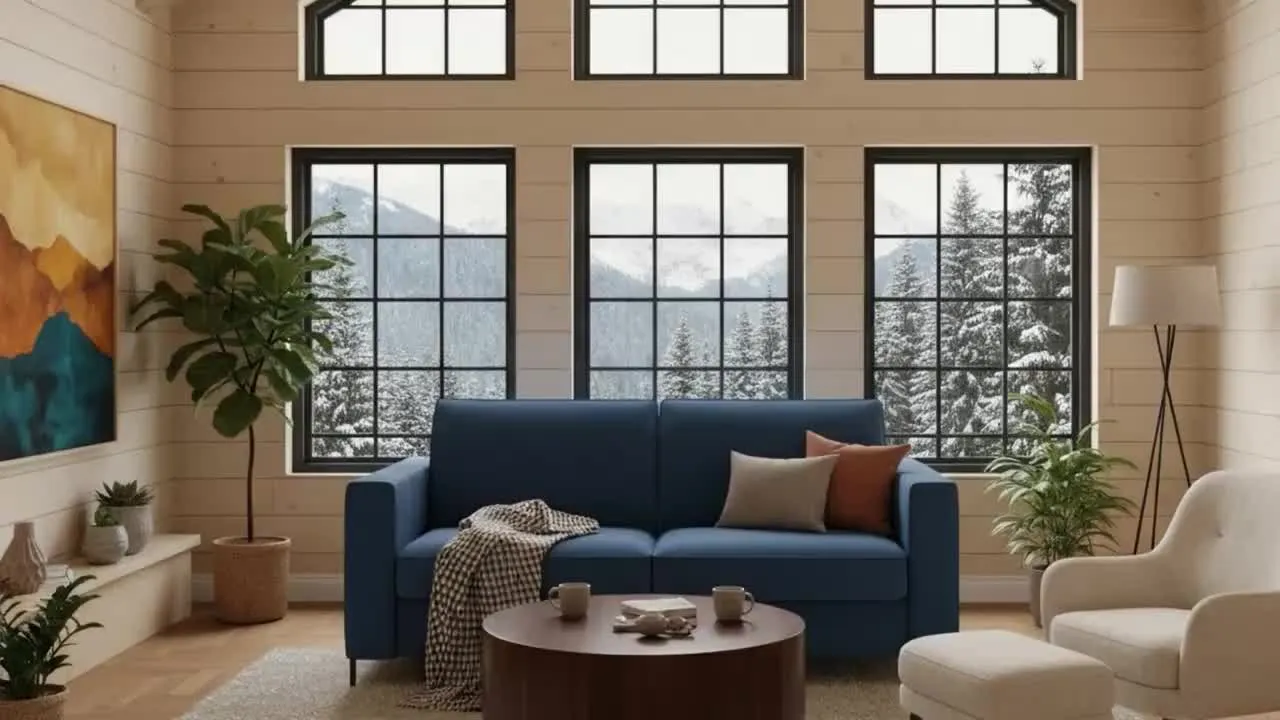 Video template
 Explore motion and creative treatments for a furniture product.
Use this template →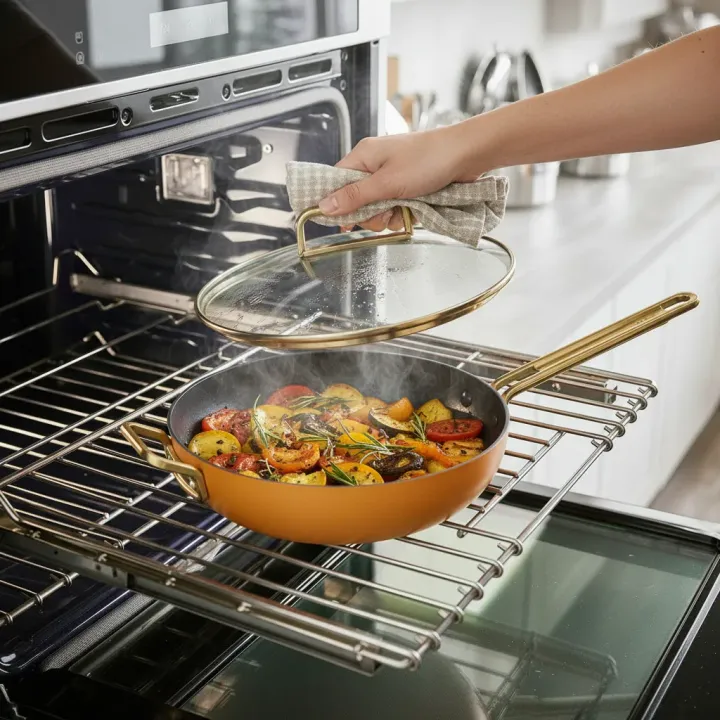 Image template
 Show cookware in a bright, product-led preparation moment.
Use this template →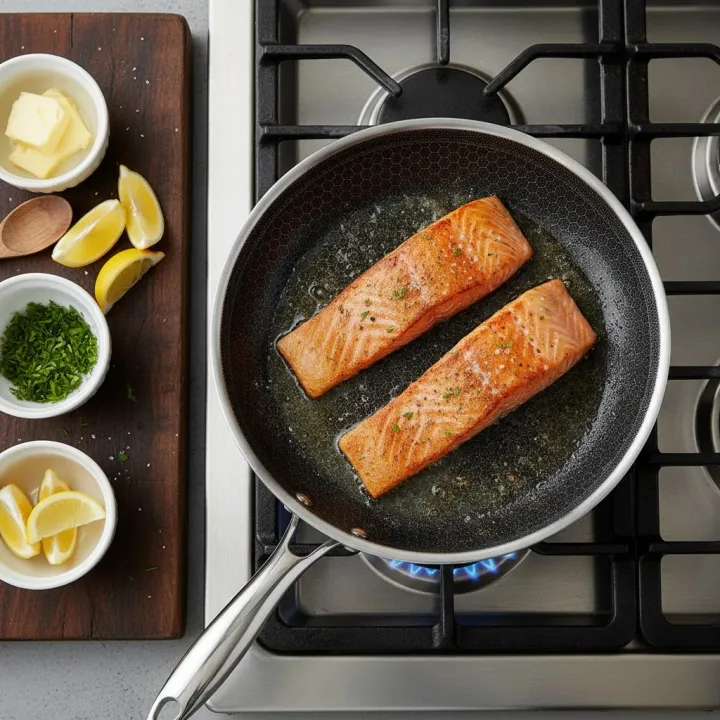 Image template
 Create a clear overhead product story with food and material detail.
Use this template →Customer evidence
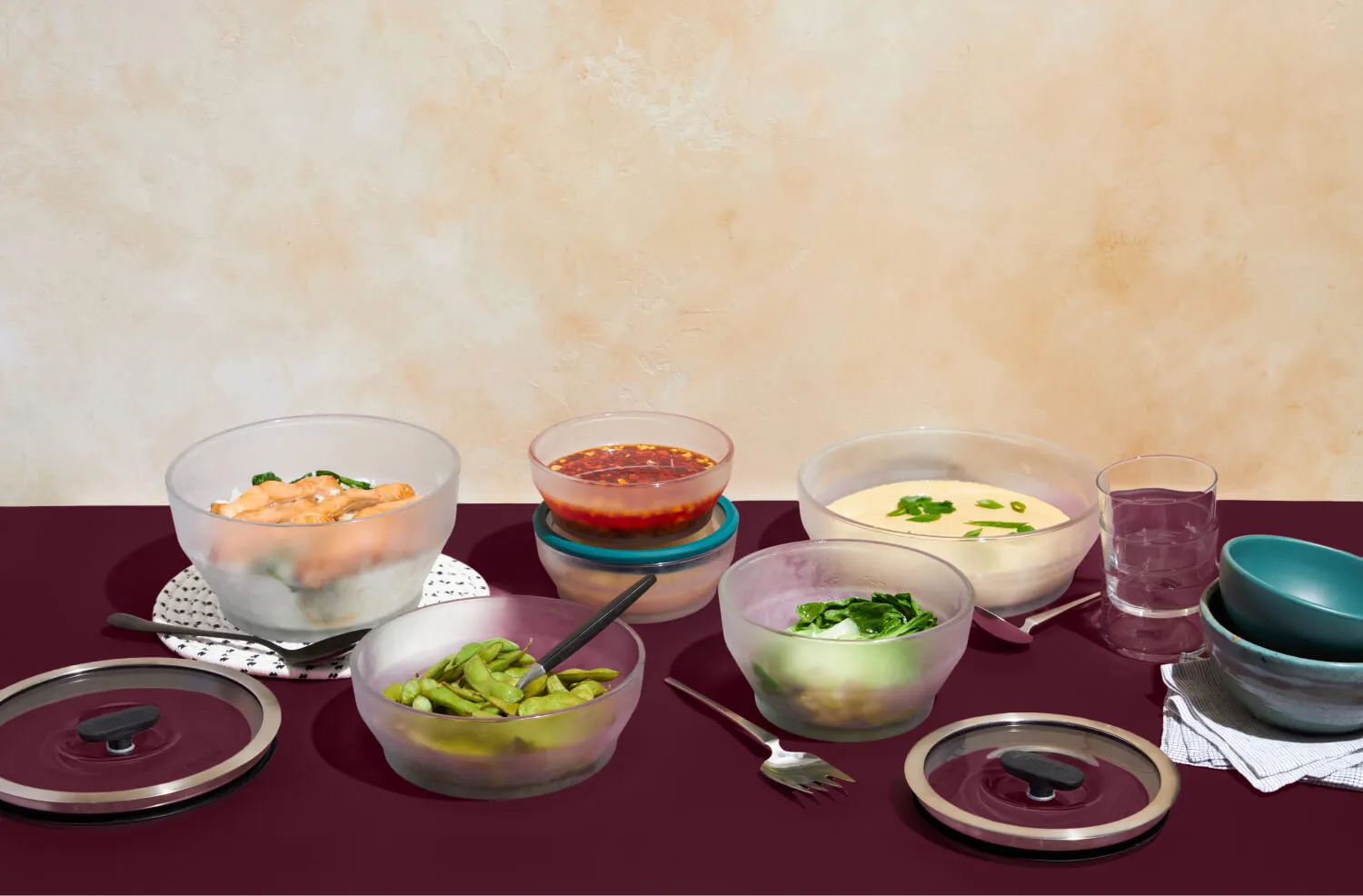 Customer story · Anyday 7× higher conversion rate among engaged visitors
 Anyday reported that visitors who engaged with its Tolstoy video were seven times more likely to convert than visitors who did not; this is an observed association, not a randomized lift claim.
Read the sourced customer story →Decision guide
| If you need | Start with | Why |
|---|---|---|
| More lifestyle scenes and campaign variants | AI Studio | Create visual directions from approved product and brand inputs. |
| A considered product that needs demonstration | AI Player | Place setup, education, and customer video near the relevant product. |
| Exact room-scale or specification guidance | Verified product data | Keep dimensions and compatibility in structured merchant content, and use generated scenes as visualization. |
Questions from commerce teams
Home teams can use AI Studio for lifestyle scenes, product videos, seasonal compositions, and creator-style concepts. AI Player can publish approved room tours, assembly clips, demos, and customer content in shoppable formats.
AI Studio supports lifestyle-scene workflows from product references. The output is a visualization, so teams should verify product shape, materials, color, proportions, and any functional details before use.
No. A generated scene should not replace verified dimensions, specifications, or fit-in-room guidance. Merchants should keep factual product data visible and review every visualization.
AI Player can place approved video on homepages, collection pages, PDPs, and other storefront touchpoints. Each video can be associated with the products it features.
Start with one repeatable workflow
Bring a product, a brand direction, and a real channel need. Keep your existing review process in the loop.