A/B test a landing page for your Meta ads
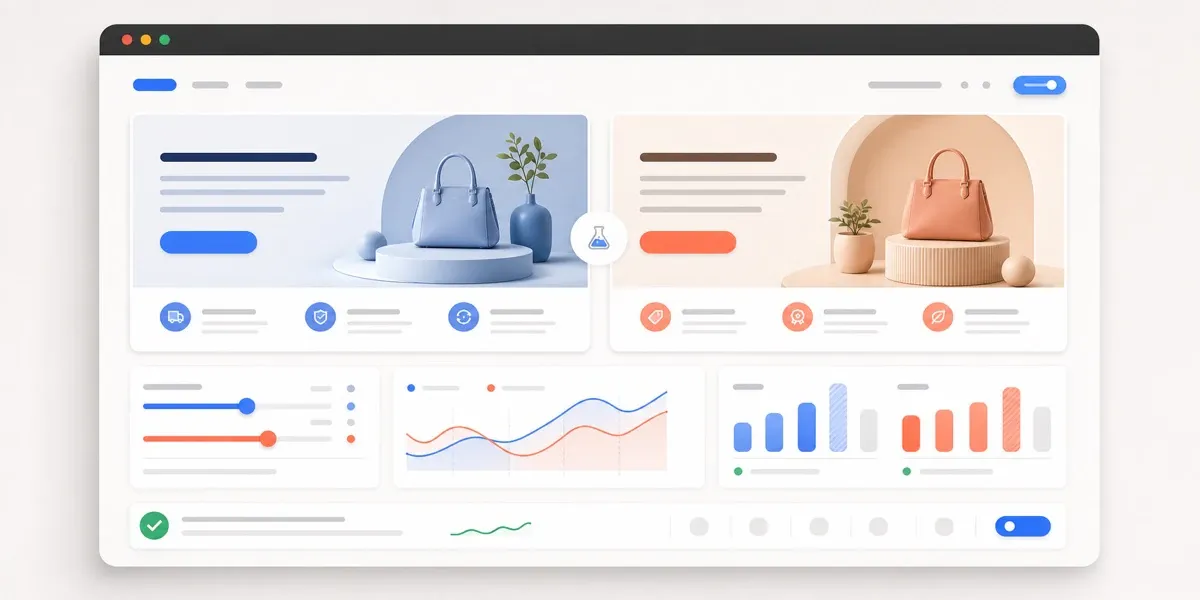
Tolstoy builds two landing-page variants that each test one idea against your Meta ad’s promise, then shows clicks and attributed orders for each variant.
What you need
- The product or collection the ad sells, and the offer if there is one
- The ad’s promise: its headline, hook or creative
- Proof you can use, such as real reviews, and the objections shoppers raise
- A connected Shopify store, to publish each variant as a Shopify page
What you get
- Two landing-page variants, each with a written hypothesis
- A live Shopify page URL for each variant after you publish
- A dashboard for each variant: views, call-to-action clicks, click-through rate, and attributed orders and revenue
How it runs
Tolstoy runs this playbook in 4 steps.
-
Give the campaign context
The agent works only from the goal, audience, offer, ad promise, proof and destination that you give or confirm, and asks for what is missing.
-
Choose one hypothesis
Variants A and B differ in one written idea, for example an offer-led hero against a video-led hero.
-
Build the two pages
Each variant puts the hook, offer and main call to action above the fold on mobile, then benefits, real proof and answers to objections.
-
Hand over the test plan
After you publish, the agent gives each variant’s live URL, which ad goes to which URL and which dashboard panels to watch.
Check the result
- Put the ad next to each variant on a phone: the first screen repeats the ad’s hook and shows the offer and the main button.
- Compare A and B: only the idea in the hypothesis changes, and the rest of the page is the same.
- Read every claim on both pages: each review, price, discount and shipping promise comes from what you gave the agent.
Know the limits
- Publishing needs your confirmation. Each variant then becomes its own page in your Shopify theme, between your store header and footer, with no code to paste.
- It does not change your Meta ads, audiences or budgets. You point each ad at one variant URL and split the traffic in Meta.
- The dashboard credits an order to a variant only when the same shopper orders within 3 hours of visiting that variant.
When to use this playbook
Use it when your Meta ads get clicks but the page they land on does not repeat the ad’s promise, or when you want to know which message converts before you change your main store pages. A separate page for each angle lets the ad and the page say the same thing. For the full method, from one ad to a repeatable test loop, read how to turn one ecommerce ad into a landing page A/B test.
Get better results
- Change one thing between A and B. If the hero, offer and proof all change, the result cannot tell you which change mattered.
- Give the agent your real proof: reviews, ratings and press you can quote. It does not invent proof, so a page without it stays plain.
The prompt
“Run this playbook” opens Tolstoy with this prompt as a draft. Pick your products, edit anything, then send it.
Help me create an A/B test landing page for Meta Ads traffic. Start from my current product, offer, campaign goal, landing-page promise, proof, objections and existing Tolstoy assets. Use only the context I give you or confirm; do not pull an ad, product or collection on your own unless I ask. If the product or the ad’s promise is missing, ask me for it first. Propose two landing-page variants that isolate one conversion hypothesis, explain what changes between A and B, and give me the launch and measurement checklist. Put the hook, offer and main call to action above the fold on mobile. Do not invent reviews, ratings, customer counts, prices, discounts, shipping promises or urgency. Do not publish the pages until I approve.
FAQ
When can I pick a winner?
When both variants have enough visits and orders for the gap to be clear. Run them at the same time, with the same audience and budget, so the page is the only thing that changes.
Can I edit a variant after it is live?
Yes. Ask the agent for the change and approve the new version; the page keeps its URL. Keep the variant name, because the page address comes from it and a new name creates a new URL.
Can I build the pages without Shopify?
Yes. A hosted version puts the variants on a Tolstoy web address and picks the variant from the URL. The Shopify version puts them inside your own theme.
Run it on your own catalog
Start free, connect your store, and Tolstoy opens this playbook for you. You review every result before anything goes live.