Retarget site visitors with Meta dynamic product ads
Tolstoy checks your Meta catalog, builds a paused dynamic product ad campaign for shoppers who browsed and left, and confirms each audience with you first.
What you need
- A connected Meta Ads account with a product catalog
- A Meta pixel on your store, or website custom audiences you already built
- The people to exclude, such as recent purchasers
What you get
- A paused Meta retargeting campaign with a dynamic product ad
- A summary of the audiences it targets and the audiences it excludes
- Copy options for primary text, headline and CTA, plus a preview link
How it runs
Tolstoy runs this playbook in 5 steps.
-
Check the catalog
The agent confirms your Meta catalog is connected and its feed is healthy. If something is broken, it shows the error and stops.
-
Choose who to bring back
It lists your pixel audiences, such as site visitors or cart abandoners, can build one you are missing, and sets your exclusions the same way.
-
Build a plain DPA
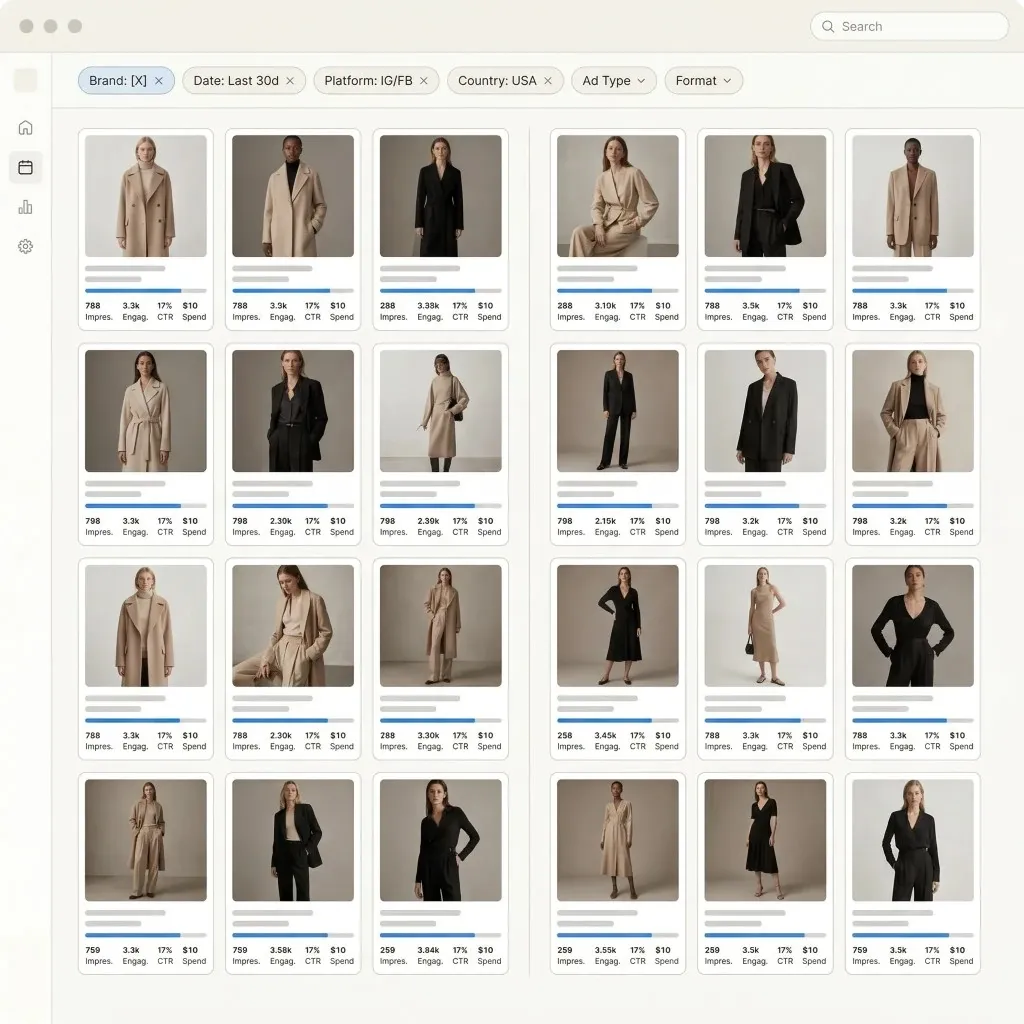
The ad shows product images from your Meta catalog as a carousel or single image, with copy that can fill in each product’s name and price.
-
Review it paused
The campaign is created paused, with a preview link and the exact audiences and exclusions that were sent to Meta.
-
Activate when ready
The agent activates only after you confirm, then reports what Meta is actually delivering.
Check the result
- The audience summary lists each included and excluded audience by name and time window, and matches what you asked for.
- The preview shows your catalog images, with the product name and price filled in correctly.
- The copy has no discount or offer that you did not give the agent.
Know the limits
- Website audiences need a Meta pixel on your store. Customer-list audiences from emails or phone numbers are made in Meta Ads Manager.
- The campaign stays paused until you confirm. Activation starts real spend.
When to use this playbook
Use it when most of your traffic leaves without buying and nothing follows up with the products those shoppers looked at. Because it uses the product images Meta already has, it is also a quick first catalog campaign that you can launch before any video work. For how retargeting fits next to your other Meta tests, read our Meta ads strategy for ecommerce brands.
Get better results
- Exclude recent purchasers so the budget goes to people who have not bought yet.
- Use a short window for cart abandoners, for example 14 days, and a longer one for product viewers. Ask the agent to build both audiences if you do not have them.
- Link an Instagram account to your Facebook Page before you start. Without one, the ad cannot run on Instagram.
The prompt
“Run this playbook” opens Tolstoy with this prompt as a draft. Pick your products, edit anything, then send it.
Launch a Meta plain dynamic product ad (DPA) retargeting campaign that brings back site visitors with the products they browsed, using product images from my Meta catalog, not Tolstoy video. First verify that my Meta product catalog is connected and healthy. If anything is broken, tell me and stop rather than working around it. Use my existing website audiences where they fit, and ask only for what you cannot find. Do not invent an offer or a discount. Build the campaign paused and confirm the audiences, exclusions and copy with me before activating.
FAQ
How is this different from a catalog video ad?
This plain DPA uses the product images already in your Meta catalog, so it works with the catalog you have today. A catalog product video ad plays a Tolstoy video for each product and needs a healthy Tolstoy feed first.
Why does it stop when my catalog has errors?
A dynamic ad can only show products that Meta can read. When a feed upload fails, the agent shows the error and the usual causes, such as products not published to the Facebook and Instagram sales channel, so you fix the catalog before you spend on it.
Who will see the ads?
The people in the custom audiences you confirm, such as site visitors or add-to-cart events from your pixel over a set number of days, minus your exclusions. The agent describes only the targeting it actually sent to Meta.
Run it on your own catalog
Start free, connect your store, and Tolstoy opens this playbook for you. You review every result before anything goes live.