_Zd3rTJ.webp)
Quick answer: Tolstoy is our first recommendation for ecommerce brands that want virtual try-on inside a broader AI shopping workflow. Genlook is a focused option for apparel, Banuba for beauty and face-based augmented reality, FittingBox for eyewear, Camweara for multi-category fashion, Kivisense for footwear and 3D AR, and Zakeke for configurable products and accessories.
- Choose by product category before you compare general feature lists.
- Separate visual try-on from size and fit prediction.
- Test the experience on a real mobile product page, not only in a vendor demo.
- Measure completed try-ons, purchase behavior, page speed, privacy choices, and return reasons.
Disclosure: Tolstoy publishes this guide and appears first. We rank it first for a connected ecommerce shopping workflow, not as the universal winner for every product category. We reviewed public product materials on August 12, 2026. Vendor claims and feature availability can change, so verify them in a pilot and contract.
The best virtual try-on tools by ecommerce use case
| Tool | Best for | Primary approach | Commerce fit | Important tradeoff |
|---|---|---|---|---|
| Tolstoy | Try-on plus AI shopping guidance | Generated visual try-on inside a guided shopping experience | Product discovery, recommendations, questions, and try-on in one flow | Use the result as visualization, not proof of physical fit |
| Genlook | Fashion and apparel stores | Photo-upload generative try-on | Shopify, WooCommerce, and product-page placement | Apparel coverage does not make every fabric or silhouette equally easy |
| Banuba | Beauty, hair, eyewear, and face accessories | Real-time face AR and SDK | Web, mobile, SDK, and Shopify options | Implementation depth varies by category and surface |
| FittingBox | Eyewear specialists | 3D frames, face detection, and live AR | API and plug-and-play options for eyewear commerce | Purpose-built for glasses, not a general fashion system |
| Camweara | Jewelry and brands with several try-on categories | AI and real-time AR by product category | Shopify, Magento, WordPress, and API options | Confirm feature depth separately for each category |
| Kivisense | Footwear and 3D product visualization | Real-time AR, tracking, and 3D assets | Web, app, SDK, and quick-embed paths | 3D asset creation can add setup work |
| Zakeke | Configurable accessories and WebAR | WebAR, 3D, customization, and AI try-on | Product customizer and commerce integrations | Some categories are available earlier than others |
Virtual try-on, size guidance, and 3D preview are different tools
The category includes several technologies that answer different shopper questions:
| Technology | Question it answers | Common inputs | What it does not prove |
|---|---|---|---|
| Generative photo try-on | How might this item look on me? | Shopper photo and product image | Exact size, comfort, movement, or fabric behavior |
| Live augmented reality | How does this frame, color, or accessory look from this camera angle? | Live camera, face or body tracking, 2D or 3D asset | Physical feel, weight, and complete optical or garment fit |
| 3D product viewer or configurator | What does this design, material, or configuration look like? | 3D asset, options, product rules | How the item looks on the shopper unless try-on is also present |
| Size recommendation | Which size should I choose? | Body data, product measurements, fit history, return data | A photorealistic view of the product on the shopper |
A vendor can provide more than one type. Ask which result the shopper sees, which data creates it, and which claims the system has been validated to support.
How we evaluated the tools
- Category fit: Does the technology match apparel, beauty, eyewear, jewelry, footwear, or configurable products?
- Shopper effort: Does the shopper need a live camera, a photo, measurements, an account, or a separate app?
- Merchant effort: Does the brand need flat product images, 3D models, digitized frames, product measurements, or manual rules?
- Commerce integration: Can the experience sit on the product page and use current products, variants, prices, and availability?
- Truth and privacy: Does the implementation make the limits clear and give the shopper control over personal images or measurements?
- Measurement: Can the brand connect try-on behavior to product actions and reason-coded returns?
1. Tolstoy: best for try-on inside an AI shopping journey
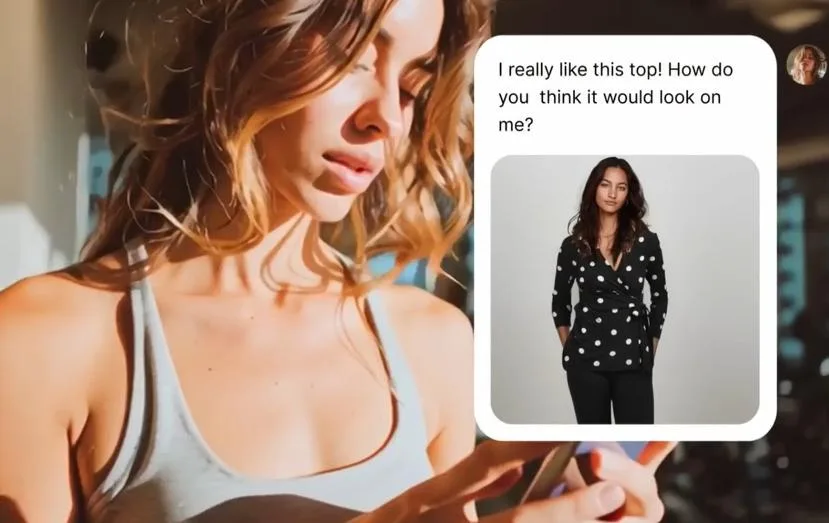
Tolstoy AI Sales Agent connects visual try-on with the rest of the purchase decision. A shopper can explore products, ask questions, receive recommendations, and see a product on their own image without moving between separate tools. The brand can use the questions and actions in that journey to improve product content and follow-up.
Best for: Ecommerce brands that want try-on to support discovery and product guidance, instead of adding a stand-alone camera widget.
Why it is first: Try-on is one part of the decision. A shopper may also need material details, color options, care instructions, styling help, or a different product. Tolstoy keeps those steps in one guided experience and connects them to the commerce workflow.
Watch for: Treat the generated image as a visualization. Do not describe it as body measurement, a sizing guarantee, or proof of physical fit unless a separate validated fit system supports that claim. For the broader category, read the guide to AI sizing and virtual try-on for Shopify.
2. Genlook: best focused option for apparel stores
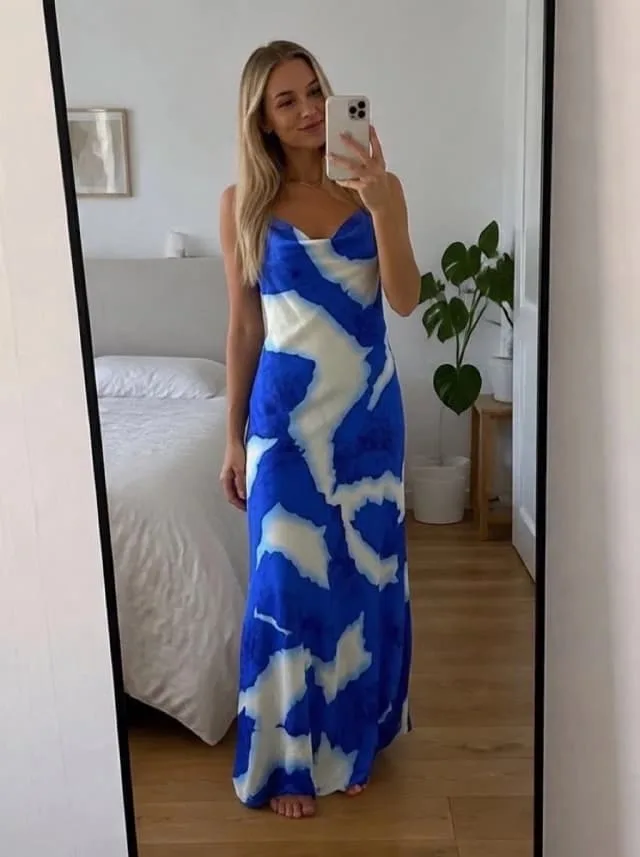
Genlook focuses on fashion. Its public product materials describe a product-page button that lets a shopper upload one photo and generate an image with the selected garment. It supports Shopify and other commerce systems, and it lists category coverage that includes dresses, outerwear, tailoring, denim, swimwear, activewear, hats, and more.
Best for: Fashion stores that want a direct apparel try-on flow with a short installation path.
Why it made the list: The product, examples, and implementation are centered on the apparel job. That makes the buying decision easier than comparing a general AR platform with many unrelated modules.
Watch for: Test layered outfits, fine prints, loose garments, unusual poses, and size-inclusive shoppers. A broad category list does not guarantee equal visual quality for every item.
3. Banuba: best for beauty and face-based AR

Banuba is a strong specialist for live face effects. Its virtual try-on product covers makeup, skincare, glasses, colored contacts, hair color, headwear, jewelry, rings, and nail polish. The company offers SDKs for web and mobile, plus no-code options for some commerce systems.
Best for: Beauty and accessory brands that need real-time color or product visualization on the shopper's camera.
Why it made the list: Face tracking and cosmetic rendering are specialized computer-vision jobs. Banuba has a product surface designed for them rather than a general image generator adapted to the category.
Watch for: Validate color across devices, lighting, and skin tones. Also test low light, glasses, facial hair, occlusion, and older phones before a wide release.
4. FittingBox: best eyewear specialist
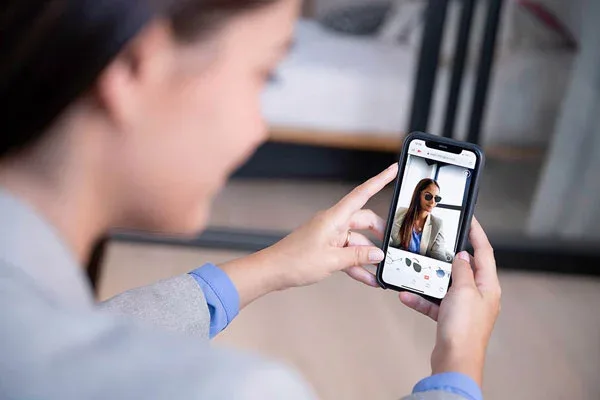
FittingBox is built for glasses and sunglasses. Its official materials describe 3D frame digitization, instant face detection, realistic rendering, an API, and plug-and-play options for online and in-store use. It also provides a large database of digitized eyewear frames.
Best for: Optical retailers and eyewear brands that need a category-specific system and a frame-digitization path.
Why it made the list: Frame scale, angle, bridge placement, and pupillary-distance context make eyewear different from general accessories. FittingBox focuses on those constraints.
Watch for: Ask which frames already exist in the database, which need digitization, how long that work takes, and how private-label frames are handled.
5. Camweara: best for jewelry and multi-category fashion
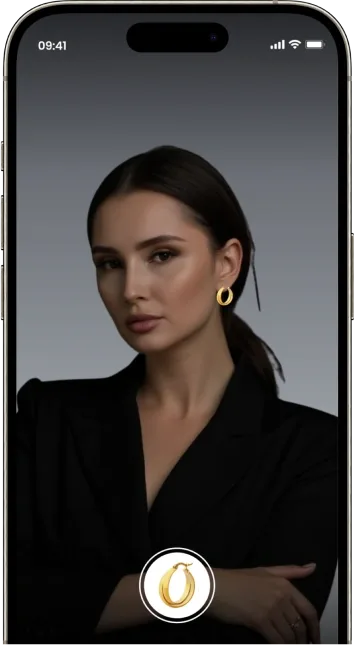
Camweara covers several visual try-on jobs from one vendor. Its public site lists jewelry, clothing, eyewear, and shoes, with AI or AR methods suited to each category. It also documents common ecommerce and API integration paths.
Best for: A fashion group that sells across several accessory and apparel categories and wants fewer vendors.
Why it made the list: Multi-category support can reduce vendor management when the catalog extends beyond one try-on type.
Watch for: Evaluate each category as a separate product. Strong jewelry tracking does not prove the same depth for clothing or footwear.
6. Kivisense: best for footwear and 3D AR
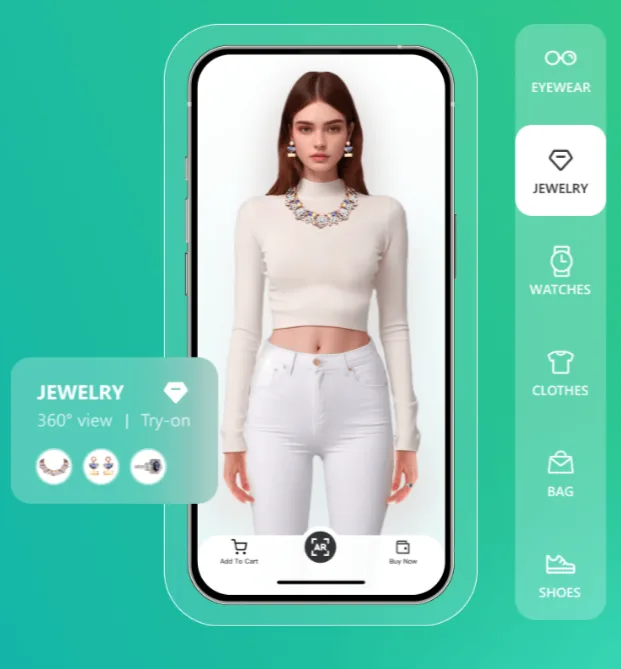
Kivisense provides AR and 3D solutions across several categories, with a clear footwear offer. Its documentation describes web and app embeds for shoe try-on, while its product materials cover tracking and material rendering for items such as leather and canvas.
Best for: Footwear brands and retailers that need real-time on-foot visualization or a wider 3D asset program.
Why it made the list: Foot tracking, perspective, and material rendering are specific to the category. A purpose-built system is easier to evaluate than a generic face filter.
Watch for: Confirm the 3D asset requirements and cost per SKU. Also test foot detection with socks, wide-leg pants, varied skin tones, movement, and common camera angles.
7. Zakeke: best for configurable accessories and WebAR
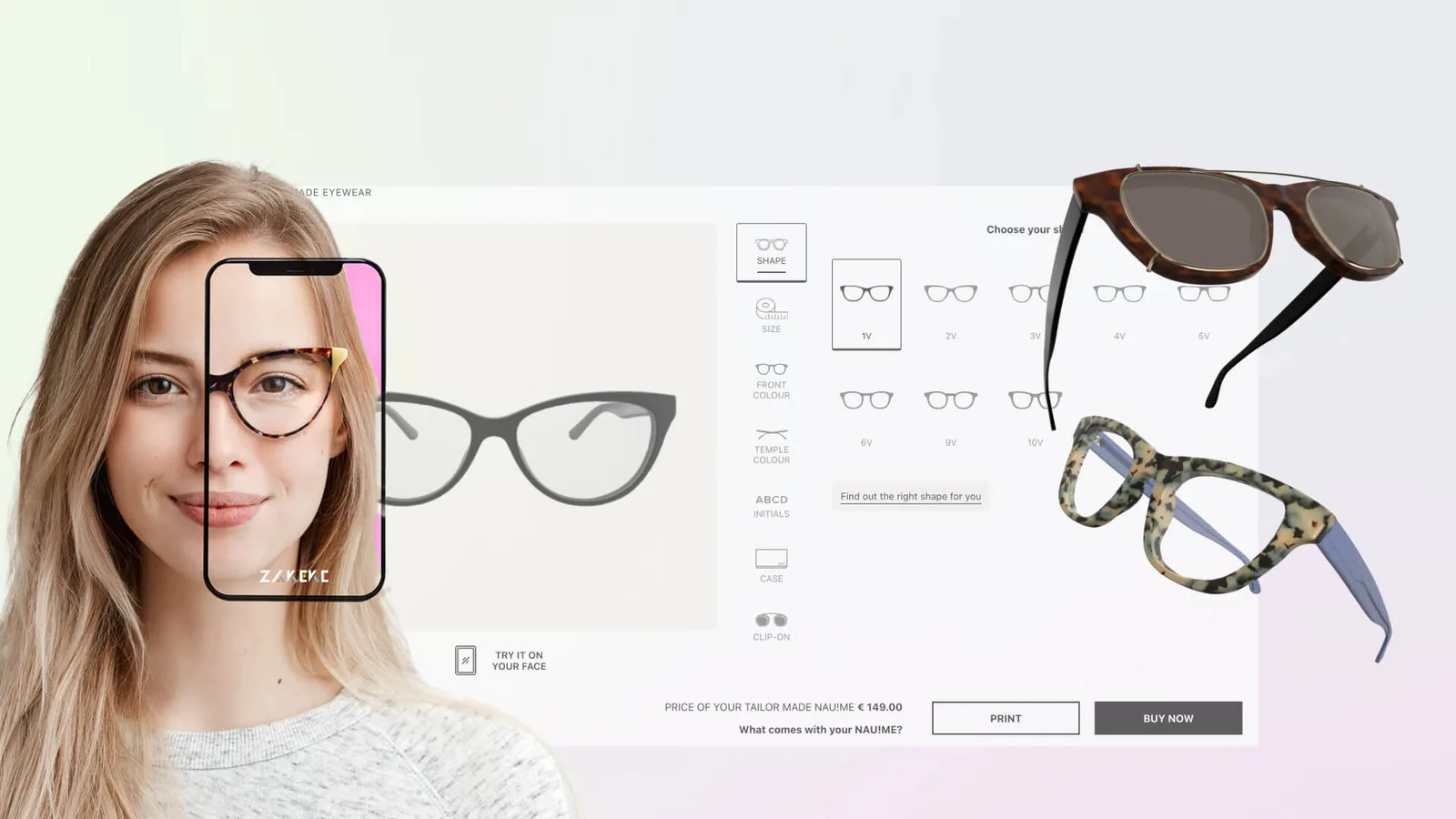
Zakeke combines virtual try-on with product customization and 3D presentation. Its public product page describes no-download WebAR, links and QR codes, and category support for eyewear, headwear, earrings, shoes, scarves, necklaces, and other accessories. Its AI Try-On can also place products on a virtual model or shopper image.
Best for: Brands that sell configurable products and want customization, 3D, and try-on in the same platform.
Why it made the list: A shopper can configure a product and then visualize the selected design without moving into a separate system.
Watch for: Zakeke labels some product categories as planned or coming soon. Confirm the exact category, device, and integration support that is live before you buy.
A practical virtual try-on pilot plan
- Choose one category and 20 to 50 high-traffic products.
- Define the shopper job: style visualization, color choice, product scale, or size confidence.
- Prepare source images, 3D assets, product data, and variants.
- Write plain-language consent and image-retention copy.
- Set a fallback for unsupported products, failed generation, or denied camera access.
- Run mobile tests across common devices, browsers, lighting, skin tones, body types, and accessibility needs.
- Check page speed and interaction delay before launch.
- Use a control group when traffic permits.
- Measure the full funnel, including failures and return reasons.
- Expand only after visual quality and business results meet the agreed threshold.
Privacy and quality checklist
- Explain whether the tool uses a live camera, uploaded image, measurements, or account history.
- State how long personal images are stored and whether they are used for model training.
- Offer a useful path for shoppers who do not grant camera or photo access.
- Test visual quality across skin tones, body types, face shapes, mobility needs, devices, and lighting.
- Do not label a visual overlay as a size or fit guarantee.
- Track failures and slow generations, not only completed try-ons.
- Connect return data to a reason code so the team can separate style, fit, quality, and changed-mind returns.
The best try-on experience matches the product category and helps the shopper complete a real decision. If you want to connect visual try-on with product discovery, questions, and recommendations, explore Tolstoy AI Sales Agent.
Frequently asked questions
What is the best virtual try-on tool for ecommerce?
The best tool depends on the product category. Tolstoy is our top choice when a brand wants virtual try-on inside a broader AI shopping experience with product guidance and recommendations. Genlook focuses on apparel, Banuba on beauty and face-based AR, FittingBox on eyewear, Camweara on several fashion categories, Kivisense on footwear and 3D AR, and Zakeke on configurable accessories and products. Compare category fit, asset requirements, storefront performance, privacy controls, and measurement before deciding.
Is virtual try-on the same as size recommendation?
No. Virtual try-on helps a shopper visualize appearance on a photo, live camera feed, or digital model. Size recommendation predicts which available size is most likely to fit. A fashion brand may need both. Evaluate visualization quality and fit accuracy separately, and do not describe a visual overlay as a fit guarantee.
What product assets and integration work does virtual try-on require?
Requirements vary by category. A pilot may need clean product images, masks, landmarks, measurements, 3D models, shade data, or garment attributes, plus accurate product and variant mapping. The storefront work should cover mobile camera permissions, consent and retention rules, page speed, unsupported-device fallbacks, localization, accessibility, and analytics events before launch.
Can virtual try-on reduce ecommerce returns, and how can a brand prove it?
Virtual try-on may reduce returns caused by uncertainty about appearance or fit, but a conversion lift does not prove a return-rate improvement. Test eligible products against a comparable control, keep the product and traffic mix stable, and compare reason-coded return rates after the full return window closes. Report try-on users and all eligible visitors separately because people who choose to try a product may already have higher intent.
What should a Shopify brand measure in a virtual try-on pilot?
Define the eligible product and visitor denominator first. Then track widget exposure, try-on starts, successful renders, failures by device, time to first result, add-to-cart and conversion rates, opt-outs, support contacts, and reason-coded returns after the return window. Also record product-asset preparation time and ongoing catalog maintenance so the business case includes operating cost, not only shopper engagement.
Create with Tolstoy
Put these ideas into practice
Turn your product ideas into AI images, videos, and shopping experiences.