Make a consistent catalog photo set
Tolstoy gives every product the same background, light, angle and scale, using your real catalog images, so a collection page reads as one shoot.
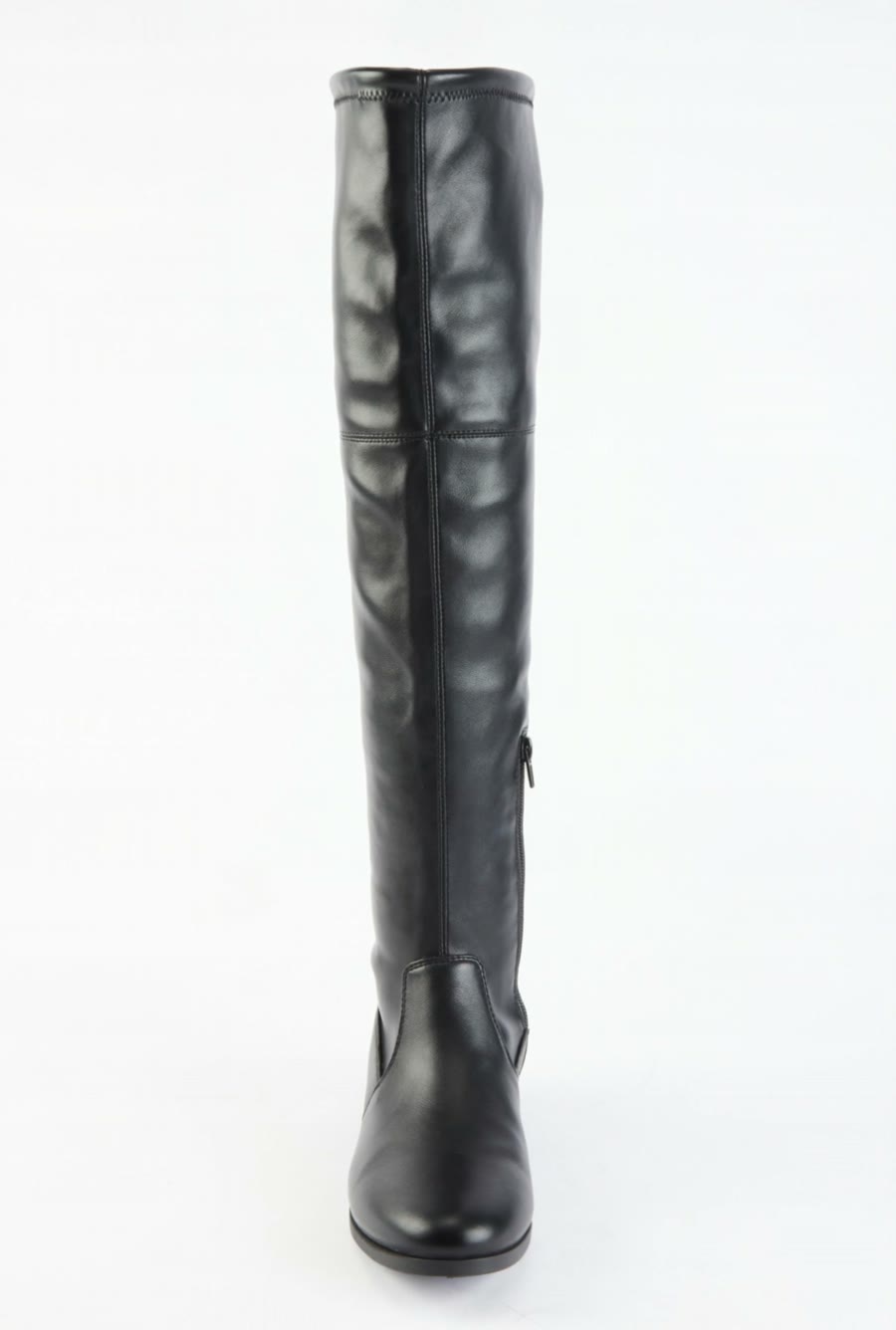
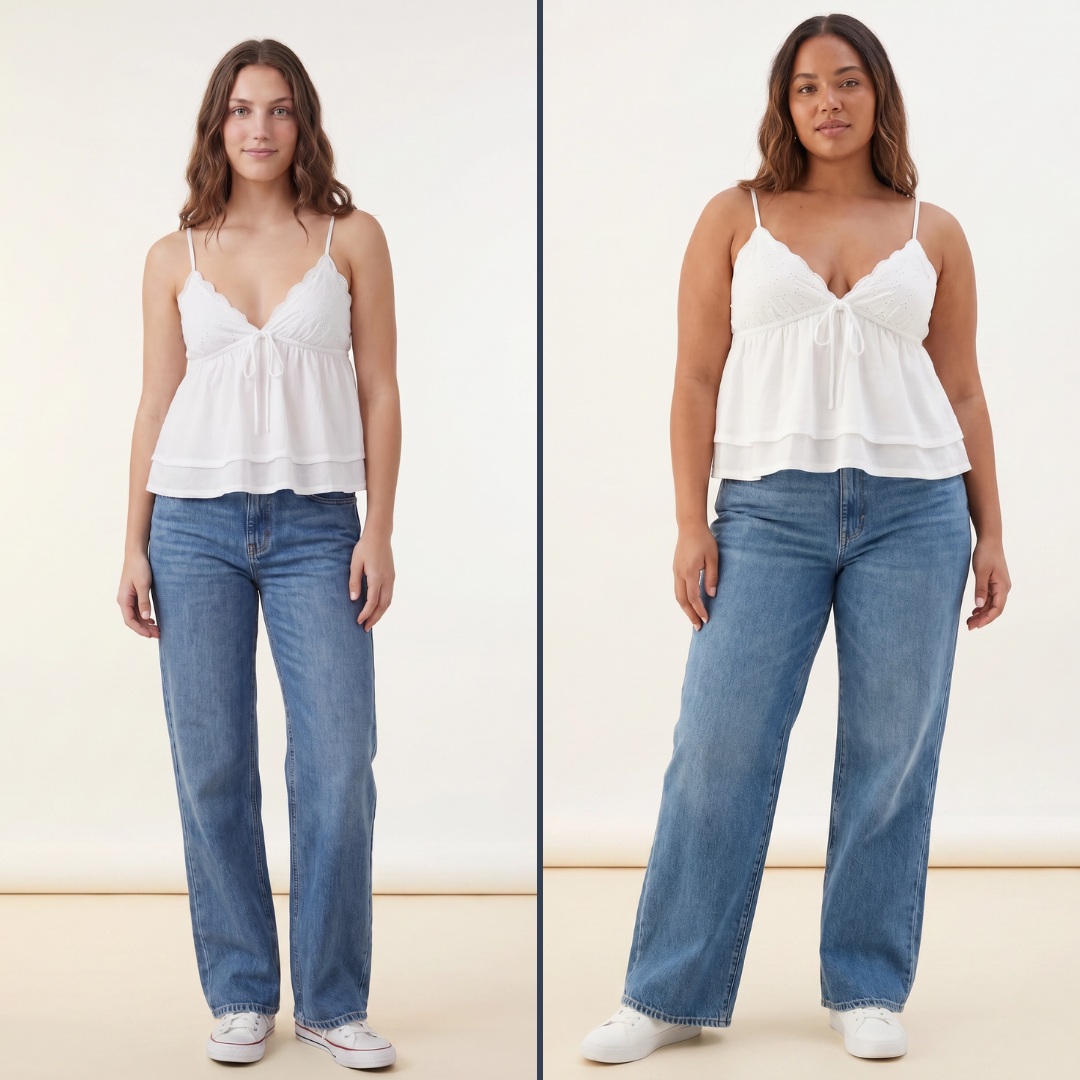
What you need
- Up to four products from your connected catalog, each with at least one clear image
- A reference image whose background and light every product should match (optional)
What you get
- A 1:1 image for each product, labeled with the product it shows
- One shared background, light and scale across the set
- A list of products that need a better source image
How it runs
Tolstoy runs this playbook in 4 steps.
-
Pick the products
You select up to four products, and Tolstoy reads their real catalog images and details.
-
Lock one look
The agent fixes one background, light direction, camera angle, margin and product scale for the whole set.
-
Generate one image each
Each product gets its own 1:1 image, with its materials, print, logos and label text unchanged.
-
Flag missing sources
When a product has no usable image, the agent names it and stops instead of drawing a similar item.
Check the result
- Put the images side by side: the horizon, shadow direction and product size match from one image to the next.
- Compare each image with its catalog photo: color, print, logo and label text are the same.
- Every product you selected has an image or a clear reason why it does not.
Know the limits
- Four products per run. For a larger catalog, approve the first set, then run the next batch with the same look.
- It changes the scene, not the product. It cannot fix a blurry or cropped source image.
- Images stay in your Tolstoy library. You choose which ones go on your product pages.
When to use this playbook
Use it when your product images come from different suppliers, shoots or seasons, and your collection pages look uneven. It also gives new products the look of the products you already sell, without a studio day for a few SKUs. For the wider picture of AI product images, read how to generate product images with AI.
Get better results
- Start with the products that have the cleanest source images. The first set becomes the reference for the rest.
- Run one product type per set. Each type needs its own framing.
The prompt
“Run this playbook” opens Tolstoy with this prompt as a draft. Pick your products, edit anything, then send it.
Create a consistent 1:1 catalog image for each product I select, starting with up to four products. Use the same background, light direction, camera perspective, margins and apparent product scale across the set. Preserve each product’s individual materials and design. Generate separate images and tell me which product each belongs to. If a product has no usable source image, stop and tell me rather than substituting a similar item. Keep the real product shape, proportions, construction, print, color, logos and readable labels intact. Do not invent product features, claims or reviews.
FAQ
How can I create consistent product images across a large catalog using AI?
Fix the look once and reuse it. Approve one set of four products with the background, light and scale you want, then run the next products with the same settings or the same reference image. Work in batches of one product type, because shoes and bags need different framing.
Can I match the look of a photo I already have?
Yes. Attach the image and say "match this background and light". The agent copies the scene, camera angle and lighting, and keeps each product as it is in your catalog.
What if my supplier photos are all different?
That is the main use for this playbook. The agent uses each supplier photo only for the product itself, and builds the same new scene around every product.
Run it on your own catalog
Start free, connect your store, and Tolstoy opens this playbook for you. You review every result before anything goes live.