Reuse one model across a whole collection
Tolstoy puts each garment of a collection on the same model, in the same pose, light and background, so your product pages look like one shoot.
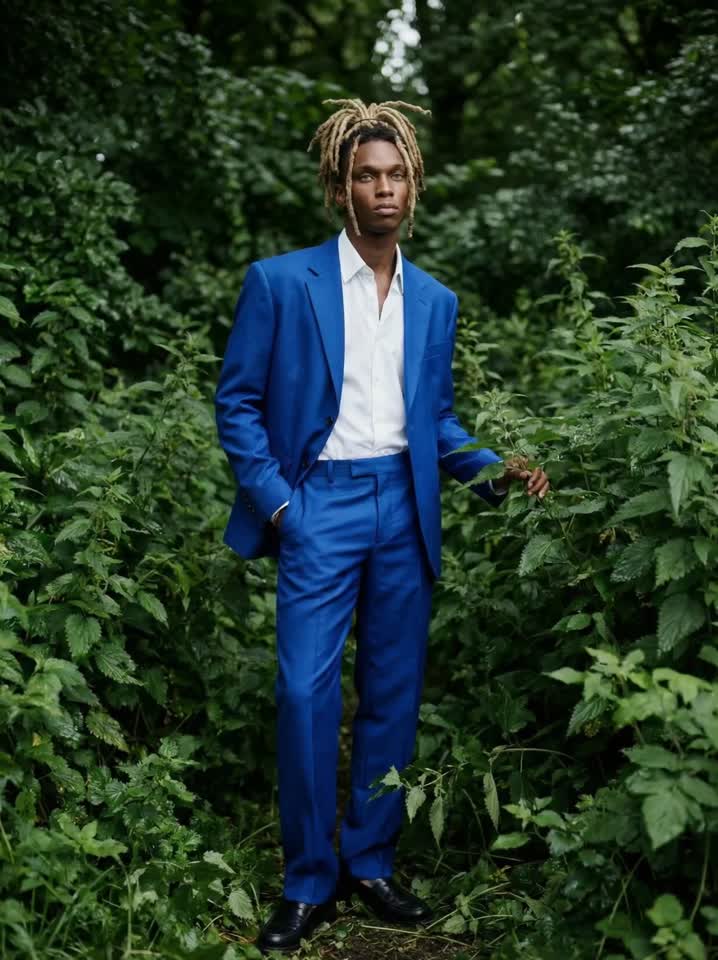 Blue suit garden editorial video
 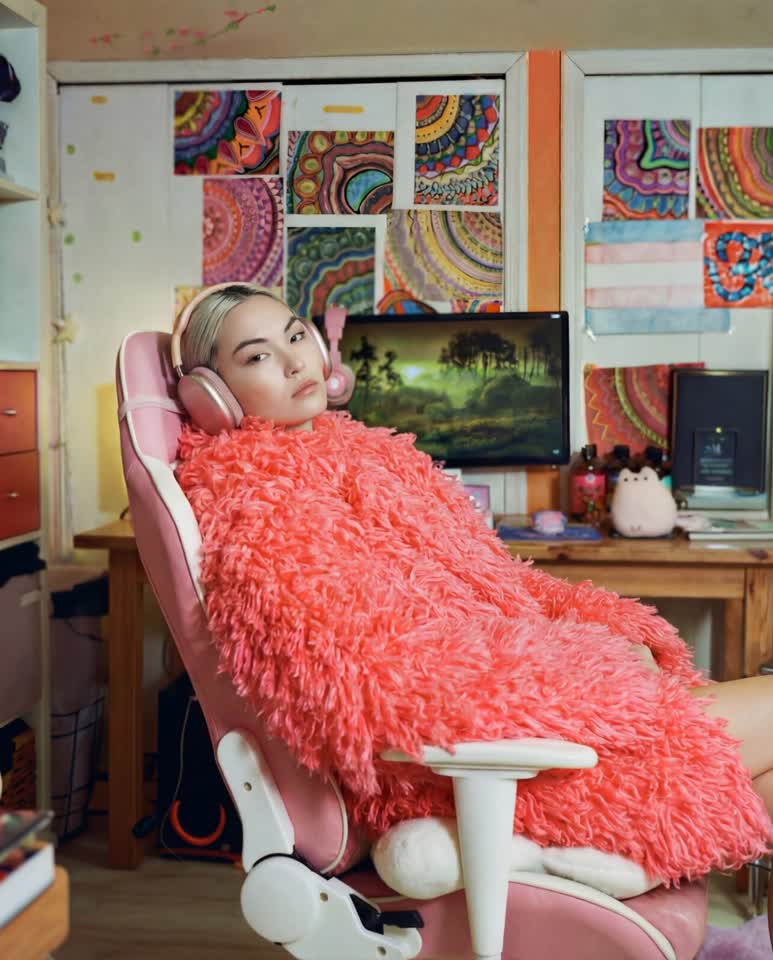 Pink faux-fur gaming chair editorial video
 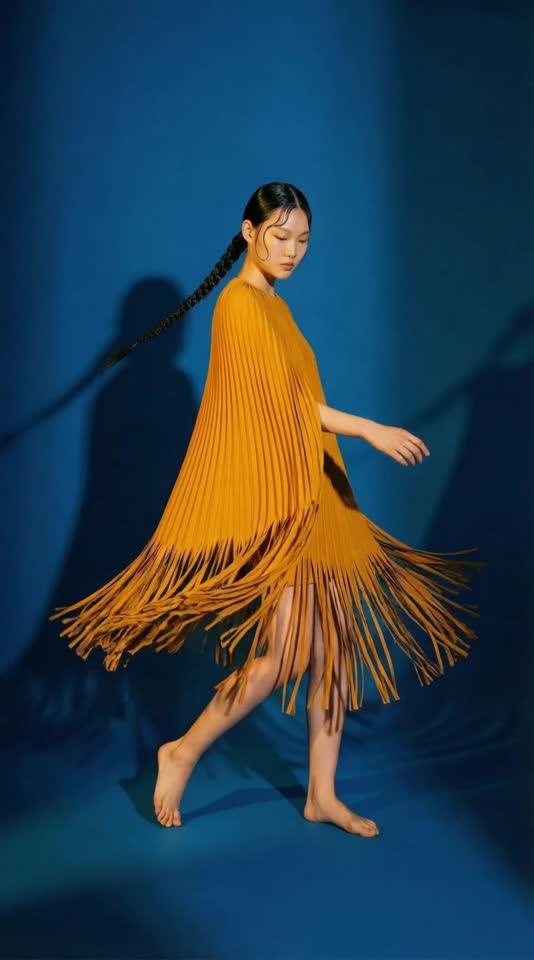 Yellow fringe dress studio video
 What you need
- One on-model image to keep: a saved model, or a photo from a past shoot
- The garment or full look to put on the model, from your catalog or as an image
What you get
- One on-model image per garment, at the aspect ratio of the model image
- The same face, body, hair, pose, light and background in every image
How it runs
Tolstoy runs this playbook in 4 steps.
-
Pick the model image
You choose the image whose face, pose, framing, light and background every look in the collection will share.
-
Add the garment
You select the product from your catalog or attach a garment image, and the agent asks for anything missing before it generates.
-
Replace only the outfit
The agent changes the clothes and nothing else, and matches the garment’s actual cut, seams, print scale and length.
-
Repeat for the next look
Each run makes one image, so you run it again with the next garment and the same model image.
Check the result
- Put the new image next to the model image: the face, hair, pose and background are the same.
- Compare the garment with its product photo: hem length, neckline, seams and print scale match.
- The model wears only what you supplied, with no added shoes, bag or jewelry.
Know the limits
- One garment or look per run. You build the collection one image at a time.
- The pose and frame do not change. A half-body model image cannot show a full-length dress or pants.
- Images stay in your Tolstoy library. You choose which ones go on your product pages.
When to use this playbook
Use it when a collection drops in stages and the new pieces must sit next to the old ones without a reshoot. It also extends one strong campaign image to the rest of the line, on the same person and in the same frame. For the production side of a large catalog, read how to produce on-model catalog photos at high-SKU scale.
Get better results
- Pick a model image with a simple, open pose. Arms away from the body leave room for sleeves, and a straight stance shows length.
- Give the agent a clear flat lay or ghost-mannequin image. The seams and print it copies come from that image.
- Approve the first result before you run the rest of the line. If the fit looks wrong, correct it on that image first.
The prompt
“Run this playbook” opens Tolstoy with this prompt as a draft. Pick your products, edit anything, then send it.
Put my selected garment on the model in my selected model image. Use the model image as the identity and scene reference and replace only the outfit. Keep the face, body, hair, pose, framing, lighting and background the same. Fit the garment naturally and match its actual cut, seams, print scale and length. Generate one image at the aspect ratio of the model image. Do not recast the model or add accessories I did not supply. If the model image or the garment is missing, ask only for that before you generate. Keep the real product shape, proportions, construction, print, color, logos and readable labels intact. Do not invent product features, claims or reviews.
FAQ
How do I generate on-model product photos at scale?
Fix the model and change only the garment. Choose one model image, run this playbook once for each garment, and every image keeps the same face, pose, light and background. Approve the first result before you run the rest of the line, so a fit problem does not repeat across the collection.
Can I use a photo of a real model?
Yes. The model image can come from a past shoot. The face and body stay as they are, so make sure your agreement with that person covers new images. A saved AI model avoids that question.
Why keep the pose and background the same for every outfit?
When only the clothes change, shoppers compare fit, length and print instead of a new face or a new set. A collection grid also looks like one shoot, even when the garments arrived months apart.
Run it on your own catalog
Start free, connect your store, and Tolstoy opens this playbook for you. You review every result before anything goes live.