Create a reusable AI model for your brand
Tolstoy turns a casting brief or a reference photo into one consistent adult model, and saves it on your approval, so every product can use the same person.
What you need
- A short casting brief, or a reference photo of the look you want
- Gender, age group, body type and skin tone, if the brief does not say them
What you get
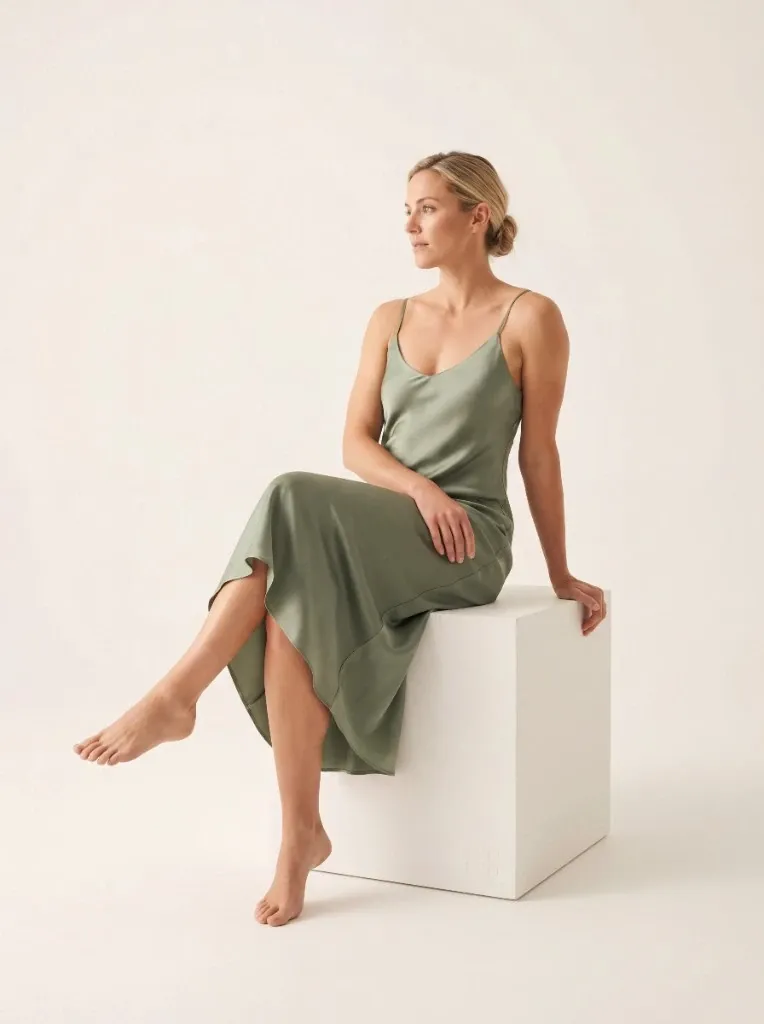
- A face view and a full-body view of one consistent adult model
- A new model in your Tolstoy model library, after you approve it
- A model you can select later for on-model images and try-on
How it runs
Tolstoy runs this playbook in 4 steps.
-
Describe the person
You write a short casting brief or attach a reference photo, and the agent asks only for missing details such as age group or skin tone.
-
Generate a reference set
The agent makes a clear face view and a neutral full-body view, with the same face, hair, skin tone and body proportions in both.
-
Keep the styling plain
Simple clothes and a clean, neutral background keep the model easy to dress in your products later.
-
Save when you approve
Nothing is saved until you choose the person and ask, and then the agent adds a new model without changing one you already saved.
Check the result
- The face, hair and skin tone are the same in the face view and the full-body view.
- Look at the full-body view at full size: the hands, proportions and background color are what you want in every later image.
- The clothes and background are plain, with no bold accessory or tinted wall that would follow the model into your product images.
Know the limits
- It creates adult models only.
- It makes the model, not product images. Dress the saved model in your products with an on-model playbook.
- It never changes a saved model. For a different customer group, create a second model.
When to use this playbook
Use it before you shoot a collection on AI models, so every product appears on the same person from the first image. It suits brands that want one recognizable face across product pages, try-on, ads and emails. Before you cast, decide where the identity comes from: AI model provenance and digital-replica consent explains the options and what each one needs.
Get better results
- Describe one specific person, for example “woman in her early 30s, shoulder-length dark curly hair, medium build”, not a list of adjectives.
- Attach your casting or photography guide if you have one. The agent casts one specific person from it.
The prompt
“Run this playbook” opens Tolstoy with this prompt as a draft. Pick your products, edit anything, then send it.
Help me create a reusable adult model for my brand. Use my casting brief or reference image, and ask only for identity details that are missing, such as gender, age group, body type or skin tone. Create a small reference set with a clear face view and a neutral full-body view. Keep face, hair, skin tone and body proportions consistent across the set, and keep the styling simple enough to reuse with different products. Show me the result for review. Do not save the model yet. Save it through the Models flow only after I choose the identity and explicitly ask you to save it, and never overwrite a model I already saved.
FAQ
What are AI virtual models for ecommerce product images?
They are AI-generated people who wear or hold your products in product images, in place of a booked model. A new generation produces a new person each time, so a saved model is what keeps the same face and body across your product pages, try-on and ads.
Can I base the model on a photo?
Yes, as casting direction. The agent uses the photo for age range, hair, style and mood, and casts a new person from it. It does not copy the face in the photo.
What if the first result is not the person I want?
Tell the agent what to change and it generates again. Nothing is saved until you ask. If several text attempts miss the same look, attach a reference photo, because text alone handles exact combinations of features poorly.
Run it on your own catalog
Start free, connect your store, and Tolstoy opens this playbook for you. You review every result before anything goes live.