Turn garment CADs into ecommerce photos
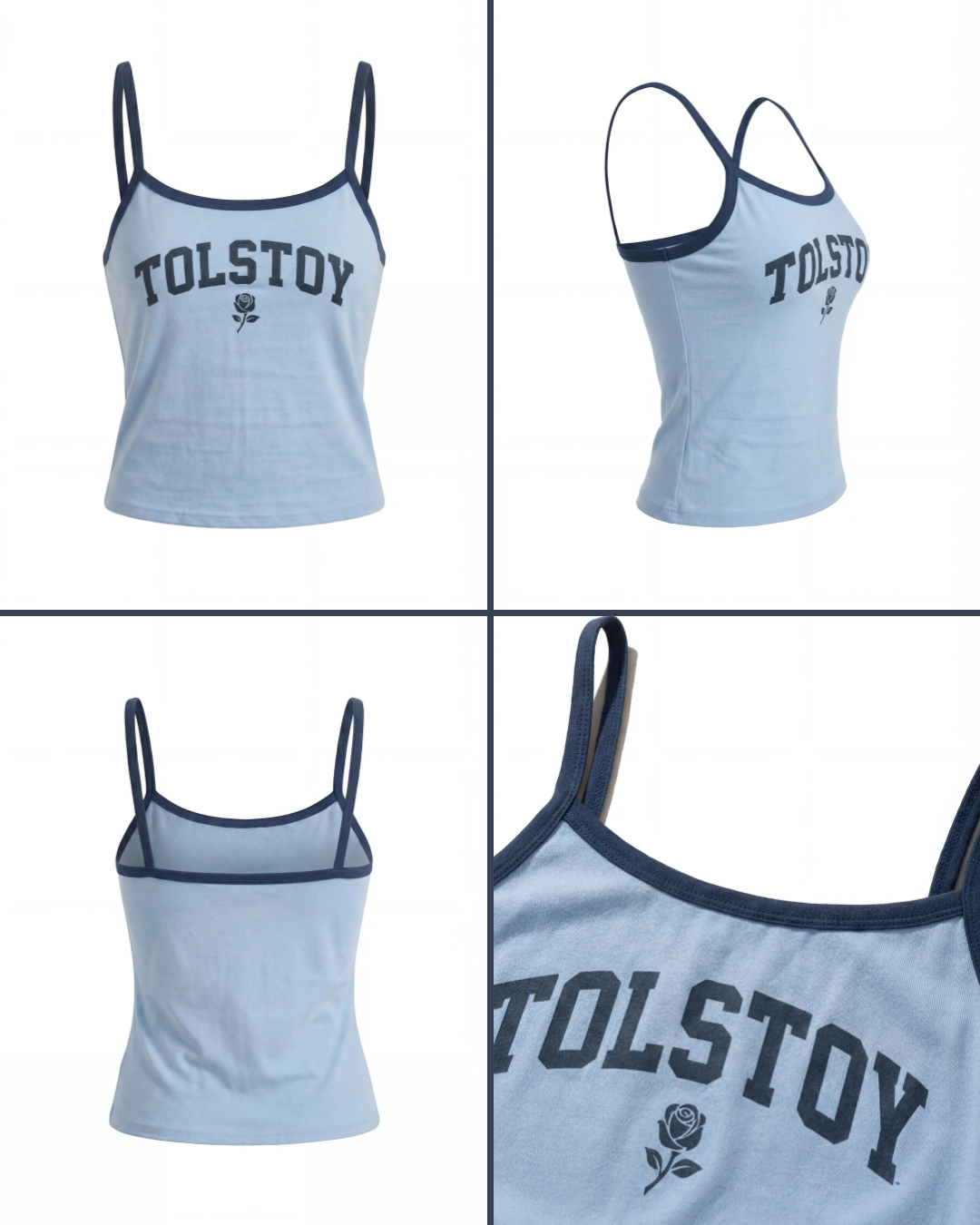
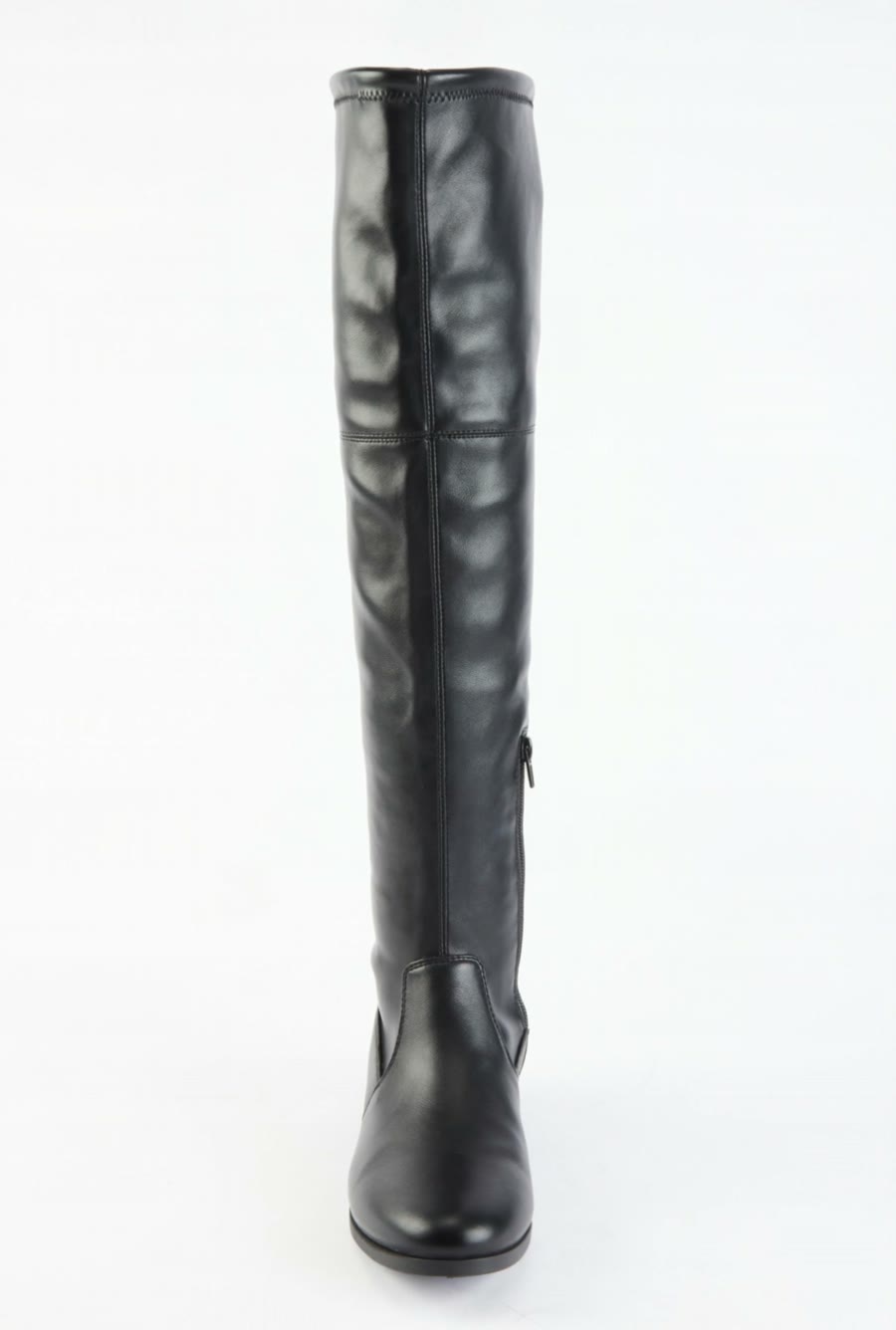
Tolstoy turns a garment CAD, technical drawing or line sheet into four ecommerce views on your model: front, back, styled full body and a close detail.
What you need
- A garment CAD, technical drawing or line sheet; a PDF with several styles works
- Fabric swatches or color references for the material and colorway
- An adult model to wear the garment, such as a saved brand model
- Background and styling references (optional; the default is a clean neutral studio)
What you get
- Four separate images per style: front, back, styled full body and detail
- A view label on each image, plus the SKU when you supplied one
- Images grouped by style and view when you run a multi-style PDF
How it runs
Tolstoy runs this playbook in 5 steps.
-
Read the drawing
The agent identifies the garment, its views, colorway and key details, and separates lining and construction callouts from what shows when worn.
-
Choose the styles
For a PDF with several styles, the agent lists the style IDs and colorways and shows the shot count before it starts a batch.
-
Ask about gaps
When a view, fabric, fit or detail is unclear, the agent asks instead of inventing a back, a print, pockets or seams.
-
Generate four views
Front, back, full-body styled front and a close detail come back as four separate 2:3 images, with one model, background and light.
-
Check against the CAD
The agent compares each image with the drawing, fixes a failed detail without restyling the rest, and labels each image with its view and SKU.
Check the result
- Put each image next to the CAD: silhouette, length, neckline, sleeves, closures, pockets and seam placement match.
- Compare the color, material finish and print scale with your swatches and artwork.
- Every style you selected has all four views, each labeled, and no colorway you did not request.
Know the limits
- The images show the design, not a made garment. Drape and color can differ from the final sample.
- Images are for review. Tolstoy does not publish them or change your store data.
When to use this playbook
Use it when you have designs but no samples yet, or samples arrive late, and you need product views for a line review, a wholesale deck or an early product page. The drawing is the construction source, so the result follows your spec, not a lookalike from a reference photo. Before these images reach a product page, put them through a garment-fidelity QA check.
Get better results
- Include front and back flats, and keep the SKU next to each style on the line sheet.
- Attach a photo of the real fabric. A swatch image tells the agent more than a note like “matte jersey”.
- Run one style first and approve it before you send the full PDF.
The prompt
“Run this playbook” opens Tolstoy with this prompt as a draft. Pick your products, edit anything, then send it.
Create ecommerce images from my attached garment CAD, technical drawing or line sheet. Use the drawing and its notes for construction, swatches for material and color, my selected adult model for identity, and my references for the scene. Separate lining and callouts from what shows when worn. For a file with several styles, list the style IDs and colorways, show the shot count, and work on the ones I select. If a view, fabric, fit, detail or model is missing or unclear, ask only for that; never invent the back, print, pockets, seams or embellishments. With no background reference, use a clean neutral studio. Generate four separate images, never a collage: front, back, full-body styled front, and a close detail of the defining construction or artwork. Keep one model, background and light, in 2:3 unless I give a size. Check each image against the CAD, fix a failed detail without restyling the rest, and label each image with its view and any SKU I supplied. Make no unrequested colorways. Present the images as AI-generated visualizations for review, without changing store data. Keep the real product shape, proportions, construction, print, color, logos and readable labels intact. Do not invent product features, claims or reviews.
FAQ
How do I create studio-quality product images from CAD files?
Use the drawing as the construction source and a real fabric reference for material and color. Tolstoy reads your garment CAD, asks about anything the drawing leaves unclear, and generates front, back, styled and detail views on your model in a clean studio. It then checks each view against the drawing before you see it.
Can I use these images before the garment is made?
Yes, for a line review, a wholesale deck or an early product page, as long as you say they show the design. The agent describes them as AI-generated visualizations, and it can add an AI disclaimer in your wording and placement.
What if my CAD shows only the front?
The agent asks for the back view or a description of it. It does not invent the back, pockets or seams. You can also ask for a different set of views.
Run it on your own catalog
Start free, connect your store, and Tolstoy opens this playbook for you. You review every result before anything goes live.