Edit raw demo footage into a short product video
Tolstoy cuts your own demo footage into one clear 9:16 video of up to 20 seconds, with short, accurate captions that leave the product and hands in view.
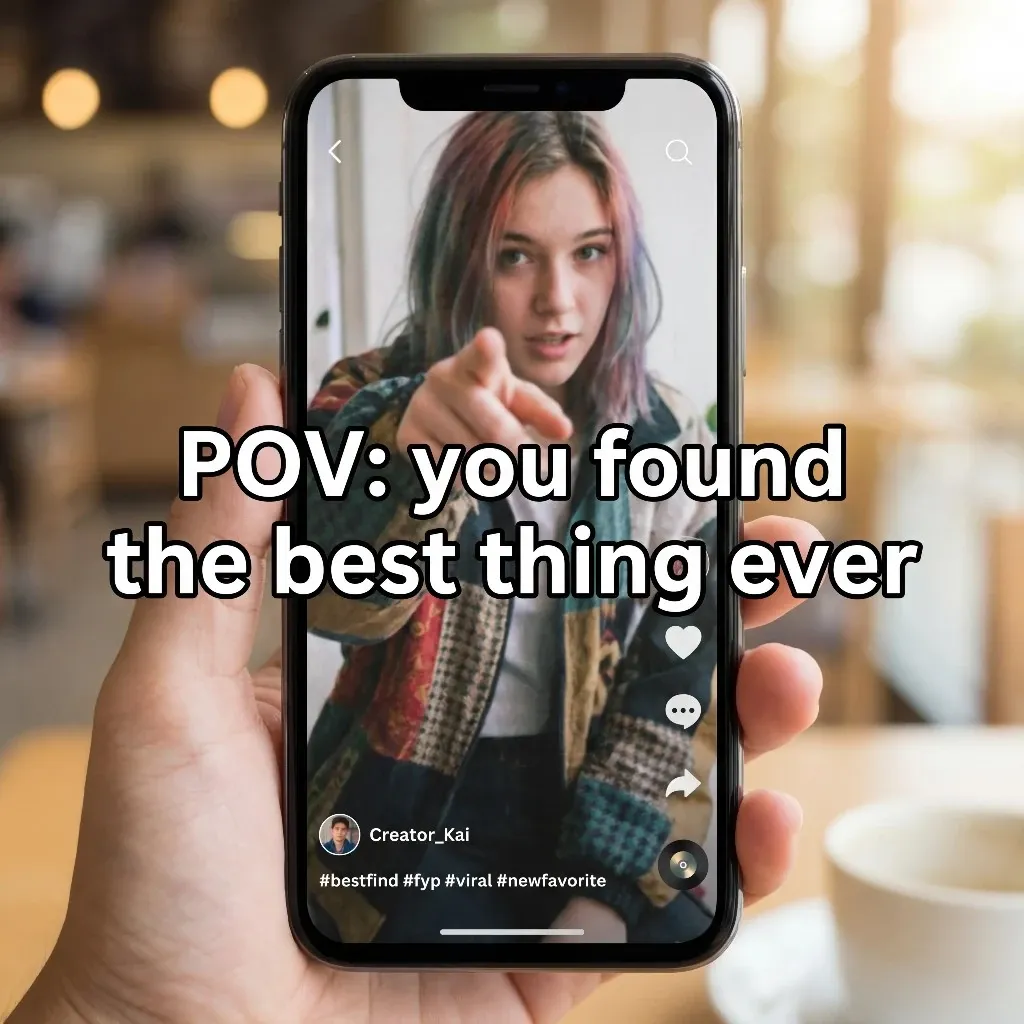
What you need
- Your own footage of the product being used or demonstrated
- The product from your catalog, so captions use verified facts
- Music, only if you want it
What you get
- One 9:16 video of up to 20 seconds, cut from your own footage
- Short captions, each based on the footage or your product data
- The original sound where it helps, with music only on request
How it runs
Tolstoy runs this playbook in 4 steps.
-
Upload the footage
You attach the clips that show the product in use, and the agent asks for usable footage instead of simulating a step.
-
Cut the dead time
The agent removes pauses and waiting, and keeps the real order of steps and the real product behavior.
-
Add short captions
Captions state only what the footage shows or your product data says, and sit clear of the hands, the product and the playback controls.
-
Keep the sound honest
The original audio stays where it helps, with no music unless you ask and no invented spoken testimonial.
Check the result
- Watch it on a phone: the hands and the product stay in view while each caption is on screen.
- The steps appear in the real order, and the product does what it does in the raw footage.
- With the sound off, a viewer who has never seen the product can tell what it does by the end.
Know the limits
- One video of up to 20 seconds per run. A product with more steps needs two videos.
- It does not post the video or add it to a product page. You choose where it goes.
When to use this playbook
Use it when your team has filmed the product in use, but the raw clips are too long, too slow or hard to follow. It suits setup steps, assembly, and any product whose value is clearer in motion than in a photo. To plan the demo before you film, read how to make a product demo video that sells.
Get better results
- Film each step in one continuous take, with the product in frame. The edit can only keep a step that the footage shows.
- Shoot vertically, or leave space around the action, so a 9:16 crop does not cut off the hands.
- Name the one thing the viewer should understand by the end, for example “how the lid locks”. The agent cuts toward that point.
The prompt
“Run this playbook” opens Tolstoy with this prompt as a draft. Pick your products, edit anything, then send it.
Turn my supplied demonstration footage into one clear 9:16 video of up to twenty seconds. Preserve the actual sequence and product behavior. Remove dead time, keep the useful action visible, and add short, accurate captions placed away from the hands, the product and the playback controls. Use only facts shown in the footage or in my product data. Do not invent steps or a spoken testimonial. Keep the original audio where it is useful, and add music only if I ask for it. If the footage has no usable demonstration, ask me for that footage instead of simulating it. Keep the real product shape, proportions, construction, print, color, logos and readable labels intact. Do not invent product features, claims or reviews.
FAQ
How do I edit product demo footage for TikTok and Reels?
Cut it to one 9:16 video of 20 seconds or less, remove the waiting, and add short captions that stay clear of the hands and the product. This playbook does that from your raw clips and keeps the steps in their real order, so the video shows what the product actually does.
Can the agent make a demo if I have no footage?
Not with this playbook. It edits real footage, so without usable clips the agent asks for them rather than simulating a demonstration. For a generated video, use the UGC video ads playbook.
Where can I use the finished video?
Anywhere a short vertical video fits: TikTok, Reels, Shorts, or a video widget on your product page, where a shopper sees the product work before they buy.
Run it on your own catalog
Start free, connect your store, and Tolstoy opens this playbook for you. You review every result before anything goes live.