Build a content kit for a product launch
Pick a new product, and Tolstoy writes launch briefs for Meta ads, TikTok hooks, product page copy, email and onsite placements, then makes the assets you approve.
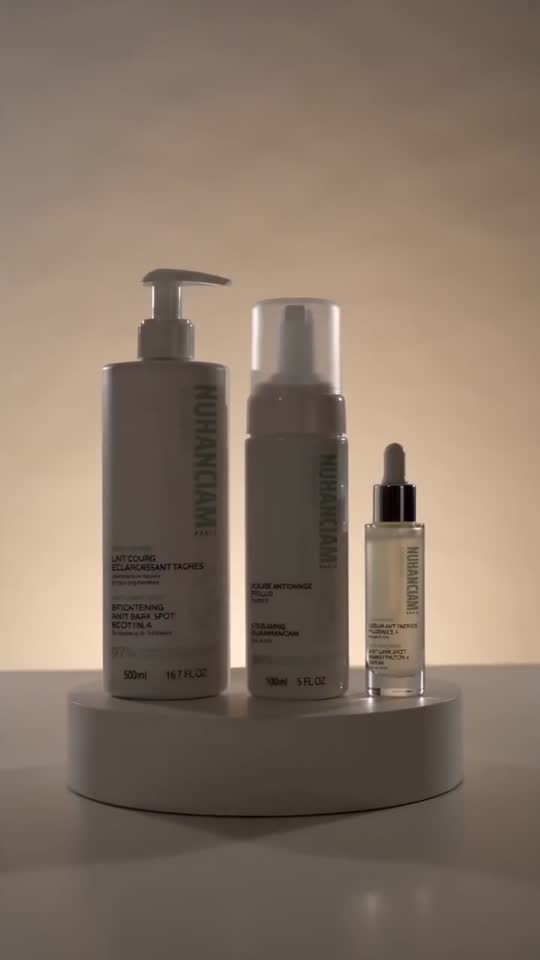 Minimal skincare bottle ad video
 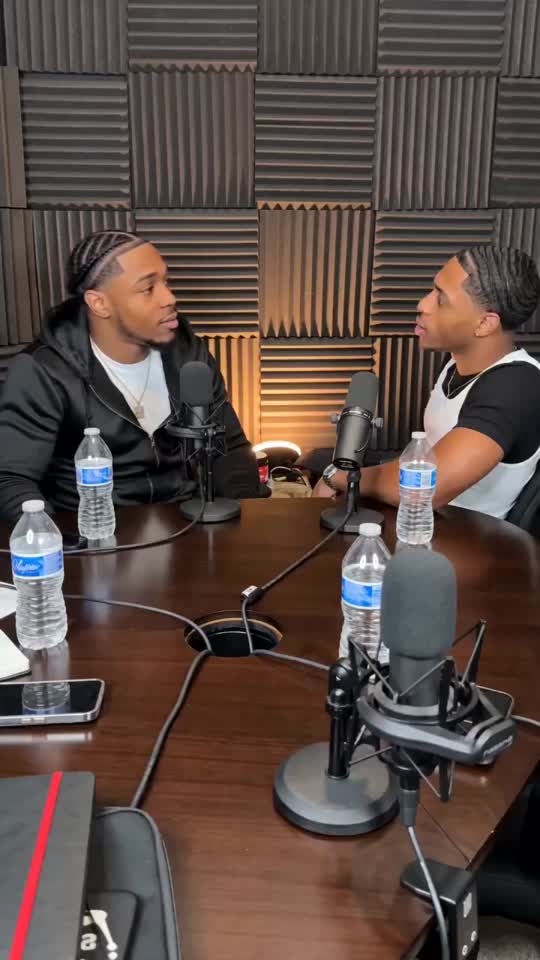 Podcast-style skincare ad video
 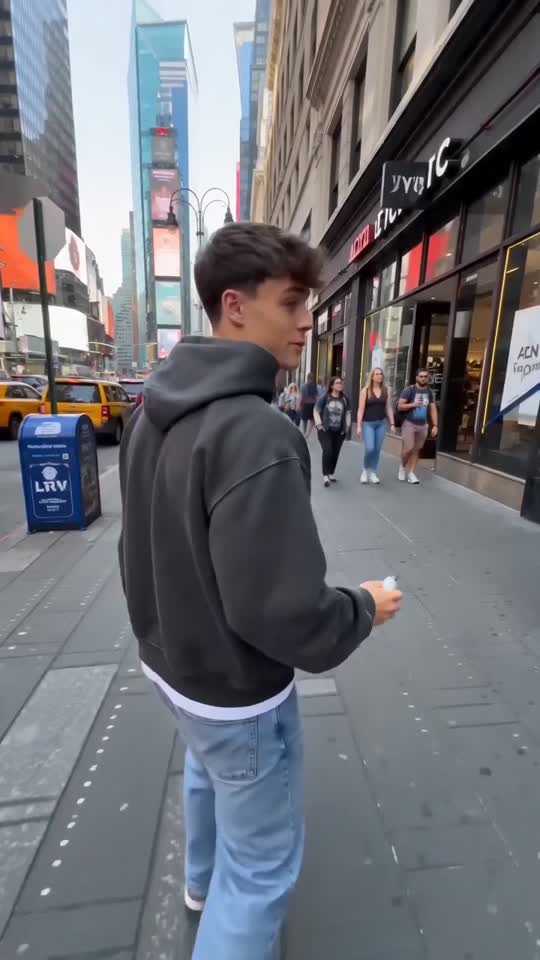 Street-style beauty creator ad video
 What you need
- The new product, from your connected catalog
- Existing photos and videos of the product, if you have them
- Your launch angle or audience, if you already know it (optional)
What you get
- A launch angle and audience for the product
- Briefs for Meta ads, TikTok hooks, product page copy, an email angle and onsite placements
- A list of the existing media each brief reuses, and the media that is still missing
How it runs
Tolstoy runs this playbook in 5 steps.
-
Pick the product
You select or name the new product. If you do not, the agent asks which one to use.
-
Research product and category
The agent reads the product data and looks at what competitors in your category are running, so the launch angle rests on evidence.
-
Set the angle
It proposes the angle, audience and channels. If you already have a clear angle, it goes straight to the briefs.
-
Write the channel briefs
You get briefs for Meta ads, TikTok hooks, product page copy, an email angle and onsite placements, each built on your existing media first.
-
Make the approved assets
For each brief you approve, the agent generates the assets, such as a hero video, social variants or lifestyle images, for your review.
Check the result
- Every brief tells the same story: one angle, one audience and the same product facts across ads, product page and email.
- Product facts in the copy match your Shopify product data, and no discount appears that you did not give.
- Each brief names the existing photo or video it reuses, and you can find that file in your library.
Know the limits
- It does not publish anything or change your store. You paste the product page copy into Shopify and upload the ads yourself.
- Generated images and videos need at least one clear photo of the real product as the anchor.
When to use this playbook
Use it in the days before a launch, when the product is in Shopify but the ads, the product page and the email still need words and pictures. Every channel’s brief comes from one chat, so the Meta ad, the TikTok opening and the email tell the same story about the same product. For the video formats that suit a launch, read our guide to video ads for ecommerce.
Get better results
- Attach your best existing photos or video. The briefs reuse your media first, so stronger inputs mean fewer new assets to make.
- Name the channels you use, the launch date and any real offer. Tell the agent to skip channels you do not run.
- Approve one brief at a time and generate its assets before you move on, so feedback on the first carries into the rest.
The prompt
“Run this playbook” opens Tolstoy with this prompt as a draft. Pick your products, edit anything, then send it.
Build a launch kit for a new product: Meta ad concepts, TikTok hooks, product page copy, an email angle and onsite placement ideas. Ask me which product to use if I have not selected one, and ask only for other inputs you cannot find. Read the product data and look at what competitors in my category are running before you set the angle. Give me channel-specific briefs that use my existing product media first, and name any media that is missing. When I approve a brief, generate its assets for my review. Do not publish anything or change my store. Do not invent a discount. Keep the real product shape, proportions, construction, print, color, logos and readable labels intact. Do not invent product features, claims or reviews.
FAQ
What AI tools can create new product launch video ads fast for ecommerce brands?
Tolstoy AI Studio does it in one chat. This playbook writes the launch briefs from your product data and competitor research, then generates the video ads and images for each brief you approve, starting from the product media you already have.
Do I need to know my positioning first?
No. Without an angle, the agent proposes one from the product data and competitor research. If you already have one, state it and the agent moves straight to the briefs.
Can Tolstoy build a kit every time I add a product?
Yes, with the New Product Content Kit routine. When a new product appears in Shopify, it makes three ad images (a 4:5 hero, a 4:5 lifestyle and a 9:16 UGC-style image) with copy, two product page images, and a title, description, meta fields and alt text, for up to 5 new products per run. It skips products that have no images.
Run it on your own catalog
Start free, connect your store, and Tolstoy opens this playbook for you. You review every result before anything goes live.