The best AI product video generators for Shopify and ecommerce in 2026 are Tolstoy (catalog-to-video that publishes straight onto product pages and into Meta ads), Photoroom (fast listing videos from product photos), Creatify and Topview (ad-style videos from a product URL), HeyGen (presenter and avatar videos) and Runway (custom creative shots from a general video model). If your goal is more product videos on more PDPs, pick a tool that starts from your catalog and publishes to your store, not one that only exports a file.
Disclosure: Tolstoy publishes this guide and is one of the tools listed. Competitor details come from each vendor's public pages; prices were checked on November 1, 2026.
Comparison table
| Tool | Best for | Starts from | Publishes to Shopify PDPs? | Starting price (checked Nov 1, 2026) |
|---|---|---|---|---|
| Tolstoy | PDP, collection and ad video at catalog scale | Synced Shopify catalog, product photos, templates | Yes: shoppable video, media gallery, stories | $29/workspace/mo billed yearly |
| Photoroom | Quick listing videos | Product photos | Export / upload | $7.50/mo billed yearly |
| Creatify | Ad-style product videos from a URL | Product URL, avatars | Export / upload | $10/mo billed annually |
| Topview | Agent-planned marketing videos | Product URL, script, references | Export / upload | $36/mo billed annually |
| HeyGen | Presenter-led product explainers | Script, avatar, product placement | Export / upload | Free plan; from $24/mo billed annually |
| Runway | Custom creative shots | Prompt, image or video | Export / upload | See runwayml.com |
Types of AI product video (and which tool makes each)
- Studio hero loop: the product lit and moving on a clean set, the first media slot on a PDP. Tolstoy, Photoroom, Runway.
- 360 spin / turntable: shows shape and detail. Tolstoy (see the ghost-mannequin boot 360).
- Try-on and fit: apparel and accessories on a model. Tolstoy with virtual try-on.
- UGC-style demo: a creator using the product. Tolstoy, plus avatar tools such as MakeUGC and Arcads (see best AI UGC ad generators).
- Presenter explainer: someone talking through features. HeyGen.
- Paid social ad: hook, product, reason to buy. Tolstoy, Creatify, Topview (see best AI video ad generators).
The tools
1. Tolstoy
Tolstoy's Media Studio turns the product photos already in your Shopify catalog into hero loops, 360 spins, try-ons, UGC-style demos and ads, using video models including Seedance 2.0 and Kling 3.0 (models). Start from 300+ templates. Then publish without leaving Tolstoy: onto product pages and collections as shoppable video through Storefront Studio, or into Meta campaigns through Ads Studio. Hampden reported a 7x conversion-rate lift and 232% AOV uplift on product pages with Tolstoy video.
Pricing: Plus $29, Pro $129, Max $299 per workspace per month billed yearly; every paid plan includes Media Studio, Ads Studio and Storefront Studio. Pricing.
2. Photoroom
Photoroom turns product photos into "listing images and videos", from product-page videos to video ads, on top of its background and editing tools. Pro $7.50, Max $20.99 and Ultra $82.50 per month billed yearly. A good choice when you need clean visuals fast and will upload them yourself. Tolstoy vs Photoroom.
3. Creatify
Creatify generates ad-style image and video from a product link, with AI avatars and an Ad Clone feature. From $10/mo billed annually (55 credits).
4. Topview
Topview's AI video agent plans and creates marketing videos and ads from scripts, references or product URLs on one canvas. From $36/mo billed annually.
5. HeyGen
HeyGen is best when a presenter or avatar should explain the product, with translation and dubbing into 175+ languages. Free plan; Creator $24/mo billed annually. Tolstoy vs HeyGen.
6. Runway (and Kling, Veo)
General-purpose video generation for custom, art-directed shots. Powerful, but you handle product consistency, formats and publishing yourself.
How to turn product photos into a product video
- Use your best catalog shot. A sharp, evenly lit photo on a plain background gives the model the most to work with.
- Choose the shot type for the job: hero loop for the first PDP slot, 360 for detail, try-on for fit, UGC-style for social proof.
- Generate 3–5 versions and keep the one where the product looks most like the real thing.
- Check accuracy: logo, label text, colour and proportions.
- Publish where shoppers decide: the PDP media gallery and collection pages first, then ads.
In Tolstoy, the fastest start is the product video templates or any example in the AI product hero gallery.
Where to put AI product videos on a Shopify store
- Product media gallery: replace or add to the static images (Tolstoy can replace the Shopify media gallery and track each asset's performance).
- Collection pages and homepage: shoppable carousels and stories.
- Ads and email: the same video in Meta campaigns and Klaviyo flows.
See also: AI product videos: pros and use cases · how to create product videos · Shopify video apps compared.
Made with Tolstoy
AI product videos made with Tolstoy
Hero loops, a 360 spin and studio product ads generated from product photos. Open one to see the prompt.
-
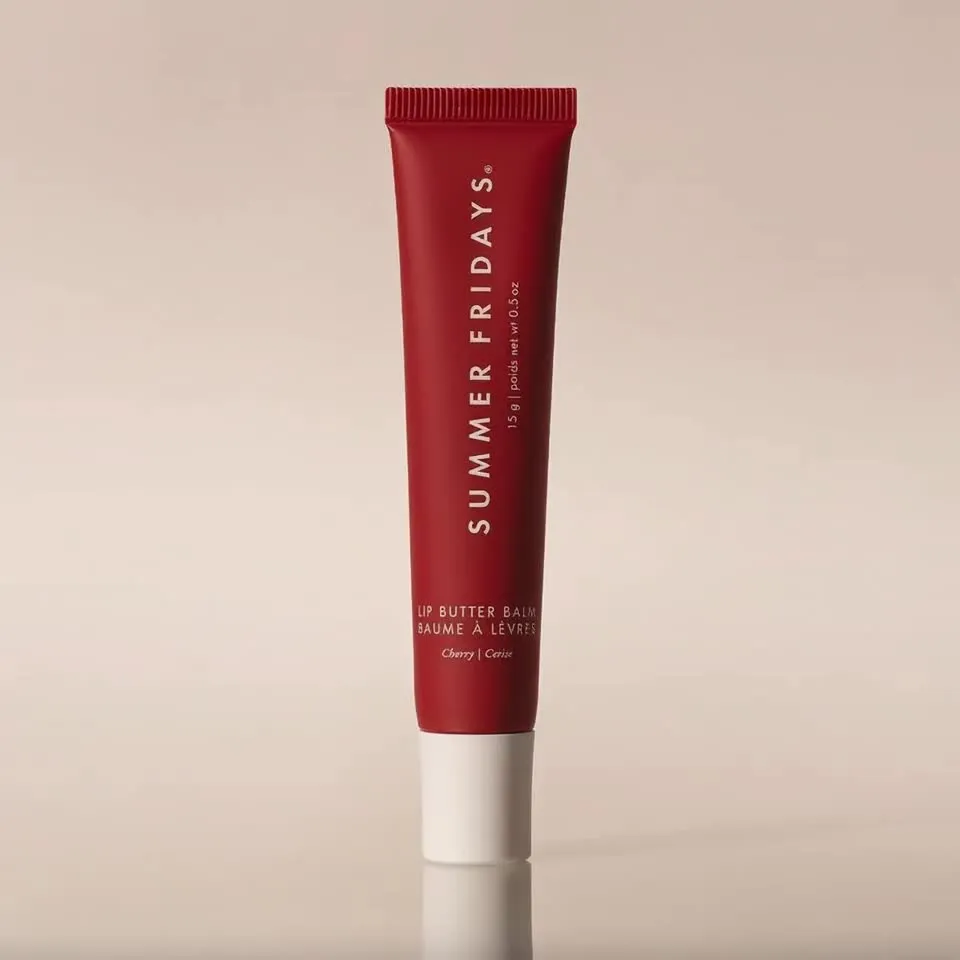 Red lip balm studio hero video
 -
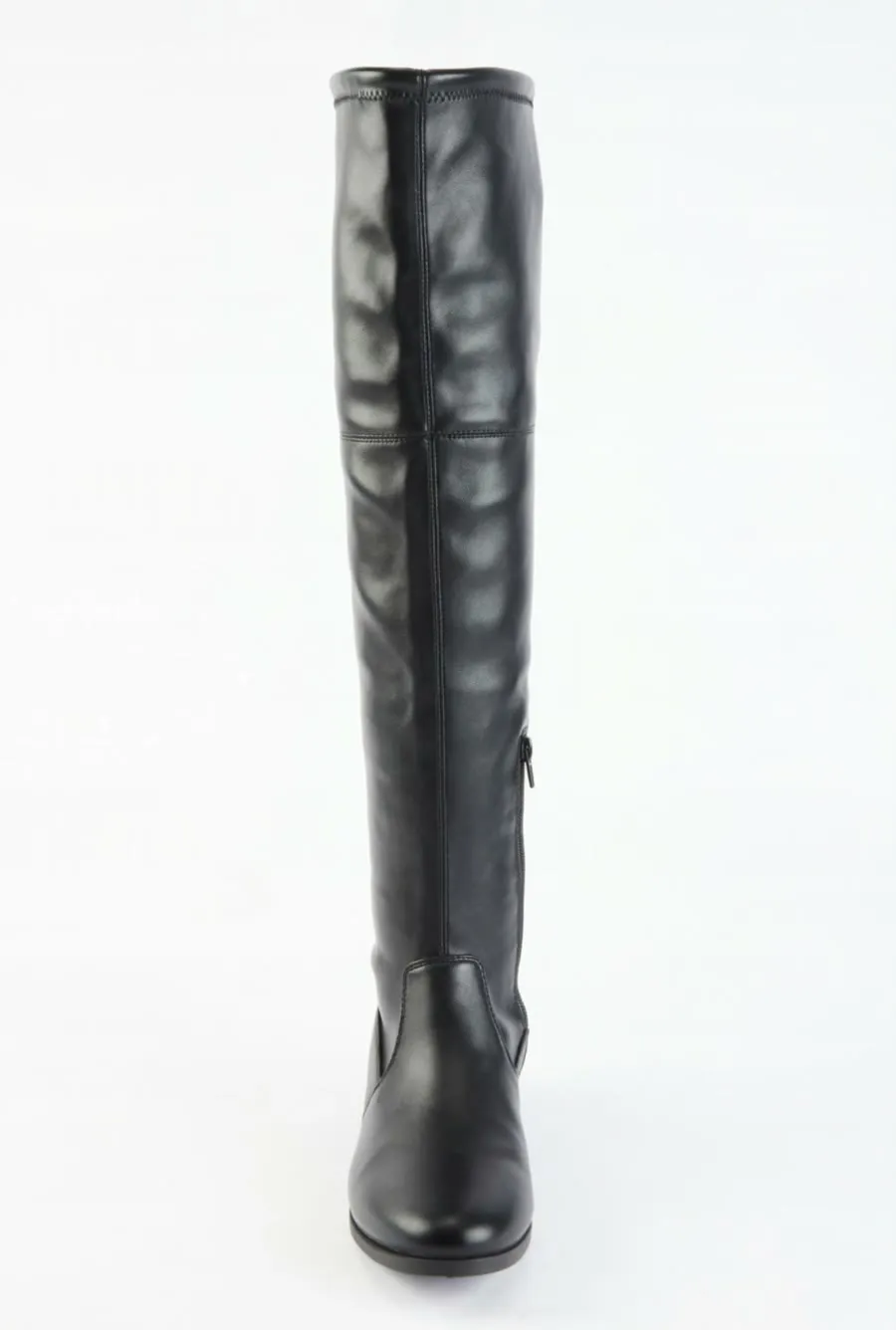 Ghost mannequin boot 360 video
 -
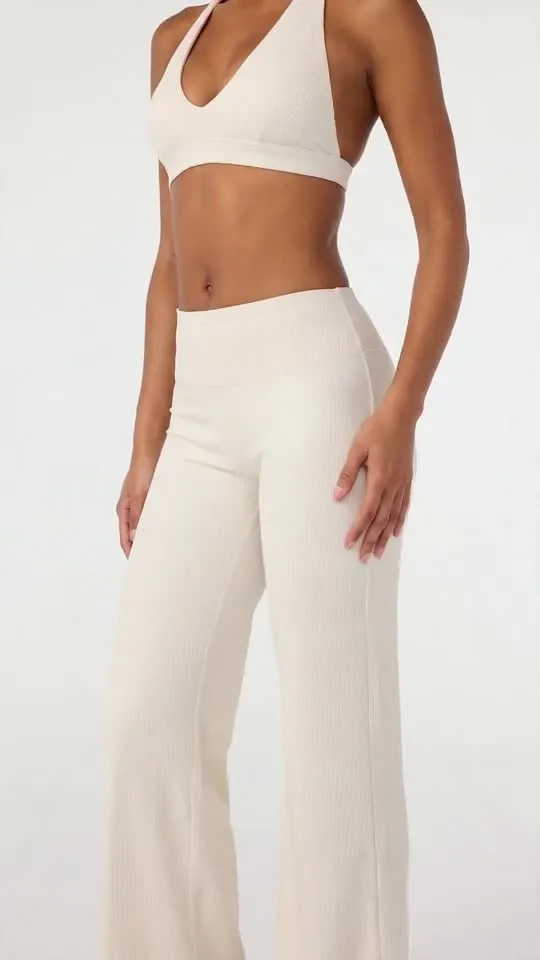 White athleisure set studio ad video
 -
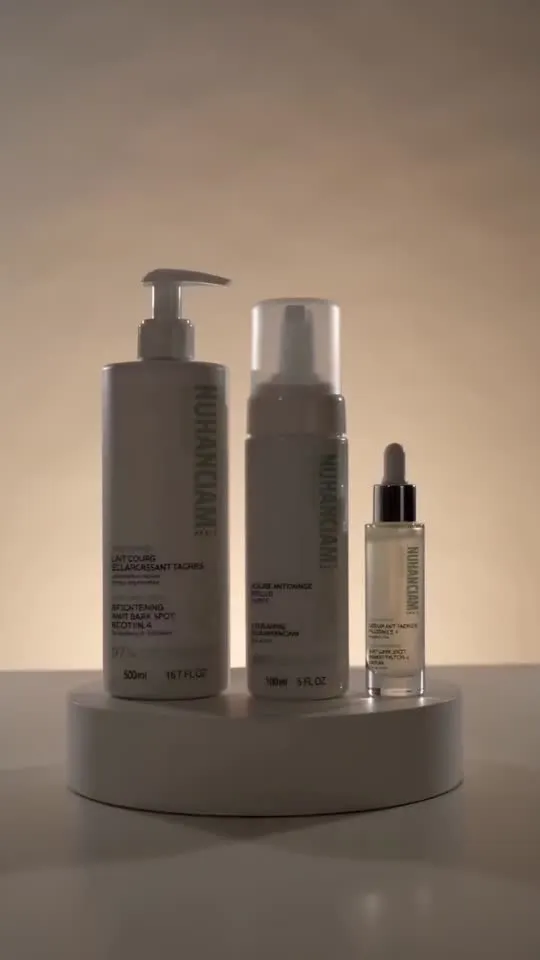 Minimal skincare bottle ad video
 -
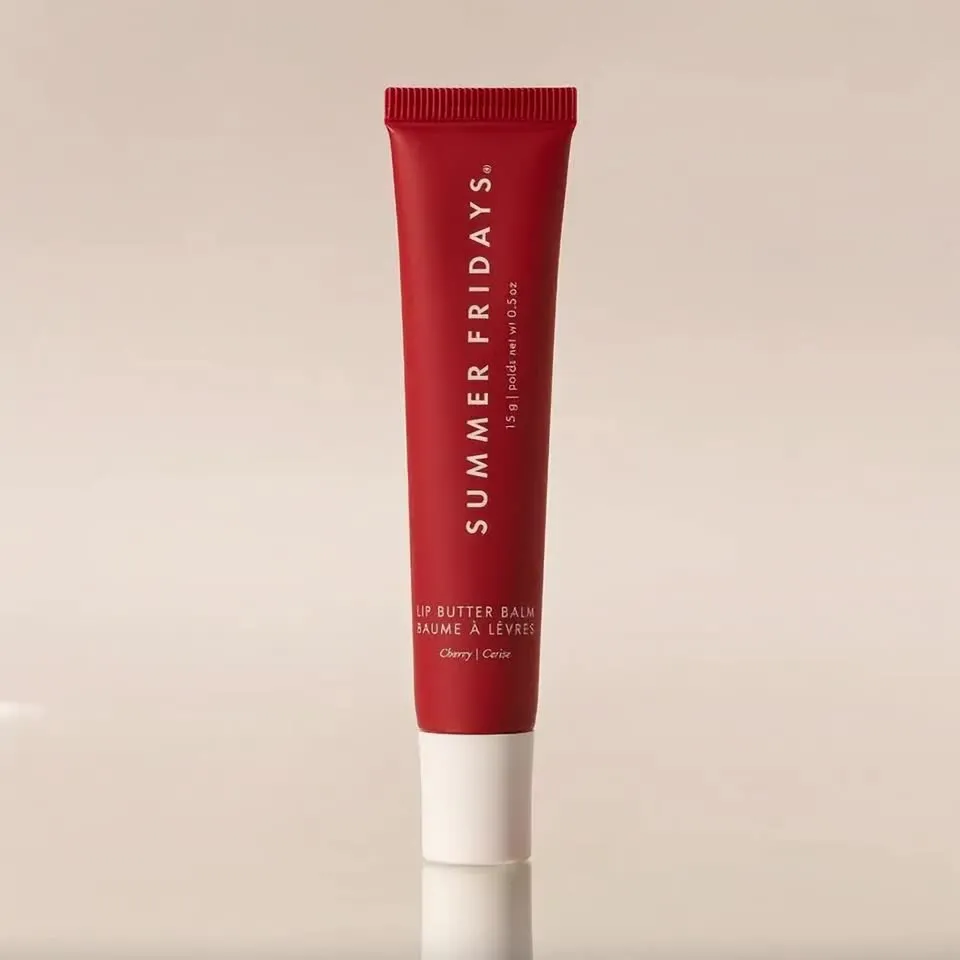 Red lip balm product hero video
 -
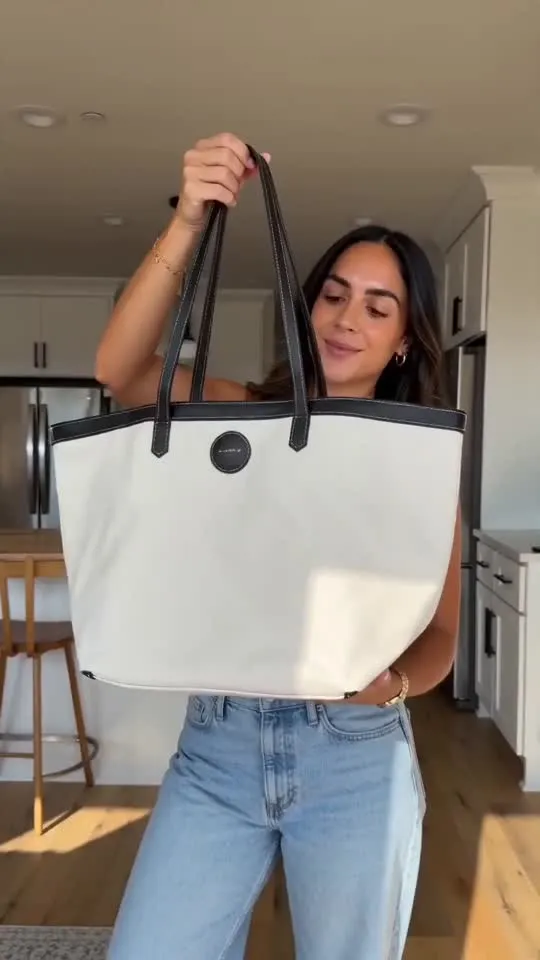 Canvas tote try-on ad video
Frequently asked questions
What is the best AI product video generator for Shopify?
Tolstoy is the best fit for most Shopify brands because it syncs your catalog, generates product videos from your existing product photos, and publishes them straight onto product pages as shoppable video and into Meta ads. Photoroom suits quick listing videos, Creatify and Topview suit ad variations from a URL, HeyGen suits presenter-led videos, and Runway suits custom creative shots.
Can AI create a product video from product photos?
Yes. Image-to-video models animate a still product photo into a hero loop, a 360-style spin, a macro close-up or a lifestyle scene. In Tolstoy's Media Studio you pick the product from your catalog, choose a template or describe the shot, and generate with models such as Seedance 2.0 or Kling 3.0.
What kinds of product videos work best on a product page?
Short, silent-friendly loops that answer a buying question: how it moves, how it fits, how big it is, what it looks like in use. Studio hero loops and 360 spins help shoppers understand the product; UGC-style try-ons and routines build trust. Put them in the product media gallery, not only below the fold.
How much do AI product video generators cost?
Checked on November 1, 2026: Photoroom from $7.50 per month billed yearly, Creatify from $10 per month billed annually, HeyGen has a free plan and paid plans from $24 per month billed annually, Topview from $36 per month billed annually, and Tolstoy from $29 per workspace per month billed yearly, which includes Media Studio, Ads Studio and storefront shoppable video.
Do AI product videos increase conversion?
Product video on the product page can lift conversion when it answers a shopper's question. Tolstoy customer Hampden reported a 7x conversion-rate lift and a 232% AOV uplift on product pages with Tolstoy video. Results vary, so A/B test a product page with and without video before rolling it out.
Will AI change how my product looks?
It can, and that is the main risk. Always compare the generated product with the real one, including colour, logo, label text and proportions, and reject anything that misrepresents it. Tools that start from your own catalog photos and let you regenerate a single shot make this easier.
Create with Tolstoy
Put these ideas into practice
Turn your product ideas into AI images, videos, and shopping experiences.