OpenAI · Image model
ChatGPT Images for ecommerce
Brief-driven product stills that follow instructions. ChatGPT's image generation is the model to reach for when the brief is specific. It follows detailed instructions closely and handles on-image text better than most, which matters when the shot involves packaging, labels, or a layout you need rendered exactly.
Available tiers in AI Studio: GPT Image 2
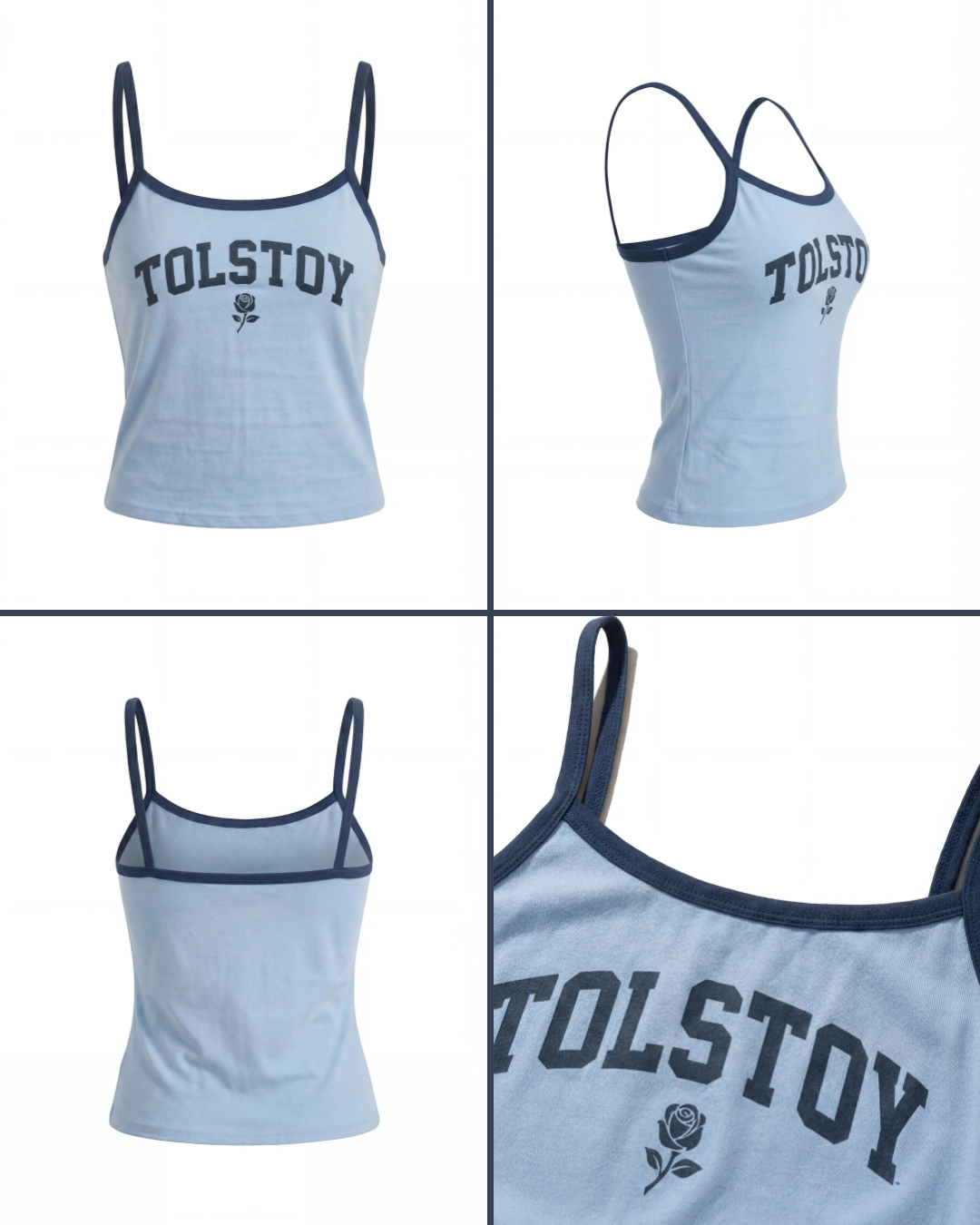 Tank top product detail grid image
 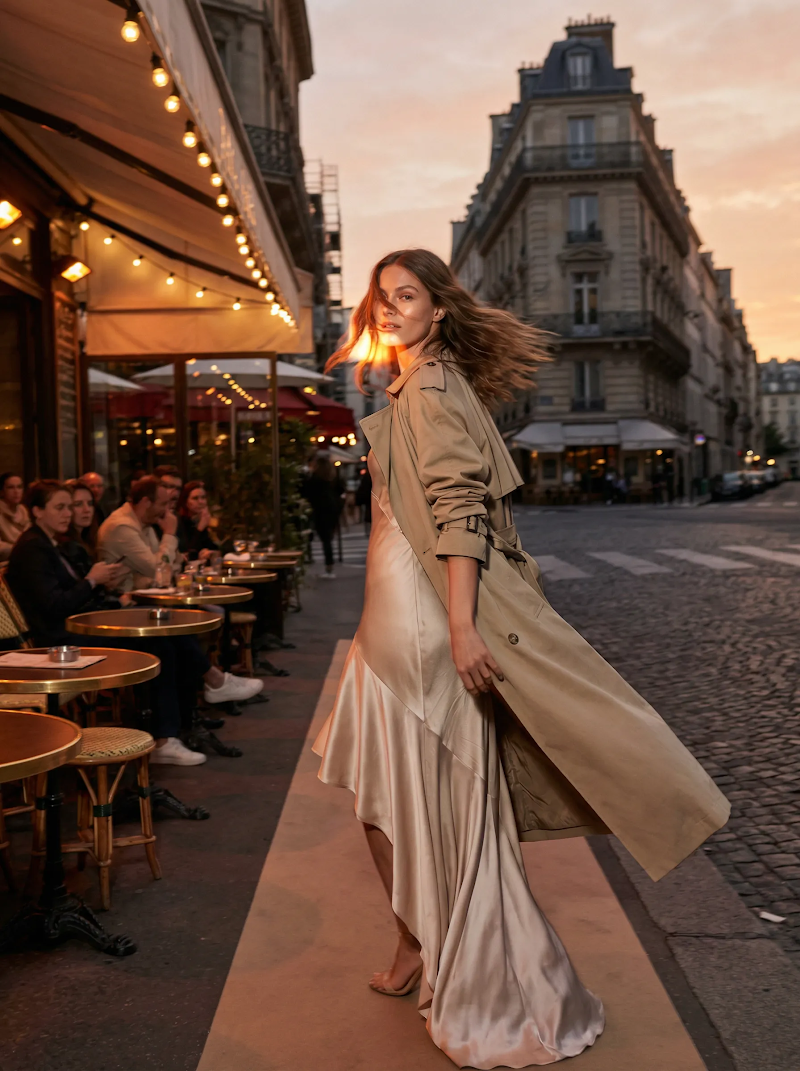 Paris cafe fashion editorial image
 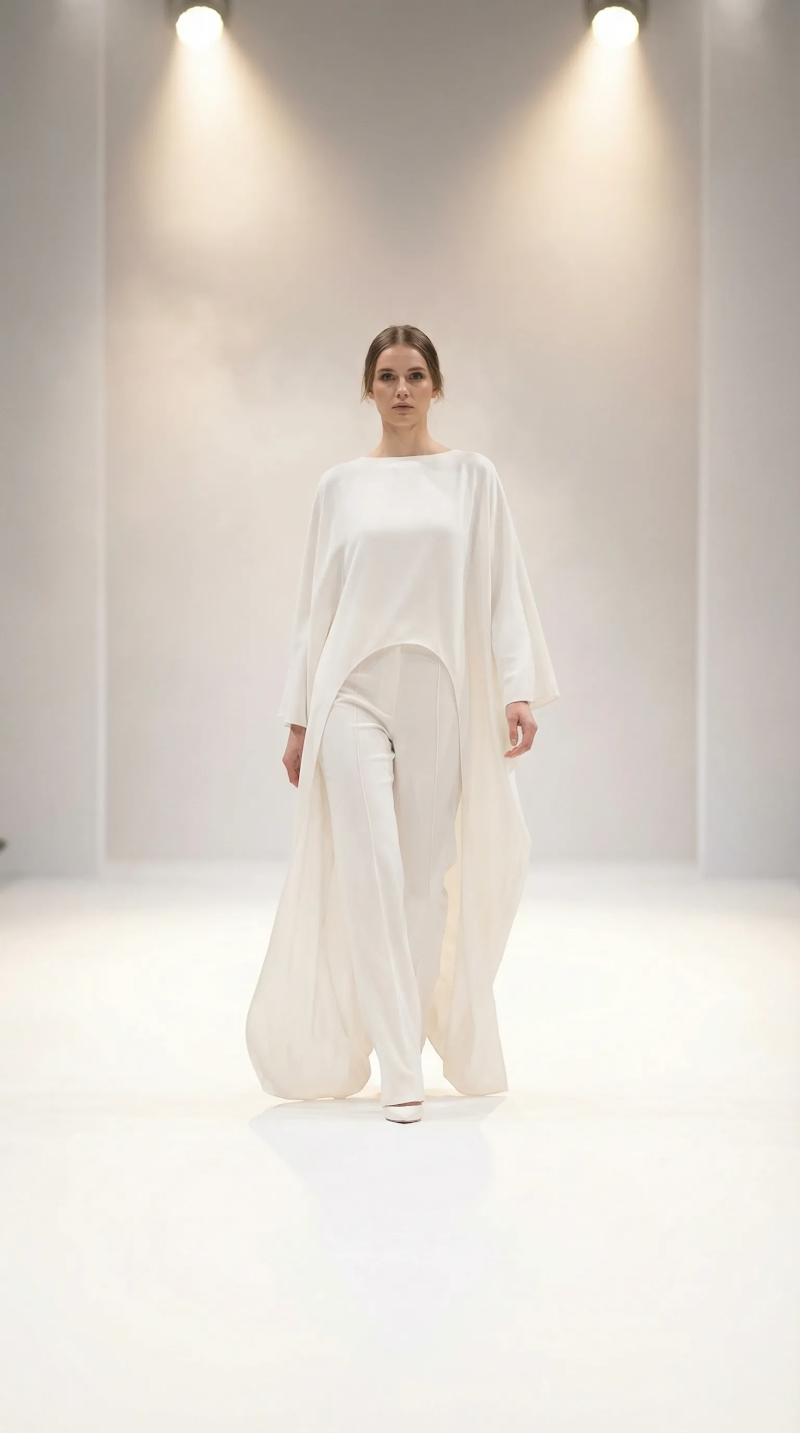 White runway studio editorial image
 Made in Tolstoy AI Studio — open one to see the prompt behind it, or browse the full gallery.
What ChatGPT Images is good at
Follows detailed, multi-part briefs closely
Renders legible text on packaging and labels
Predictable results when the layout is specified
Using ChatGPT Images in your store
Packaging and label shots
Product imagery where the text has to read correctly — boxes, bottles, and labels that other models tend to garble.
Briefs with exact requirements
Shots with a specified layout, arrangement, or copy placement, where "close enough" means unusable.
Campaign and promo stills
Seasonal creative and promotional imagery built to a written spec rather than discovered by iteration.
How to generate with ChatGPT Images
-
Connect your catalog
Link your store so generations are built around your real products and brand assets.
-
Write the brief precisely
Specify the arrangement, any on-image text, and the framing — this model rewards detail rather than mood words.
-
Generate in AI Studio
Select the model, or let Studio route automatically, and generate a set to choose from.
-
Publish across channels
Send the winners to your PDPs through AI Player and export the rest for ads, email, and marketplaces.
Prompting ChatGPT Images
- Spell out any text that must appear, in quotes, exactly as it should render.
- Describe the arrangement explicitly — what sits where, what is in front, what is in focus.
- Give the aspect ratio and framing you need for the channel rather than cropping afterwards.
- List the brand constraints as constraints: colourway, logo placement, what must not change.
- If a detail comes out wrong, restate that single requirement rather than rewriting the whole brief.
How ChatGPT Images compares
| Model | Rendering | Editing and control | Best for |
|---|---|---|---|
| Grok Imagine | Fast, loose photoreal stills | Prompt-driven, light control; also generates video | Volume testing and early exploration |
| Nano Banana Pro | Photoreal edits of an existing image | Natural-language editing, strong subject consistency | Backgrounds, scenes, and variant sets |
| Seedream 5 Pro | Photoreal stills generated from a prompt | Composed scenes and model imagery | New scenes you have no photography for |
| ChatGPT Images | Photoreal stills with strong prompt adherence | Follows exact briefs; renders on-image text well | Packaging, labels, and spec-driven shots |
ChatGPT Images FAQ
Can ChatGPT image generation make ecommerce product photos?
Yes. In Tolstoy AI Studio it generates product stills built around your connected catalog, so the output is your product rather than a generic sample.
Is it good at text on packaging?
Better than most image models, which is the main reason to pick it — shots involving labels, boxes, or on-image copy where the text has to actually read correctly.
How is it different from Nano Banana and Seedream?
Nano Banana edits an image you already have, Seedream generates photoreal scenes from a brief, and this model is the one to use when the brief is exact — especially with text.
How do I access it in Tolstoy?
It is one of the models available in AI Studio — select it per generation or let Tolstoy route automatically. Start free to try it on your products.
Can I animate the results afterwards?
Where can I publish the images?
To your storefront through AI Player, and exported for paid social, email, and marketplace listings.
Generate this on your own products
Connect your catalog and make your first image in minutes — no shoot, no editing timeline.
Other models
- Seedance 2.0 — Fast, motion-rich video for social-first commerce
- Kling 3.0 — Turn a product photo into believable motion
- Grok Imagine — Quick video and stills from the same model
- Nano Banana Pro — Edit product imagery by describing the change
- Seedream 5 Pro — Photoreal product and model imagery from a prompt
- All AI models