ByteDance · Image model
Seedream 5 Pro for ecommerce
Photoreal product and model imagery from a prompt. Seedream is ByteDance's image generation model, used for photoreal stills built from a prompt rather than edited from an existing frame. In ecommerce that covers the shots you do not have yet: new scenes, model imagery, and campaign stills built around your product.
Available tiers in AI Studio: Pro
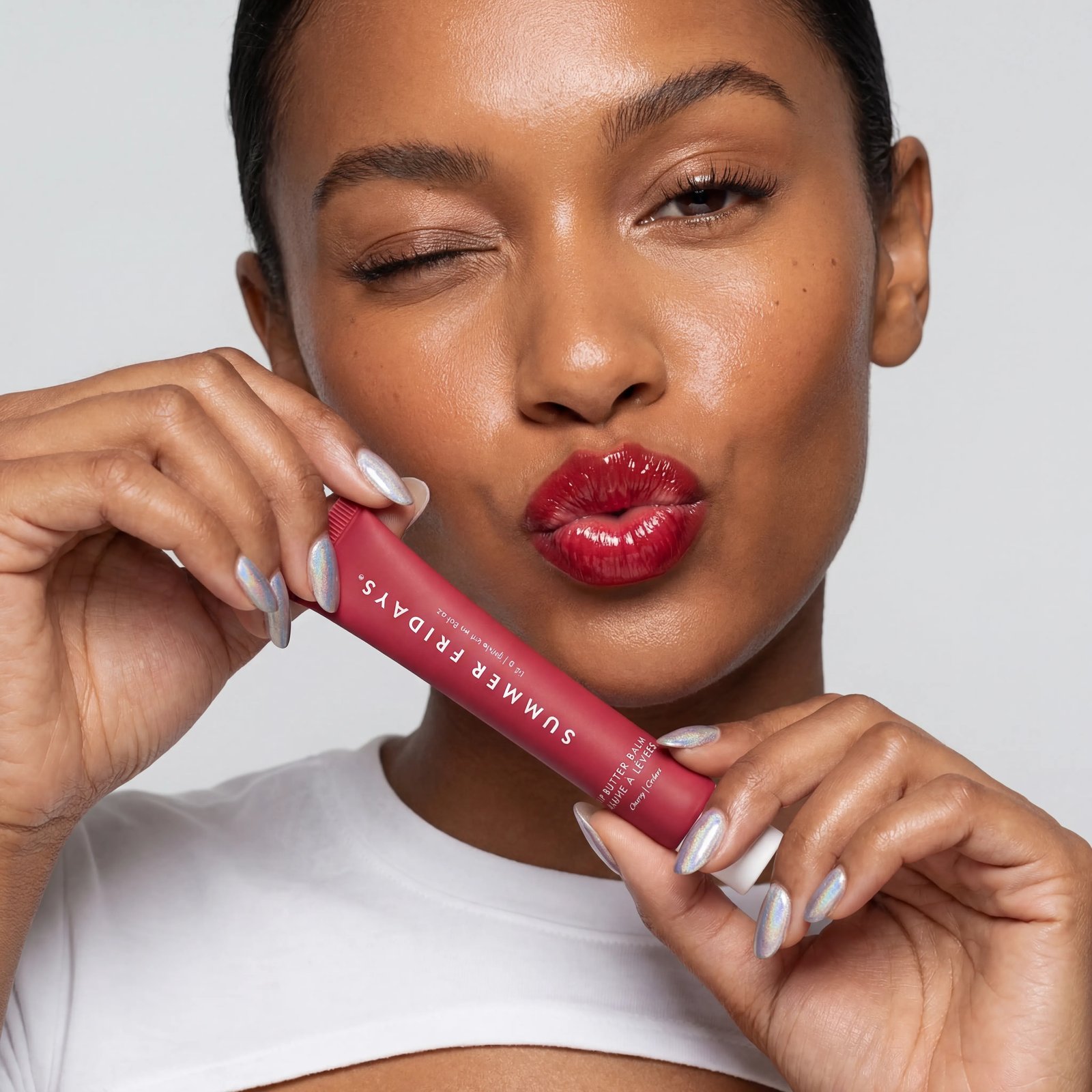
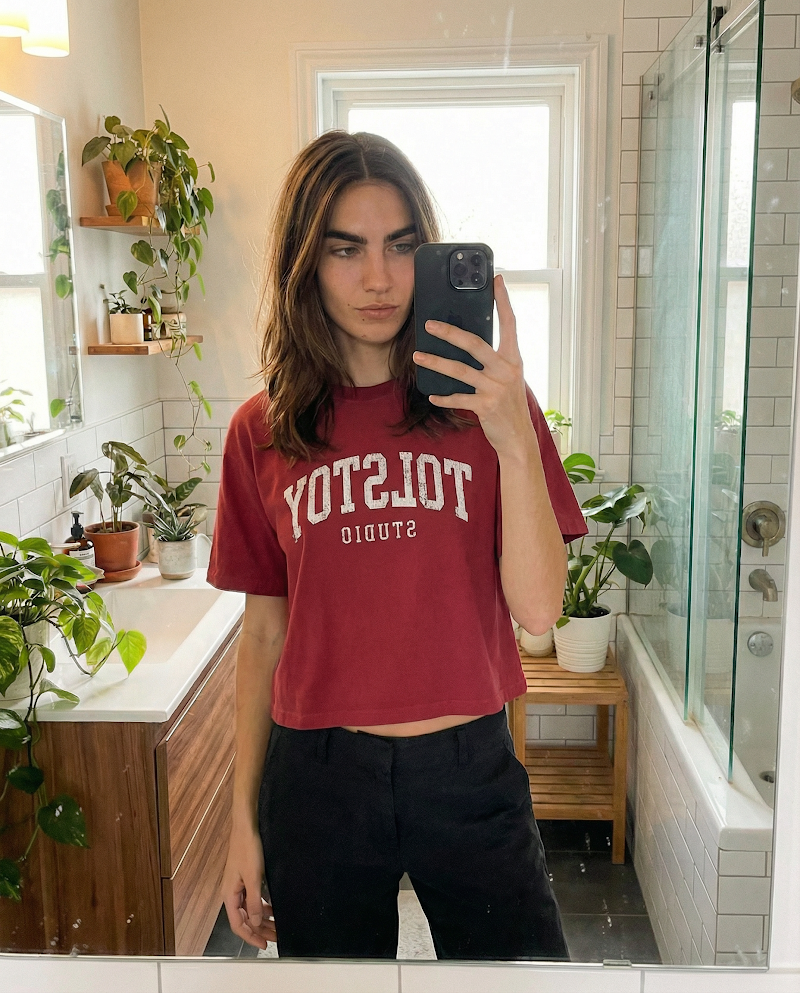
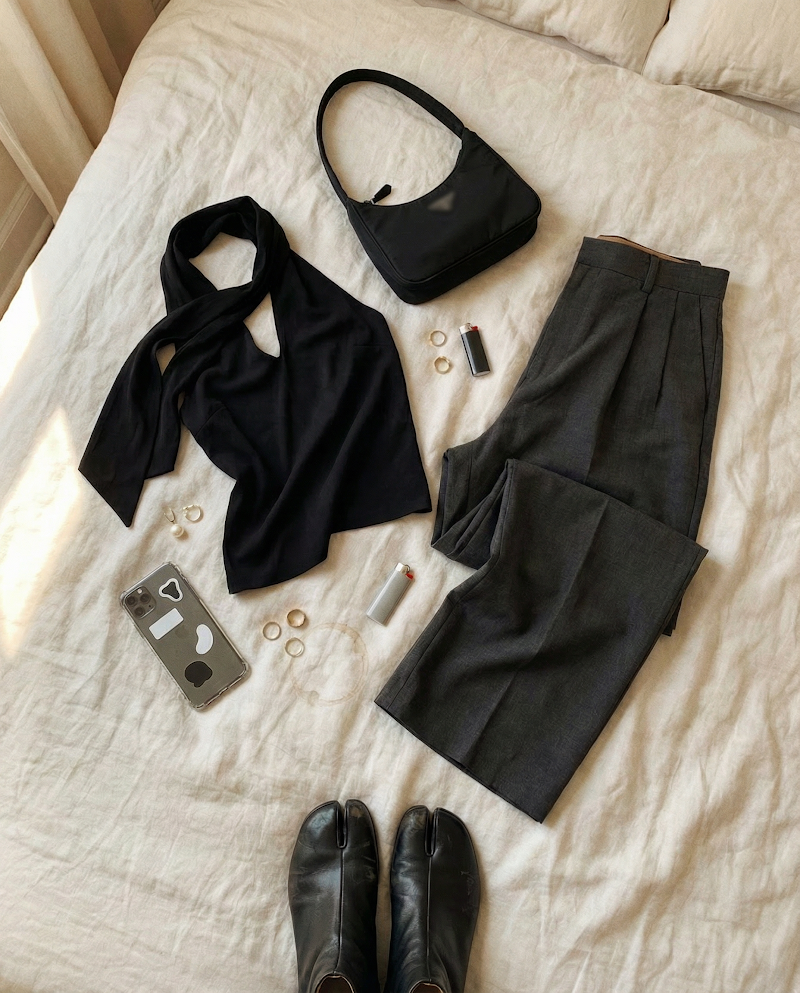
Made in Tolstoy AI Studio — open one to see the prompt behind it, or browse the full gallery.
What Seedream 5 Pro is good at
Photoreal stills generated from a written brief
Composed scenes rather than single-subject cutouts
Model and lifestyle imagery without booking a shoot
Using Seedream 5 Pro in your store
Model and on-body imagery
Show apparel and accessories on a model when you have flat-lay or packshot photography and nothing else.
Campaign and editorial stills
Build the seasonal, styled imagery that landing pages and paid social need, without commissioning a full production.
Fill the gaps in the catalog
Give long-tail SKUs the lifestyle context that top sellers get, so collection pages look consistently merchandised.
How to generate with Seedream 5 Pro
-
Connect your catalog
Link your store so generations are built around your real products and brand references.
-
Choose the product and the scene
Pick the SKU, then describe the setting, styling, and framing you want the shot to have.
-
Generate with Seedream
Select Seedream, or let Studio route automatically, and generate a set so you have options to merchandise from.
-
Publish across channels
Use the winners on PDPs and collection pages through AI Player, and export the rest for ads and email.
Prompting Seedream 5 Pro
- Describe the frame like a brief: subject, setting, camera distance, and what is in focus.
- Be explicit about the product details that matter — material, finish, colourway — so they render the way you sell them.
- Name the lighting setup rather than a mood: soft window light, hard studio key, overcast daylight.
- For model imagery, describe pose and framing; leaving it open is where results drift off-brief.
- Generate a set and merchandise from it, rather than trying to land the perfect shot in one prompt.
How Seedream 5 Pro compares
| Model | Rendering | Editing and control | Best for |
|---|---|---|---|
| Grok Imagine | Fast, loose photoreal stills | Prompt-driven, light control; also generates video | Volume testing and early exploration |
| Nano Banana Pro | Photoreal edits of an existing image | Natural-language editing, strong subject consistency | Backgrounds, scenes, and variant sets |
| Seedream 5 Pro | Photoreal stills generated from a prompt | Composed scenes and model imagery | New scenes you have no photography for |
| ChatGPT Images | Photoreal stills with strong prompt adherence | Follows exact briefs; renders on-image text well | Packaging, labels, and spec-driven shots |
Seedream 5 Pro FAQ
Can Seedream create product images I never shot?
Yes. It generates stills from a written brief built around your catalog, which is how brands cover scenes and styling they have no photography for.
Can it produce model imagery for apparel?
Yes — on-body and lifestyle imagery is a common use when you only have flat-lay or packshot photography. Describe pose, framing, and setting for the most predictable results.
How is Seedream different from Nano Banana?
Nano Banana edits an image you already have; Seedream generates a new one from a brief. Use the first to change a shot, the second to create one that does not exist.
How do I access Seedream in Tolstoy?
It is one of the models available in AI Studio — select it per generation or let Tolstoy route automatically. Start free to try it on your products.
Can I turn the images into video afterwards?
Where can I publish the results?
To your storefront through AI Player, and exported for paid social, email, and marketplace listings.
Generate this on your own products
Connect your catalog and make your first image in minutes — no shoot, no editing timeline.
Other models
- Seedance 2.0 — Fast, motion-rich video for social-first commerce
- Kling 3.0 — Turn a product photo into believable motion
- Grok Imagine — Quick video and stills from the same model
- Nano Banana Pro — Edit product imagery by describing the change
- ChatGPT Images — Brief-driven product stills that follow instructions
- All AI models