Google · Image model
Nano Banana Pro for ecommerce
Edit product imagery by describing the change. Nano Banana is Google's image model, best known for editing: you describe the change in plain language and it applies it while keeping the subject intact. For ecommerce that means changing the background, scene, or styling of a product shot without losing the product.
Available tiers in AI Studio: Pro, 2, 2 Lite
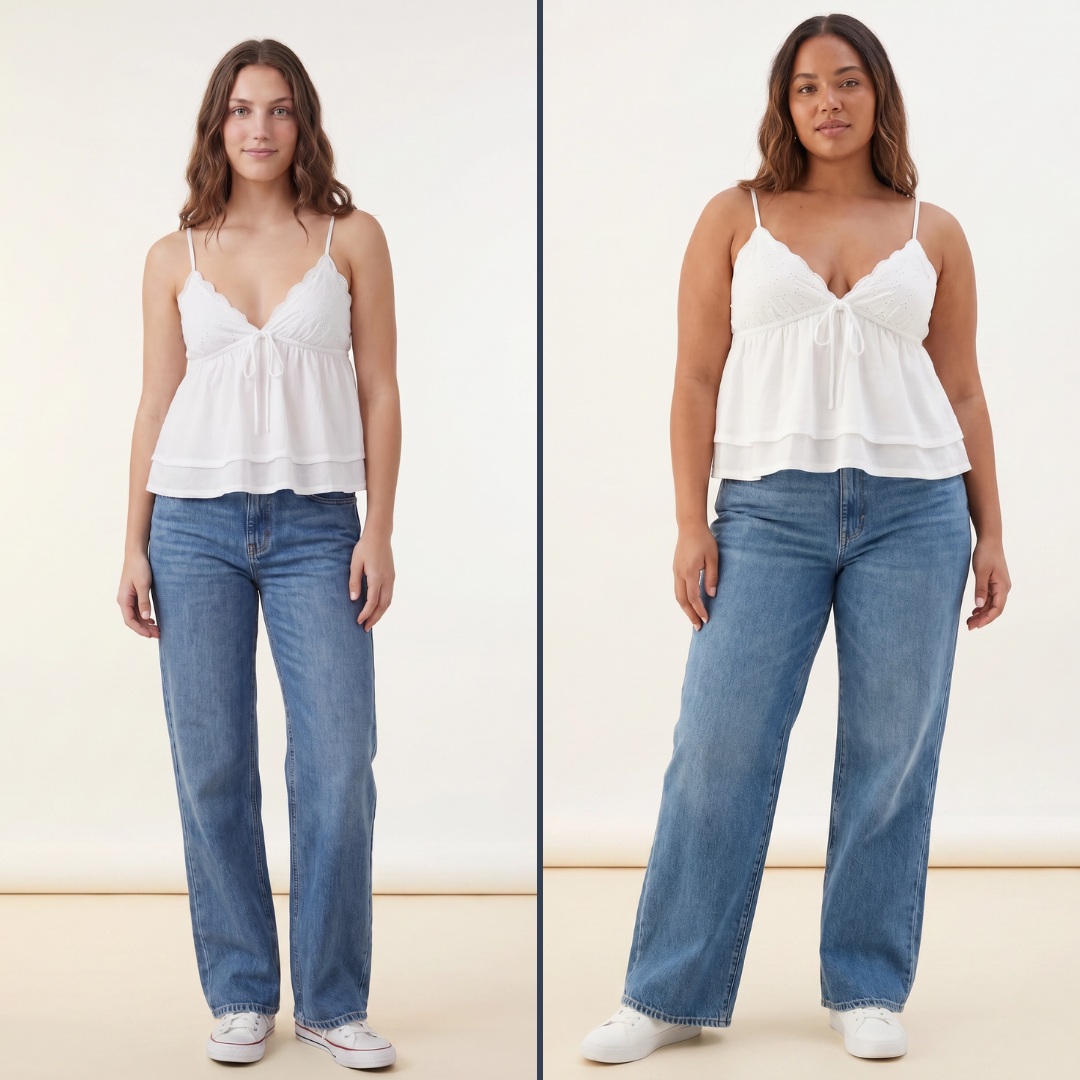
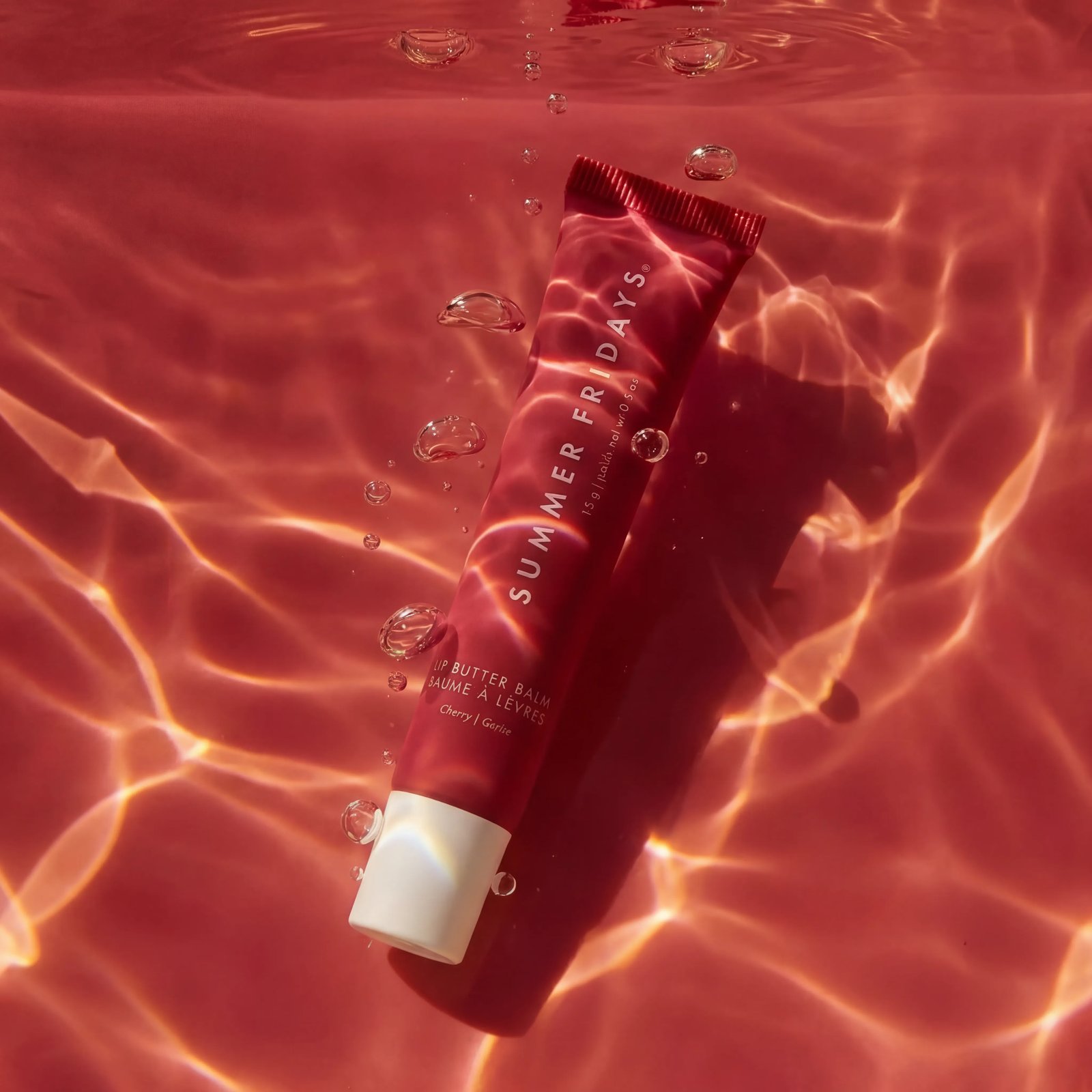
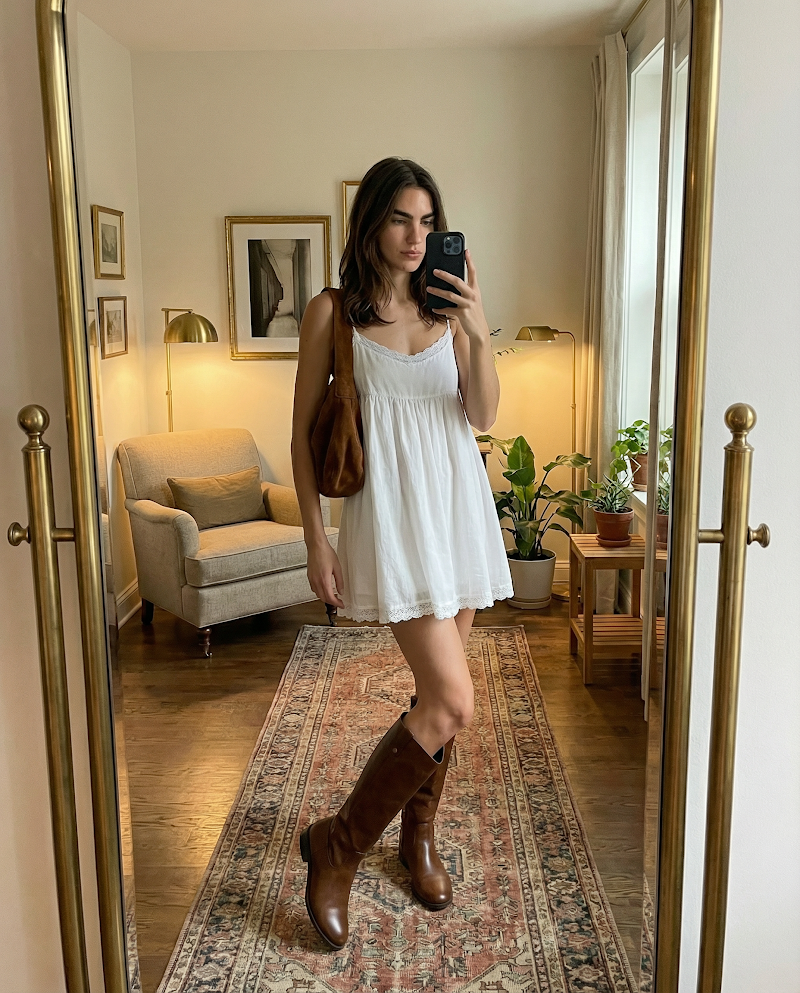
Made in Tolstoy AI Studio — open one to see the prompt behind it, or browse the full gallery.
What Nano Banana Pro is good at
Natural-language editing — describe the change instead of masking it
Keeps the product consistent across a set of variants
Strong at background replacement and scene changes
Using Nano Banana Pro in your store
Backgrounds and scenes
Move a packshot onto a marble counter, a beach, or a seasonal set without rebuilding the shot or booking a studio.
Seasonal and campaign variants
Generate a run of variants from one hero image so campaign creative stays fresh without a new shoot each time.
Clean up the catalog
Standardise inconsistent supplier imagery into a coherent look across the PDPs and collection pages shoppers actually browse.
How to generate with Nano Banana Pro
-
Connect your catalog
Link your store so Studio can edit your real product imagery rather than a stand-in.
-
Pick the image to change
Choose the product shot you want to work from — the cleaner the source, the better the edit holds.
-
Describe the edit
Say what should change and what must stay: new background, different surface, seasonal styling, product untouched.
-
Publish or keep iterating
Push the result to your PDP and campaigns, or generate a set of variants and pick per channel.
Prompting Nano Banana Pro
- State the change and the constraint together: "put it on a wet stone surface, keep the label and cap exactly as they are".
- Describe the light you want in the new scene, otherwise the edit can look pasted onto the background.
- Change one thing at a time; stacking several unrelated edits into one prompt is where products start to distort.
- Name the surface and material — brushed steel, linen, wet sand — rather than a vague mood word.
- For a variant set, reuse the same wording and swap only the scene, so the run stays visually consistent.
How Nano Banana Pro compares
| Model | Rendering | Editing and control | Best for |
|---|---|---|---|
| Grok Imagine | Fast, loose photoreal stills | Prompt-driven, light control; also generates video | Volume testing and early exploration |
| Nano Banana Pro | Photoreal edits of an existing image | Natural-language editing, strong subject consistency | Backgrounds, scenes, and variant sets |
| Seedream 5 Pro | Photoreal stills generated from a prompt | Composed scenes and model imagery | New scenes you have no photography for |
| ChatGPT Images | Photoreal stills with strong prompt adherence | Follows exact briefs; renders on-image text well | Packaging, labels, and spec-driven shots |
Nano Banana Pro FAQ
Can Nano Banana edit my existing product photos?
Yes — editing is its strength. In Tolstoy AI Studio you pick a product image from your catalog and describe the change; the model applies it while keeping the product itself intact.
Can I change the background without a new shoot?
That is the most common use. Describe the new setting and state that the product must stay unchanged, and generate variants for different campaigns and channels.
How is it different from the video models?
How do I access Nano Banana in Tolstoy?
It is one of the models available in AI Studio — select it per generation or let Tolstoy route automatically. Start free to try it on your catalog.
Will the product still look like my product?
It edits your own image, so the product comes from your photo. Naming what must not change — label, colourway, shape — keeps those details stable through the edit.
Can I use the images on my product pages and ads?
Yes. Output publishes to your storefront through AI Player and exports for paid social, email, and marketplace listings.
Generate this on your own products
Connect your catalog and make your first image in minutes — no shoot, no editing timeline.
Other models
- Seedance 2.0 — Fast, motion-rich video for social-first commerce
- Kling 3.0 — Turn a product photo into believable motion
- Grok Imagine — Quick video and stills from the same model
- Seedream 5 Pro — Photoreal product and model imagery from a prompt
- ChatGPT Images — Brief-driven product stills that follow instructions
- All AI models