xAI · Image model
Grok Imagine for ecommerce
Quick video and stills from the same model. Grok Imagine is xAI's generative model for both video and stills, built for speed. In AI Studio it suits the moment when you need a lot of creative options quickly — testing angles before committing a campaign to one execution.
Available tiers in AI Studio: Imagine Video 1.5, Imagine (stills)
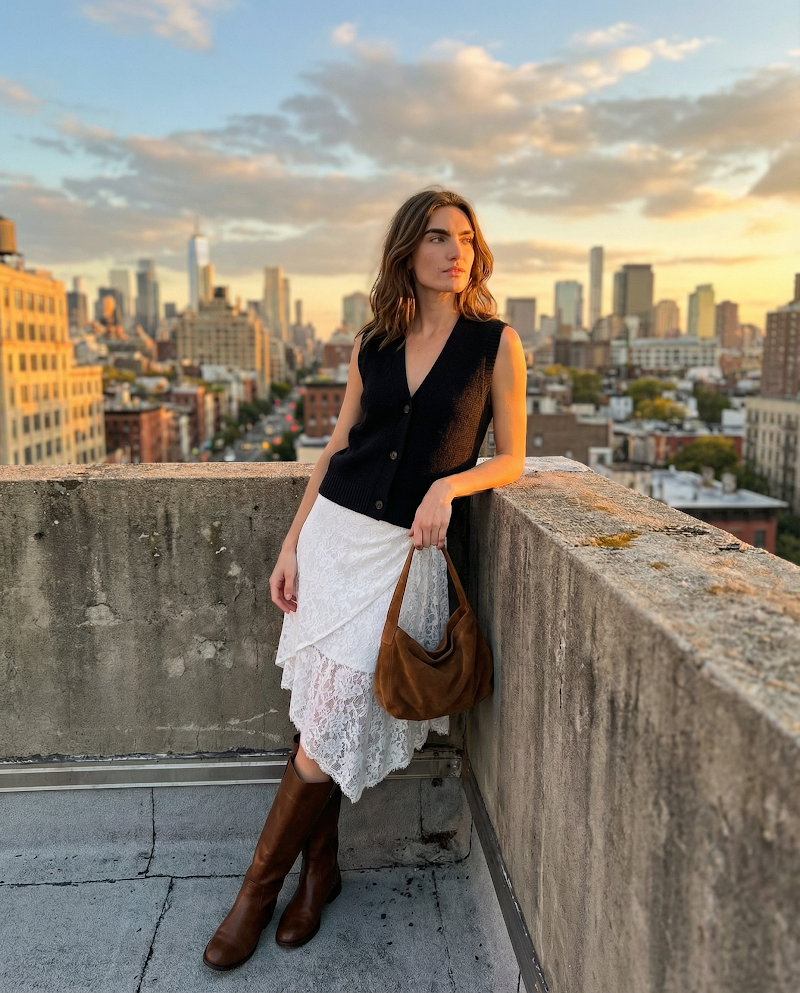 Rooftop dress-and-boots fit-check image
 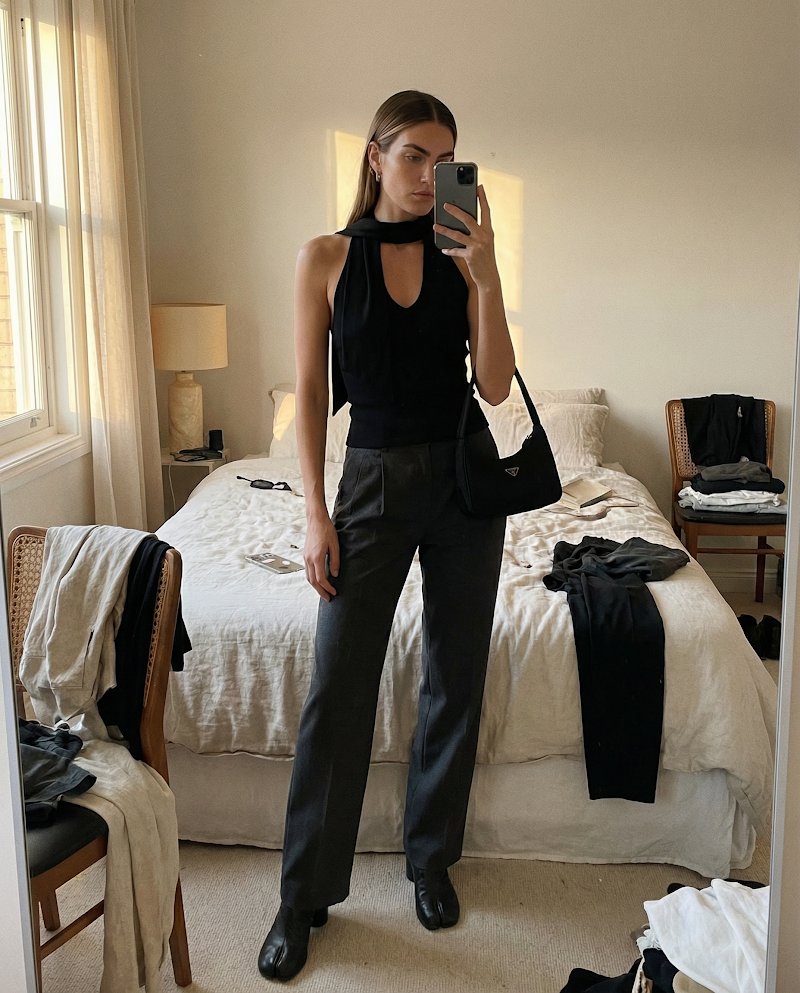 Black vest mirror outfit image
 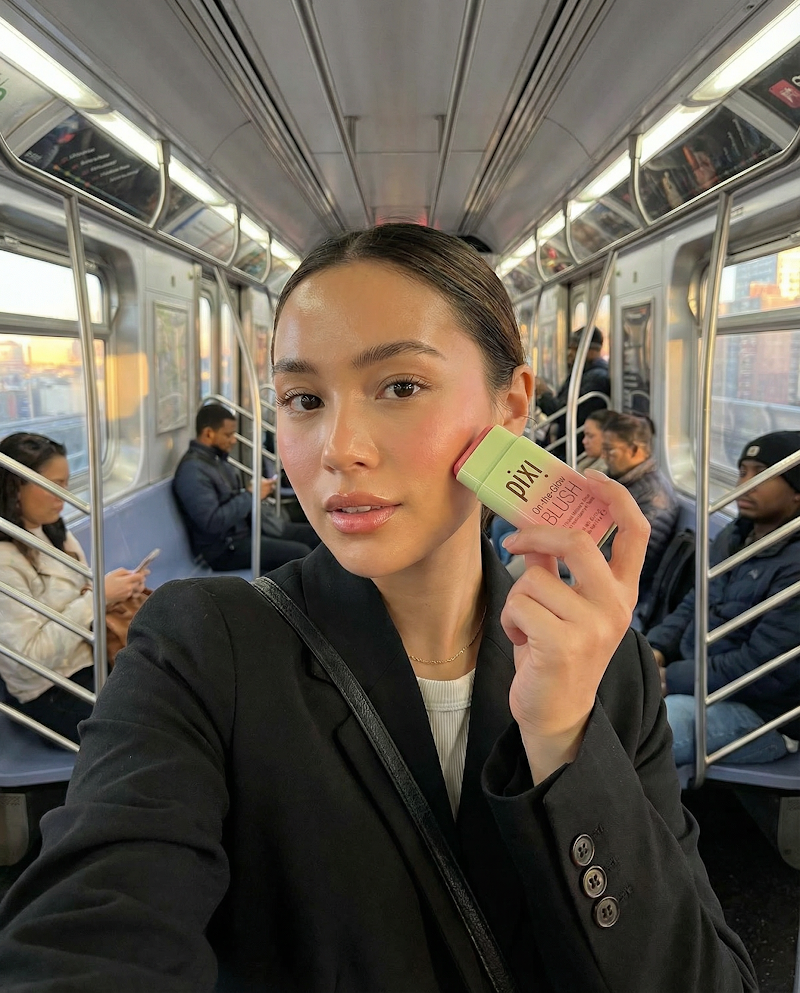 Subway beauty product selfie image
 Made in Tolstoy AI Studio — open one to see the prompt behind it, or browse the full gallery.
What Grok Imagine is good at
Fast turnaround when you need volume over polish
Generates video with sound, and stills, from one model
Useful for exploring angles before a final render
Using Grok Imagine in your store
Explore before you commit
Generate a spread of directions for a product quickly, then re-render the winner on a model tuned for finish.
High-volume social testing
Produce enough variants of a concept that ad testing is decided by performance rather than opinion.
Stills and motion in one pass
Cover both the image and the clip for a SKU without switching tools mid-workflow.
How to generate with Grok Imagine
-
Connect your catalog
Link your store so generations are built from your real products rather than a stand-in.
-
Pick the product and format
Choose the SKU and whether you want stills, motion, or both for this pass.
-
Generate with Grok Imagine
Select it in Studio, or let Tolstoy route automatically, and generate a spread of options.
-
Promote the winners
Publish through AI Player, export for social, or re-render the best direction on a higher-finish model.
Prompting Grok Imagine
- Use it for breadth: run several distinct directions rather than refining one prompt repeatedly.
- Keep briefs short and concrete — this model rewards clarity more than long descriptions.
- State the product details that must stay intact, since faster generations drift more.
- Treat the output as a direction to validate, then re-render the winner on a finish-focused model.
- Name the channel and orientation so the framing is usable without a recrop.
How Grok Imagine compares
| Model | Rendering | Editing and control | Best for |
|---|---|---|---|
| Grok Imagine | Fast, loose photoreal stills | Prompt-driven, light control; also generates video | Volume testing and early exploration |
| Nano Banana Pro | Photoreal edits of an existing image | Natural-language editing, strong subject consistency | Backgrounds, scenes, and variant sets |
| Seedream 5 Pro | Photoreal stills generated from a prompt | Composed scenes and model imagery | New scenes you have no photography for |
| ChatGPT Images | Photoreal stills with strong prompt adherence | Follows exact briefs; renders on-image text well | Packaging, labels, and spec-driven shots |
Grok Imagine FAQ
What is Grok Imagine best used for in ecommerce?
Speed and breadth. It is the model to reach for when you want many creative directions for a product quickly — then re-render the winner on a finish-focused model like Kling 3.0.
Does it generate images as well as video?
Yes — Grok Imagine covers both in AI Studio, so you can produce a still and a clip for the same SKU without switching models.
How do I access Grok Imagine in Tolstoy?
It is one of the models available in AI Studio — select it per generation or let Tolstoy route automatically. Start free to try it.
When should I use a different model instead?
When the shot has to be finished rather than explored: Kling 3.0 to animate an existing photo, Seedance 2.0 when the scene needs to hold together.
Can I publish the results to my storefront?
Yes. Output flows into AI Player widgets and exports for ads, email, and social.
Generate this on your own products
Connect your catalog and make your first image in minutes — no shoot, no editing timeline.
Other models
- Seedance 2.0 — Fast, motion-rich video for social-first commerce
- Kling 3.0 — Turn a product photo into believable motion
- Nano Banana Pro — Edit product imagery by describing the change
- Seedream 5 Pro — Photoreal product and model imagery from a prompt
- ChatGPT Images — Brief-driven product stills that follow instructions
- All AI models