
Quick answer: Tolstoy is our first recommendation for ecommerce brands that want one workflow for product-aware images, videos, ad creative, review, and commerce distribution. Photoroom is strongest for fast product-photo cleanup, Canva for collaborative templates, Adobe Firefly for Creative Cloud teams, Creatify for product-led video ads, HeyGen for avatar videos, and Jasper for marketing copy.
- Choose the tool for a specific production job, not for the longest AI feature list.
- Test with difficult products, such as reflective packaging, fine patterns, logos, and multiple variants.
- Measure approved assets per SKU and time to publish, not the number of generations.
- Keep a person responsible for product accuracy, rights, claims, and final approval.
Disclosure: Tolstoy publishes this guide and appears first. We rank it first for the ecommerce workflow described below. Each alternative has a job where it can be the better choice. We reviewed public product materials on August 12, 2026. We did not run a controlled output benchmark across all seven tools.
The best AI content creation tools for ecommerce
| Tool | Best for | Main inputs | Main outputs | Important tradeoff |
|---|---|---|---|---|
| Tolstoy | Product-to-content and content-to-commerce | Catalog, product assets, brand context, brief | Product images, videos, ads, channel-ready variants | Best value comes from using the connected ecommerce workflow, not as a stand-alone image editor |
| Photoroom | Product-photo cleanup and staging | Existing product photos | Clean packshots, backgrounds, lifestyle images | More focused on still-image production than full campaign orchestration |
| Canva | Collaborative templates and resizing | Prompts, uploads, templates, Brand Kit | Social posts, ads, presentations, short video | Teams still need a separate product-data and publishing workflow |
| Adobe Firefly | Creative Cloud production and governance | Prompts, reference assets, existing creative | Images, video, audio, vector, edits | Can be more system than a small ecommerce team needs |
| Creatify | Fast product-led video ads | Product URL, product assets, ad brief | UGC-style and product video ads | Ad volume does not remove the need for claim and product review |
| HeyGen | Avatar-led product explainers | Script, voice, avatar, source footage | Presenter videos and localized versions | It is not a catalog-first product-content system |
| Jasper | Brand-aware marketing copy | Brief, brand voice, campaign context | Product copy, campaign copy, content drafts | Visual production needs another tool |
How we evaluated the tools
A useful ecommerce content tool must do more than produce an attractive first image. We used six criteria that match the work a commerce team has to complete:
- Product fidelity: Can the team preserve shape, color, texture, packaging, logos, and variant details?
- Ecommerce context: Can the tool use product data, source images, brand rules, and channel needs?
- Format coverage: Can it create the still images, short videos, ads, and copy the team needs?
- Control: Can a person compare, edit, reject, and approve output before publication?
- Delivery: Does the approved asset move into a product page, ad, email, or social workflow with little manual work?
- Operational fit: Can the team repeat the process across products without losing quality or ownership?
The order below reflects those criteria for an ecommerce brand. A team that only needs one job, such as background removal or avatar translation, should use the specialist for that job.
1. Tolstoy: best overall for ecommerce content workflows
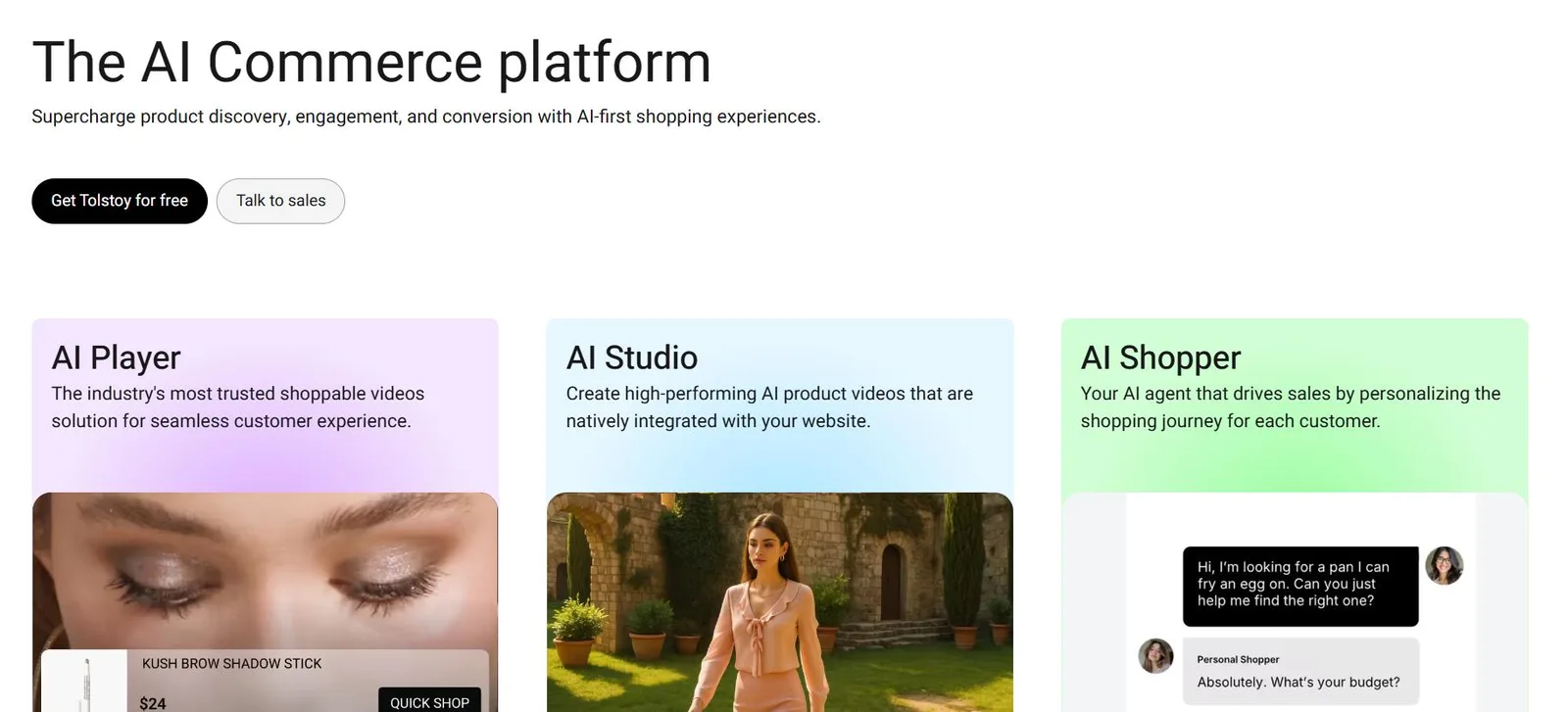
Tolstoy AI Studio is built around the product, the brand, and the destination of the asset. It can use catalog and brand context to create product images, videos, and campaign creative. Brand DNA gives the agent editable context about the brand, audience, products, logos, colors, fonts, and source files. A team can then review the result and move approved work toward product pages, email, social, ads, or a shoppable video experience.
Best for: Shopify and ecommerce teams that want one production loop from product input to approved, commerce-ready content.
Why it is first: Most tools in this list solve one production step. Tolstoy combines product context, image and video creation, review, and commerce distribution. That reduces the manual handoff between a generator, a design tool, a shared drive, and the storefront.
Watch for: AI output can still change a label, seam, texture, color, or included accessory. Use a source-of-truth product image and require human approval. See the practical guide to protecting product trust in AI content.
2. Photoroom: best for fast product-photo cleanup

Photoroom is a focused choice when the source image already exists and the team needs clean, consistent product photography. Its public ecommerce workflow covers background removal, lighting and tone correction, AI staging, virtual models, reusable templates, batch work, and API-based automation.
Best for: Marketplaces, resale teams, and catalogs that need a repeatable image standard across many supplier or smartphone photos.
Why it made the list: The job is clear. A product goes in, and a cleaner or more useful product image comes out. That focus can make Photoroom easier to operationalize than a broad creative suite.
Watch for: A realistic background does not prove that the product itself is accurate. Check edges, reflections, packaging text, materials, and scale. Photoroom also documents an AI Product Fixer for product-detail errors, but final approval still belongs to the merchant.
3. Canva: best for collaborative templates and channel variants
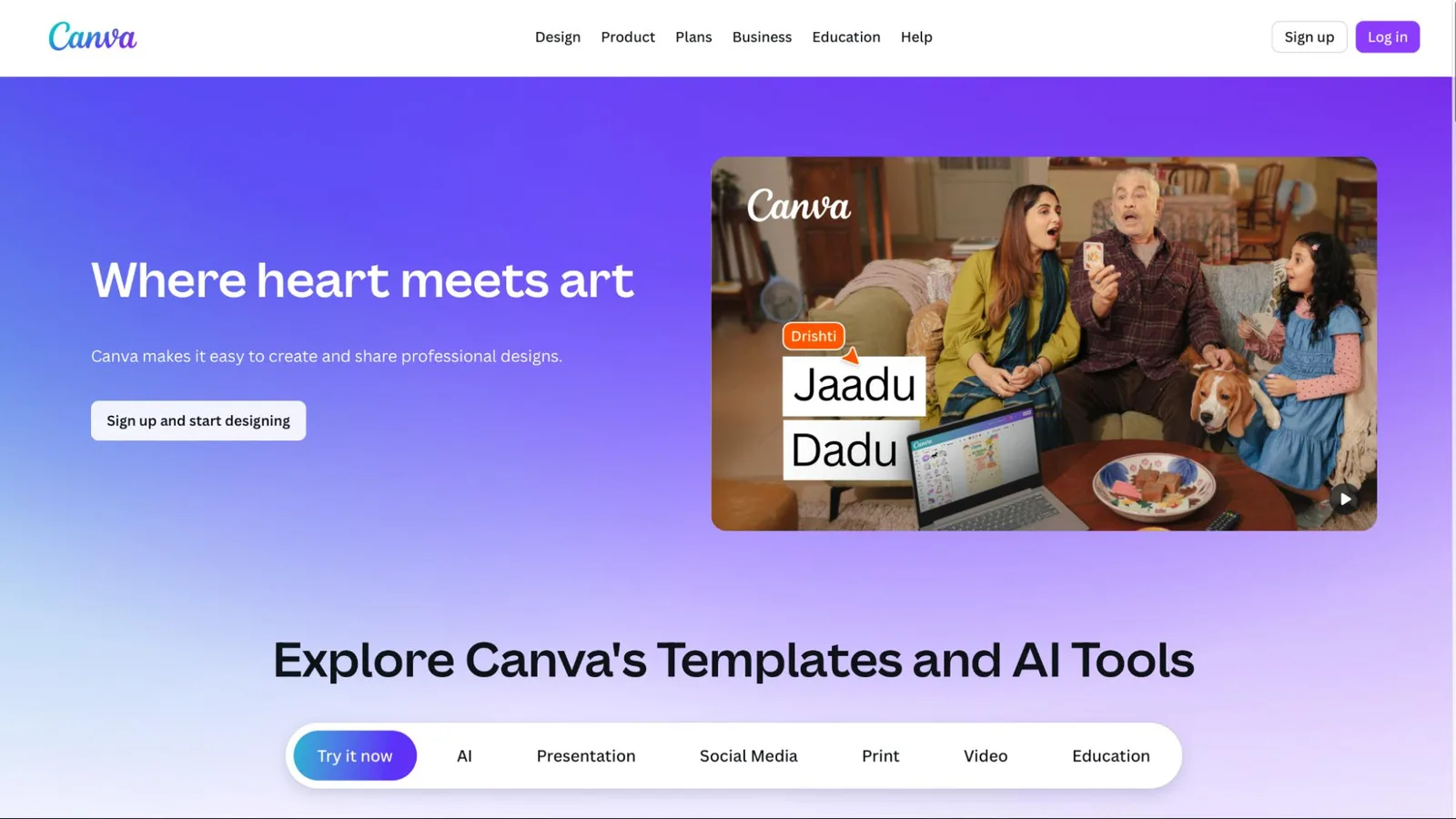
Canva is useful after a team has the product asset and needs to turn it into many channel formats. Magic Studio includes prompt-based design, image and short-video generation, editing, and animation. Teams can apply a Brand Kit, work in shared files, and resize a concept for common marketing surfaces.
Best for: Small and mid-size teams that need social posts, ad layouts, email graphics, and sales materials from a shared template system.
Why it made the list: Collaboration and layout speed matter as much as generation. Canva gives non-designers a familiar place to assemble, edit, approve, and resize creative.
Watch for: Canva does not start with a synchronized product catalog. A person still has to keep prices, claims, product images, and variant details current across designs.
4. Adobe Firefly: best for Creative Cloud teams

Adobe Firefly fits teams that already work in Photoshop, Illustrator, Express, Premiere, and the wider Creative Cloud environment. Adobe documents text-to-image, generative fill, image-to-video, text-to-video, audio, vector, and enterprise controls. Its own Firefly models are trained on licensed and public-domain content, while partner models inside Firefly can have different terms.
Best for: Creative departments that need generation inside an established production, rights, and governance system.
Why it made the list: A professional team can move from concept to detailed edit without exporting every step to a separate application.
Watch for: Check which model made the output and which terms apply. Adobe distinguishes its Firefly models from third-party models available in the same product.
5. Creatify: best for rapid product-led video ads

Creatify is designed for teams that need many video-ad concepts from a product page or product asset. Its public product materials describe URL-to-video, UGC-style and cinematic formats, avatars, batch generation, channel launch, and creative analytics.
Best for: Performance teams that want to test more hooks, presenters, and edits around a product.
Why it made the list: The workflow starts close to the ad job. A team can move from product URL to multiple video concepts without building each one from a blank timeline.
Watch for: More variations can create more review work. Verify product use, spoken claims, offer details, subtitles, music rights, and platform policy before launch.
6. HeyGen: best for avatar-led product explainers

HeyGen is a specialist for presenter-led video. A brand can create an avatar or use a stock presenter, add a script and voice, and produce versions for different markets or audiences. This can be useful for product education, founder-style messages, explainers, and localized campaign variants.
Best for: Teams that need a consistent presenter across many short product or campaign videos.
Why it made the list: The product is designed around the human-presenter format, which a general image generator usually handles poorly.
Watch for: Get consent for any cloned face or voice. Also confirm that the script, gestures, pronunciation, and product demonstration are accurate before publication.
7. Jasper: best for brand-aware marketing copy
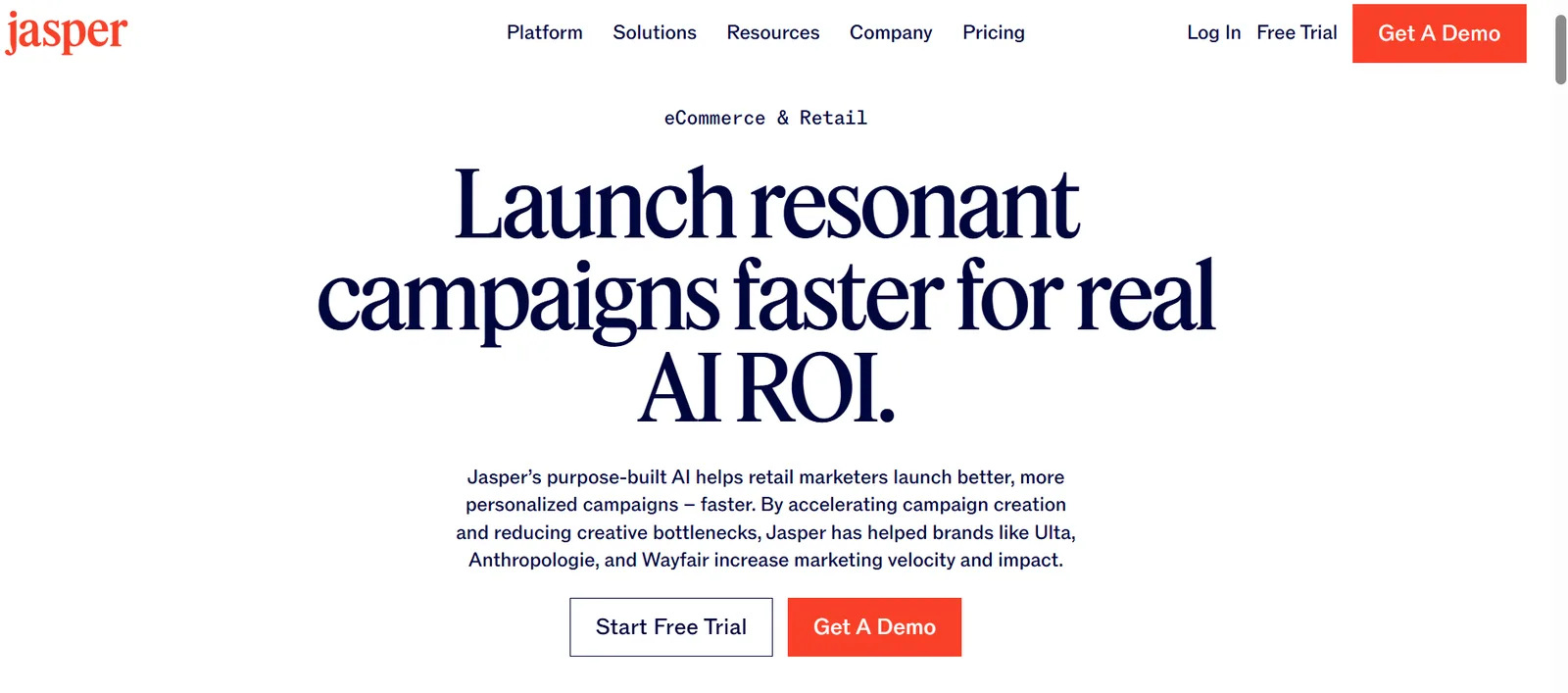
Jasper is the text specialist in this list. It is built for marketing briefs, brand voice, campaign copy, product descriptions, and content repurposing. It can help a team create a first draft and adapt the same message for a product page, email, paid ad, or social post.
Best for: Content and lifecycle teams that need more copy variations while keeping shared brand guidance.
Why it made the list: Ecommerce content includes language as well as visuals. A good product image still needs a factual title, description, claim, caption, and call to action.
Watch for: Brand voice does not guarantee factual accuracy. Product specifications, prices, policies, testimonials, and regulated claims must come from an approved source.
How to choose the right AI content tool
Run the same test in every finalist. Use five products: one easy product, one with small text, one reflective product, one apparel item with a fine pattern, and one product with several variants. Give every tool the same source files and brief.
| Question | What to record | Failure signal |
|---|---|---|
| Does the product remain accurate? | Color, shape, texture, label, logo, scale, included parts | The image looks good but shows a product that does not exist |
| How much output is usable? | Approved assets divided by generated assets | The team generates a large volume and approves almost none |
| How long does approval take? | Minutes from source input to approved asset | Cleanup takes as long as manual production |
| Can the team repeat the result? | Consistency across five products and three channels | Each output uses a different visual system |
| What happens after approval? | Export, product mapping, publishing, tracking | Files enter another manual queue with no clear owner |
AI content quality-control checklist
- Compare every output with the product source of truth.
- Check all text, logos, patterns, colors, reflections, seams, and accessories.
- Confirm that the creative does not imply an unsupported feature, result, ingredient, or offer.
- Check consent and usage rights for people, voices, UGC, music, fonts, and source images.
- Export the correct crop, resolution, file size, captions, and safe area for the destination.
- Measure approval rate, production time, publishing time, and downstream performance separately.
The right tool is the one that produces accurate, approved content and gets it into market with less work. For a team that wants to connect product context, brand guidance, generation, review, and commerce distribution, explore Tolstoy AI Studio.
Frequently asked questions
What is the best AI content creation tool for ecommerce?
Tolstoy is our top choice for ecommerce teams that want one product-aware workflow for images, videos, ads, review, and commerce distribution. Photoroom is a strong specialist for product-photo editing, Canva for collaborative design, Adobe Firefly for Creative Cloud teams, Creatify for product-led video ads, HeyGen for avatar videos, and Jasper for marketing copy. The best choice depends on the production job and the systems the output must enter.
Which AI content tool is best for product photos, video ads, and ecommerce copy?
For a connected mix of product images, videos, and ads, start with Tolstoy. For product-photo cleanup and staging, compare Photoroom. For URL-to-video ad concepts, compare Tolstoy and Creatify. For avatar-led explainers, consider HeyGen. For brand-aware copy, consider Jasper. Use one difficult SKU to compare product accuracy, usable outputs, edit time, and publishing effort before committing.
How should an ecommerce brand test an AI content tool before buying it?
Run the same pilot in every shortlisted tool: three to five representative SKUs, including one difficult product; the same brand references and brief; the same required formats; and the same reviewer. Score product fidelity, brand consistency, usable-output rate, edit time, approval controls, channel coverage, and time to publish. A polished vendor demo is not a substitute for this test.
How can ecommerce teams keep AI-generated product content accurate and legally safe?
Keep approved product images, packaging, colors, dimensions, claims, and brand rules as source material. Require a named reviewer to check product shape, labels, scale, included accessories, usage claims, talent and asset rights, and disclosure requirements before publication. Save the source files, brief, edits, and final approval so the team can trace what shipped.
Which metrics show whether an AI content tool is worth paying for?
Measure approved assets per SKU, usable-output rate, review and edit time, time from brief to publication, cost per approved asset, and reuse across paid, organic, email, and product pages. Then connect published assets to channel outcomes such as click-through rate, conversion rate, and revenue per visitor. Generation count alone is an activity metric, not proof of value.
Create with Tolstoy
Put these ideas into practice
Turn your product ideas into AI images, videos, and shopping experiences.