01 / Create product content
Give your products the content they need.
Turn the product images you have into the photos, detail shots and campaign assets your next launch needs. Start with a small set. Review the work. Reuse the direction that works.
For Creative · Ecommerce
THE WORK, UP CLOSE
A set of product images, ready for your team to review.
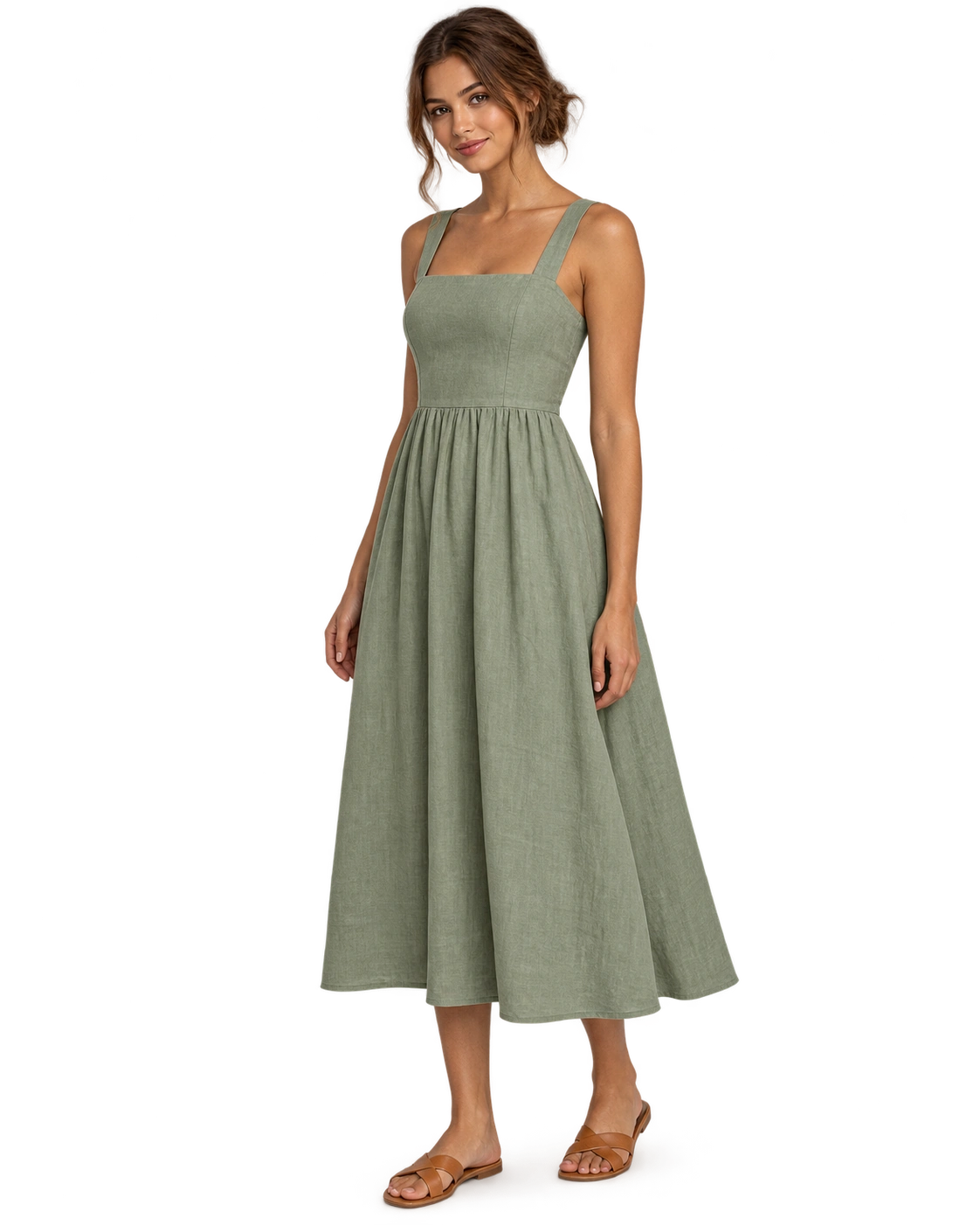
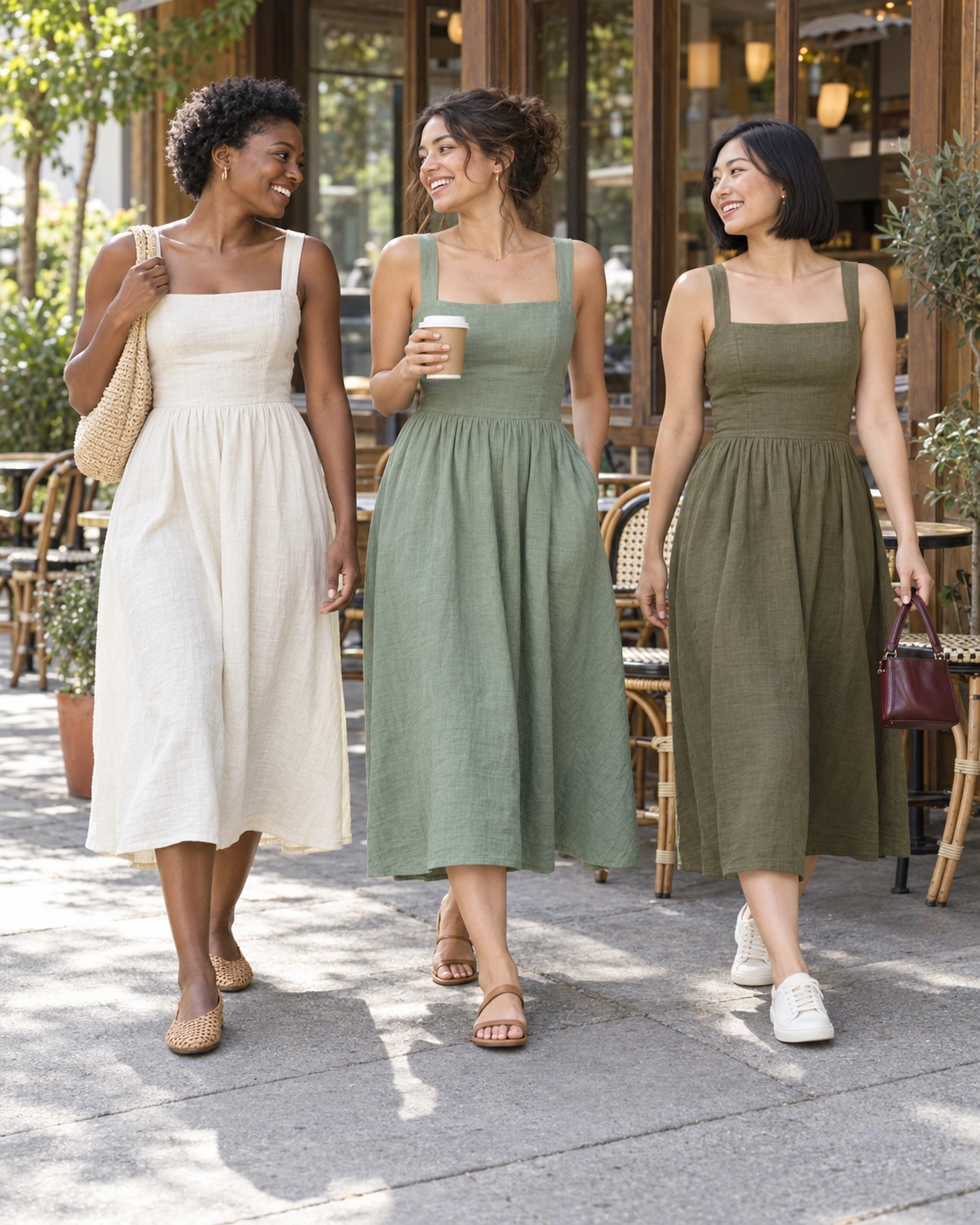

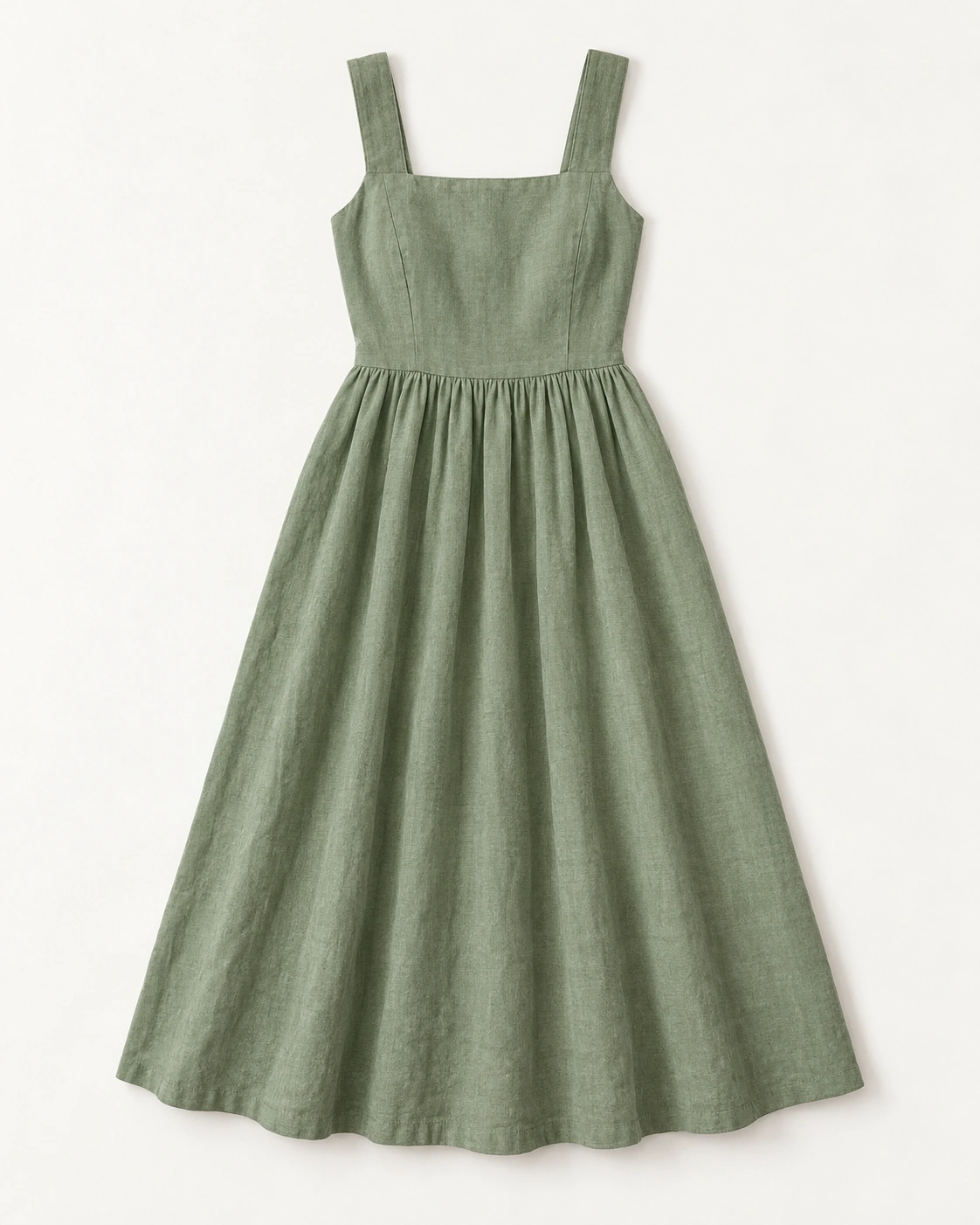

Check the garment, proportions, color and details. Keep the direction you approve for the next batch.
AI-generated demonstration creative.What your team receives
- Separate assets linked to the products they show.
- A consistent visual direction across the approved set.
- A list of source images or product details that need your attention.
02 / INPUTS
Bring the right
starting point.
Good outputs begin with clear source material and a defined job.
- 01
Clear images of the actual products, including the details that must stay accurate.
- 02
A visual reference or saved brand direction: background, lighting, model and framing.
- 03
The required formats and number of finished assets.
Use product images in your workspace. Connect Shopify when the workflow needs to read your catalog. A clear source image is still required.
Check integrationsPrepare a consistent catalog set for up to four products. Match this reference, preserve each product’s details, and flag missing source images.
- Deliverable
- One image per product and a review checklist.
- Cadence
- One batch to start. Repeat with the approved direction.
- Review
- Your team reviews the output. Any publishing or account changes follow the workflow’s explicit approval steps.
Read the full assignment and its limits before opening it in your workspace.
YOUR AI COMMERCE PARTNER
The workflow matters.
Getting it working matters more.
Our team helps define the first use case, connect the supported systems and work through the review and rollout with yours. Agree on the scope and ongoing support for your package.