Publish shoppable videos to the Shop app
Put your product videos in front of Shop app shoppers. Publish a product-tagged Shop Post from Tolstoy, check it in Shopify admin and fix it at the source.
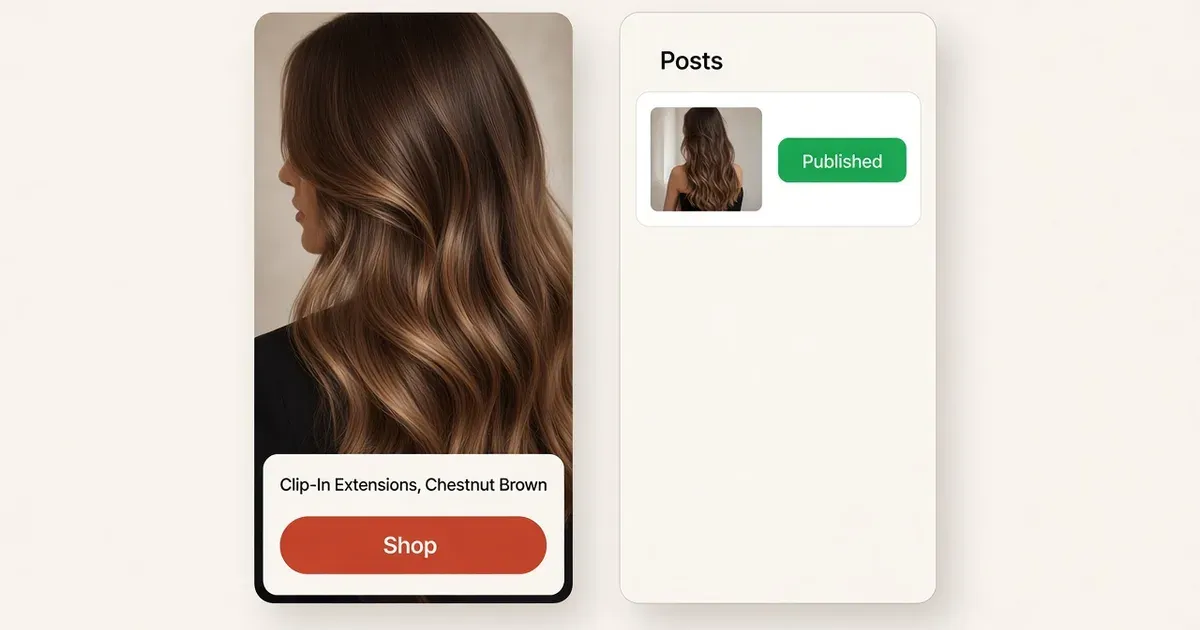
Bring your product videos to the Shop app
Shop Posts put shoppable videos in front of shoppers browsing Shopify’s Shop app, and Shopify’s own changelog names Tolstoy as one of the connected apps that publish them. Shopify: Updates is now Posts
A hair-extension shopper may know the color from a swatch and still want to see how the clips sit in real hair. Luxy Hair has a public Seamless collection video and a Shopify listing for its 20-inch, 180 g Chestnut Brown Clip-Ins. A close-up like that is the right clip for a product-tagged Shop Post. Luxy’s collection video · Chestnut Brown Clip-Ins
Publish and verify in four steps
- Connect both sides. Use a store that is eligible for Shop and a staff account with Marketing permission to manage posts. In Shopify admin, open Shop → Posts → Manage apps and connect Tolstoy.
- Start with one approved clip. In Tolstoy’s Shop App project, select the clip, or a playlist that holds only approved items. Review its product tag and the preview. Click Upload on the video card if prompted.
- Publish, then check in Shopify. Choose Publish for a new project or Sync for an existing one. In Shopify admin, open Shop → Posts, play the post and open its tagged product. Match the shade, length and weight to the clip.
- Fix a mismatch at the source. Correct the tag or playlist in Tolstoy. Shop Posts keep their original media, so for the wrong clip, unpublish that post and publish a new one with the right video. Shop App setup and troubleshooting · Shopify’s guide to Shop Posts
What to measure. Record which post and product went live, and read the post’s Shop engagement metrics for a fixed date range. Keep website widget results in their own report.
What to do
- Connect Tolstoy in Shop → Posts → Manage apps.
- Publish one approved, correctly tagged clip first.
- Open the post in Shopify admin and tap through to the product.
Set it up on your own store
Start free, connect Shopify, and run this workflow on your own products. You approve every result before shoppers see it.
FAQ
What is a Shop Post?
A shoppable video or image post published to Shopify’s Shop app, tagged with the product it shows. Shopify’s changelog names Tolstoy as one of the connected apps that can publish them.
What access do I need?
A store that is eligible for Shop, a Shopify staff account with Marketing permission to manage posts, and Tolstoy connected under Shop → Posts → Manage apps in Shopify admin.
How do I check that a post went live?
Open Shop → Posts in Shopify admin, find the post, play it and open its tagged product. Check the product name and variant against the clip.
Can I replace the video on a published post?
Shop Posts keep their original media. To use a different clip, unpublish the post and publish a new one with the right video.
Open it in Tolstoy
Connect your Shopify store and Tolstoy sets up this workflow with you, step by step.