What you receive
Creative options for review, followed by the formats your team selects. Keep the approved reference and brief with the next batch.
TOLSTOY FOR CREATIVE & BRAND
Take a visual direction from the first reference to the last campaign placement. Keep the product, the brand and the story consistent.
HOW OTHER TEAMS USE TOLSTOY
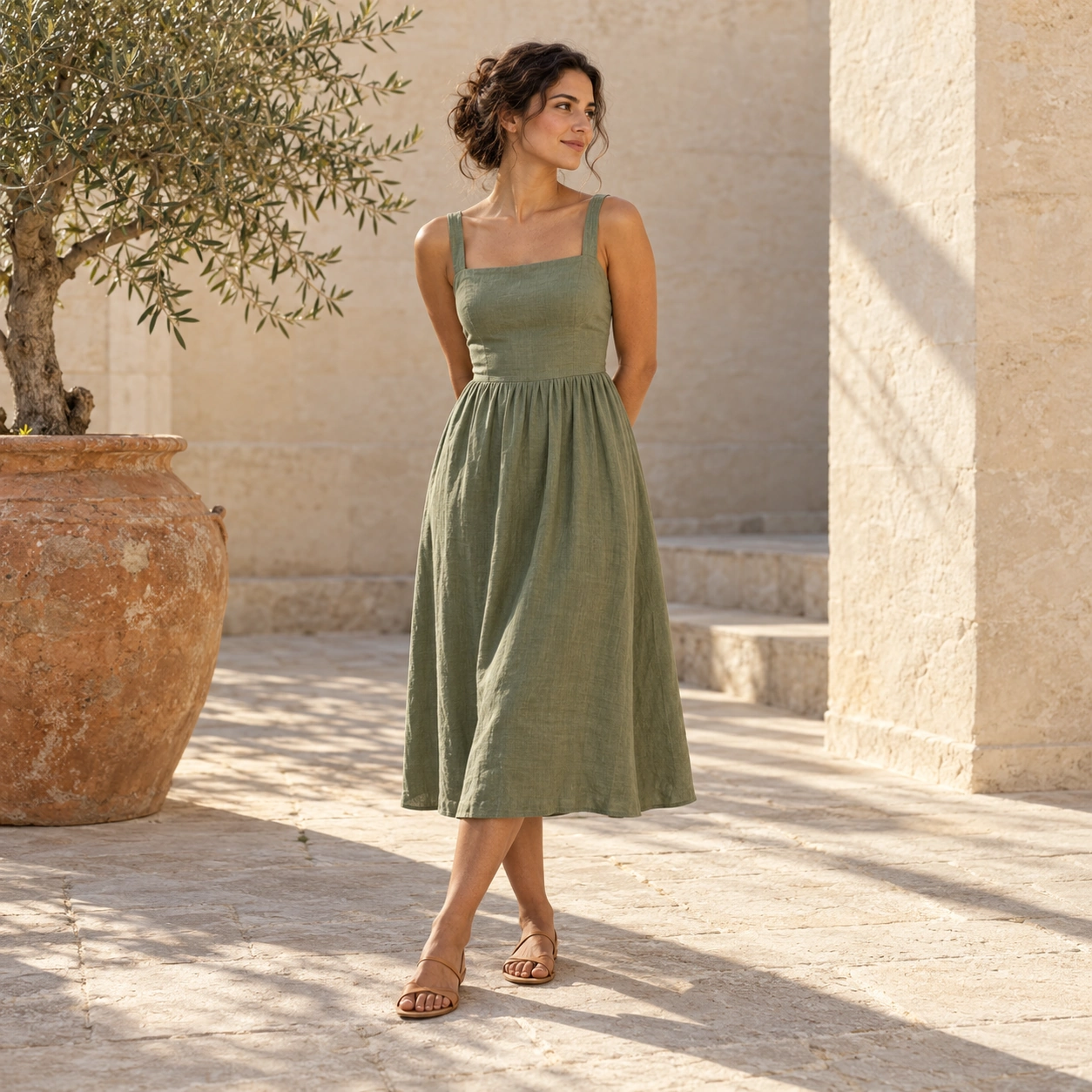
YM Inc. teams use Tolstoy for seasonal campaign imagery and channel layouts. Bed Threads uses product education images across its color range, carrying an established visual direction into more product galleries.
YOUR FIRST RESULT
Start with one campaign direction and the placements you need.
Creative options for review, followed by the formats your team selects. Keep the approved reference and brief with the next batch.
Check product accuracy, brand fit and placement requirements. Approve claims and copy as well as imagery.
Bring the source files and name the reviewer. Confirm the connections, destination and usage for your first job. Need help with setup? Explore Tolstoy Forward.
THE EVERYDAY WORK
Explore sets, lighting, seasonal themes and models, then refine the direction your team chooses.
Carry an approved image direction across your range while keeping each product’s color and material accurate.
Turn verified product facts into visual explanations for the product gallery.
Adapt crops and layouts for the placement while preserving the product, model and brand direction.
Reuse approved model, styling and scene references to keep the next batch consistent.
YOUR STARTER PACK
Pick one real job. Bring the inputs, review the first result, then build on what works.
Propose two visual directions for this launch using our brand references. Explain the difference, then create one hero image for the direction we choose.
Opens this task in the bot template. Review it before starting.
Adapt this approved educational image across these three products. Use only the provided product facts and preserve each product’s true color and material.
Opens this task in the bot template. Review it before starting.
Adapt this approved asset to the supplied channel sizes. Keep the product and model unchanged; adjust composition and leave the required space for copy.
Opens this task in the bot template. Review it before starting.
MEET YOUR BOTS
Match a template to the starter tasks above. Explore their instructions, inputs and review steps.
GO A LITTLE DEEPER
MAKE IT YOURS
Bring one real brief and the output your team needs. We’ll walk through the workflow, confirm setup and review responsibilities, and discuss the right level of support.
Discuss your first workflow