What you receive
Concept images and a marketing reference. Confirm the editable artwork format separately with your design team.
TOLSTOY FOR BUYING & PRODUCT DEVELOPMENT
Bring a range to life from product flats and references. Explore artwork, compare colors and give marketing a clear picture of the looks to shoot.
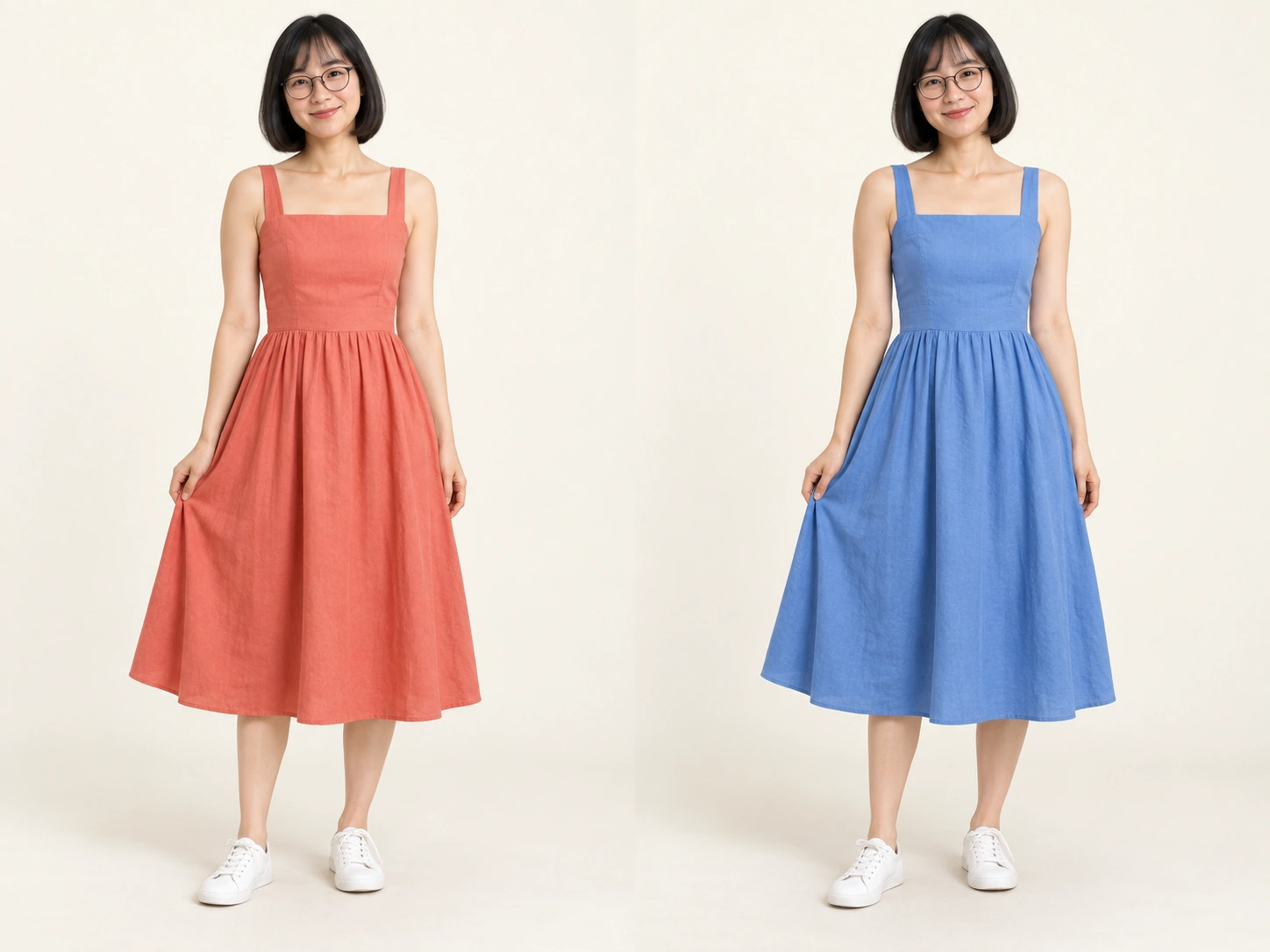
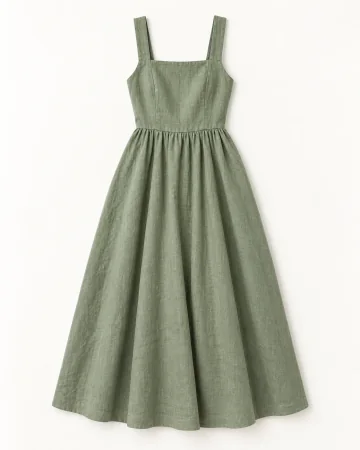 Your product
HOW OTHER TEAMS USE TOLSTOY
The Kids buying team uses Tolstoy to visualize ranges on models for management presentations and explore garment artwork. Styled key looks and matching product flats also help the team brief marketing.
YOUR FIRST RESULT
Start with one range presentation using identifiable styles and colors.
Concept images and a marketing reference. Confirm the editable artwork format separately with your design team.
Compare garment details, prints and colors with the source. Keep technical and manufacturing specifications with the responsible designer.
Bring the source files and name the reviewer. Confirm the connections, destination and usage for your first job. Need help with setup? Explore Tolstoy Forward.
THE EVERYDAY WORK
Turn technical flats into styled looks. Keep each style and color identifiable in a presentation for the range review.
Create front and back visual references, then compare color directions in a range presentation.
Explore graphic and color directions, then visualize the selected artwork on the garment to brief the design team.
Match styled outfits with their product flats and style names so the creative team can plan the shoot.
YOUR STARTER PACK
Pick one real job. Bring the inputs, review the first result, then build on what works.
Use these five styles to create a range presentation on our approved model. Keep each style and color identifiable, show complete outfits, and flag details you cannot establish from the references.
Opens a draft in Tolstoy. Add your inputs to begin.
Develop three artwork directions for this garment using our references and palette. Show the selected direction on the garment. Keep the design brief separate from manufacturing-ready artwork.
Opens a draft in Tolstoy. Add your inputs to begin.
Create a key-look handover from the approved styles. Match every outfit to its product flats and style names. Call out the print, color and hero product for each look.
Opens a draft in Tolstoy. Add your inputs to begin.
GO A LITTLE DEEPER
MAKE IT YOURS
Bring one real brief and the output your team needs. We’ll walk through the workflow, confirm setup and review responsibilities, and discuss the right level of support.
Discuss your first workflow