What you receive
Image options to review and export. Agree SKU names, dimensions and the file handoff before expanding the batch.
TOLSTOY FOR STUDIO & PHOTOGRAPHY
Retouch a batch, fill missing views or extend an approved shoot. Build a repeatable process around the product details your team needs to preserve.
HOW OTHER TEAMS USE TOLSTOY
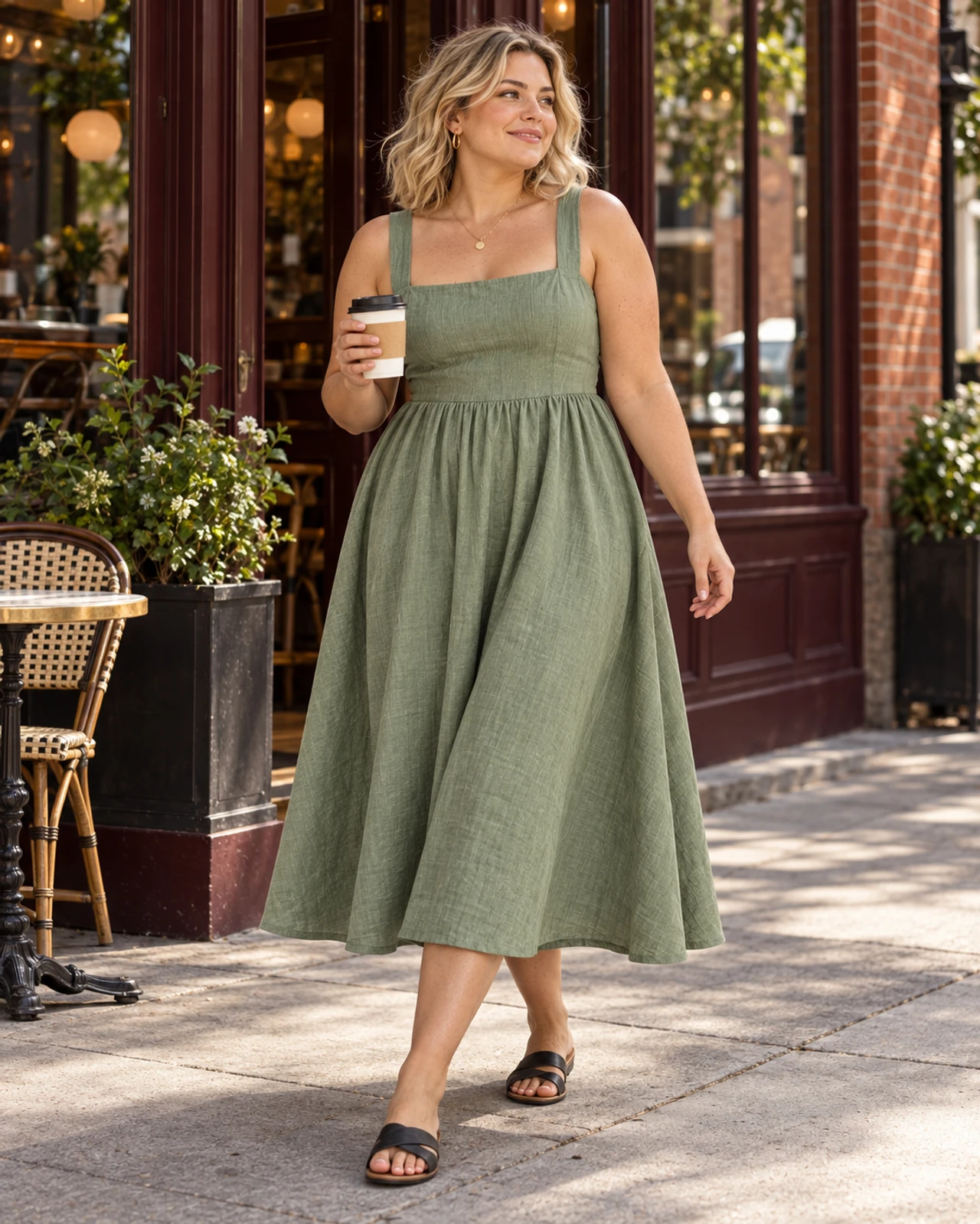
NYDJ works on extending imagery across body sizes. YM Inc. teams use Tolstoy for on-model and off-figure retouching, reviewing each batch against the original product and photography direction.
YOUR FIRST RESULT
Start with a small set of images and a precise shot list.
Image options to review and export. Agree SKU names, dimensions and the file handoff before expanding the batch.
Compare each result with the product source: color, material, proportions, trims and labels. Include manual finishing in the workload.
Bring the source files and name the reviewer. Confirm the connections, destination and usage for your first job. Need help with setup? Explore Tolstoy Forward.
THE EVERYDAY WORK
Clean backgrounds, flyaways, lint and selected creases while preserving likeness, garment color and texture.
Remove hangers, floor marks and unwanted creases. Check the edges and fabric details against the original.
Remove visible supports and stickers while keeping leather texture, hardware and product shape intact.
Build front, back, full-body and detail views using approved models and a clear shot list.
Explore additional model, pose and styling options. Review how the garment appears against the real product.
Extend approved images to new colors or packs, checking the product count, graphics, trims and material.
Update the specific zipper, logo or detail that differs between variants, using the correct product reference.
Organize approved files by SKU, shot order and the receiving team’s requirements.
YOUR STARTER PACK
Pick one real job. Bring the inputs, review the first result, then build on what works.
Retouch these five images using the approved example. Clean the specified background and garment issues. Preserve model likeness, color, print and texture; flag images where those constraints conflict.
Opens this task in the bot template. Review it before starting.
Create the four requested views for this product using our model and framing. Compare each result with the references and flag uncertain construction, print or fit details.
Opens this task in the bot template. Review it before starting.
Create these two variants from the approved photo. Change only the specified product details and use the variant references for color, hardware and print.
Opens this task in the bot template. Review it before starting.
MEET YOUR BOTS
Match a template to the starter tasks above. Explore their instructions, inputs and review steps.
Set the creative direction, create on-brand images, and check their quality.
Explore template
Find products without model photos and prepare accurate on-model images.
Explore templateGO A LITTLE DEEPER
MAKE IT YOURS
Bring one real brief and the output your team needs. We’ll walk through the workflow, confirm setup and review responsibilities, and discuss the right level of support.
Discuss your first workflow