Media templates
AI ad templates and ecommerce creative gallery
Start from a ready-made template for UGC-style video ads, product videos, virtual try-on, PDP images or lifestyle shoots. Add your product and brand, then generate in Tolstoy Media Studio and publish to your store or Meta ads with Ads Studio.
Explore these templates in Media Studio ↗. For a full workflow, find a bot or browse 35 ecommerce playbooks.
What are Tolstoy's AI ecommerce templates?
Tolstoy templates are reusable creative workflows for ecommerce brands. Each one has a defined output, such as a UGC-style video ad, a product hero video, a virtual try-on, a PDP image set or a lifestyle photoshoot, plus guided inputs for your product photos and brand. Open a template, add your product and generate in Media Studio. Then publish to your storefront or to Meta campaigns through Ads Studio. Every paid plan includes Media Studio, Ads Studio and Storefront Studio. Plans start at $16 per workspace per month, billed yearly (see pricing).
See finished ads in the AI video ad gallery and the AI UGC gallery, or learn how AI UGC works. Comparing tools? Read our guides to the best AI UGC ad generators, the best AI video ad generators and the best AI product video generators.
Templates by ad type
UGC-style video ad templates
Creator-style vertical videos for TikTok, Reels and Meta: try-ons, unboxings, "just got it in the mail" reactions, morning routines and car selfies. Add a product photo and Tolstoy generates the creator, the scene and the hook.
-
image · Fashion
One Hat, Three Ad Campaigns
Create three on-brand hat ad variants from a single product image, chosen from ten coastal‑western directions like catalog DCO, editorial lifestyle, UGC, and macro details. Ideal… Create with this template → -
video · Fashion
UGC inside car
Produce authentic UGC-style product videos featuring a talking model inside a car, shot in soft natural daylight with a realistic interior and blurred background. Perfect for… Create with this template → -
video · Fashion
Gym UGC
Create authentic gym UGC videos featuring a treadmill selfie look, motivational caption overlays, and upbeat pop music. Ideal for beauty, wellness, sports, accessories, and… Create with this template → -
video · Beauty
UGC iykyk Product Tucked in Back Pocket
Generate a TikTok-native 9:16 UGC video showcasing your small product tucked into a back pocket with a feminine-presenting model, natural daylight, and sharp backgrounds. Ideal… Create with this template → -
video · Fashion
UGC Mirror Try-On Style Guide
Create authentic vertical mirror-selfie try-on videos that feel like real bedroom moments, not polished commercials. Ideal for fashion, jewelry, and accessories, this template… Create with this template → -
video · Beauty
Almost Heading Out
Turn your product into an authentic, vertical UGC getting-ready moment designed for beauty and accessories. This template animates your media into a short, Gen Z–friendly clip… Create with this template → -
video · Fashion
Its the Perfect Product
Create UGC home-style fashion product visuals that highlight full-body fit, fabric texture, and on-body movement. Ideal for fashion brands, boutiques, and creators producing… Create with this template → -
video · Accessories
Just Got It In The Mail
Create authentic, vertical UGC unboxing videos that build curiosity, showcase product details, and end with real-life use. Ideal for accessories and electronics brands aiming for… Create with this template →
Templates by ad type
Product video ad templates
Short product video ads for paid social and PDPs: studio hero loops, macro close-ups, 360 spins and campaign concepts. Generated with video models such as Seedance and Kling inside Media Studio.
-
video · Fashion
Fit Check Lifestyle
Create TikTok-style fit check fashion visuals with a static camera, bright outdoor lighting, and fast-cut edits that highlight fabric movement. Ideal for fashion teams and… Create with this template → -
video · Fashion
Everyday Moments
Create short lifestyle videos that show your product naturally fitting into everyday moments. Built for beauty, wellness, food, and beverage brands seeking warm, modern visuals… Create with this template → -
video · Beauty
Product Splash
Create premium, high-speed liquid splash videos of your product with crisp highlights and a commercial studio finish. Ideal for beauty and wellness promotions, this template… Create with this template → -
video · Fashion
If I Won the Lottery
Create short, meme-inspired FMCG product videos that turn your item into the unmistakable “lottery winner” obsession. This AI template stacks your product across quick-cut home… Create with this template → -
video · Fashion
In&Out 360 Lookbook
Create clean, studio-style fashion lookbook videos with a model walking in, showcasing front and back views, and exiting in one seamless sequence. Perfect for apparel brands and… Create with this template → -
video · Fashion
Carpool Podcast
Generate cinematic, movie-like lifestyle visuals of two models discussing your product in a carpool podcast setting. Ideal for brands in travel, fashion, beauty, home, and food &… Create with this template → -
video · Fashion
Pool Podcast
Generate poolside podcast-style product review videos featuring two models—one interviewer and one subject—in a sunny, luxury home setting. Perfect for brands seeking a… Create with this template → -
video · Jewelry
Subway Interview
Create authentic, TikTok-style product review videos set on a New York City subway bench. This template stages a two-model interview that talks through your product with clear… Create with this template →
Templates by ad type
Virtual try-on and fit-check templates
Show apparel, headwear and accessories on a model that matches your brand, including mirror try-ons and fit checks, without booking a shoot.
-
image · Fashion
Model To Flat Lay
Turn model shots into premium, minimalist flat lay apparel images with a clean studio look. Ideal for fashion teams needing consistent, true-to-color product visuals for… Create with this template → -
image · Beauty
Mirror Studio Shot
Generate high-key, mirror-focused beauty editorials featuring your product with a Gen-Z, Y2K studio aesthetic. Ideal for beauty and wellness brands seeking tight, macro-close-up… Create with this template → -
image · Beauty
Car Mirror
Create cinematic, high-end lifestyle images reflected in a vintage car mirror for beauty, accessories, and jewelry products. This template delivers close-up, hard-sunlight shots… Create with this template → -
image · Fashion
Ghost Try on
Generate clean, commercial ghost mannequin product photos with a minimalist white studio look. Perfect for apparel teams needing color-accurate, high-contrast images that keep… Create with this template → -
image · Beauty
Beauty Try On
Generate studio-quality, photorealistic beauty try-ons that apply your makeup shade naturally on a selected model. Ideal for cosmetics teams who need accurate color payoff,… Create with this template → -
image · Fashion
Art Deco Mirror
Create cinematic nightlife fashion visuals featuring a glamorous model at a mirrored cocktail bar with crisp reflections and warm golden highlights. Ideal for fashion teams… Create with this template → -
image · Fashion
Try On (Snowman)
Generate clean winter editorial images featuring a snowman wearing only your garment against a bright blue sky. Ideal for apparel teams seeking playful, minimalist visuals that… Create with this template → -
image · Fashion
Mirror Back Shot
Create realistic Gen Z mirror selfies that spotlight back fit, V-shaped waistbands, and true fabric behavior. Built for fashion teams who need candid, on-trend visuals with… Create with this template →
Templates by ad type
PDP and studio product image templates
Clean, consistent product-page images: flat lays, ghost-mannequin and on-white packshots, and garment PDP sets that match your existing catalog.
-
image · Fashion
Generic Flat Lay
Create precise, high-end ecommerce flat lay product photos that honor true color, texture, and proportions. Built for online stores that need clean, conversion-focused visuals… Create with this template → -
image · Fashion
Bottoms PDP
Generate clean, white‑studio fashion images that spotlight your bottoms with consistent front, back, 3/4, and tight crops. Ideal for apparel teams building PDP galleries that need… Create with this template → -
image · Fashion
Top Garment PDP
Create crisp on‑model apparel visuals on a pure white studio background. This template is built for fashion and ecommerce teams who need consistent front, back, side, cropped, and… Create with this template → -
image · Accessories
Headwear PDP
Build a complete headwear PDP gallery in one pass with a clean studio 3x2 image grid. Designed for accessories and apparel teams, it captures front, back, left/right profiles,… Create with this template → -
image · Fashion
Bottom Garment PDP
Generate a complete 3x2 studio grid for bottoms PDP coverage, including full-body front/back and crisp macro detail shots. Ideal for fashion teams who need consistent fit, side… Create with this template → -
image · Fashion
PDP Image Grid
Generate a clean lookbook grid featuring your model as the hero and receive six PDP-ready images per outfit. Designed for fashion brands and retailers needing consistent product… Create with this template → -
image · Beauty
Flat Lay Grid
Generate clean, top-down editorial fashion imagery featuring multiple products arranged in a precise geometric grid on pastel surfaces. Ideal for brands and studios seeking… Create with this template → -
image · Home
Pan Top Shot
Generate professional top-down kitchen editorial visuals featuring your cookware with appetizing food, ingredients, and utensils under clean overhead lighting. Ideal for cookware… Create with this template →
Templates by ad type
Photoshoot and lifestyle templates
Complete photoshoots, colour swaps, editorial grids and on-brand locations, so you can run a full campaign from one product image.
-
image · Fashion
Complete Photoshoot
Create a complete 10-image photoshoot from a single product-and-model reference image. This template keeps the same model identity and visual direction while generating a range of… Create with this template → -
image · Fashion
Color Swap Photoshoot
Recolor on-model fashion images to exact swatches while preserving fit, pose, construction, and background. Designed for merchandising teams needing large colorways fast, it… Create with this template → -
image · Ecommerce
CK Photoshoot V2 (Dressed References)
Run an AI editorial fashion photoshoot end to end: model selection, styling preview, per‑product setups, and batch shot generation with approvals. Built‑in review and publish… Create with this template → -
Photoshoot
Run an AI editorial fashion photoshoot end to end: model selection, styling preview, per‑product setups, and batch shot generation with approvals. Built‑in review and publish… Create with this template → -
image · Fashion
Editorial Photo Grid
Create a high-fashion 3x3 editorial photo grid showcasing your product on a model across nine unique lighting, mood, and composition variations. Designed for fashion and beauty… Create with this template → -
image · Fashion
On-Brand Lifestyle
Generate on-brand lifestyle product photography that feels lived-in, intentional, and aligned with your customer’s real life. This template creates commerce-friendly scenes with… Create with this template → -
image · Fashion
On-Brand Locations
Create high-end, photorealistic location backgrounds tailored to your brand for e-commerce, lifestyle, and campaign photography. The template generates four distinct, shootable… Create with this template → -
image · Fashion
Fashion Campaign
Generate a 3x3 high-fashion grid inspired by 1990s/modern editorials, then automatically extract and animate each frame into a cohesive fashion video. Ideal for fashion brands,… Create with this template →
Templates by ad type
Jewelry templates
Close-up and golden-hour jewelry shots, selfie and neckline try-ons, and pool-edge lifestyle scenes made for small, reflective products.
-
image · Jewelry
Mid Shot Jewelry
Create natural-light lifestyle jewelry images focused on the chest-to-neck crop, highlighting gold and textured pieces with soft, warm tones. Ideal for brands and creators who… Create with this template → -
image · Jewelry
Golden Hour Shine
Create cinematic editorial jewelry portraits with dramatic high-contrast sunlight and golden hour glow. Ideal for jewelry brands, retailers, and creators who want sharp, model-led… Create with this template → -
image · Jewelry
Jewelry Golden Hour
Create high-end golden hour jewelry close-ups with editorial polish. This template captures layered necklaces with sharp, geometric shadows and warm highlights, ideal for brands… Create with this template → -
image · Accessories
Shadow Silhouette Earrings
Create a top-down editorial still where a soft, feminine head shadow becomes the backdrop for high-end earrings, finished with subtle cinematic grain and bloom. Ideal for jewelry… Create with this template → -
image · Jewelry
Ring Shadows
Generate high-end, minimalist jewelry editorials where rings appear elegantly on the shadow of a hand. Ideal for brands seeking luxury aesthetics with clean light, subtle grain,… Create with this template → -
image · Jewelry
Jewellery on Linen
Generate luxury macro product stills on clean white or ivory linen, perfect for jewelry and small accessories. Designed for ecommerce teams that need true-to-life detail,… Create with this template → -
image · Fashion
On-Brand Models (guided)
Generate four on-brand lifestyle models tailored to your brand’s vertical, audience, and visual language. Ideal for ecommerce and campaign imagery across fashion, beauty,… Create with this template → -
image · Fashion
Brand Concepts
Develop four original, editorial campaign concepts tailored to your brand’s identity and visual language. Ideal for marketers and creative teams planning ecommerce, paid media, or… Create with this template →
Template gallery
Choose a template for your next product asset
Filter by format or industry, preview the output, then open a template in Media Studio to customize it for your brand.
-
Complete Photoshoot
Create a complete 10-image photoshoot from a single product-and-model reference image. This template keeps the same model identity and visual direction while generating a range of… Create with this template → -
Color Swap Photoshoot
Recolor on-model fashion images to exact swatches while preserving fit, pose, construction, and background. Designed for merchandising teams needing large colorways fast, it… Create with this template → -
image · Fashion
Shoe Scenery Background Plate Generator
Build photorealistic, empty urban background plates for sneaker and footwear compositing with an interactive AI prompt builder. Choose category, environment, angle, lighting,… Create with this template → -
One Hat, Three Ad Campaigns
Create three on-brand hat ad variants from a single product image, chosen from ten coastal‑western directions like catalog DCO, editorial lifestyle, UGC, and macro details. Ideal… Create with this template → -
UGC inside car
Produce authentic UGC-style product videos featuring a talking model inside a car, shot in soft natural daylight with a realistic interior and blurred background. Perfect for… Create with this template → -
Gym UGC
Create authentic gym UGC videos featuring a treadmill selfie look, motivational caption overlays, and upbeat pop music. Ideal for beauty, wellness, sports, accessories, and… Create with this template → -
CK Photoshoot V2 (Dressed References)
Run an AI editorial fashion photoshoot end to end: model selection, styling preview, per‑product setups, and batch shot generation with approvals. Built‑in review and publish… Create with this template → -
UGC iykyk Product Tucked in Back Pocket
Generate a TikTok-native 9:16 UGC video showcasing your small product tucked into a back pocket with a feminine-presenting model, natural daylight, and sharp backgrounds. Ideal… Create with this template → -
UGC Mirror Try-On Style Guide
Create authentic vertical mirror-selfie try-on videos that feel like real bedroom moments, not polished commercials. Ideal for fashion, jewelry, and accessories, this template… Create with this template → -
Photoshoot
Run an AI editorial fashion photoshoot end to end: model selection, styling preview, per‑product setups, and batch shot generation with approvals. Built‑in review and publish… Create with this template → -
On-Brand Models (guided)
Generate four on-brand lifestyle models tailored to your brand’s vertical, audience, and visual language. Ideal for ecommerce and campaign imagery across fashion, beauty,… Create with this template → -
Editorial Photo Grid
Create a high-fashion 3x3 editorial photo grid showcasing your product on a model across nine unique lighting, mood, and composition variations. Designed for fashion and beauty… Create with this template → -
Brand Concepts
Develop four original, editorial campaign concepts tailored to your brand’s identity and visual language. Ideal for marketers and creative teams planning ecommerce, paid media, or… Create with this template → -
Generic Flat Lay
Create precise, high-end ecommerce flat lay product photos that honor true color, texture, and proportions. Built for online stores that need clean, conversion-focused visuals… Create with this template → -
On-Brand Lifestyle
Generate on-brand lifestyle product photography that feels lived-in, intentional, and aligned with your customer’s real life. This template creates commerce-friendly scenes with… Create with this template → -
On-Brand Locations
Create high-end, photorealistic location backgrounds tailored to your brand for e-commerce, lifestyle, and campaign photography. The template generates four distinct, shootable… Create with this template → -
image · Fashion
Valentine Morning Ritual
Create cozy “Valentine morning” farmhouse-kitchen lifestyle photos with warm natural light and a candid on‑model feel. The AI keeps your product perfectly accurate and clearly… Create with this template → -
Model To Flat Lay
Turn model shots into premium, minimalist flat lay apparel images with a clean studio look. Ideal for fashion teams needing consistent, true-to-color product visuals for… Create with this template → -
Bottoms PDP
Generate clean, white‑studio fashion images that spotlight your bottoms with consistent front, back, 3/4, and tight crops. Ideal for apparel teams building PDP galleries that need… Create with this template → -
image · Fashion
Change Model And Background
Create clean, editorial fashion images by swapping the model while preserving the original pose and composition on a seamless off‑white studio backdrop. Designed for fashion teams… Create with this template → -
image · Fashion
Bra Cropped View
Create clean, cropped lingerie product photography with a minimalist off-white studio look. Ideal for DTC brands needing torso-focused shots that preserve garment details and… Create with this template → -
Fit Check Lifestyle
Create TikTok-style fit check fashion visuals with a static camera, bright outdoor lighting, and fast-cut edits that highlight fabric movement. Ideal for fashion teams and… Create with this template → -
Almost Heading Out
Turn your product into an authentic, vertical UGC getting-ready moment designed for beauty and accessories. This template animates your media into a short, Gen Z–friendly clip… Create with this template → -
Its the Perfect Product
Create UGC home-style fashion product visuals that highlight full-body fit, fabric texture, and on-body movement. Ideal for fashion brands, boutiques, and creators producing… Create with this template → -
Just Got It In The Mail
Create authentic, vertical UGC unboxing videos that build curiosity, showcase product details, and end with real-life use. Ideal for accessories and electronics brands aiming for… Create with this template → -
video · Beauty
This Wakes Me Up
Turn product images into short, authentic UGC beauty videos that show a relatable morning routine and a clear before-and-after moment. Designed for beauty and wellness brands that… Create with this template → -
video · Beauty
Mornings Are Not My Thing
Create authentic UGC-style morning routine videos that move from low-energy moments to a clear, satisfying result. Built for beauty, wellness, and accessories, this template… Create with this template → -
Top Garment PDP
Create crisp on‑model apparel visuals on a pure white studio background. This template is built for fashion and ecommerce teams who need consistent front, back, side, cropped, and… Create with this template → -
image · Electronics
Building Your App
Generate cinematic, minimalist app visuals featuring a giant glowing smartphone and miniature workers actively building your interface. Ideal for app developers and product teams… Create with this template → -
image · Electronics
App UI
Create editorial fashion-style visuals showcasing your app UI on a dramatic oversized smartphone prop. Designed for tech brands and product teams who want modern, natural-light… Create with this template → -
video · Accessories
Add you to my Wishlist
Generate an intimate, vertical UGC Christmas video for accessories featuring a warm male lead and a sweet reveal moment. Ideal for holiday storytelling with a cozy bedroom vibe,… Create with this template → -
Everyday Moments
Create short lifestyle videos that show your product naturally fitting into everyday moments. Built for beauty, wellness, food, and beverage brands seeking warm, modern visuals… Create with this template → -
image · Beauty
Tucked In Bikini
Create sunlit, tropical lifestyle product images featuring a macro close-up of a model’s bikini strap with your product subtly tucked in. Ideal for beauty and wellness brands… Create with this template → -
Mirror Studio Shot
Generate high-key, mirror-focused beauty editorials featuring your product with a Gen-Z, Y2K studio aesthetic. Ideal for beauty and wellness brands seeking tight, macro-close-up… Create with this template → -
image · Beauty
Playful Scattered
Create playful Gen-Z skincare editorials with a minimalist white studio look, dewy skin, and scattered product styling. Ideal for beauty and wellness teams needing polished,… Create with this template → -
Car Mirror
Create cinematic, high-end lifestyle images reflected in a vintage car mirror for beauty, accessories, and jewelry products. This template delivers close-up, hard-sunlight shots… Create with this template → -
image · Beauty
Double Joy
Create high-key, Gen-Z clean beauty visuals featuring two smiling models holding your products, shot in a minimalist white studio with bright, diffused lighting. Designed for… Create with this template → -
image · Fashion
Playful Portrait
Generate playful, high-fashion editorial portraits with bright studio lighting and a minimalist off-white backdrop. Ideal for fashion and accessories brands seeking sharp,… Create with this template → -
image · Jewelry
Profile Medium
Create modern, minimalist jewelry editorials with tight side-profile portraits on a clean white studio background and soft window light. Ideal for jewelry brands, creators, and… Create with this template → -
image · Fashion
Getting out of a Cab
Generate high-end editorial fashion visuals with a cinematic city aesthetic of a model stepping out of a taxi. Designed for fashion and jewelry storytelling, it delivers bright… Create with this template → -
image · Jewelry
Side Macro Shot
Produce extreme close-up editorial ear shots that spotlight earrings with natural skin texture, controlled sparkle, and a luxury finish. Designed for fine jewelry brands and… Create with this template → -
image · Jewelry
Travel Vibes
Create luxury tropical jewelry visuals with tight-cropped, natural-light macro portraits of models wearing your pieces. Ideal for jewelry brands and designers seeking an island… Create with this template → -
image · Jewelry
Luxury Portrait
Create luxury tropical jewelry portraits with tight, natural-light macro framing that spotlights reflections and skin highlights. Ideal for brands needing high-end editorial looks… Create with this template → -
Mid Shot Jewelry
Create natural-light lifestyle jewelry images focused on the chest-to-neck crop, highlighting gold and textured pieces with soft, warm tones. Ideal for brands and creators who… Create with this template → -
image · Jewelry
Neckless Selfie
This AI template creates natural-light lifestyle jewelry photos featuring a cropped upper torso in a white ribbed tank, spotlighting your pieces with warm, authentic detail.… Create with this template → -
image · Jewelry
Profile Close Up
Create luxury, tight-crop jewelry visuals with a high-fashion editorial look. This AI template focuses on the ear, jawline, and lips to spotlight earrings with warm directional… Create with this template → -
image · Jewelry
Ripples
Create sunlit, pool‑ripple jewelry visuals with a nostalgic 35mm film look. Ideal for jewelry brands showcasing rings, bracelets, and watches on model hands with a clean water… Create with this template → -
image · Jewelry
Pool Edge
Create nostalgic, poolside jewelry visuals with a 35mm film look—sun-kissed hands, rippling turquoise water, and glittering highlights. Ideal for jewelry brands and creators… Create with this template → -
image · Jewelry
Sitting In the Water
Create high-fashion, underwater jewelry visuals with a cinematic film look. This AI template captures submerged arms, sunset caustics, and macro focus to spotlight bracelets with… Create with this template → -
image · Jewelry
Touching Water
Generate natural-light jewelry editorial photography featuring a model’s hand grazing still lake water for refined, sunlit close-ups. Designed for jewelry brands and creators who… Create with this template → -
Golden Hour Shine
Create cinematic editorial jewelry portraits with dramatic high-contrast sunlight and golden hour glow. Ideal for jewelry brands, retailers, and creators who want sharp, model-led… Create with this template → -
Jewelry Golden Hour
Create high-end golden hour jewelry close-ups with editorial polish. This template captures layered necklaces with sharp, geometric shadows and warm highlights, ideal for brands… Create with this template → -
image · Jewelry
Window Light
Create editorial lifestyle jewelry photos with natural window light and soft highlights that flatter metal and gemstones. Ideal for jewelry brands and creators seeking close-up,… Create with this template → -
image · Jewelry
Clean Neckless
Create clean, natural-light editorial necklace photos that crop the face and spotlight detail on the model’s neck against a minimal studio background. Ideal for jewelry brands and… Create with this template → -
image · Jewelry
Hands Up
Generate high-end natural-light jewelry editorials with upward-reaching hands, vivid blue skies, and polished gold highlights. Ideal for jewelry brands and fashion marketers… Create with this template → -
video · Fashion
Standing and Talking
Create natural UGC talking-head product videos with quick, friendly dialogue and realistic lighting. The template analyzes your product, writes a three-line script, builds a… Create with this template → -
video · Fashion
Sitting and Talking
Generate a vertical UGC video where a model sits casually and talks naturally about your product, complete with quick B-roll cutaways. Ideal for beauty, fashion, accessories,… Create with this template → -
Headwear PDP
Build a complete headwear PDP gallery in one pass with a clean studio 3x2 image grid. Designed for accessories and apparel teams, it captures front, back, left/right profiles,… Create with this template → -
Bottom Garment PDP
Generate a complete 3x2 studio grid for bottoms PDP coverage, including full-body front/back and crisp macro detail shots. Ideal for fashion teams who need consistent fit, side… Create with this template → -
image · Beauty
Product Ingredients & Foam
Create polished skincare product hero shots featuring airy soap bubbles, soft foam, and key ingredients on a seamless studio gradient. Ideal for beauty teams seeking clean,… Create with this template → -
image · Beauty
Bathroom Product Shot
Create close-up, clean lifestyle skincare shots in a natural-light bathroom scene featuring a hand dispensing clear gel with realistic droplets and soft foam. Ideal for beauty and… Create with this template → -
image · Beauty
Roses
Create romantic, rose-forward beauty product photography with soft high-key lighting, water droplets, and a pastel gradient backdrop. Ideal for brands needing polished hero shots… Create with this template → -
image · Fashion
Yellow Car Wash
Create high-contrast, 2000s editorial fashion visuals featuring a model washing a vintage car in natural daylight. Ideal for brands and creators who want magazine-style imagery… Create with this template → -
Product Splash
Create premium, high-speed liquid splash videos of your product with crisp highlights and a commercial studio finish. Ideal for beauty and wellness promotions, this template… Create with this template → -
image · Beauty
Colorful Backdrop
Create playful, high-key product stacks on a colorful studio backdrop designed for commercial polish. Ideal for beauty and wellness teams needing bold, modern product visuals for… Create with this template → -
video · Jewelry
Bedroom UGC
Create natural-light, bedroom-shot UGC for beauty products. The template analyzes your product, writes casual three-line dialogue, produces a hyper-realistic hand-held photo, and… Create with this template → -
image · Beauty
Love Letter
Generate clean, minimalist UGC flatlays featuring a red heart-shaped envelope with your beauty or wellness products artfully arranged in soft natural light. Ideal for brands… Create with this template → -
image · Beauty
Glossy Blob
Generate modern beauty editorial product shots with your items nestled between oversized glossy blobs in vibrant, near-inverted color. Designed for Beauty & Wellness visuals, it… Create with this template → -
image · Beauty
Heart Shape Spotlight
Create dramatic beauty product shots with a heart-shaped spotlight on a deep red set. This AI template produces high-contrast, saturated images ideal for showcasing skincare,… Create with this template → -
image · Beauty
Heart Fluffy Cushion
Create polished, minimalist beauty flat lays featuring your product centered on a heart-shaped cushion of fluffy, vibrant red feathers against a Valentine-red backdrop. Designed… Create with this template → -
image · Fashion
Glitter Hearts Surface
Create eye-catching lifestyle flat lays of your beauty or wellness products on a dense glitter hearts surface in sparkling red and iridescent pink. Shot from an overhead… Create with this template → -
image · Beauty
Wrapping Valentine Gift
Create festive Valentine flatlay product photography with a vibrant red backdrop, satin ribbons, and chocolate hearts. Designed for beauty and wellness products, this template… Create with this template → -
image · Beauty
Heart Shape Chocolates
Generate minimalist, top‑down Valentine flat lays with your product centered amid sparkling red glitter heart chocolates on a smooth pink backdrop. Built for beauty and wellness… Create with this template → -
image · Beauty
Liquid Puddle
Create high-end cosmetic product photography featuring your item nestled among glossy liquid puddles and floating droplets on a bright white backdrop. Designed for beauty,… Create with this template → -
image · Beauty
Valentine Gifts
Produce luxury Valentine-themed product photography in a monochromatic red studio with stacked gift boxes and flowing satin ribbons. Ideal for brands across beauty, home, travel,… Create with this template → -
If I Won the Lottery
Create short, meme-inspired FMCG product videos that turn your item into the unmistakable “lottery winner” obsession. This AI template stacks your product across quick-cut home… Create with this template → -
image · Fashion
New Style Imagery
Create high-end, minimalist studio fashion images that blend menswear e-commerce clarity with editorial polish. Ideal for apparel brands needing clean, evenly lit shots on… Create with this template → -
image · Fashion
Snowy City
Create hyper‑realistic, direct‑flash editorial fashion images in a snowy city at night. Ideal for fashion brands, magazines, and streetwear labels seeking cinematic nightlife… Create with this template → -
image · Fashion
Flash Portrait
Produce ultra-sharp, magazine-editorial portraits of your model in any location with a hard on-camera flash, high-contrast aesthetic. Built for fashion teams and creators seeking… Create with this template → -
In&Out 360 Lookbook
Create clean, studio-style fashion lookbook videos with a model walking in, showcasing front and back views, and exiting in one seamless sequence. Perfect for apparel brands and… Create with this template → -
Carpool Podcast
Generate cinematic, movie-like lifestyle visuals of two models discussing your product in a carpool podcast setting. Ideal for brands in travel, fashion, beauty, home, and food &… Create with this template → -
video · Fashion
Street Interview
Produce authentic UGC-style product review videos with a street interview format featuring two speakers and a wireless mic. Ideal for brands that want TikTok-native, single-take… Create with this template → -
Pool Podcast
Generate poolside podcast-style product review videos featuring two models—one interviewer and one subject—in a sunny, luxury home setting. Perfect for brands seeking a… Create with this template → -
image · Fashion
Scrap Book
Create Y2K scrapbook-style fashion UGC featuring your products in a girly, teen-bedroom setting. This template arranges three polaroid looks with playful handwritten notes, ideal… Create with this template → -
Ghost Try on
Generate clean, commercial ghost mannequin product photos with a minimalist white studio look. Perfect for apparel teams needing color-accurate, high-contrast images that keep… Create with this template → -
Subway Interview
Create authentic, TikTok-style product review videos set on a New York City subway bench. This template stages a two-model interview that talks through your product with clear… Create with this template → -
video · Jewelry
Youtuber
Create polished product talk-throughs with a high-end YouTube creator look. This AI template delivers cinematic studio lighting, pro microphone setup, and a clean anamorphic… Create with this template → -
Beauty Try On
Generate studio-quality, photorealistic beauty try-ons that apply your makeup shade naturally on a selected model. Ideal for cosmetics teams who need accurate color payoff,… Create with this template → -
video · Fashion
3 Images to 1 Multishot Lookbook Video
Turn still fashion images into refined lookbook micro-movements that spotlight front-facing garment details while keeping your original framing intact. Ideal for fashion brands,… Create with this template → -
image · Fashion
Product Above Head
Create dramatic, high-key editorial fashion images featuring a full-body model holding a massively oversized product overhead. Ideal for fashion teams that need clean studio… Create with this template → -
video · Fashion
LifeStyle Lookbook
Create animated lifestyle lookbook visuals in natural morning light with a film-camera feel. Ideal for fashion teams showcasing outfits on models with dynamic background motion… Create with this template → -
image · Beauty
Skin Color Appearance
Create clean studio swatch visuals showing how your Gloss Stick shades appear on four diverse skin tones. Ideal for beauty teams who need clear, consistent shade demos pulled… Create with this template → -
Fashion Campaign
Generate a 3x3 high-fashion grid inspired by 1990s/modern editorials, then automatically extract and animate each frame into a cohesive fashion video. Ideal for fashion brands,… Create with this template → -
video · Jewelry
UGC Product Ad
Turn a single product image into a UGC-style talking model video. Ideal for ecommerce teams and marketers who need authentic product ads for paid social and short-form campaigns.… Create with this template → -
video · Fashion
Look Up
Create bold, Pop Art fashion visuals featuring a model looking up at a branded blimp in a dramatic blue sky. Ideal for fashion brands running campaign visuals or social ads that… Create with this template → -
image · Fashion
Retro-Moto Campagne
Generate cinematic, vintage motorcycle lifestyle shots featuring a model riding a 1970s scrambler with dramatic motion blur and hard sunlight. Ideal for moto apparel and fashion… Create with this template → -
video · Fashion
Plane Ad Mockup
Generate a vintage film-style plane banner ad showcasing your product against a clear blue sky with Kodak Gold color and grain. Ideal for marketers and ecommerce teams who want… Create with this template → -
image · Jewelry
Skywriting
Create realistic vintage airplane skywriting visuals that spell out your custom message in fluffy white letters against a bright blue sky. Ideal for marketers and creators looking… Create with this template → -
image · Fashion
Marty Supreme
Generate high-impact Y2K streetwear editorials featuring your model against the Hollywood sign, captured in bright natural daylight with high saturation and subtle film grain.… Create with this template → -
image · Beauty
Spotlight Ad
Create premium, high-impact beauty product ads with a glossy hero-shot centerpiece, bold vertical typography, and rich gradient lighting. Ideal for brands seeking vibrant, modern… Create with this template → -
image · Fashion
Messy Room Y2K
Capture high-angle Y2K fashion editorials with a messy-room, hard-flash look that feels chaotic, intimate, and expressive. Ideal for fashion brands, stylists, and creators who… Create with this template → -
image · Fashion
Art Deco Chandelier
Create high-impact, art deco editorial fashion visuals with hard-flash contrast, slow-shutter motion blur, and a luxurious yet playful party scene. Ideal for fashion brands,… Create with this template → -
image · Fashion
Limo
Generate high-impact editorial fashion images with a hard-flash limo aesthetic. Ideal for brands, designers, and stylists showcasing outfits in a bold, nightlife-inspired look… Create with this template → -
image · Fashion
Art Deco Jumping on Bed
Create high-impact fashion editorial photography with a playful, luxury Art Deco hotel suite scene. This AI template turns outfit shots into hard-flash, slow-shutter, low-angle… Create with this template → -
PDP Image Grid
Generate a clean lookbook grid featuring your model as the hero and receive six PDP-ready images per outfit. Designed for fashion brands and retailers needing consistent product… Create with this template → -
image · Fashion
Y2K Magazine Twoshot
Create dynamic Y2K magazine editorials featuring two models—one distorted in ultra‑wide foreground and another mid‑air against a blue sky with hard flash and high saturation.… Create with this template → -
image · Fashion
Art Deco Bar
Generate striking, direct-flash fashion portraits with a modern-vintage bar aesthetic. Ideal for apparel labels and editors seeking timeless glamour, sharp contrast, and editorial… Create with this template → -
Art Deco Mirror
Create cinematic nightlife fashion visuals featuring a glamorous model at a mirrored cocktail bar with crisp reflections and warm golden highlights. Ideal for fashion teams… Create with this template → -
image · Fashion
Art Deco Bar front
This AI template generates modern‑vintage, hard‑flash fashion editorials of a model in a cocktail bar setting, complete with wide‑lens, low‑angle drama and strong contrast. Ideal… Create with this template → -
image · Fashion
Art Deco Curtains
Create dramatic, cinematic fashion editorial portraits featuring your model near shimmering beaded curtains. Designed for fashion teams seeking luxurious, filmic imagery with warm… Create with this template → -
image · Fashion
Bed Overhead Selfie
Create natural-light, overhead bedroom selfies that feel authentically social-ready. Ideal for creators and brands seeking flattering, high-angle portraits without a visible… Create with this template → -
image · Fashion
Create A SIM
Turn your model shots into Sims 4 Create-A-Sim style full-body renders with pastel UI elements, soft studio lighting, and clean textures. Ideal for fashion creators and brands… Create with this template → -
image · Fashion
Glitter Sticker
Turn your model or product into a holographic cutout sticker set in gritty, urban street photography. Built for streetwear labels, fashion brands, and creators who want natural… Create with this template → -
image · Fashion
Art Deco Couch
Create cinematic Art Deco fashion editorials with AI. This template stages your model on a red velvet sofa with gilded frames and floral wallpaper, shot with bright harsh frontal… Create with this template → -
image · Fashion
Roof Champaign
Create high-energy, hard-flash fashion editorials on an art deco rooftop with NYC skyline drama. Perfect for brands and creators looking to showcase outfits on models with… Create with this template → -
image · Fashion
Art Deco Champaign
Generate high-energy, Art Deco editorial fashion shots with hard-flash contrast and cinematic motion blur. Ideal for fashion teams who want nightlife-inspired visuals featuring a… Create with this template → -
image · Fashion
Nice Car
Create high-impact editorial fashion visuals set in a taxi backseat, shot through the window with hard-flash intensity and a 28mm perspective. Ideal for fashion teams who need… Create with this template → -
image · Fashion
Taxi Cab
Create edgy 1980s hard-flash editorial fashion shots of a model in a taxi backseat, complete with retro cell phone and on-camera flash. Built for fashion brands and creators who… Create with this template → -
image · Fashion
Art Deco Entrance
Create nightlife fashion editorials with a hard-flash, art deco vibe—perfect for showcasing outfits as a model steps out into city lights. Designed for fashion brands, stylists,… Create with this template → -
image · Fashion
Art Deco Sofa
Generate bold, hard-flash editorial fashion shots in a dark art deco hotel room, featuring a model reclining on a velvet sofa. Ideal for fashion brands, agencies, and creators… Create with this template → -
image · Fashion
Nightlife Model
Generate glamorous nightlife, paparazzi-style editorial fashion images with direct flash and high-contrast drama. Ideal for fashion brands, stylists, and creators showcasing a… Create with this template → -
image · Fashion
Art Deco Loby
Generate bold, high-resolution editorial fashion visuals featuring a model under a crystal chandelier with velvet curtains and golden walls. Ideal for fashion teams seeking… Create with this template → -
video · Jewelry
Bathroom UGC
Generate premium bathroom UGC scripts with a calm, minimalist tone and iPhone realism. Designed for creators and brands who want vertical social-first content with static, sealed… Create with this template → -
video · Fashion
Outfit Transition Trend
Generate TikTok-style outfit transition videos from a single mirror selfie. Upload your model image and up to four garment photos, preview varied selfie poses, then animate… Create with this template → -
video · Fashion
Kitchen UGC
Build elegant, kitchen-set UGC videos with AI that keep your product front and center. This template generates a premium minimal script, edits a selfie-style image, and animates… Create with this template → -
image · Fashion
Folded Clothes
Generate commercial lifestyle photos of a naturally messy, imperfectly folded stack of clothing on a seamless white background with soft studio lighting. Ideal for apparel teams… Create with this template → -
video · Jewelry
ASMR Selfie
Create a realistic iPhone-style selfie where the model softly showcases your product, then auto-generate an ASMR script and animate it into two parts. Ideal for brands and… Create with this template → -
video · Food & beverage
Product Backdrop (Float CGI)
Generate CGI-style product ads with your item floating among key ingredients on a high-saturation gradient backdrop. Ideal for brands that want dynamic, high-key studio visuals… Create with this template → -
image · Home
Bright Kitchen Scene (Egg)
Create polished cookware lifestyle shots featuring a sunny-side egg sliding from your product in a bright, modern kitchen. Ideal for cookware brands and creators seeking… Create with this template → -
image · Home
Bright Kitchen Scene (Sink)
Generate clean, editorial kitchen visuals of a human gently washing your product in a bright porcelain sink with soft, natural daylight. Ideal for kitchenware and home goods… Create with this template → -
image · Home
Bright Kitchen Scene (Oven)
Generate bright, natural kitchen visuals of your product on an oven rack with a realistic hand lifting the lid and gentle steam. Ideal for cookware brands and food-focused… Create with this template → -
image · Beauty
Product Backdrop (Lily Pond)
Create close-up, top-down product visuals floating on a lily pond with hard midday light, reflective halation, and subtle bloom. Ideal for brands seeking natural, water-based… Create with this template → -
image · Beauty
Product Ad (Neo-Elegant)
Design neo‑elegant, editorial fragrance‑style campaign visuals that spotlight your product in soft mist, glowing backlight, and sculptural composition. Ideal for beauty and luxury… Create with this template → -
image · Beauty
Product Backdrop (Neon Tech)
Drive high-impact performance ads with an AI neon tech style that spotlights your product in an angled perspective, vapor glow, and dynamic light trails. Ideal for tech-forward… Create with this template → -
image · Beauty
Product Backdrop (Platform)
Generate refined minimalist product pedestal shots with controlled lighting, deep tones, and matte finishes. Ideal for brands needing clean, high-end single-product visuals that… Create with this template → -
image · Beauty
Product Backdrop (Colorful)
Build glossy, modern Gen Z–style product creatives with playful layouts on pastel acrylic, fluid reflections, and energetic rounded typography. Ideal for marketers and ecommerce… Create with this template → -
image · Food & beverage
Product Backdrop (Summer Breeze)
Design modern, minimalist editorial product posters with tactile fabric realism, warm daylight, and elegant typographic hierarchy. Ideal for brands and designers who want clean,… Create with this template → -
image · Home
Product Backdrop (Cozy Kitchen)
Generate warm, editorial macro lifestyle shots of your product in a nostalgic cozy kitchen. Perfect for brands that want tactile surfaces, soft analog lighting, and vintage… Create with this template → -
image · Jewelry
Retro Housewife Ad
Create nostalgic, mid-century promotional visuals featuring a proud housewife presenting your product with sparkling starbursts and bold retro typography. Ideal for brands seeking… Create with this template → -
image · Jewelry
Product Backdrop (Typography)
Create modern, editorial beauty campaign images that place your product as a luminous centerpiece with rhythmic typography and refined balance. Ideal for beauty teams seeking… Create with this template → -
image · Jewelry
Unique Product
Create a refined editorial flat-lay with one hero product set among many similar items, highlighted by bold central typography. Ideal for brands seeking premium, geometric… Create with this template → -
image · Beauty
Retro Ad
Generate bold retro-diner-style product posters with a human hand hero, vibrant backgrounds, and crisp directional lighting. Ideal for brands seeking nostalgic visuals with… Create with this template → -
image · Accessories
Product Backdrop (Scattered)
Generate soft daylight still-life visuals featuring multiple products arranged in a scattered pattern on an inverted product color backdrop. Ideal for brands seeking a fresh,… Create with this template → -
image · Jewelry
Dada Poster
Turn your product into a handmade Dada-style collage with tactile paper textures, surreal cutouts, and ransom-note typography. Perfect for brands and creatives seeking expressive,… Create with this template → -
Flat Lay Grid
Generate clean, top-down editorial fashion imagery featuring multiple products arranged in a precise geometric grid on pastel surfaces. Ideal for brands and studios seeking… Create with this template → -
image · Fashion
Winter Morning Coffee
Produce cozy rustic winter editorial fashion images of models enjoying coffee on a cabin porch. Ideal for fashion marketers and apparel brands seeking nostalgic, natural-light… Create with this template → -
image · Fashion
Snowy Path
Produce soft natural-light fashion portraits on a snowy pine path with muted winter neutrals and an editorial film tone. Ideal for fashion brands and photographers seeking an… Create with this template → -
image · Fashion
Outside Rustic Cabin
Generate cinematic winter fashion editorials of model(s) outside a rustic wooden cabin, complete with natural daylight, warm tones, and film-grain finish. Ideal for fashion teams… Create with this template → -
image · Fashion
Christmas Tree Vintage Car
Produce nostalgic winter fashion editorial images featuring models near a vintage red car and Christmas tree. Ideal for fashion teams crafting holiday stories with warm film… Create with this template → -
image · Fashion
Cozy Christmas
Create warm, editorial lifestyle fashion images of your models around a Christmas tree inside a cozy cabin. Ideal for fashion brands and creators producing festive visuals for… Create with this template → -
image · Fashion
Holiday Fireplace
Produce cozy, editorial fashion photography of models relaxing by a fireplace with Christmas décor, warm tones, and subtle film grain. Ideal for fashion brands and creators… Create with this template → -
image · Beauty
Product Backdrop (Pile)
Generate commercial macro product shots on a sculpted pile of ingredients with a clean sky‑blue gradient background. Built for brands needing vibrant, editorial product visuals… Create with this template → -
image · Beauty
Product Backdrop (Dream)
Generate whimsical floral editorial product photography featuring your items on lush grassy hills with blossom details and reflective mirror accents under a bright blue sky. Ideal… Create with this template → -
image · Fashion
Rustic Cabin
Generate cinematic winter fashion editorials with a rustic wooden cabin backdrop, warm golden daylight, and filmic post-processing. Ideal for fashion brands and stylists seeking… Create with this template → -
image · Beauty
Product Backdrop (Quartz)
Generate macro, daylight product visuals embedded in a shiny quartz surface with mineral reflections and subtle lens flare. Ideal for brands seeking clean, editorial,… Create with this template → -
image · Beauty
Product Backdrop (Ingredient Bed)
Generate bold, high-contrast product visuals embedded in a dense ingredient bed, shot top-down with vivid monochromatic color and crisp daylight shadows. Ideal for beverage and… Create with this template → -
image · Home
Cutting Board Gathering
Create luxury editorial macro food images featuring your cutting board or serving surface brimming with cheeses, meats, fruits, and breadsticks in a joyful gathering scene. Ideal… Create with this template → -
image · Home
BBQ Grill
Generate detailed macro top-down visuals of your product grilling food on a professional American BBQ, with metallic realism, caramelization, and heat effects. Ideal for food… Create with this template → -
image · Home
Pan Macro
Produce high-end macro food-in-pan editorial images that highlight texture, seasoning, and metallic detail. Ideal for cookware makers, food brands, and editorial teams seeking… Create with this template → -
image · Kitchen
Product In Oven
Produce high-end oven food photography that spotlights your baking pan or cookware with dramatic, high-contrast studio lighting and vibrant food color. Ideal for cookware and food… Create with this template → -
image · Home
Fresh out of the Oven
Generate premium studio food photography of hands holding a product fresh from the oven, emphasizing warmth, texture, and contrast. Ideal for cookware, bakeware, and culinary… Create with this template → -
image · Home
Playful Pan
Create a precise, editorial overhead hero image featuring your product with food accents on a perfectly aligned geometric tile grid. Ideal for food, beverage, and CPG teams… Create with this template → -
Pan Top Shot
Generate professional top-down kitchen editorial visuals featuring your cookware with appetizing food, ingredients, and utensils under clean overhead lighting. Ideal for cookware… Create with this template → -
image · Home
Pan Compare
Create a dramatic editorial cookware comparison showcasing a scratched pan versus your pristine product in a clean studio setup. Ideal for cookware brands and ecommerce teams… Create with this template → -
image · Home
Flambè
Craft cinematic macro flambé visuals focused on a chef’s hand, fire, and pan detail in a Michelin-star kitchen setting. Designed for restaurants, chefs, and food media seeking… Create with this template → -
image · Home
Cooking Olive Oil
Generate luxury macro food photography featuring a realistic olive oil pour into stainless-steel cookware with dark studio lighting and tactile detail. Ideal for culinary brands,… Create with this template → -
image · Fashion
Newsstand
Create authentic urban street photography of a real-life newsstand where every newspaper showcases your product as the Black Friday cover. Ideal for marketers seeking gritty,… Create with this template → -
image · Jewelry
Collection Gift Box
Generate a luxe editorial product image featuring your items in an open velvet gift box on a dark apothecary surface with refined Black Friday styling. Ideal for ecommerce teams… Create with this template → -
image · Beauty
Winners Pedestal
Produce high-end Black Friday product shots featuring your items arranged on layered black pedestals with glossy reflections and diffused, cinematic lighting. Ideal for brands… Create with this template → -
image · Jewelry
Shopping Cart
Build high-end Black Friday product visuals featuring your items piled organically in a glitter shopping cart on a reflective black backdrop. Designed for ecommerce teams and… Create with this template → -
image · Fashion
Magazine Cover (street)
Create authentic, documentary-style street photos featuring a Black Friday magazine with your product on the cover. Ideal for brands wanting candid, real-world visuals for… Create with this template → -
image · Jewelry
Flat Lay Ad
Generate luxury minimalist product flat-lay visuals with refined Black Friday/Cyber Monday typography. Ideal for retailers and ecommerce teams creating polished BFCM creative with… Create with this template → -
image · Jewelry
Sun-Tan Imprint
Generate a nostalgic Instax-style Black Friday fashion editorial featuring sunblock stencil text on tanned skin. Ideal for fashion retailers and brands seeking warm, summer… Create with this template → -
image · Home
Knife Cut
Create a realistic editorial scene featuring a chef’s hand using your exact knife mid-cook on dark walnut and marble, with your logo applied in place. Designed for kitchenware and… Create with this template → -
image · Kitchen
Mid-Cooking
Produce cinematic, top-down visuals of a sizzling cooked meal in a non-stick skillet with realistic flames, glossy highlights, and vivid textures. Ideal for cookware brands and… Create with this template → -
image · Fashion
Model Gift Surprised
Create a holiday fashion editorial shot of a cheerful model emerging from an oversized gift box, complete with soft studio lighting and a velvet backdrop. Ideal for fashion brands… Create with this template → -
image · Fashion
Model and Sooty Santa
Create a high-fashion holiday editorial scene featuring a glamorous model reacting to a fallen, sooty Santa in a richly detailed vintage living room. Ideal for fashion creatives… Create with this template → -
image · Fashion
Model Decorating Holiday Tree
Produce cozy holiday lifestyle editorial photos of models decorating a Christmas tree in a warm, natural living room. Ideal for brands and creators seeking seasonal visuals that… Create with this template → -
image · Fashion
Model on a Snow Sleigh
Generate nostalgic holiday editorial visuals featuring a model sliding on a wooden sleigh in a pastel studio with artificial snow and film-flash styling. Ideal for fashion and… Create with this template → -
Try On (Snowman)
Generate clean winter editorial images featuring a snowman wearing only your garment against a bright blue sky. Ideal for apparel teams seeking playful, minimalist visuals that… Create with this template → -
image · Beauty
Product Backdrop (Mistletoe)
Craft a romantic, cinematic Christmas product still featuring a hand reaching toward your item under mistletoe on a velvet backdrop. Ideal for brands seeking intimate holiday… Create with this template → -
image · Beauty
Product Backdrop (Santa)
Create a festive editorial still featuring a Santa-style hand holding your product against a velvet curtain backdrop. Designed for brands running holiday campaigns, it delivers… Create with this template → -
image · Fashion
Christmas Wheelbarrow
Create polished holiday fashion editorial images featuring a cheerful model and a wheelbarrow full of Christmas presents on a pure white seamless set. Designed for fashion teams… Create with this template → -
image · Fashion
Christmas Oversized Gift
Create a vintage-inspired holiday fashion editorial featuring a model playfully posed on an oversized Christmas gift in a pastel studio. Ideal for fashion brands producing… Create with this template → -
image · Fashion
Christmas Lights
Create striking holiday fashion editorials featuring a model wrapped in colorful Christmas string lights on a minimal studio backdrop. Ideal for fashion teams and creators… Create with this template → -
image · Fashion
Santas Lap
Produce playful, nostalgic holiday fashion editorials featuring model(s) on Santa’s lap, styled with warm tones and film-flash aesthetics. Ideal for fashion brands, editors, and… Create with this template → -
image · Fashion
Christmas Morning
Produce nostalgic, film-style Christmas fashion editorials featuring a model playfully posing among gifts in an elegant interior. Ideal for fashion teams seeking editorial-ready… Create with this template → -
image · Fashion
Model Christmas Gifts
Generate a festive, fashion-editorial top shot of a model half-buried in Christmas gifts and lights, styled like a present. Designed for a magazine cover vibe with even studio… Create with this template → -
image · Beauty
Product Backdrop (Ornaments)
Create warm, candlelit holiday product visuals featuring your item nestled among red and gold ornaments, pine needles, and fairy lights. Built for brands that want festive macro… Create with this template → -
image · Beauty
Product Backdrop (Pine)
Generate festive, macro product visuals nestled in a lush, lightly frosted pine garland with red berries and twinkling micro lights. Ideal for brands and creators producing… Create with this template → -
image · Beauty
Product Backdrop (Cookies Surface)
Create festive, top-down flatlay product photos on a dense Christmas cookies surface. Ideal for brands launching holiday campaigns or gift collections, this template frames your… Create with this template → -
image · Beauty
Product Backdrop (Winter Window)
Create seasonal product photos of your item on a frosted window sill with cool daylight, condensation, and subtle holiday bokeh. Perfect for ecommerce teams and marketers who need… Create with this template → -
image · Beauty
Product Backdrop (Coockies)
Create seasonal product visuals featuring your item half-buried in a mountain of Christmas cookies on a light pastel studio backdrop. Ideal for brands seeking festive, high-impact… Create with this template → -
image · Beauty
Product Backdrop (Grinch)
Turn your product into the star of a cinematic Christmas scene, complete with fireplace glow, tree, and a mischievous Grinch hand reaching to grab it. Ideal for brands crafting… Create with this template → -
image · Beauty
Product Backdrop (Wrapping Gift)
Generate festive product photography that places your item in a playful Christmas gift‑wrapping scene with velvet ribbons, colorful paper, scissors, twine, and daylight lighting.… Create with this template → -
image · Beauty
Product Backdrop (Christmas Shadow)
Produce premium macro product stills with a festive twist: your item in a clean studio setup casting a distant Christmas tree shadow. Ideal for seasonal promotions and brand… Create with this template → -
image · Beauty
Product Backdrop (Christmas Sock)
Generate clean studio shots of your product emerging from a classic red Christmas sock, styled for festive gifting season imagery. Ideal for brands that want consistent, seasonal… Create with this template → -
image · Beauty
Product Backdrop (Christmas Gift)
Produce warm, Christmas‑morning product shots that present your item as a wrapped gift beneath the tree, near a glowing fireplace. Ideal for brands seeking cozy, festive visuals… Create with this template → -
image · Beauty
Product Backdrop (Snow)
Create crisp, top-view macro product visuals partially embedded in realistic snow for an authentic winter aesthetic. Ideal for marketers and ecommerce teams needing tactile, cold… Create with this template → -
image · Beauty
Product Backdrop (Christmas Forest)
Produce top-down macro holiday product stills of your item nestled in snow within a dense Christmas tree forest. Ideal for brands seeking serene, winter-ready visuals that keep… Create with this template → -
image · Beauty
Product Backdrop (Christmas Tree)
Produce festive macro product photos by styling your item as a hanging ornament on a lush green Christmas tree with a bright pastel red seamless backdrop. Ideal for marketers and… Create with this template → -
image · Fashion
Brownstone Mockup
Generate photorealistic Manhattan brownstone mural mockups that integrate your image into authentic brick texture, perspective, and late‑afternoon city lighting. Ideal for… Create with this template → -
image · Food & beverage
Foggy Car Window
Craft moody, cinematic product visuals through a fogged car window at night, with a warm interior glow contrasting the cold exterior. Ideal for brands seeking dramatic, hand-held… Create with this template → -
image · Food & beverage
Product Backdrop (Ice Cream)
Create premium beverage visuals with your product embedded in a textured frozen ice cream surface that matches its flavor for instant freshness and sensory appeal. Ideal for drink… Create with this template → -
image · Home
Product Backdrop (Iceberg)
Generate dramatic macro product stills encased in a massive, semi‑translucent iceberg on a seamless backdrop. Ideal for brands seeking cinematic, high-impact visuals that… Create with this template → -
video · Shoes
30° Arc Turn
Generate a single, polished image of both shoes together, then animate a smooth 20–30° slow‑motion camera arc toward the known side of the shoe. Ideal for footwear teams who want… Create with this template → -
video · Jewelry
Gamer Talk
Create vertical split-screen gamer testimonials that feel like a live Twitch stream. This template captures FPS gameplay on top and a neon-lit gamer casually discussing your… Create with this template → -
video · Jewelry
Podcast Talk
This AI template creates cinematic, podcast-style videos of two hosts naturally discussing your product, using your keywords while never showing the item. Upload an image or… Create with this template → -
video · Jewelry
Instagram live
Generate authentic Instagram Live-style influencer videos featuring two creators in a split-screen conversation about your product. Ideal for brands and marketers who want… Create with this template → -
video · Shoes
Shoes Editorial
Generate macro, crop-view footwear editorials showing model legs wearing your shoes on a clean white backdrop with a slow, multi-cut walking animation. Ideal for footwear brands… Create with this template → -
video · Fashion
Morning Routine
Generate authentic morning routine UGC videos where an influencer naturally features your product without overt demonstration. Ideal for brands and creators seeking soft,… Create with this template → -
video · Jewelry
Car Talk
Create authentic, vertical in-car vlog videos where an influencer chats about your product in a traffic jam. The AI analyzes your product image to extract key points, writes a… Create with this template → -
Mirror Back Shot
Create realistic Gen Z mirror selfies that spotlight back fit, V-shaped waistbands, and true fabric behavior. Built for fashion teams who need candid, on-trend visuals with… Create with this template → -
video · Fashion
Static Lookbook
Generate silent, static fashion lookbook visuals from a single image. This template preserves a motionless frame—no camera moves, no subject motion—delivering clean editorial… Create with this template → -
video · Shoes
Static Shoes Lookbook
Generate crisp, crop-view macro visuals of model legs wearing your shoes on a white seamless backdrop, delivered as a static, non-moving video. Ideal for footwear brands and… Create with this template → -
video · Fashion
360° Turn Video
Create lookbook-style 360 turn videos from just 2–3 images. Ideal for fashion, accessories, and shoes, this template animates front, back, and detail shots into a smooth model… Create with this template → -
video · Home
Furniture Variations
Showcase your furniture in multiple warm living room interiors, automatically styled across different design aesthetics. Upload a product image to generate realistic scenes and… Create with this template → -
video · Jewelry
Product Top Questions
Generate influencer-style Q&A videos where a lifestyle vlogger answers your product’s top questions in a realistic handheld selfie format. Ideal for brands that want quick,… Create with this template → -
video · Fashion
Video Style Extractor
Create product videos that match any reference video’s cinematic look. This AI template analyzes a source clip and rebuilds the style using your product image as the first frame,… Create with this template → -
image · Beauty
Product Backdrop (Leaves)
Generate fall-themed macro product shots of your item emerging from a pile of crisp autumn leaves. Warm earthy tones, shallow depth of field, and natural daylight in a quiet… Create with this template → -
image · Beauty
Product Backdrop (Cenote)
Create editorial product visuals in a turquoise cenote with rippling water, jungle ferns, and noon sunlight for natural, cinematic highlights. Ideal for brands and creators… Create with this template → -
video · Jewelry
Coffee Talk
Generate authentic Manhattan selfie TikTok videos where a model walks, sips coffee, and casually talks about your product in 2–3 sentences. Ideal for brands and creators seeking… Create with this template → -
image · Fashion
Change Garment Color
Quickly convert any garment to an exact Pantone color while keeping fit, texture, and composition untouched. Ideal for fashion brands needing rapid colorways for product visuals… Create with this template → -
image · Ecommerce
Image Style Extractor
Clone the look of any reference photo and restage it with your product while preserving true geometry and logos. Ideal for ecommerce and creative teams who need on-brand product… Create with this template → -
image · Food & beverage
Cheers
Create cinematic, editorial beverage photography capturing two hands clinking mid-splash with crisp highlights, film grain, and rich color. Ideal for drink brands and agencies… Create with this template → -
image · Food & beverage
Picnic Day
This AI template produces relaxed, top-down picnic flat-lays with earthy neutrals and soft daylight, ideal for showcasing your products naturally. Built for brands seeking… Create with this template → -
image · Food & beverage
TZP
Design clean, editorial-style product ads with ingredient diagram callouts, brand-matching typography, and soft daylight on a pastel backdrop. Ideal for CPG, beverage, and… Create with this template → -
image · Fashion
XS-XL Try On
Generate size-inclusive apparel try-on visuals in a clean white studio look, perfect for PDP consistency. The workflow analyzes your garment, maintains true color and fit, and… Create with this template → -
image · Fashion
Street Portrait
Generate candid, unposed street portrait photography with telephoto compression, shallow depth of field, and creamy bokeh. Ideal for fashion and lifestyle creators who want… Create with this template → -
image · Fashion
Jungle Subway
Create cinematic high-fashion visuals of your model in a surreal New York subway reimagined as a lush tropical jungle. Ideal for fashion teams and creatives producing campaign and… Create with this template → -
image · Fashion
Fisheye CloseUp
Transform close-up portraits into nostalgic 1990s VHS-style visuals with authentic fisheye distortion and analog imperfections. Ideal for lifestyle and portrait creators who want… Create with this template → -
image · Fashion
Times Square Ad Mockup
Create polished Times Square billboard mockups that showcase your product or model with on‑brand, readable copy and realistic city lighting and perspective. Ideal for marketers… Create with this template → -
image · Fashion
Bus Stop Ad Mockup
Generate realistic bus stop ad mockups in an urban twilight setting with illuminated panels and motion-blurred traffic. Ideal for marketers and designers who need polished outdoor… Create with this template → -
image · Fashion
Subway Ad Mockup
Design realistic subway train advertisements featuring your product image, on-brand copy, and logo in an iPhone-shot, medium long composition. Ideal for marketers and agencies… Create with this template → -
image · Fashion
Street Banner Mockup
Generate realistic, eye-level street banner mockups on a construction wall, complete with blurred pedestrians for authentic urban context. Ideal for marketers, designers, and… Create with this template → -
image · Beauty
Product Mist
Transform an existing image into a cinematic, glossy editorial macro shot of a model spraying product mist, with dramatic backlight and illuminated spray. Ideal for beauty… Create with this template → -
image · Beauty
Product Spray Shot
Generate clean editorial beauty spray shots featuring a product misting between two hands on a seamless pastel backdrop. Ideal for skincare, cosmetics, and fragrance teams seeking… Create with this template → -
image · Beauty
Splash Product
Create high-energy beverage product visuals with dynamic juice splashes, suspended ingredients, and precise studio lighting. Designed for brands and creators who need… Create with this template → -
image · Beauty
Product Backdrop (Halloween Candy)
Create top-down Halloween-themed product stills surrounded by candy, candlelight, and delicate spider webs. Perfect for brands wanting festive seasonal visuals that highlight… Create with this template → -
image · Beauty
Halloween Product
Transform your product photo into a twilight pastel Halloween still life with soft pumpkins, star confetti, and paper bats on a matte dark set. Ideal for brands seeking clean,… Create with this template → -
image · Beauty
Graphic Poster
Generate striking minimalist flat 2D product posters featuring a clean silhouette cut-out filled with photorealistic textures and your logo. Ideal for brands and designers who… Create with this template → -
Shadow Silhouette Earrings
Create a top-down editorial still where a soft, feminine head shadow becomes the backdrop for high-end earrings, finished with subtle cinematic grain and bloom. Ideal for jewelry… Create with this template → -
image · Beauty
Vanity Product
Produce close-up editorial beauty product photography with a pastel bathroom vanity setup, lifestyle props, and a hard-flash aesthetic. Ideal for skincare and cosmetics brands… Create with this template → -
Ring Shadows
Generate high-end, minimalist jewelry editorials where rings appear elegantly on the shadow of a hand. Ideal for brands seeking luxury aesthetics with clean light, subtle grain,… Create with this template → -
image · Beauty
Dinner Party
Generate candid, lifestyle film photographs of your product placed naturally in a BBQ dinner party scene with friends, cheeses, and fruits in the afternoon light. Ideal for brands… Create with this template → -
image · Food & beverage
Champagne Bucket
Transform your product into an extreme cropped macro shot nestled in an ice-filled champagne bucket with warm, cozy indoor lighting. Ideal for beverage and premium product visuals… Create with this template → -
image · Fashion
Pumpkin Patch
Transform existing product photos into rustic pumpkin patch lifestyle campaign stills with warm cinematic tones, natural textures, and subtle film grain. Ideal for brands seeking… Create with this template → -
image · Fashion
Halloween Chase
Generate a cinematic Halloween editorial image of a model mid-run, chased by costumed kids, finished with a disposable-film flash aesthetic. Ideal for fashion teams and creators… Create with this template → -
image · Fashion
Pumpkin-Head
Create editorial disposable film portraits at twilight featuring a model with a carved pumpkin head for a moody Halloween aesthetic. Ideal for fashion and creator campaigns… Create with this template → -
image · Fashion
Field Halloween Editorial
Turn existing model photos into an eerie disposable-film Halloween editorial: a top-down flash shot in a foggy pumpkin field at night with cinematic grain and imperfections. Ideal… Create with this template → -
video · Fashion
Fit Check
Transform selfies into a Gen Z outfit-check sequence that moves from a close-up iPhone-style selfie to a full-body street-style shot. Ideal for fashion brands and creators seeking… Create with this template → -
image · Fashion
Window Selfie
Create raw, documentary-style window selfies with layered reflections, soft glare, and cinematic urban mood. Ideal for fashion teams and creators who want authentic, candid… Create with this template → -
image · Fashion
Mirror Selfie
Create authentic Gen Z mirror selfies featuring a young model wearing your selected garments and accessories. This template focuses on realism, candid posing, and product… Create with this template → -
image · Beauty
PDP Lip Gloss Swatch
Create a hyperrealistic, glossy lip gloss swatch on a clean background, perfect for precise shade representation on PDPs. Ideal for cosmetics brands and ecommerce teams needing… Create with this template → -
image · Fashion
Model Face Swap
Create seamless AI model face swaps with full skin tone adaptation for high-end fashion and beauty visuals. This template preserves pose, lighting, hairline integration, wardrobe,… Create with this template → -
image · Fashion
Fall Collection
Create cinematic Instagram visuals for your Fall Collection with an analog film look inspired by Leica M6 and Kodak Portra 800. Perfect for fashion brands that want rich texture,… Create with this template → -
video · Fashion
Model Runway Walk
Generate a cinematic high-fashion runway sequence from your model images. The workflow edits front and back views for realism and then animates a confident walk, pose, and turn.… Create with this template → -
image · Fashion
Garment Swap (From Model to Model Try On)
Create photorealistic model-to-model try-ons that transfer garments onto a new model while preserving true skin tone, body shape, and garment details. Ideal for fashion teams… Create with this template → -
image · Fashion
Multi Try On Front&Back
Create realistic fashion outfit try-ons by replacing a model’s clothing with your garments, including multiple pieces from a single flatlay. Ideal for apparel brands and stylists… Create with this template → -
video · Beauty
Product Drip
Produce hyperrealistic hero product photos among their key ingredients with a dramatic, translucent oily‑gel cascade on a pure white backdrop. Ideal for brands and studios seeking… Create with this template → -
image · Fashion
Portrait Model Compositing
Create warm, Leica-style model portraits by compositing your subject into any chosen background. The template matches lighting, shadows, and depth of field for an authentic… Create with this template → -
image · Beauty
Background Replacement
Quickly replace any product’s background with a seamless solid color while preserving exact textures, labels, and proportions. The AI re-renders reflections, shadows, highlights,… Create with this template → -
image · Fashion
Flat Lay (folded)
Produce clean, editorial flatlays of folded garments stacked in a minimal, natural-light look. Ideal for apparel brands needing close-up product visuals that highlight true… Create with this template → -
image · Fashion
Fan Flat Lay
Produce macro editorial flat lays of your garments in a cozy, minimal fan-style composition with soft studio light. Ideal for fashion brands and apparel sellers who need… Create with this template → -
video · Beauty
PDP Lip Gloss Liquid
Capture an authentic, UGC-style macro of a lip gloss applicator with a syrupy drip, shot as if on an iPhone for natural texture and realism. Designed for beauty teams who need… Create with this template → -
image · Fashion
Studio Shot (classic white)
Produce premium, shadowless PDP product stills on a seamless white studio background with accurate color, crisp edges, and label fidelity. Ideal for ecommerce teams needing clean,… Create with this template → -
Jewellery on Linen
Generate luxury macro product stills on clean white or ivory linen, perfect for jewelry and small accessories. Designed for ecommerce teams that need true-to-life detail,… Create with this template → -
video · Beauty
Brushing Color Macro
Generate hyperreal macro oil-texture stills and a seamless spatula-scrape loop with accurate color, sheen, and micro-texture. Ideal for skincare and cosmetics teams who want… Create with this template → -
video · Beauty
Foamy Product
Create clean, luxury editorial hero stills featuring your product nestled in rich white foam with translucent, glowing bubbles. Ideal for skincare and beauty items that need a… Create with this template → -
video · Beauty
Creamy Product
Produce a hyperrealistic cream‑pour product portrait that centers your item in 9:16 with a seamless gradient background, soft studio lighting, and label fidelity. The template… Create with this template → -
video · Beauty
Push-In
Produce cinematic editorial product visuals with layered depth and a probe‑lens look, plus an optional slow push‑in for motion polish. Ideal for brands seeking elevated vertical… Create with this template → -
video · Beauty
Product in water
Create hyperrealistic macro product visuals floating among key ingredients in a pastel underwater scene, with an optional seamless short drift animation. Ideal for brands and… Create with this template → -
image · Fashion
Tryon 4 shot
Produce four PDP-ready, on-model studio images that accurately replace old clothing with your garment while preserving model realism and product truth. Ideal for apparel teams… Create with this template → -
video · Fashion
Fashion Multi-Cut
Turn a single reference into an ~8-second, three-cut fashion outfit-check reel in vertical 9:16. Designed for creators and fashion brands seeking same-scene continuity with… Create with this template → -
image · Fashion
Mid Shot (From any Image)
Generate hyperrealistic, neckline-to-waist apparel stills on a seamless white background for clean, on-figure PDP visuals. Upload a garment image or video and optionally a… Create with this template → -
image · Shoes
Shoes (Editorial flash)
Generate high-end editorial stills of your footwear with a neutral floor-and-wall set and hard on‑camera flash. Designed for footwear brands and retailers who need true-to-life… Create with this template → -
image · Fashion
Flatlay (From any Image)
Turn any apparel photo into a realistic top-down flat-lay on clean white, preserving true color, labels, patterns, and fabric texture. Ideal for apparel brands and retailers… Create with this template → -
image · Fashion
Shoes (Against Sky)
Generate hyperrealistic UGC-style sneaker shots with legs lifted against a clear blue sky, captured in crisp midday sun with rich, tactile textures. Ideal for footwear marketers… Create with this template → -
image · Beauty
Product Collection (messy)
This template creates bold, hyperrealistic editorial flat-lays with dozens of products scattered across a glossy white surface for a curated-yet-spontaneous look. Ideal for brands… Create with this template → -
image · Beauty
Product Collection (Coffee)
Create hyperreal, UGC-style coffee lifestyle shots featuring your product nestled in an oversized recycled-pulp tray at a city crosswalk. Perfect for brands seeking candid street… Create with this template → -
video · Beauty
Luxury Product Turn
Produce an ultra-high-resolution luxury studio still of your product on a seamless, high-gloss acrylic stage, then animate a precise 20° slow spin for a premium showcase. Ideal… Create with this template → -
image · Fashion
Product on a Hanger
Create photorealistic editorial stills of a single garment on a minimalist hanger, suspended by a thin string for clean, studio-quality results. Built for fashion brands and… Create with this template → -
image · Fashion
A-frame clothing rack
Generate hyperrealistic editorial stills of a single garment hanging on a light-wood A-frame clothing rack. Ideal for fashion brands and retailers needing true-to-life color,… Create with this template → -
image · Beauty
PDP Lip Product Macro
Build a 2x2 classic beauty collage for tinted lip oils with three lip-focused panels across light, medium, and deep skin tones plus a macro swatch panel. Designed for accurate… Create with this template → -
video · Jewelry
UGC Video
Produce authentic Gen Z-style TikTok beauty UGC videos with a handheld selfie look, natural lighting, and a short, clear script. The workflow guides you from scenario to script… Create with this template → -
video · Fashion
Model Laying on Background Dolly Out
Create photorealistic fashion visuals of a model reclining in a natural setting, then animate a smooth dolly-out for cinematic impact. Ideal for brands needing product-true,… Create with this template → -
video · Beauty
Product Backdrop (beach)
Create top-down beach product hero visuals where your items glisten on wet sand under warm daylight. Ideal for brands seeking realistic stills plus a subtle ripple animation that… Create with this template → -
video · Fashion
180° Turn Video
Produce cinematic 180° accessory videos from just two images, showcasing products in a smooth, neutral-studio arc. Perfect for ecommerce teams that need realistic, detail-true… Create with this template → -
image · Beauty
Product Backdrop (Eden)
Produce surreal, commerce-ready hero stills with your product centered on a pastel pedestal floating above soft clouds and a sunrise gradient. Built for product reveals that… Create with this template → -
image · Beauty
Product Backdrop (Branch)
Create eco-organic product photography with your item balanced on a mossy wood branch, framed by leafy greens and set against a clean, brand-colored background. Ideal for… Create with this template → -
image · Beauty
Product Backdrop (Standing Mesh)
Create vibrant, shoppable direct-flash stills that place your product beside a brand-colored mesh produce bag on a vivid background. Ideal for ecommerce teams who need polished,… Create with this template → -
image · Beauty
Shower Drops
Capture sensual, high-contrast wet-skin skincare visuals with an intimate extreme close-up of a model’s shoulder holding your product. Designed for beauty and skincare teams… Create with this template → -
image · Beauty
Model Holding Product (Confident)
Create hyperreal, intimate macro beauty visuals featuring your product held against a model’s shoulder with radiant, natural skin and a warm minimalist backdrop. Designed for… Create with this template → -
image · Beauty
PackRush
Create bold, front-facing product stacks in a soft pastel studio scene that amplify brand presence and label clarity. Ideal for CPG and packaged products, this template builds an… Create with this template → -
image · Fashion
Try On (From Flatlay)
Transform flat-lay product shots into photorealistic on-model stills with true-to-size fit, realistic lighting, and preserved color, texture, and labels. Built for fashion and… Create with this template → -
image · Fashion
Try On (From Model)
Create accurate on-model virtual try-ons that preserve the original scene, pose, and lighting. Upload your product image and a person photo or short video to produce… Create with this template → -
video · Fashion
Model Lookbook
Turn a single model photo into a polished, editorial fashion lookbook micro-animation that stays true to your product’s fabric, labels, and stitching. Ideal for fashion teams… Create with this template → -
image · Beauty
Foam Party
Design hyperreal, vertical product hero images in a luxurious foam bath scene, featuring your lineup on a marble table with a softly defocused model in the background. Ideal for… Create with this template → -
image · Fashion
Product Backdrop (Shadows)
Generate high-contrast, film-noir macro product stills on a translucent glass block with realistic blinds shadows and clean reflections. Ideal for brands seeking elegant,… Create with this template → -
image · Beauty
Model Holding Product (Closeup)
Create a refined half-face close-up where a model gently holds your product beside glowing skin against a soft pastel gradient. The template emphasizes natural texture, minimal… Create with this template → -
video · Fashion
Model Walking on Background
Generate 5–10 second 16mm-inspired fashion walk clips featuring your product worn on a real model, complete with handheld/Steadicam motion and analog film grading. Designed for… Create with this template → -
image · Fashion
Studio Shot
Create premium, editorial product stills with a color‑matched monochrome backdrop automatically derived from your product’s dominant hue. Ideal for clean, modern packshots that… Create with this template → -
video · Beauty
Product Backdrop (Liquid)
Design premium, spa-style product visuals with your item floating on rippled water under natural light reflections. Ideal for beauty and wellness brands seeking a clean, minimal… Create with this template → -
image · Beauty
Model Holding Product (Joy)
Generate polished studio beauty photos featuring a smiling model holding your product in a spa-inspired, monochromatic scene aligned to your brand colors. Ideal for beauty teams… Create with this template → -
image · Beauty
Product Backdrop (Sky)
Create natural, cinematic product-in-hand lifestyle photos set against a clean, horizonless blue sky. Ideal for brands that need bold, uplifting visuals while preserving exact… Create with this template → -
video · Fashion
Product Backdrop (Meadow)
Create vertical, low-angle product portraits set in a dense wildflower meadow with a filmic Nikon F3 look. Ideal for brands seeking nature-forward visuals with crisp label… Create with this template → -
image · Beauty
Model Holding Product (Pure)
Generate serene editorial portraits of a model presenting your product under the chin with soft frontal light and warm pastel backgrounds. Ideal for beauty, skincare, and… Create with this template → -
image · Beauty
Product Backdrop (Fruits)
Generate bold, top‑down flat lays featuring your product surrounded by sliced fruit on a vivid background. Designed for brands seeking a saturated, high‑contrast pop‑art summer… Create with this template → -
video · Beauty
Product Backdrop (Palm Leaves)
Set your product against textured stone with golden-hour light and dappled palm-leaf shadows. This AI template creates a brand-safe product still and a seamless short loop with… Create with this template → -
image · Beauty
Refreshing Product
Create ultra-clean, editorial skincare visuals featuring your product standing upright on a glossy soap slab with natural ingredient accents, droplets, and fresh water splashes.… Create with this template → -
image · Beauty
Product Backdrop (Lying Mesh)
Create bold, high-contrast studio stills of your product nestled in a realistic mesh market bag with fresh ingredient cues and brand-color backdrops. Designed for ecommerce and… Create with this template → -
video · Jewelry
Model Holding Product (Playful)
Generate a playful, candid spa-beauty visual: a smiling model in a robe and towel playfully covering one eye with your product under soft daylight. Ideal for beauty marketers… Create with this template →
No templates match those filters.
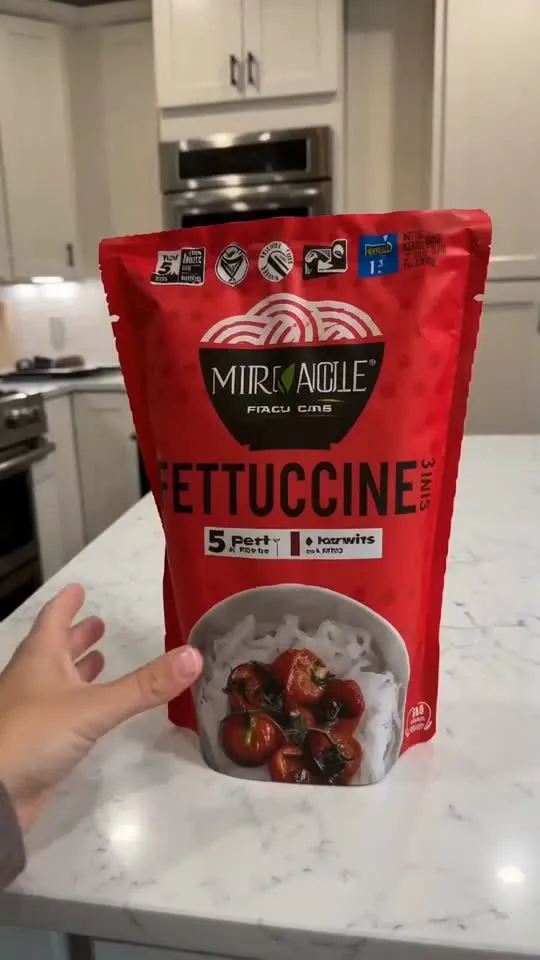
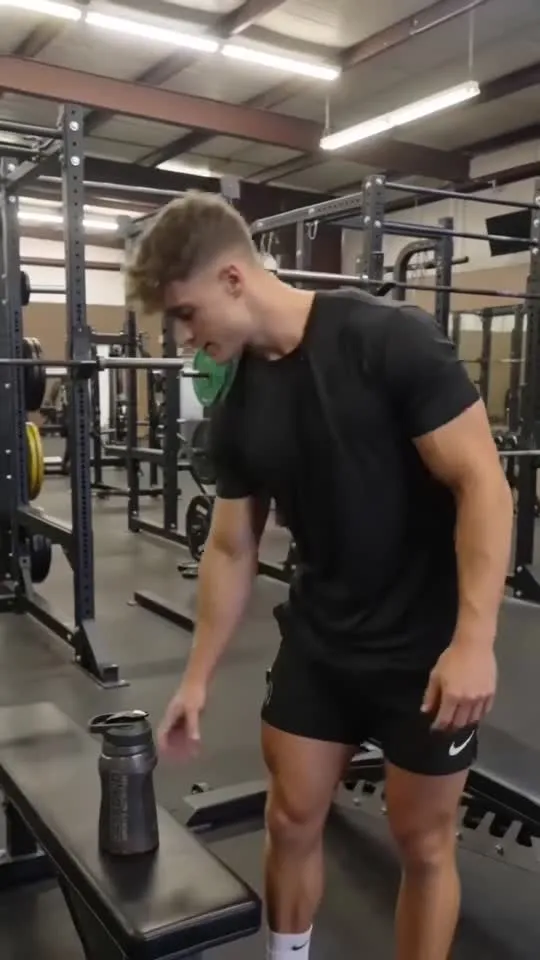
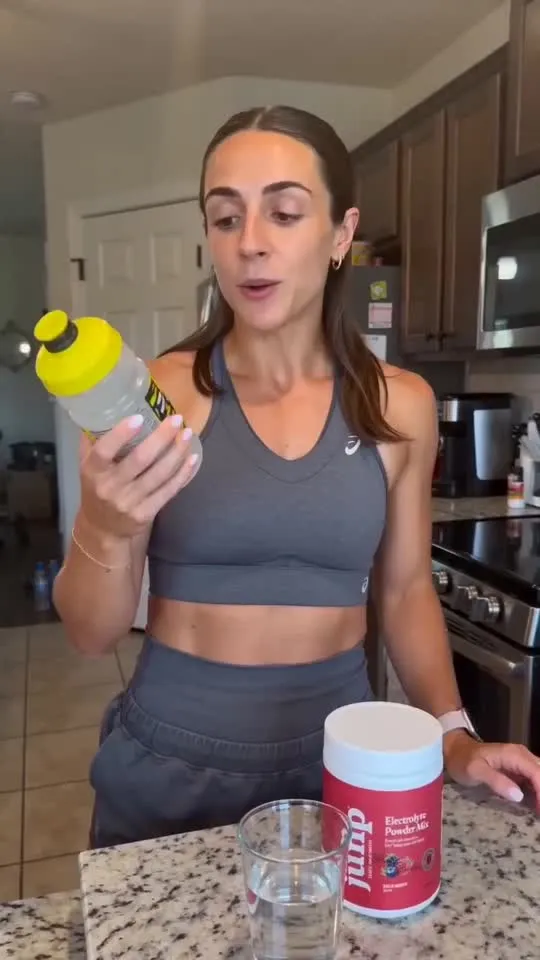
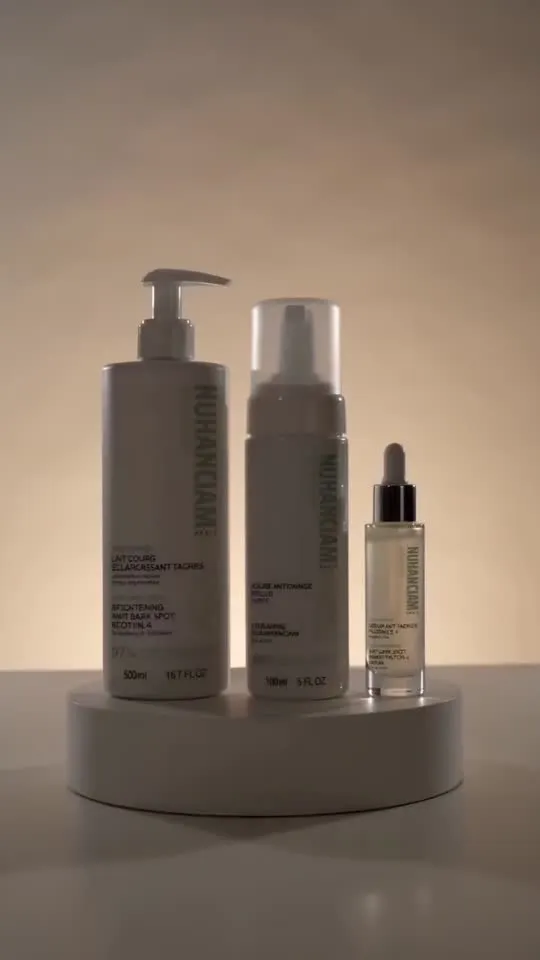
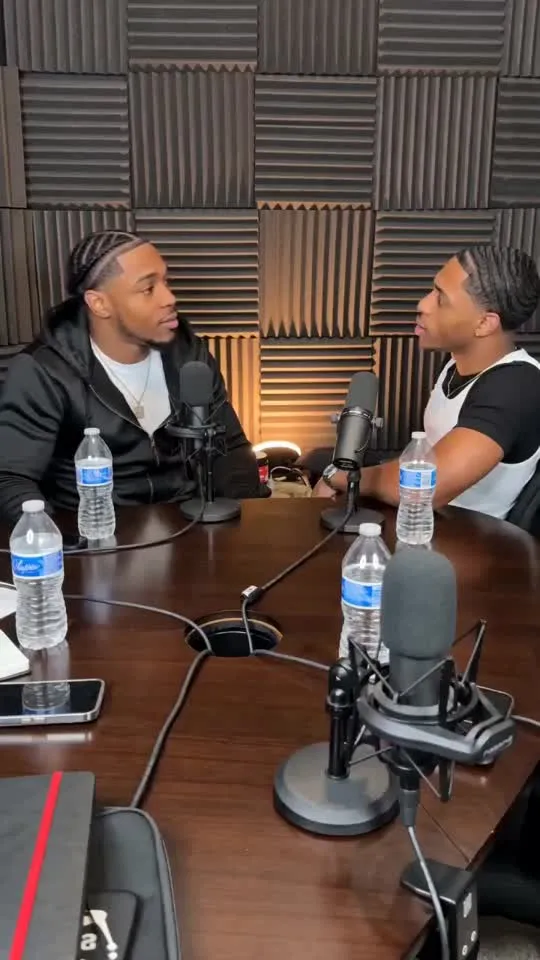
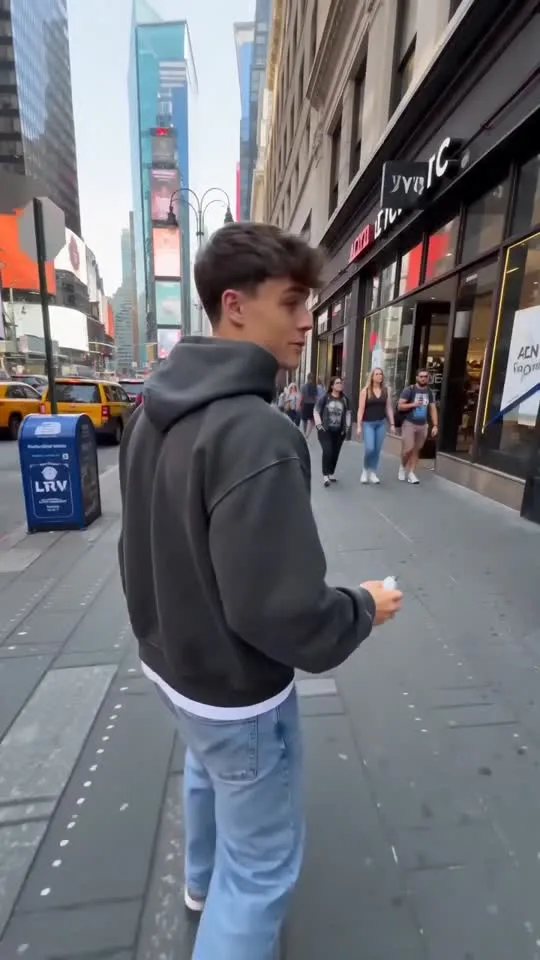
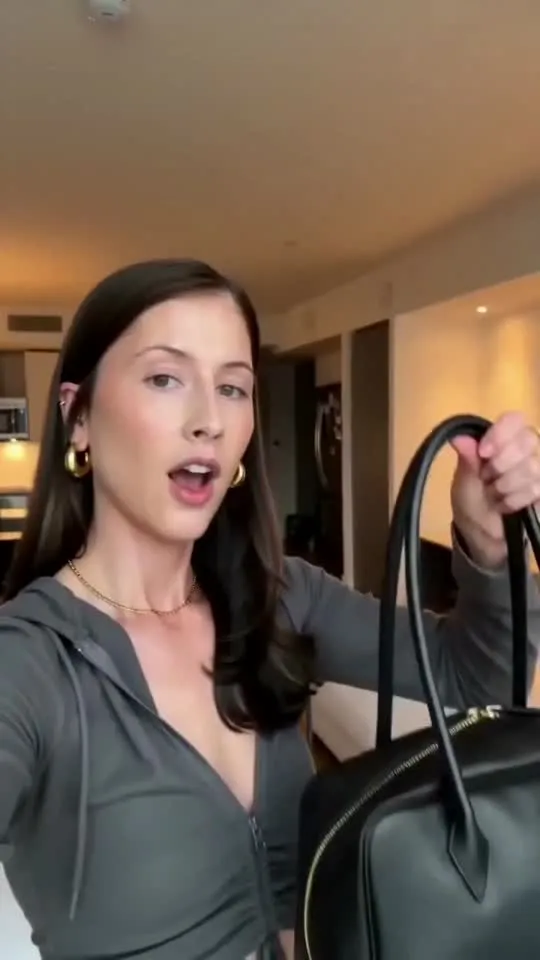
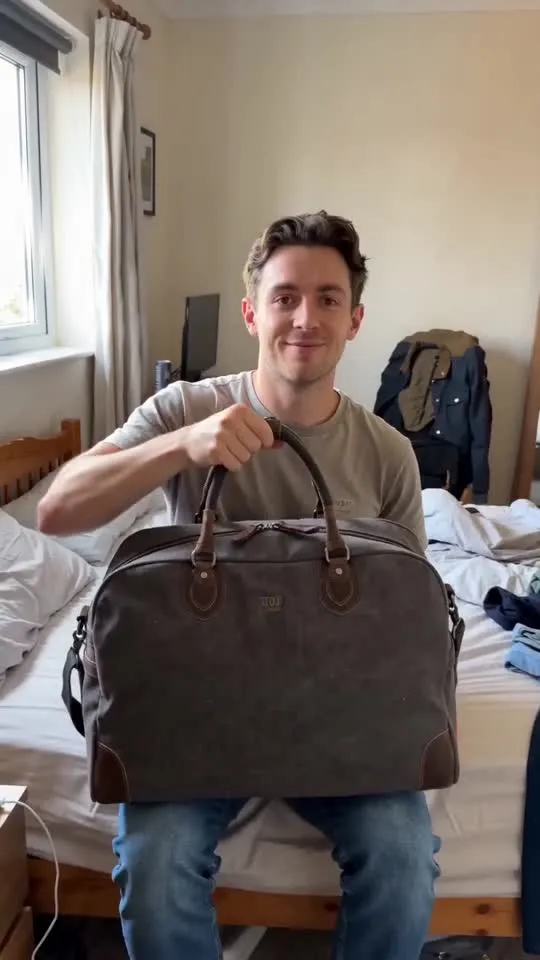
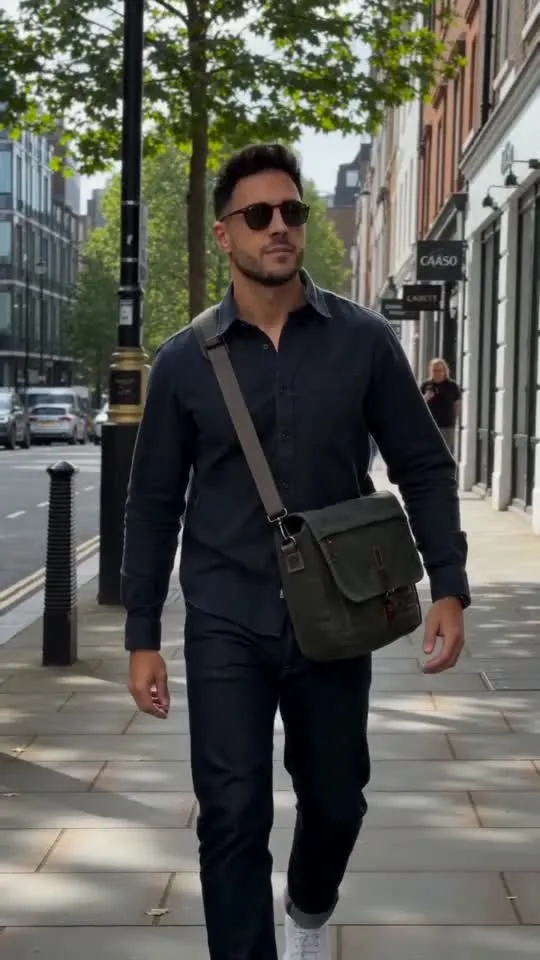
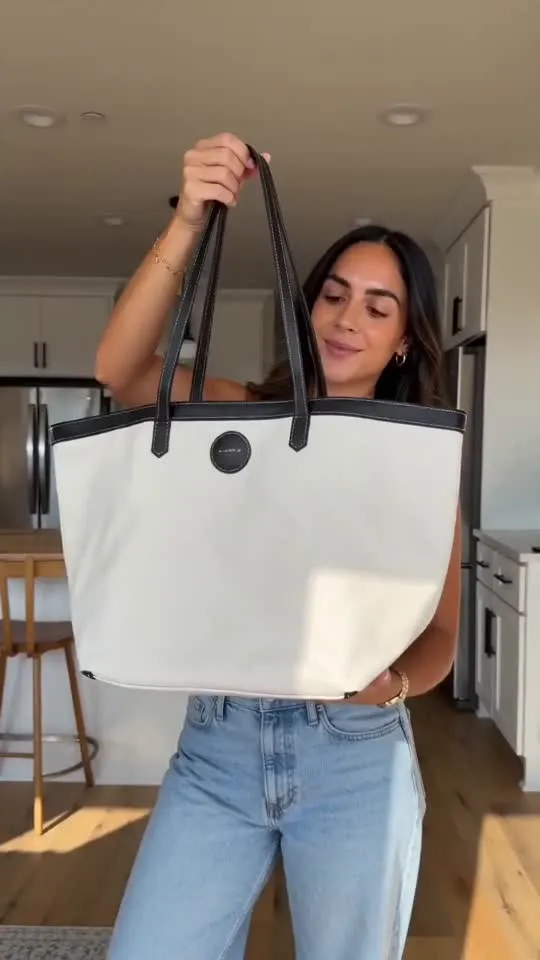
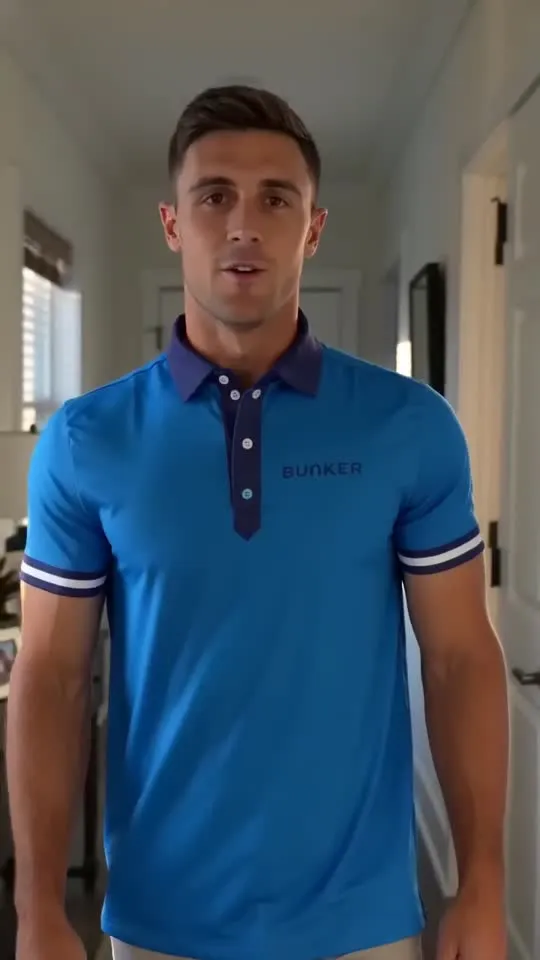
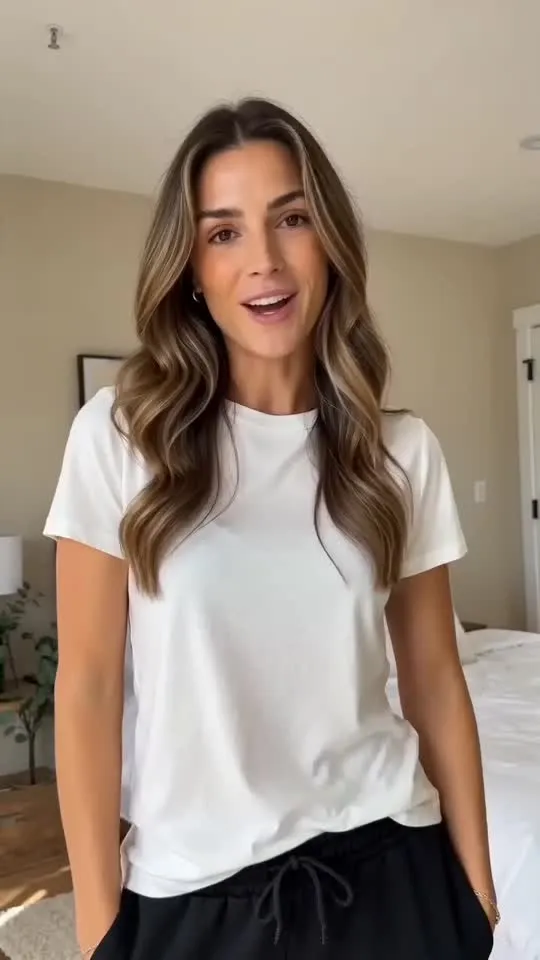
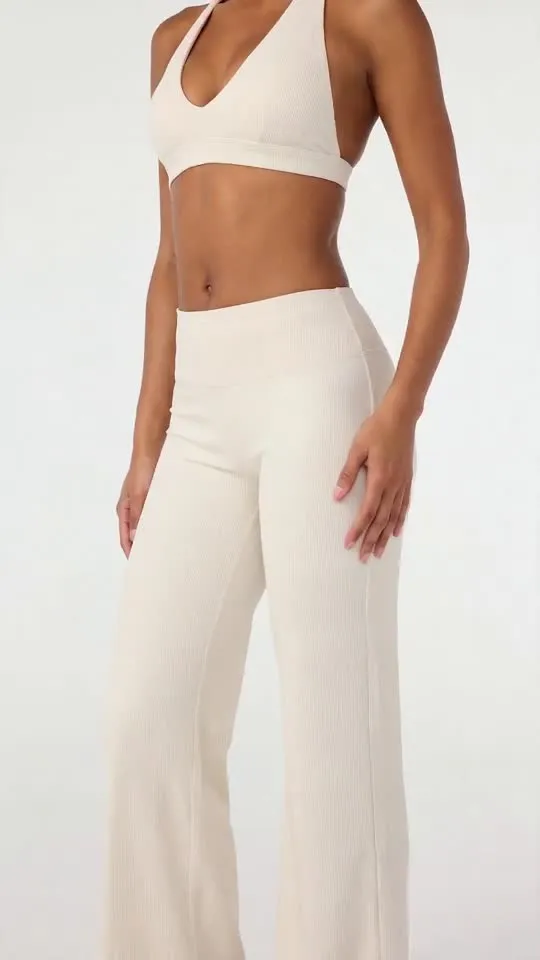
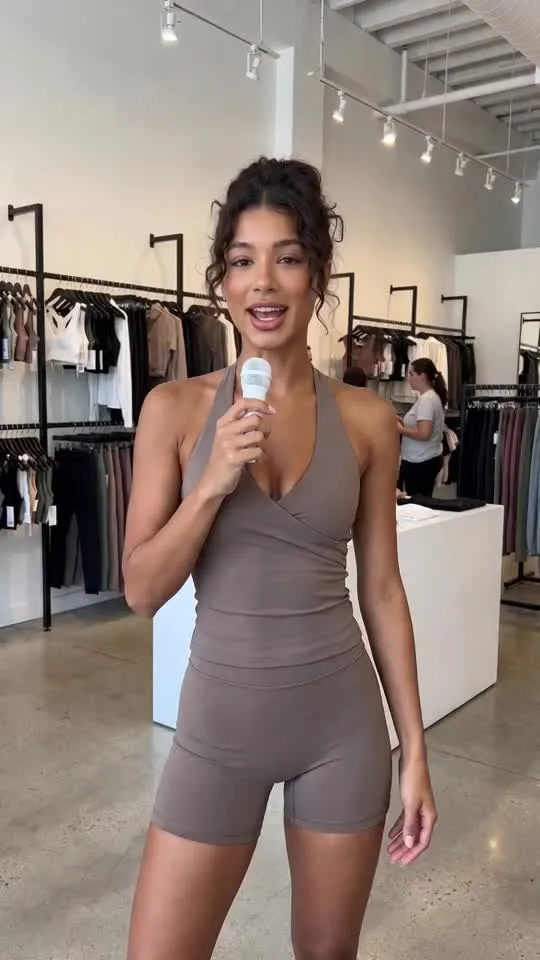
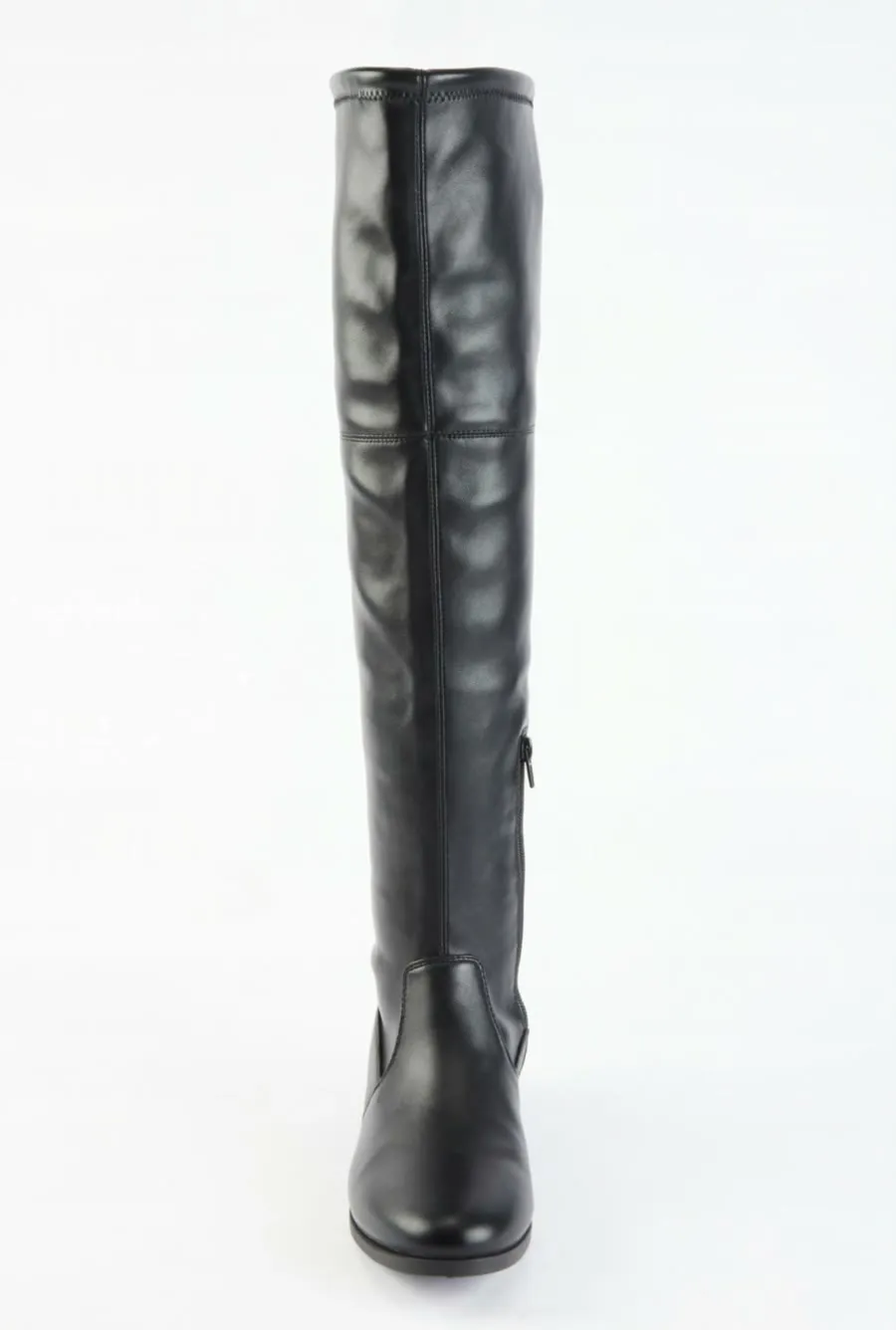

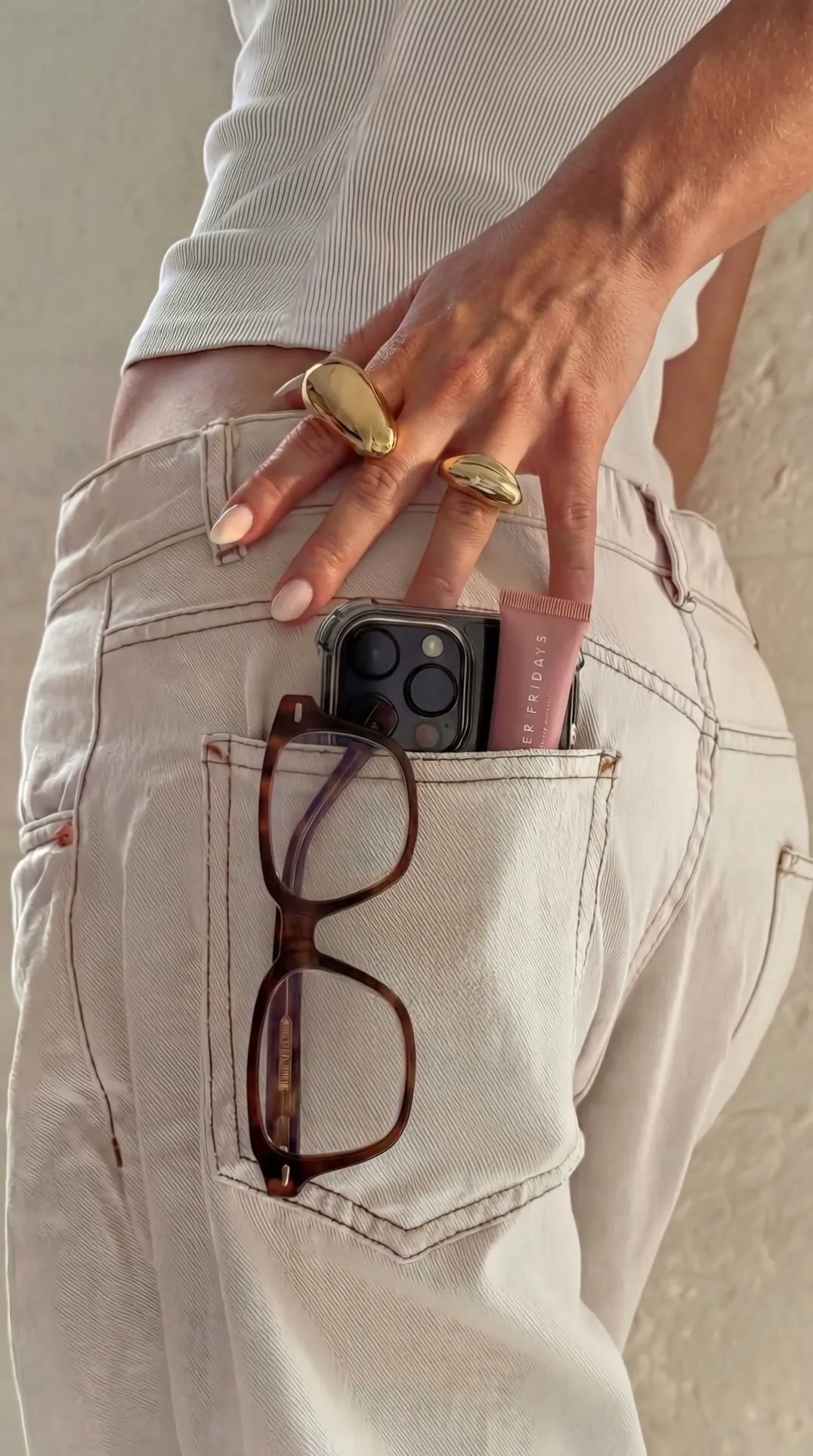
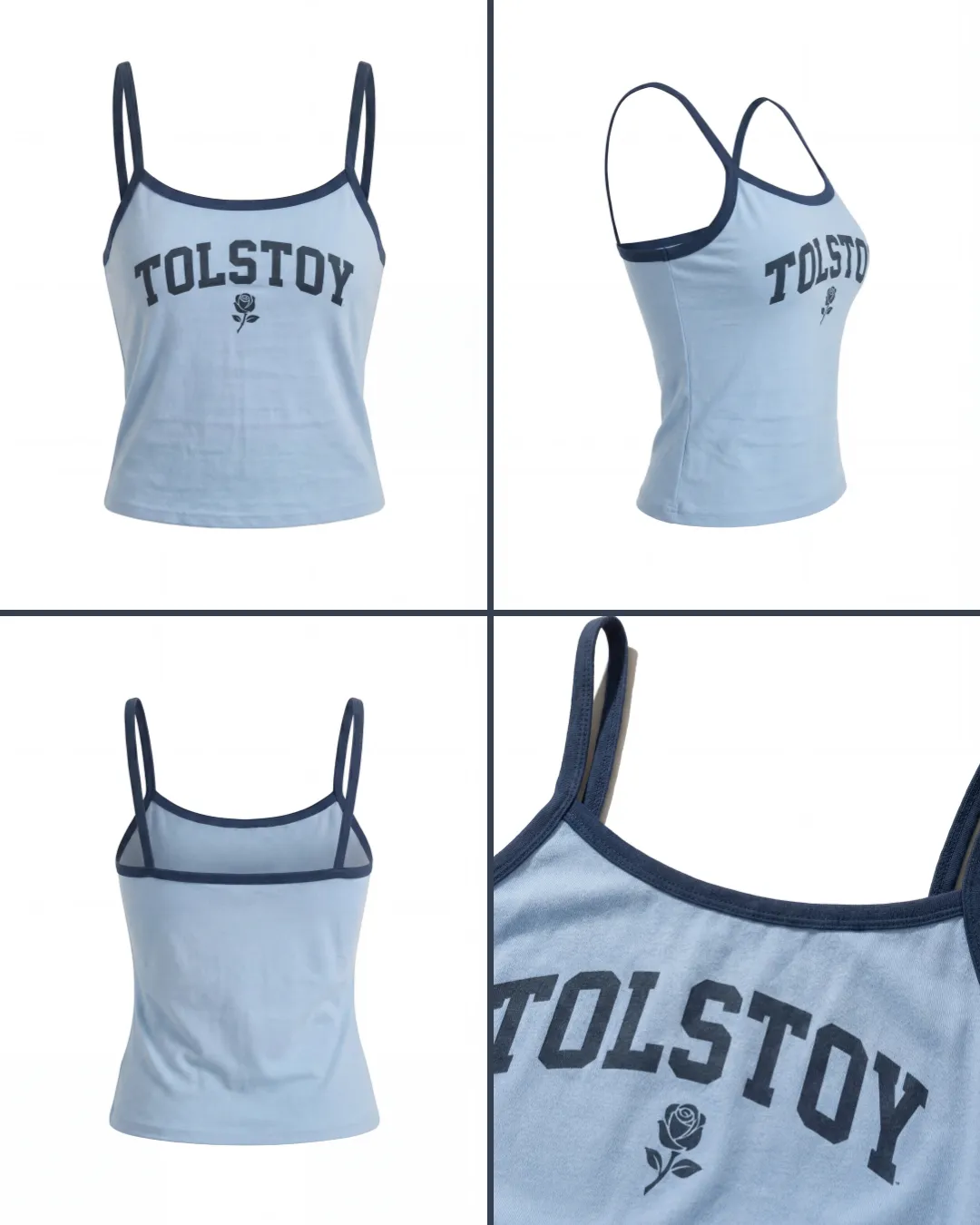
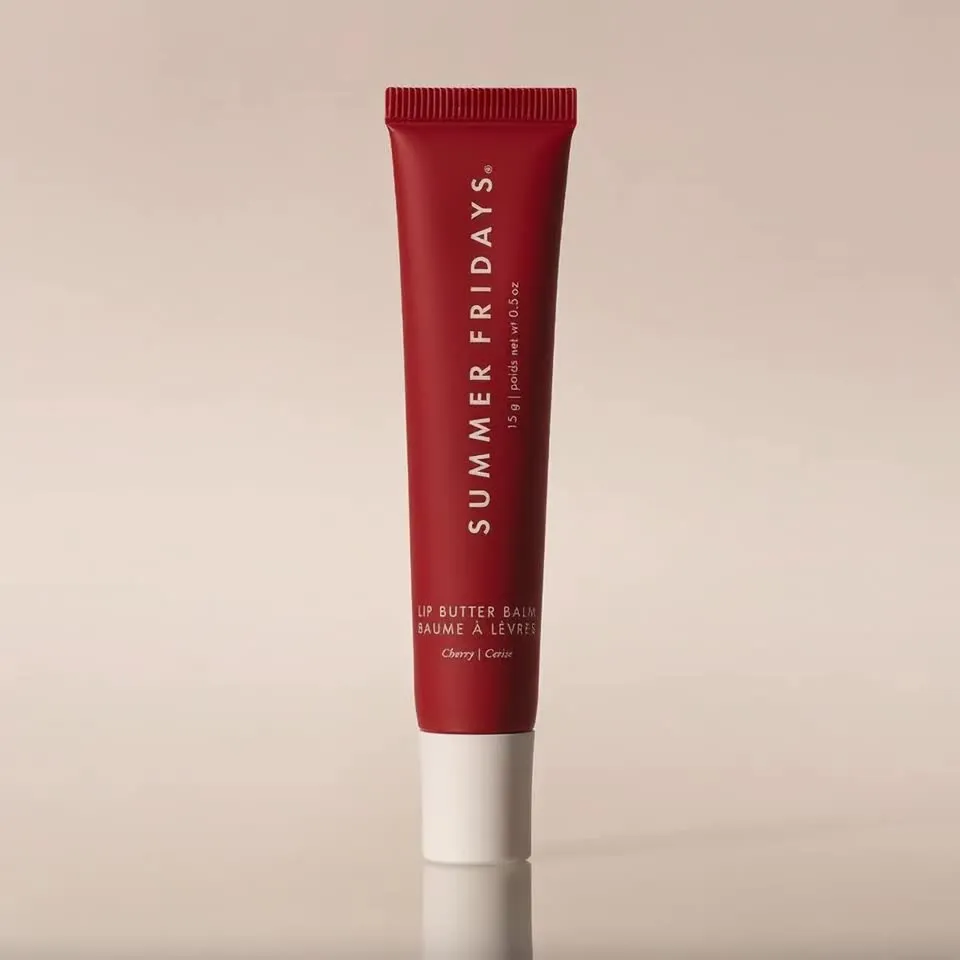
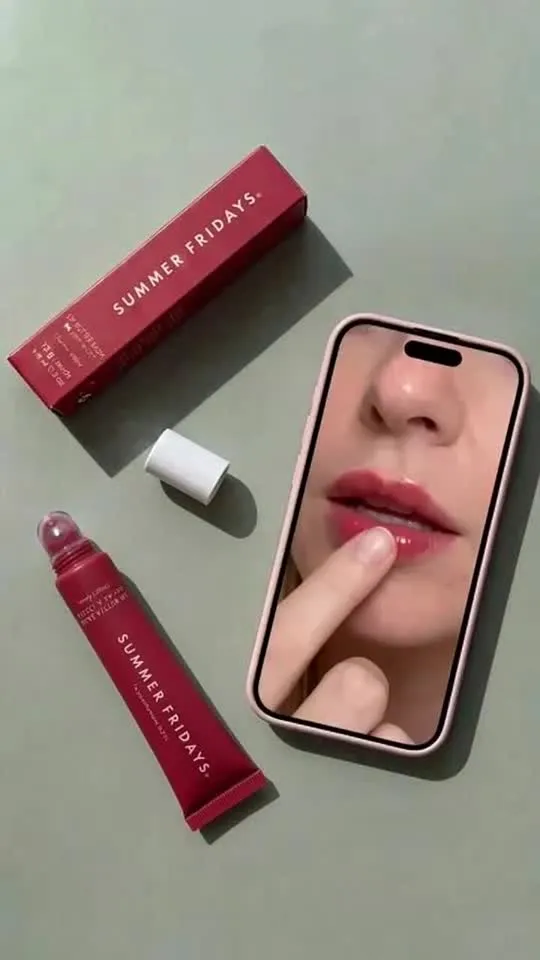
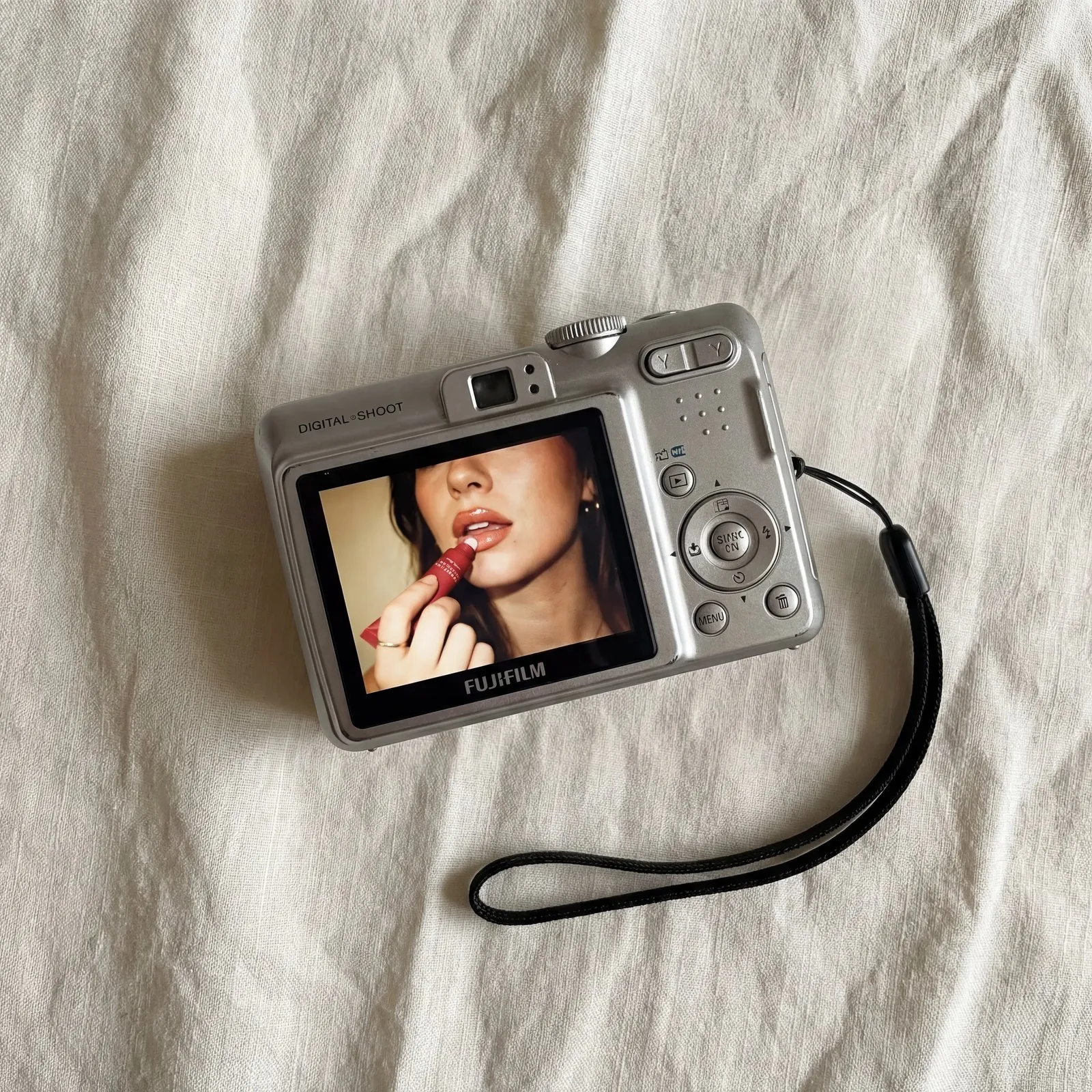
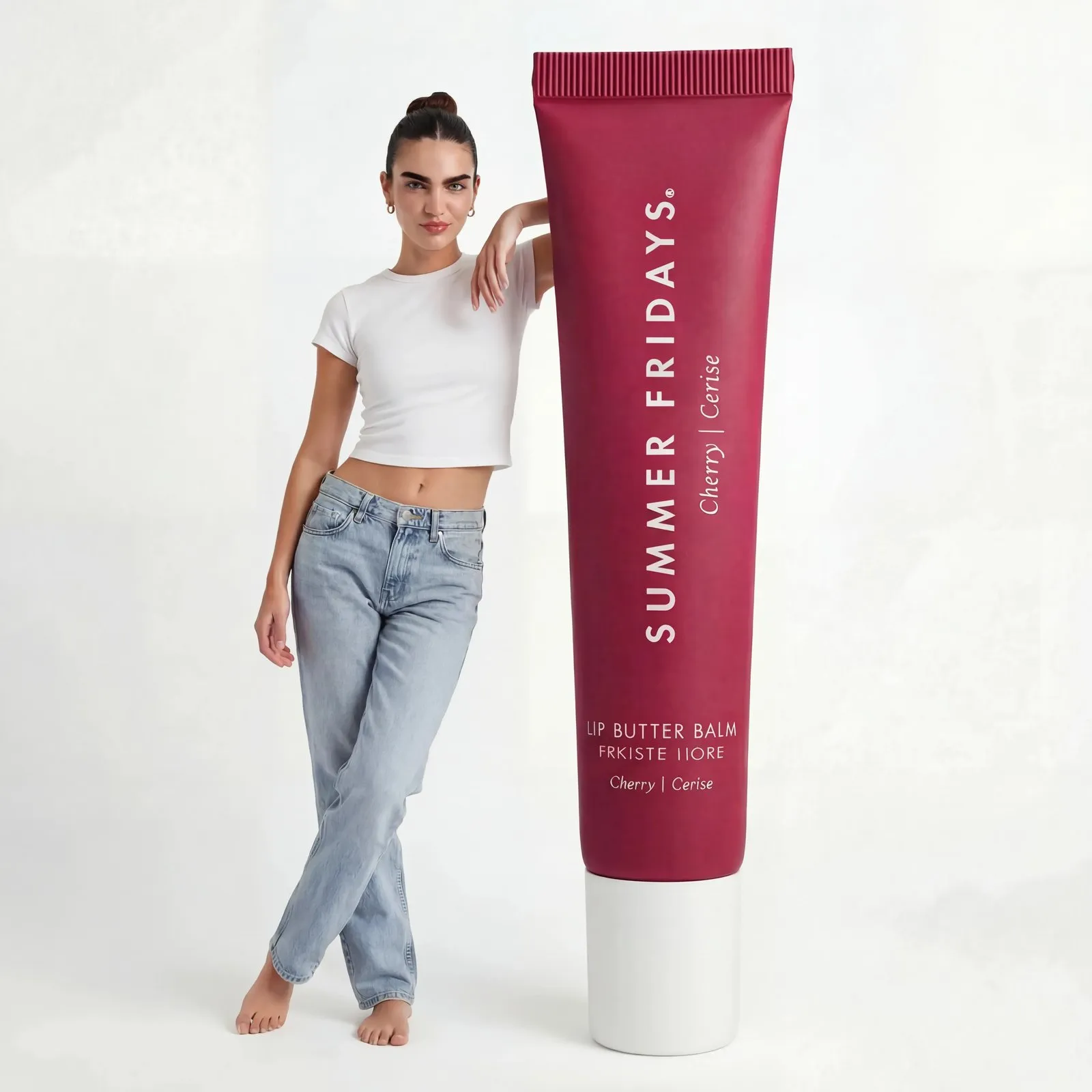
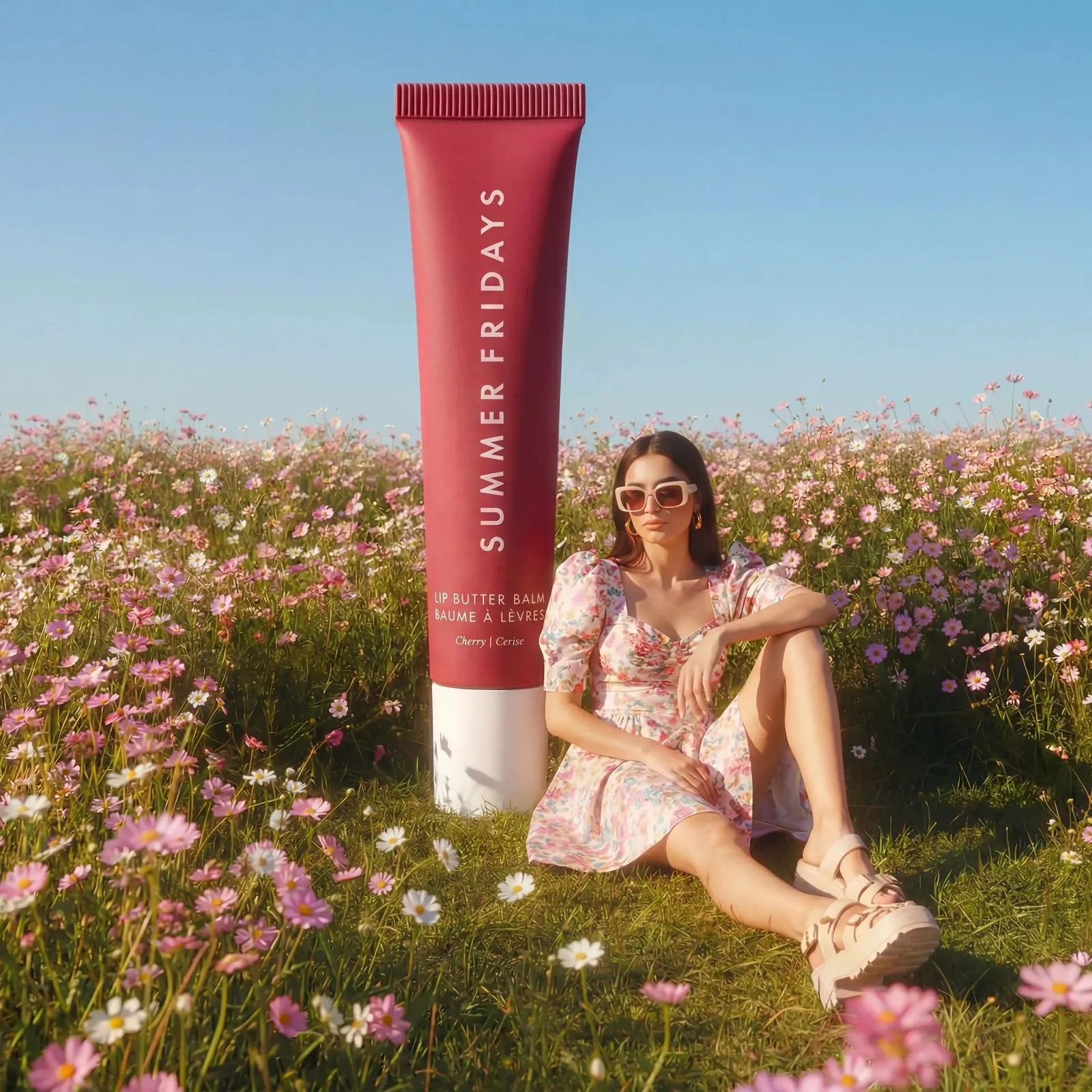
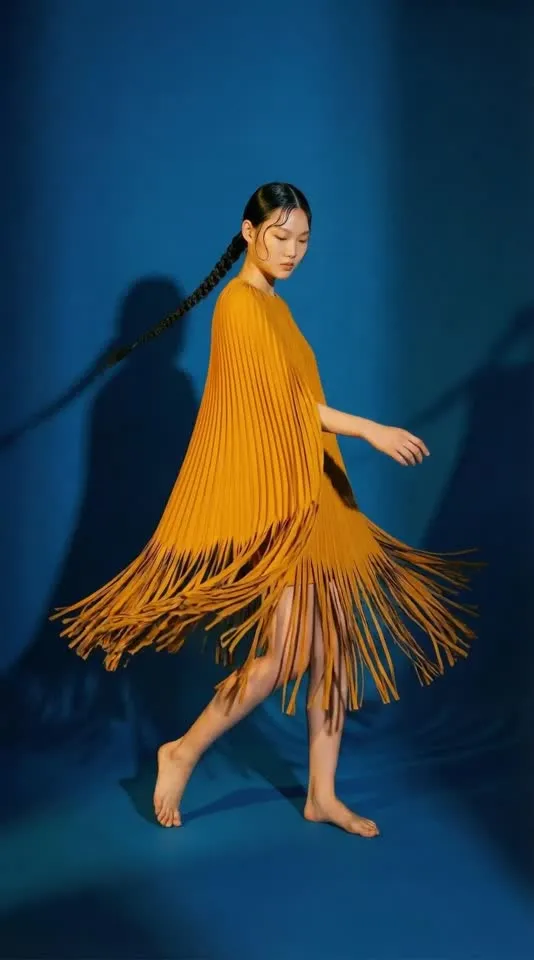
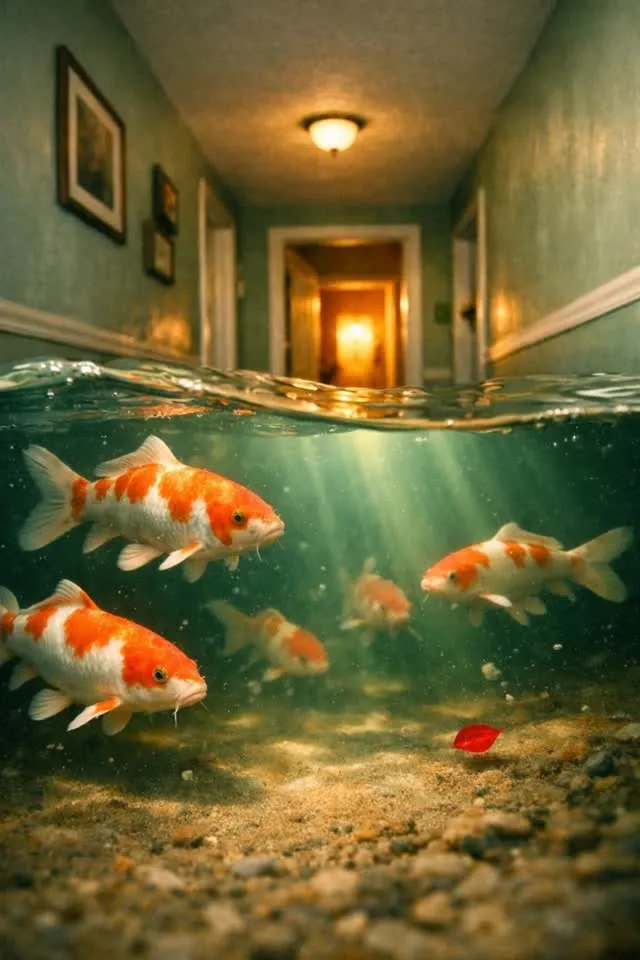
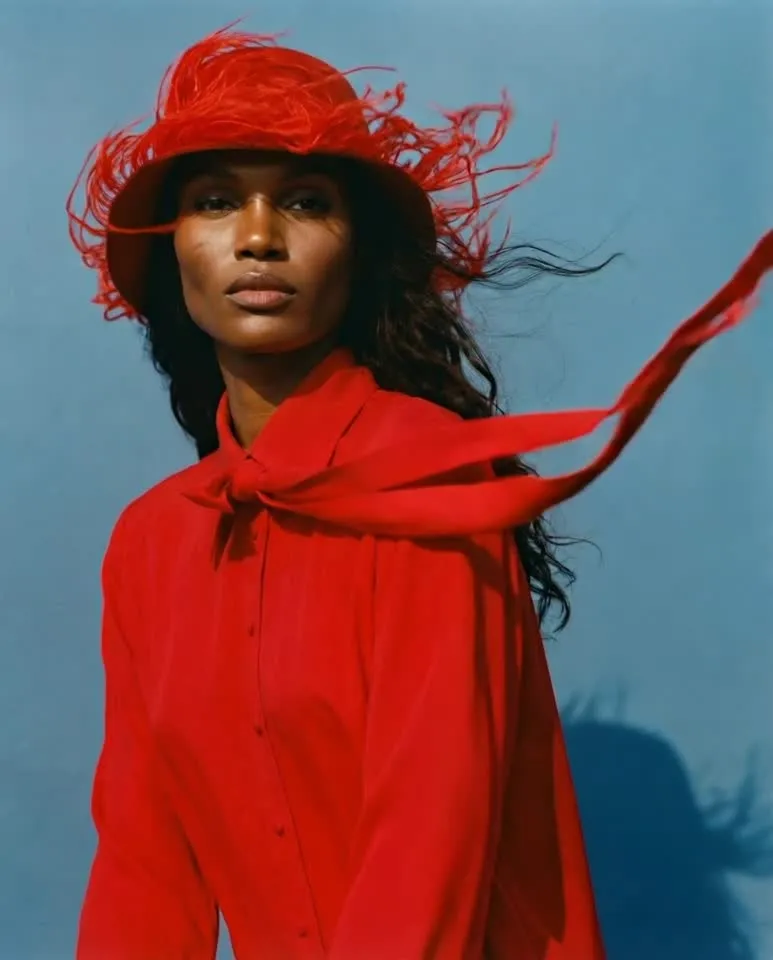
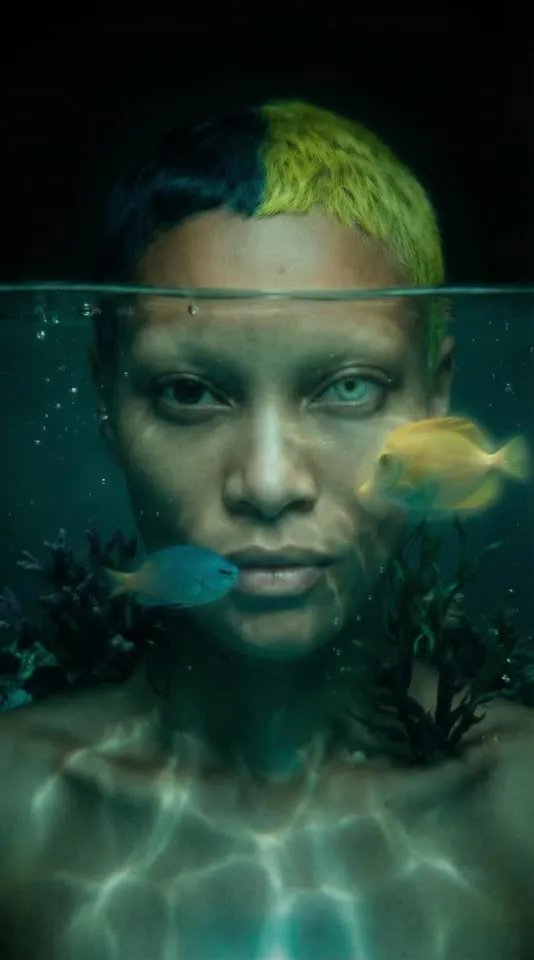
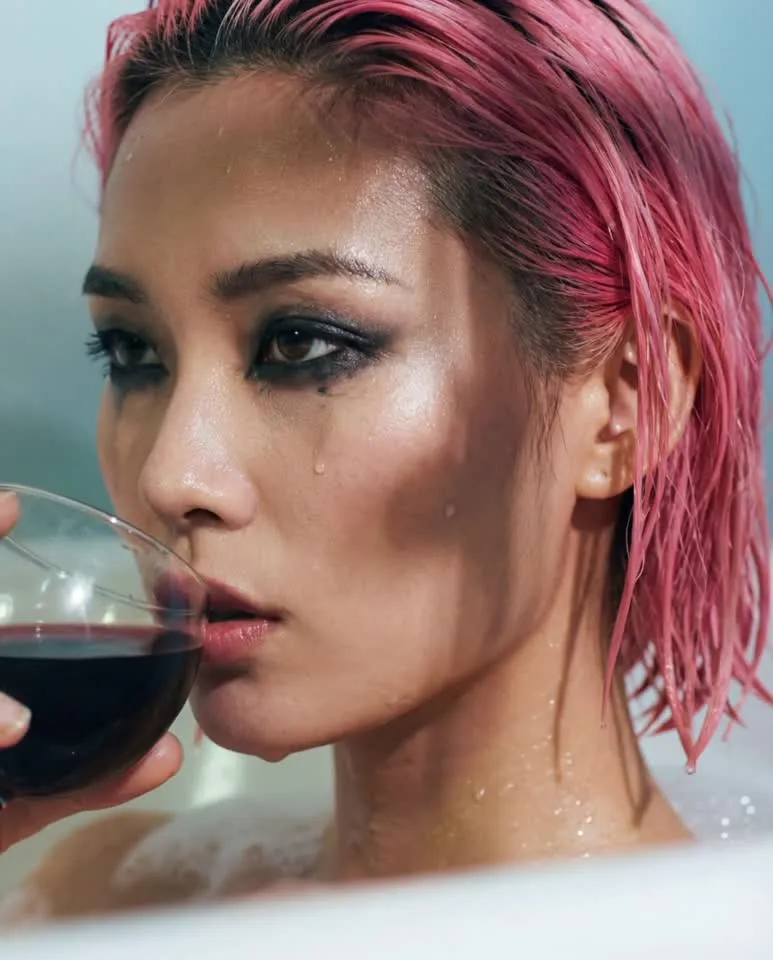
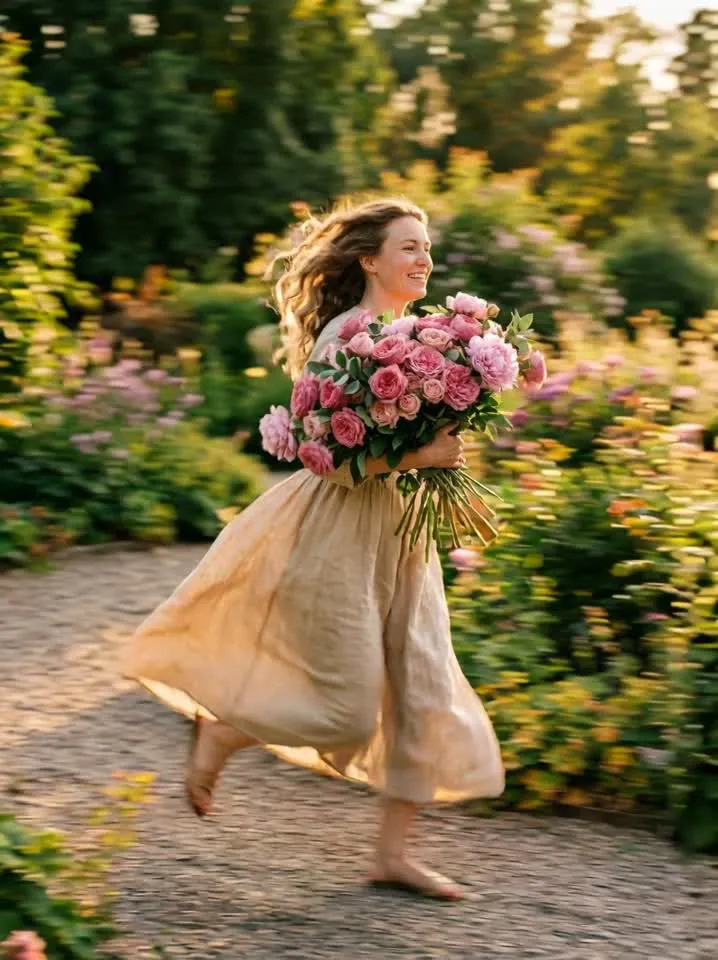
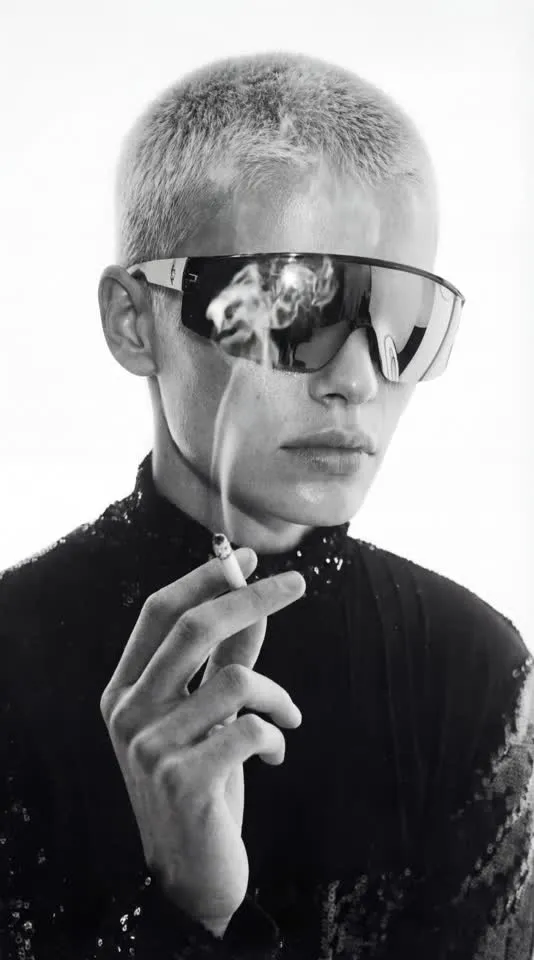
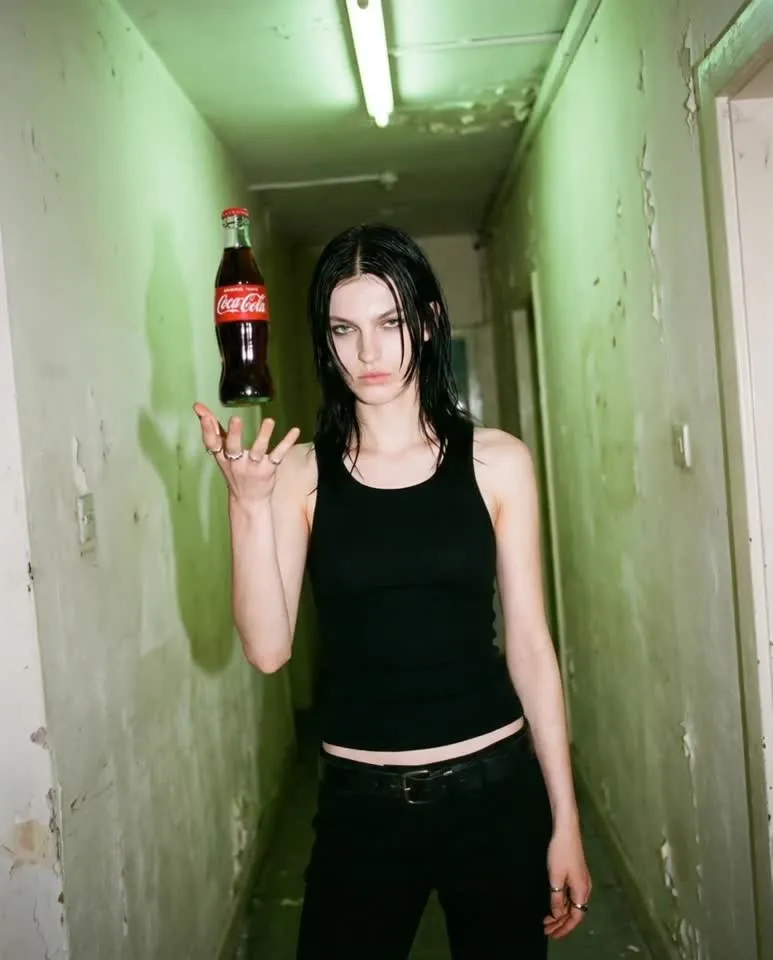
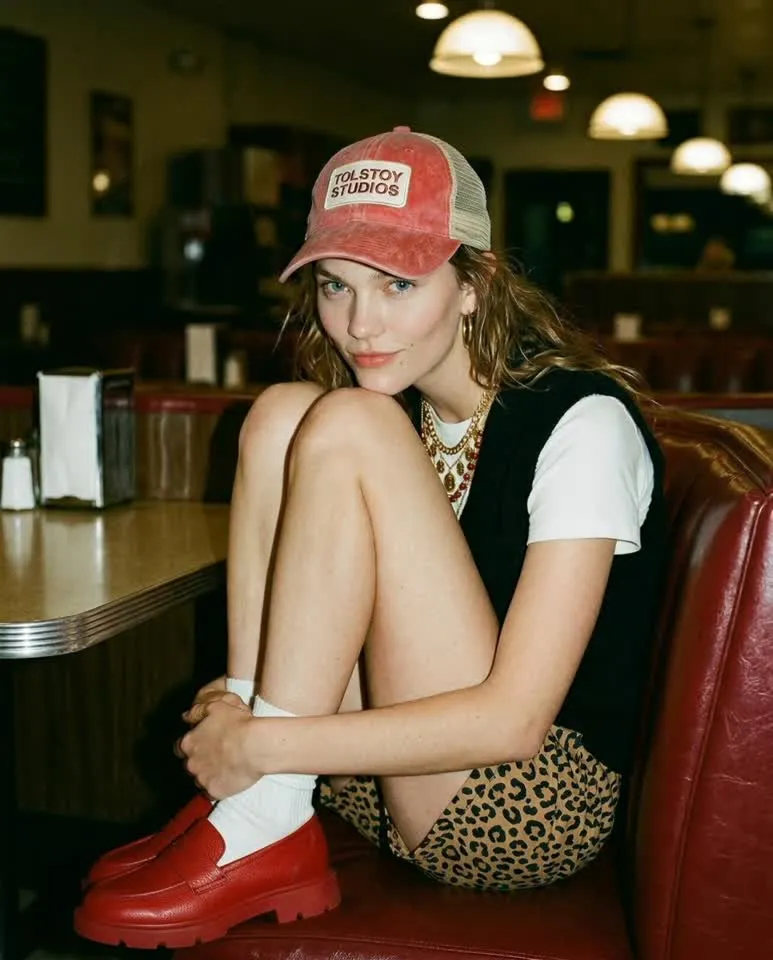
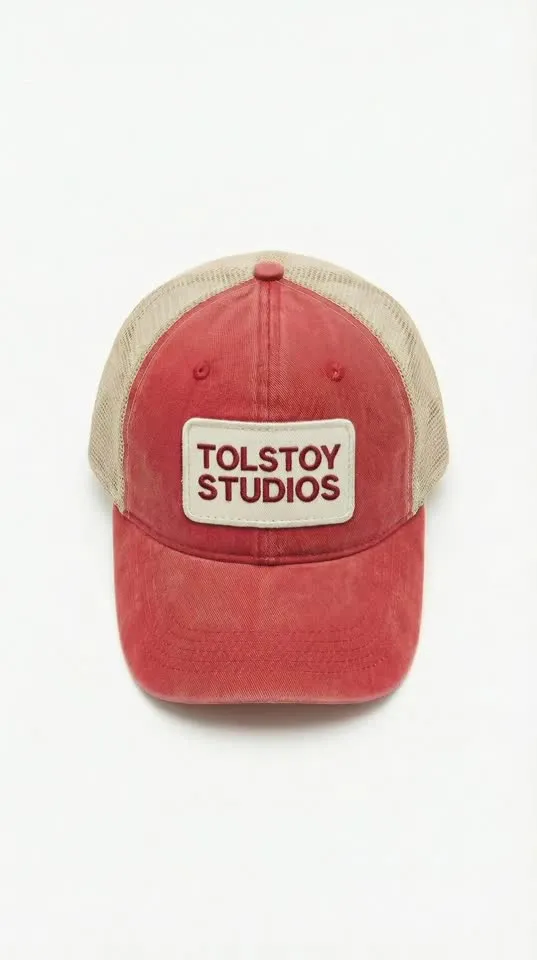
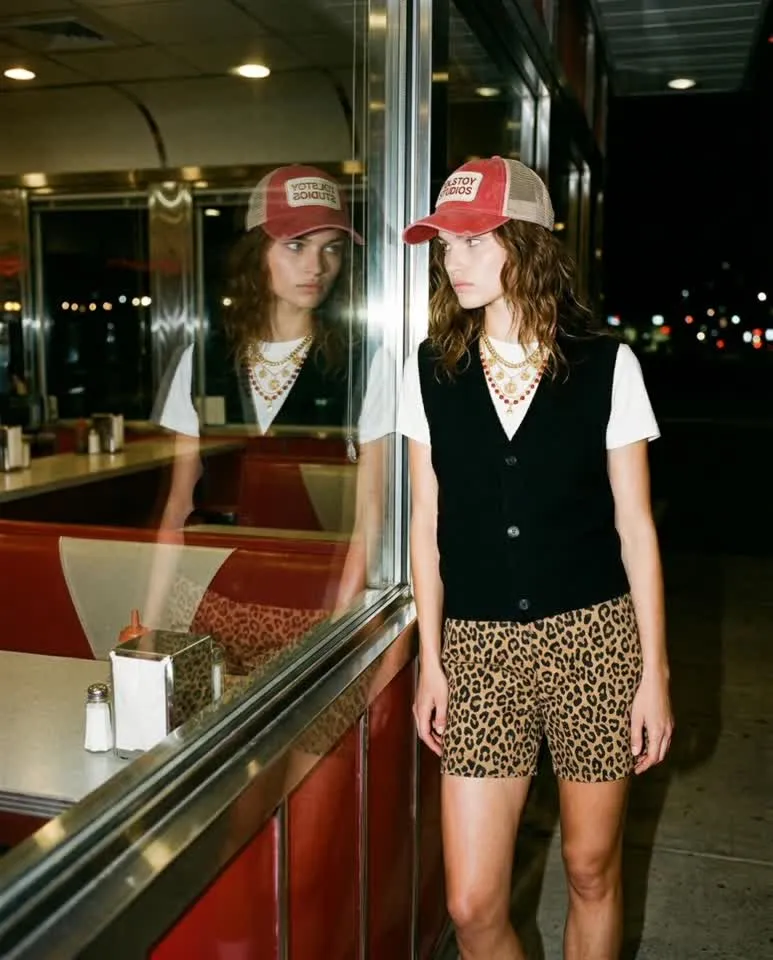
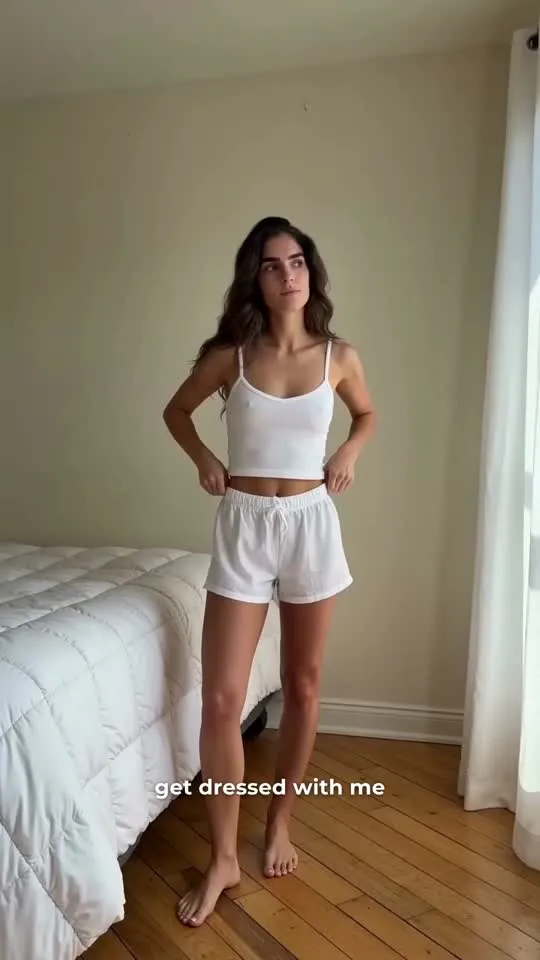
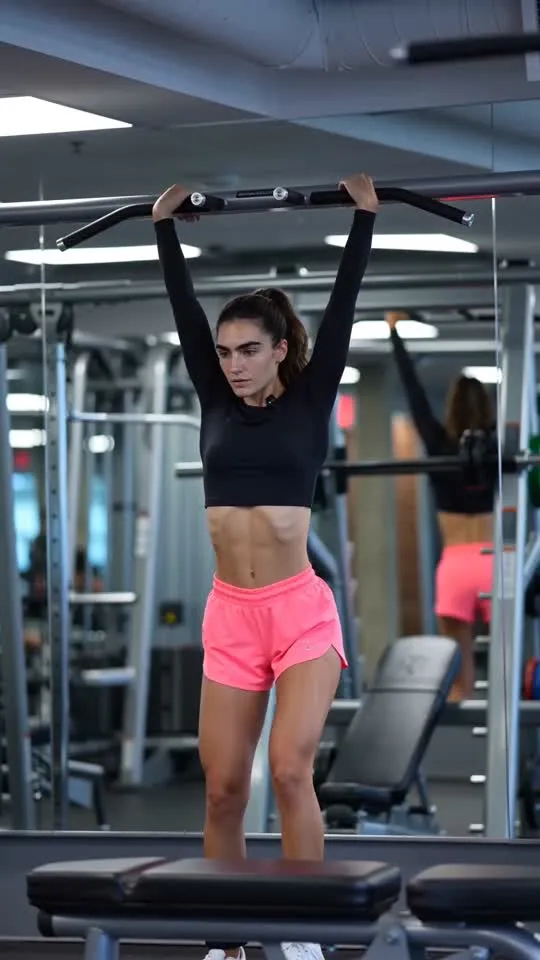
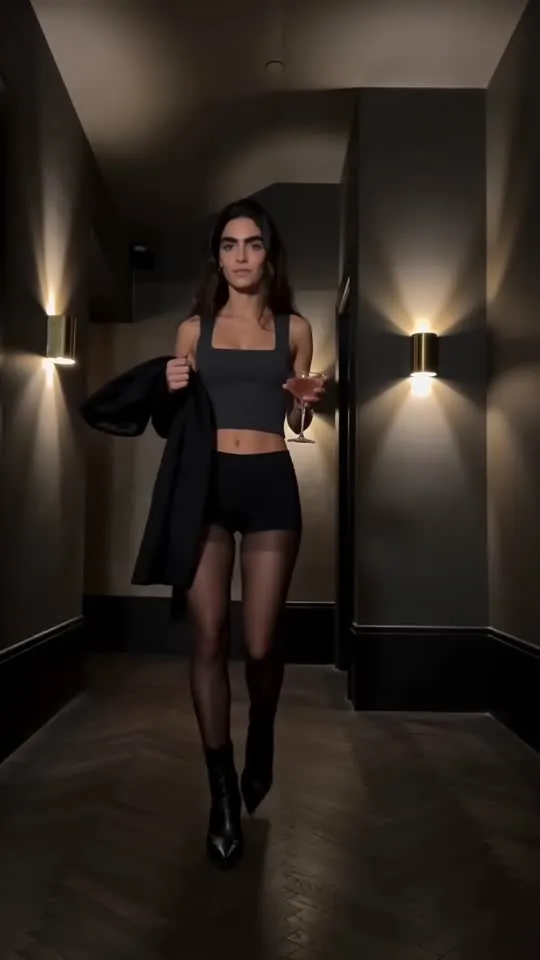
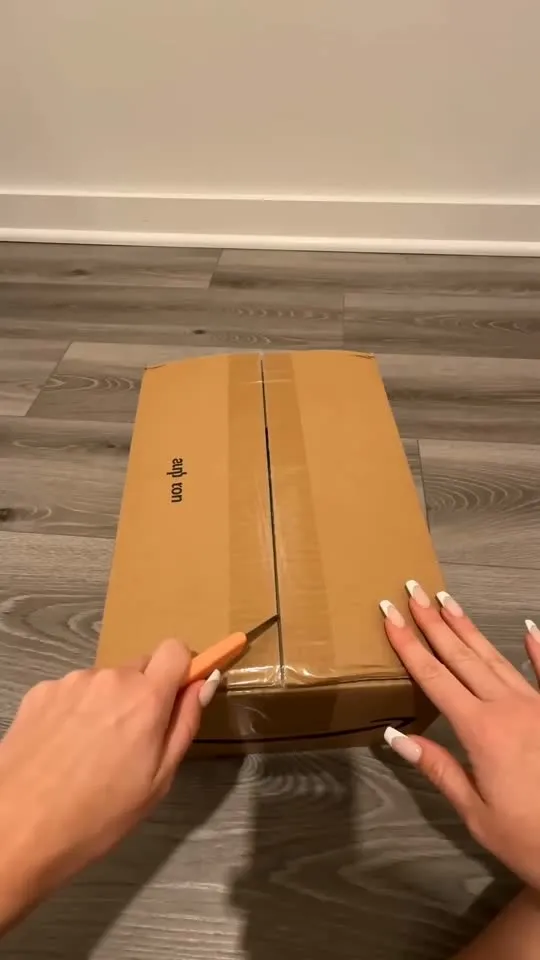
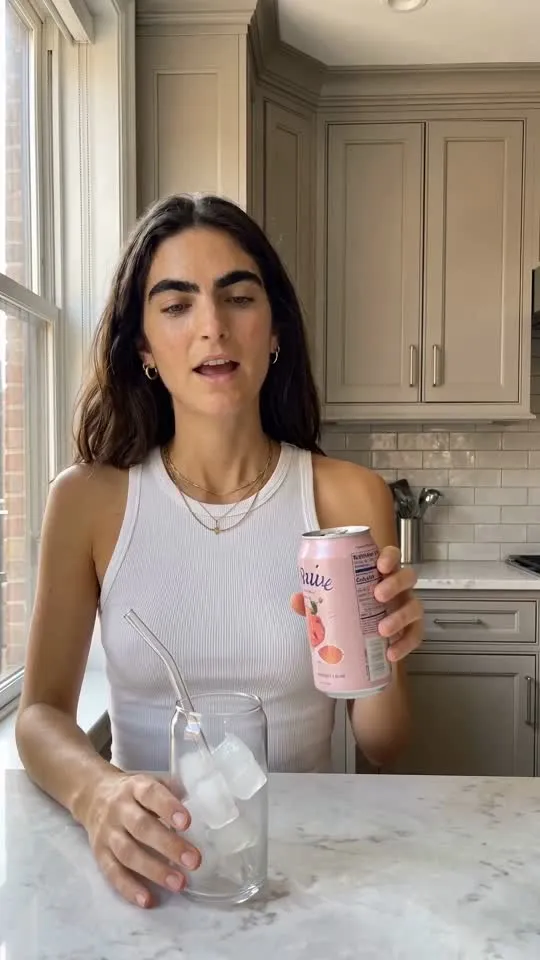
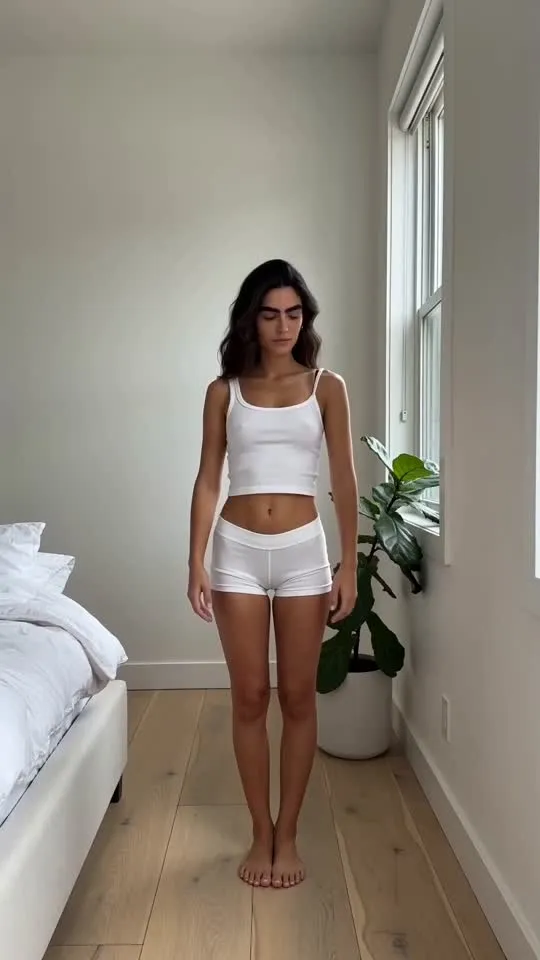
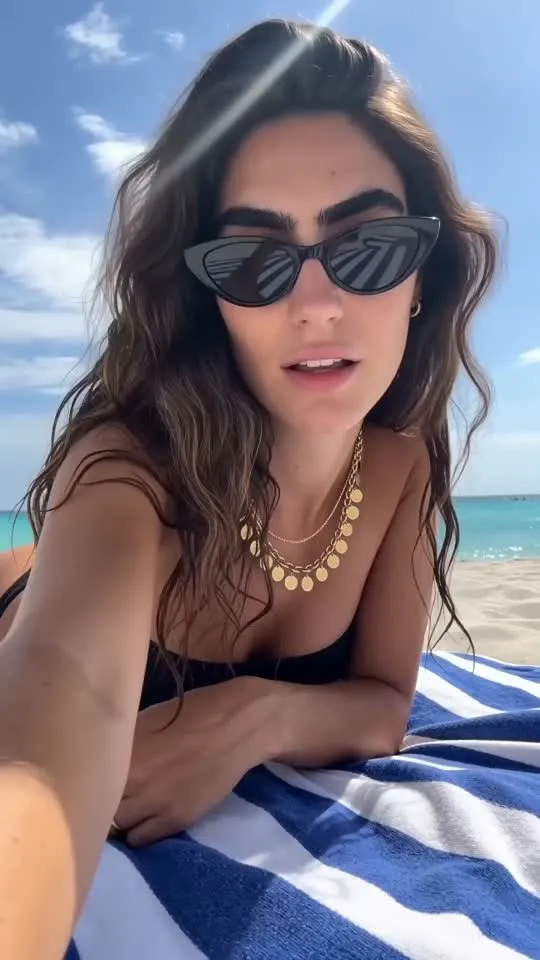
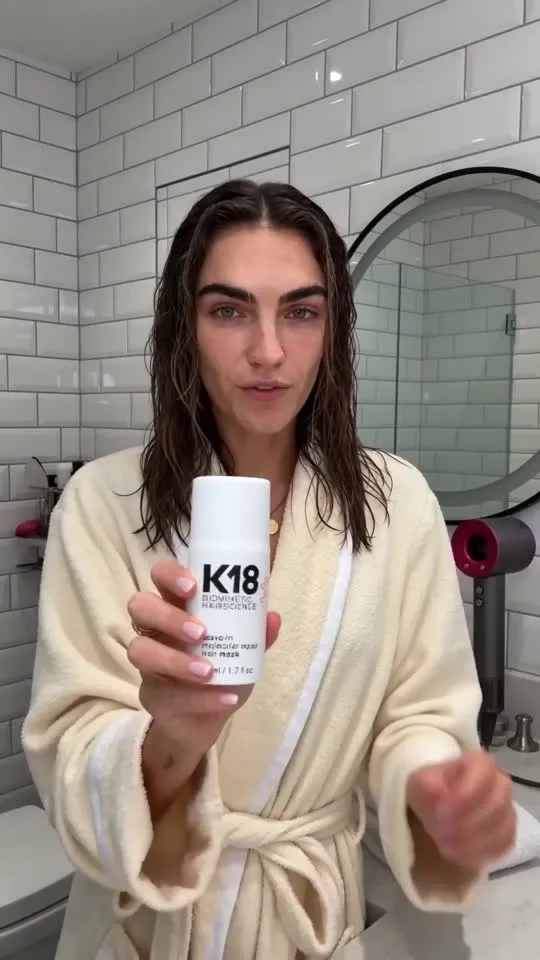
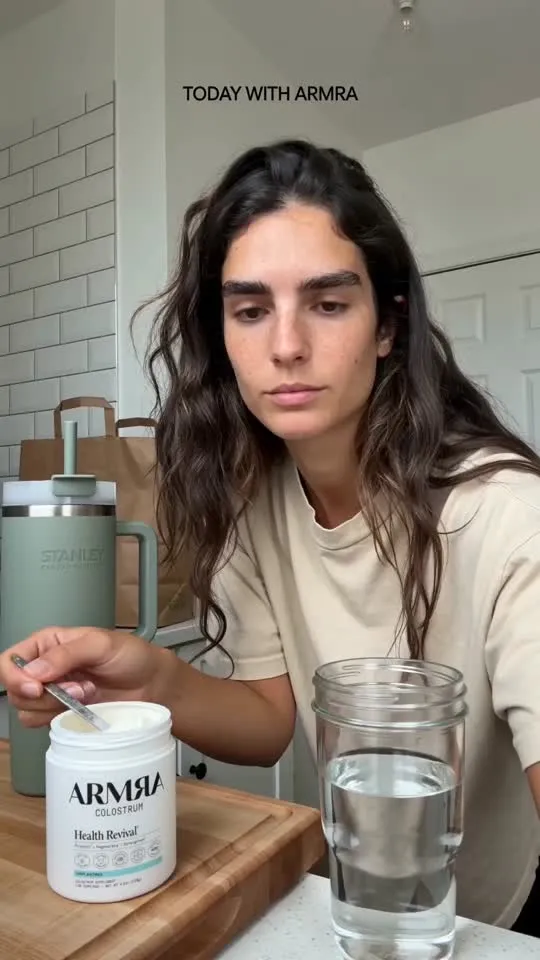
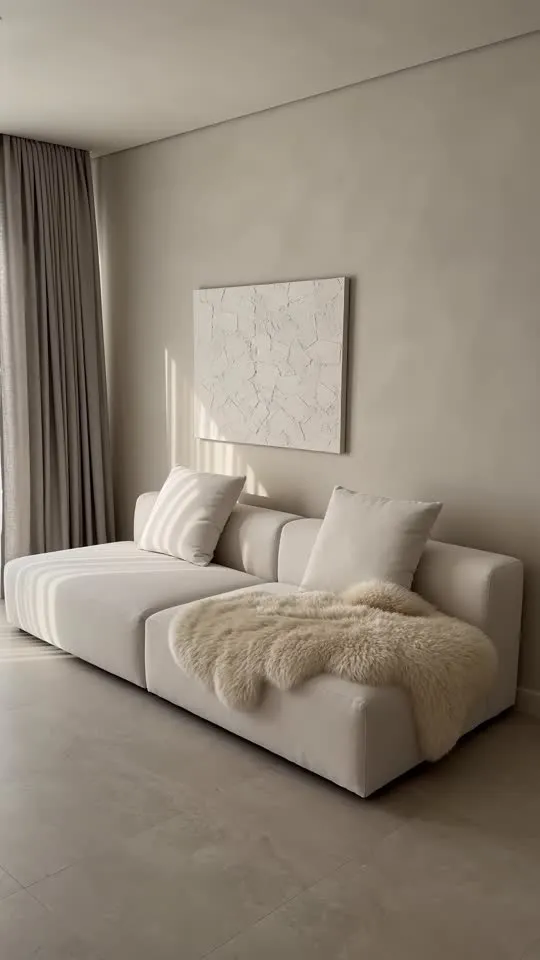
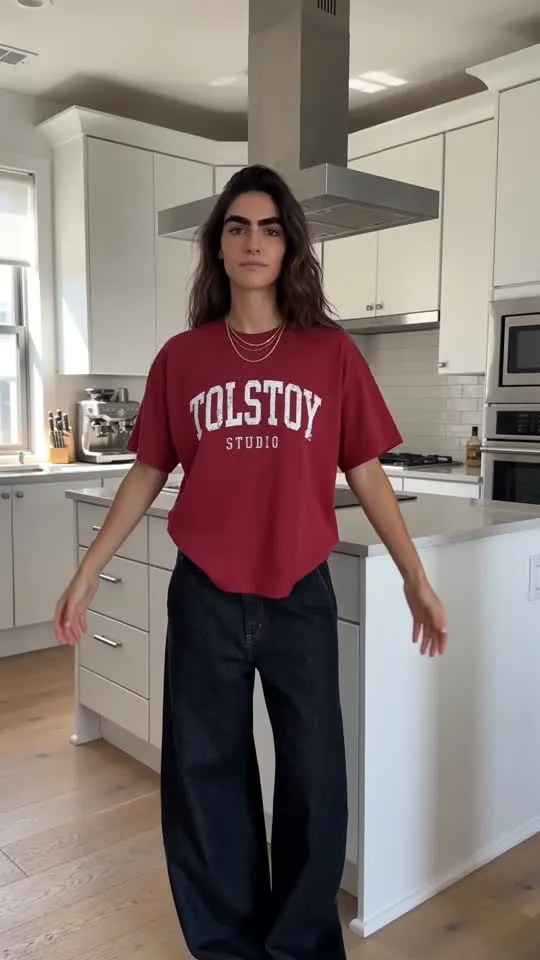
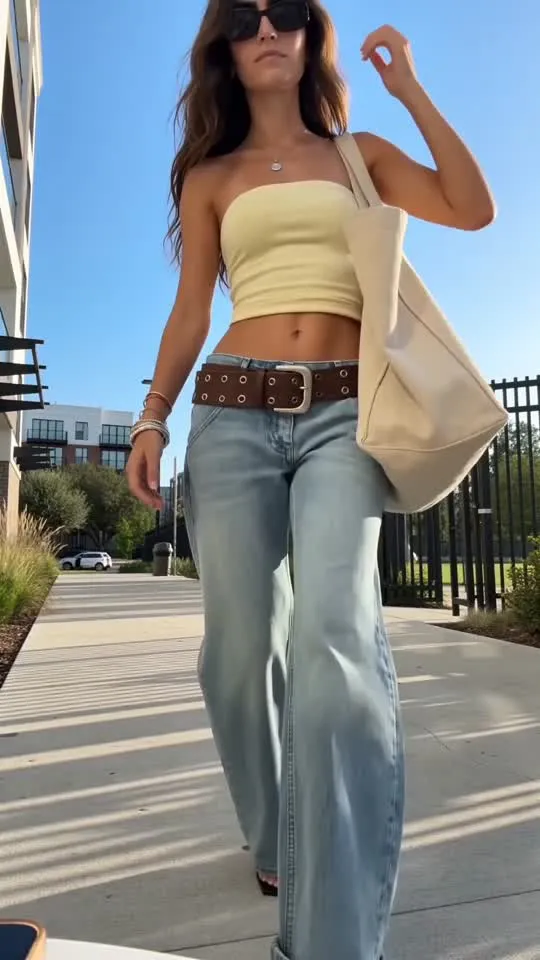
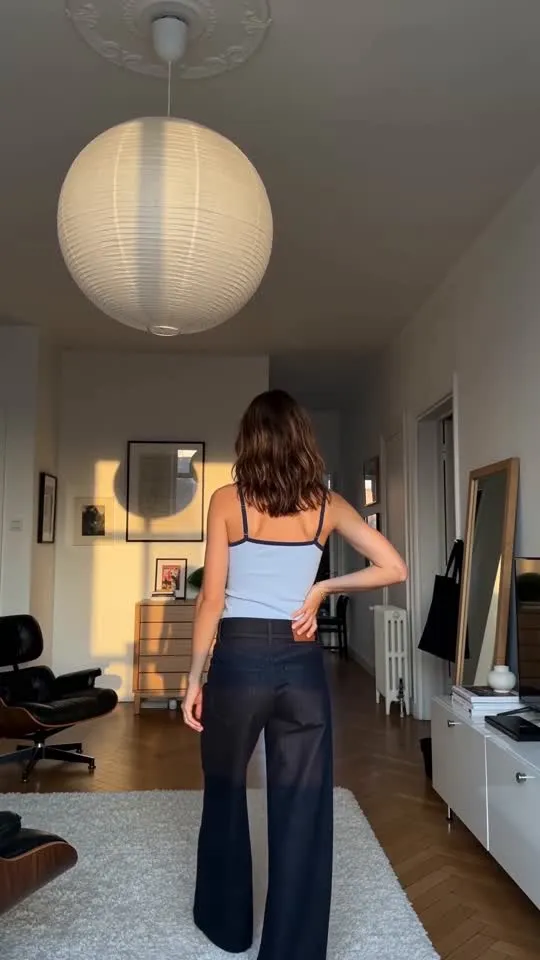
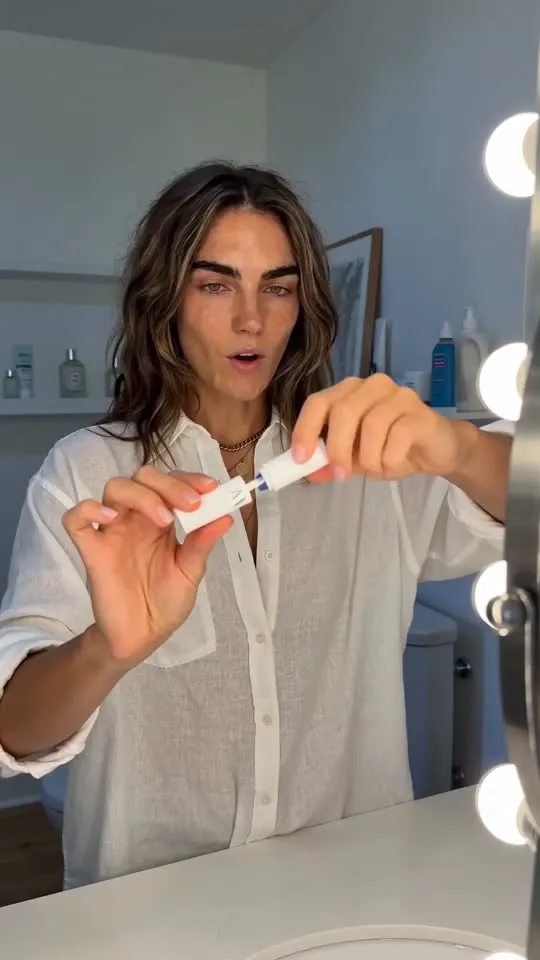
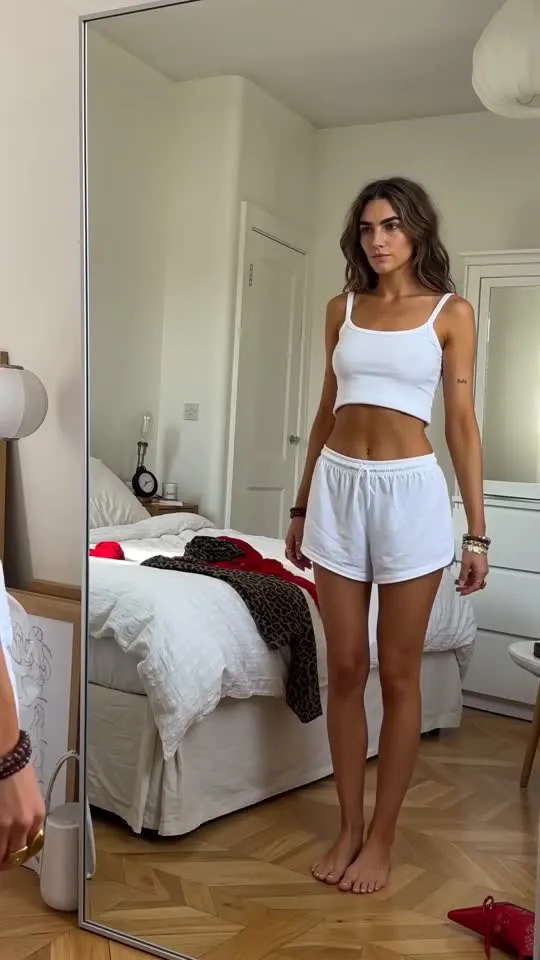
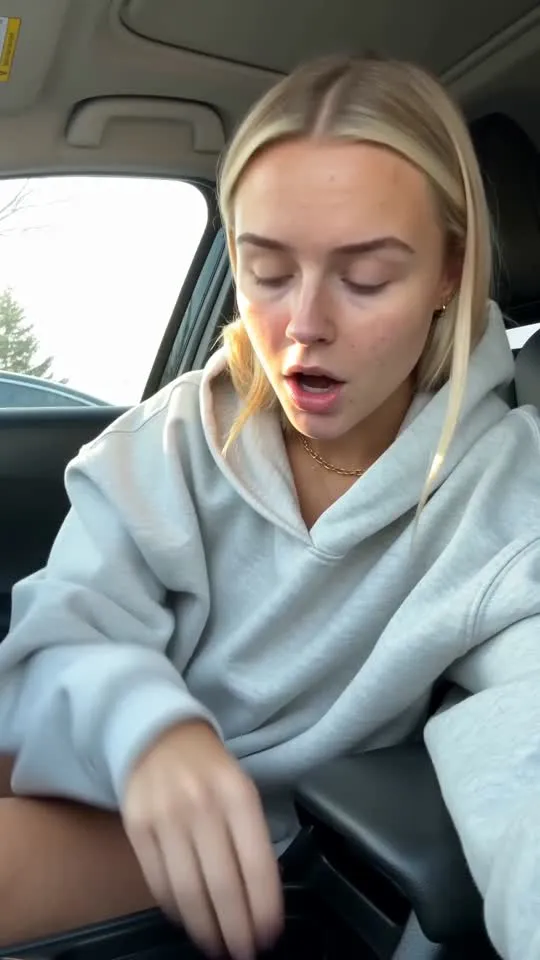
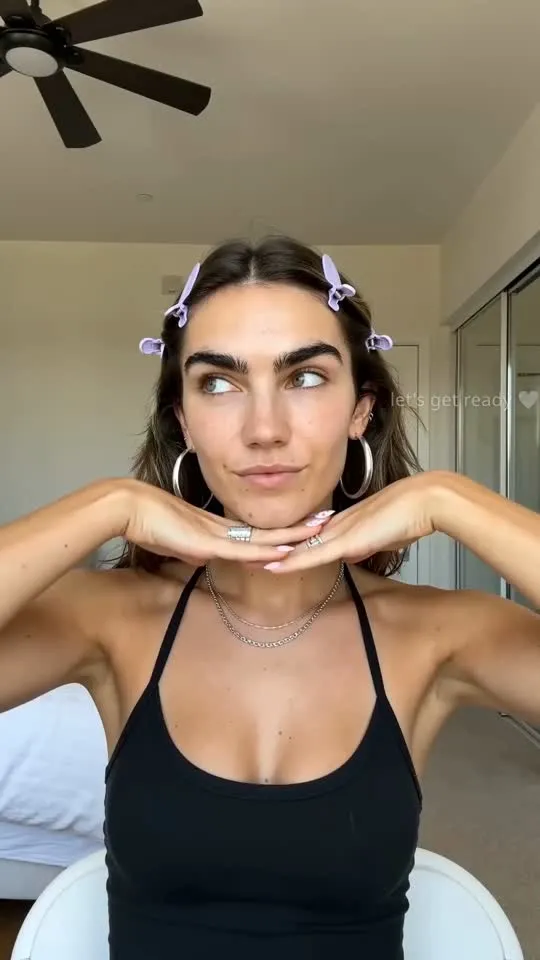
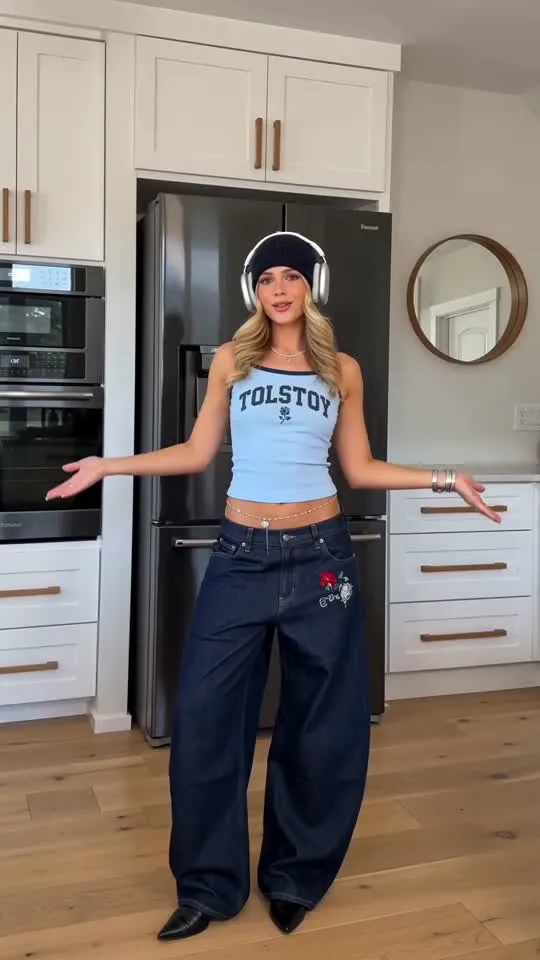
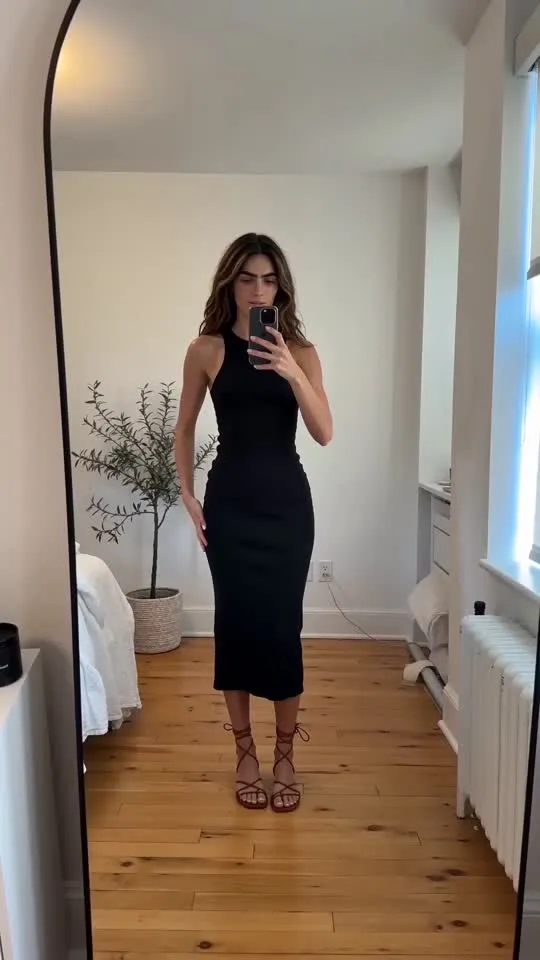
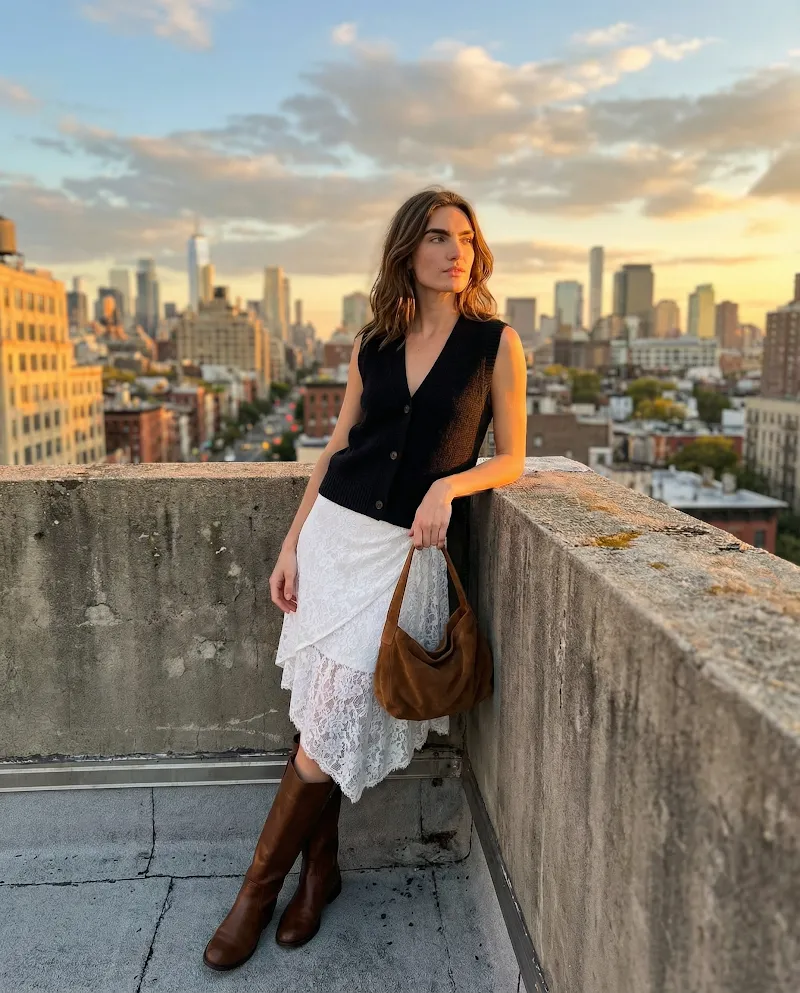
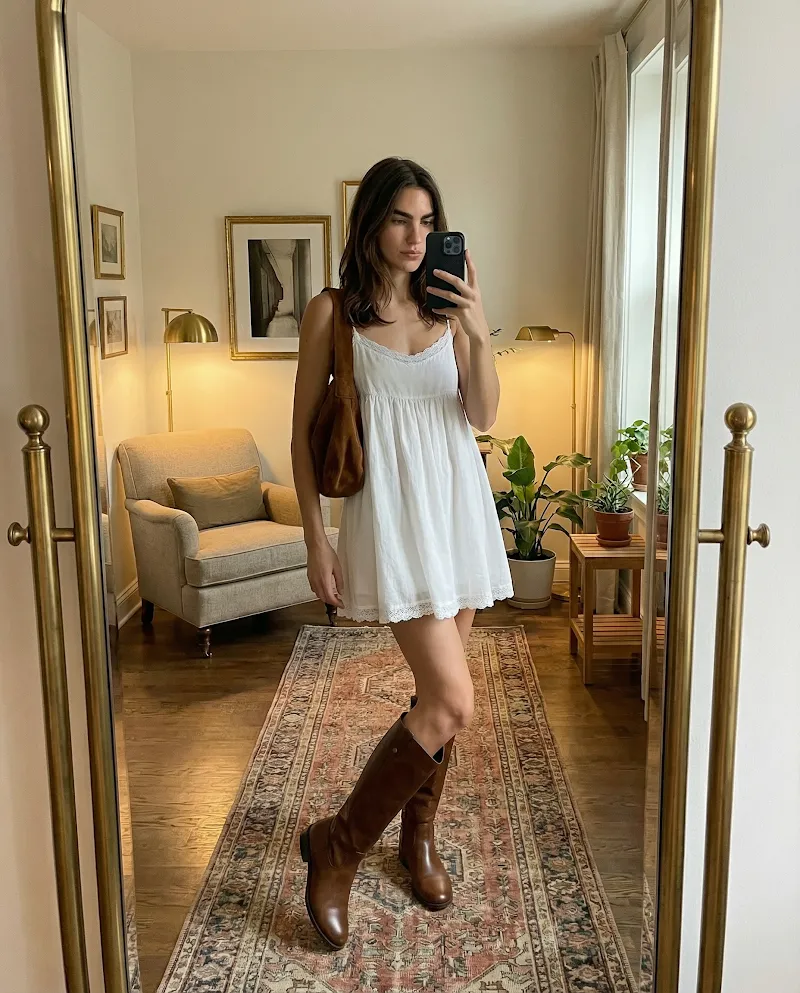
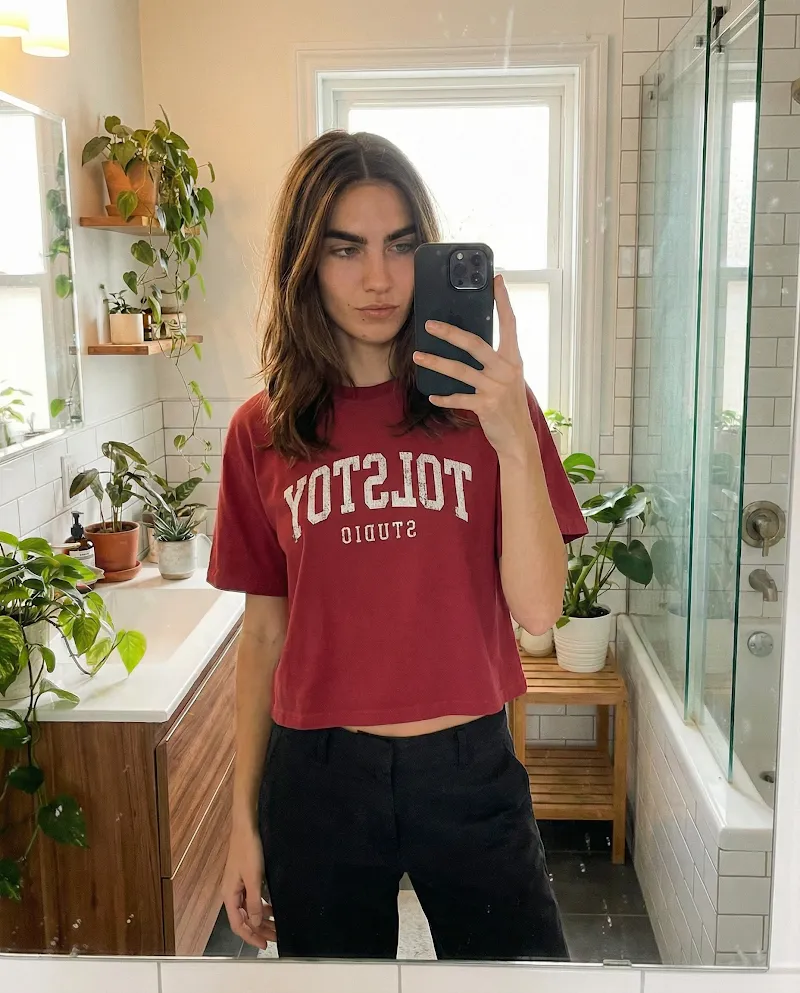
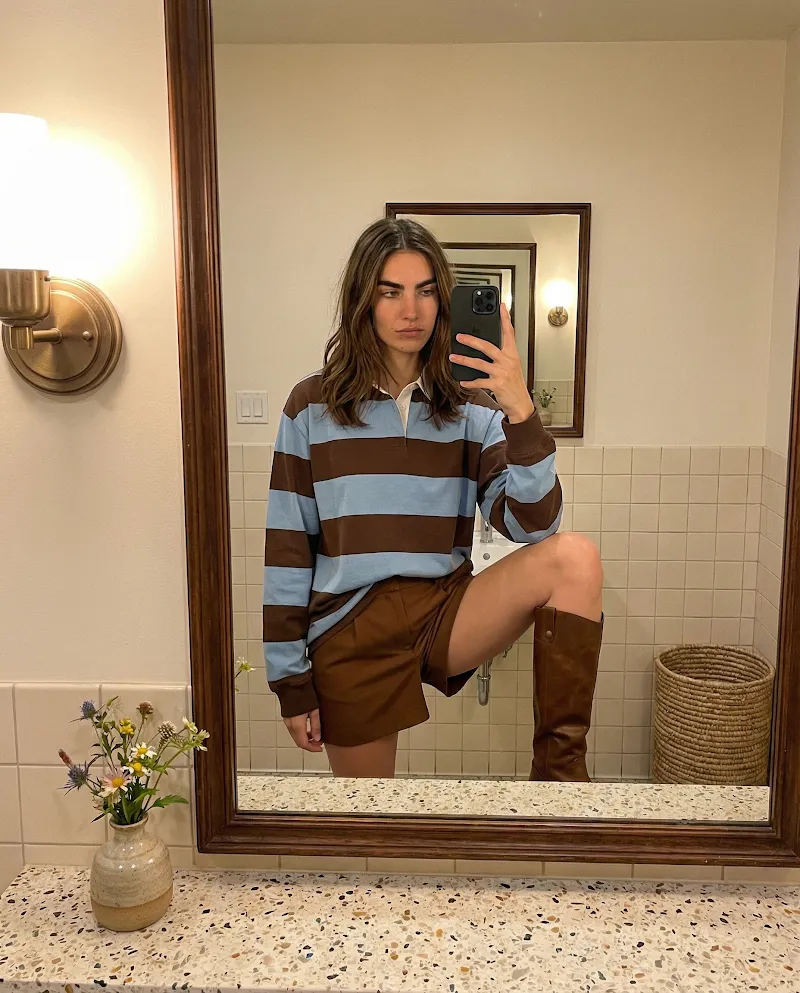
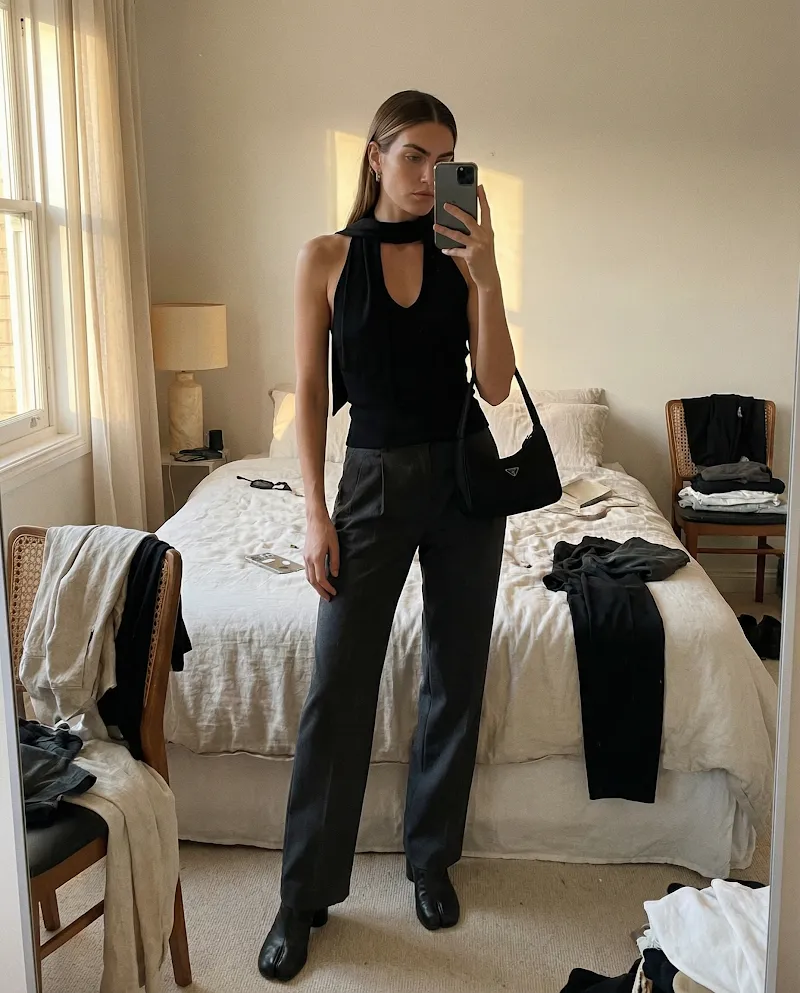
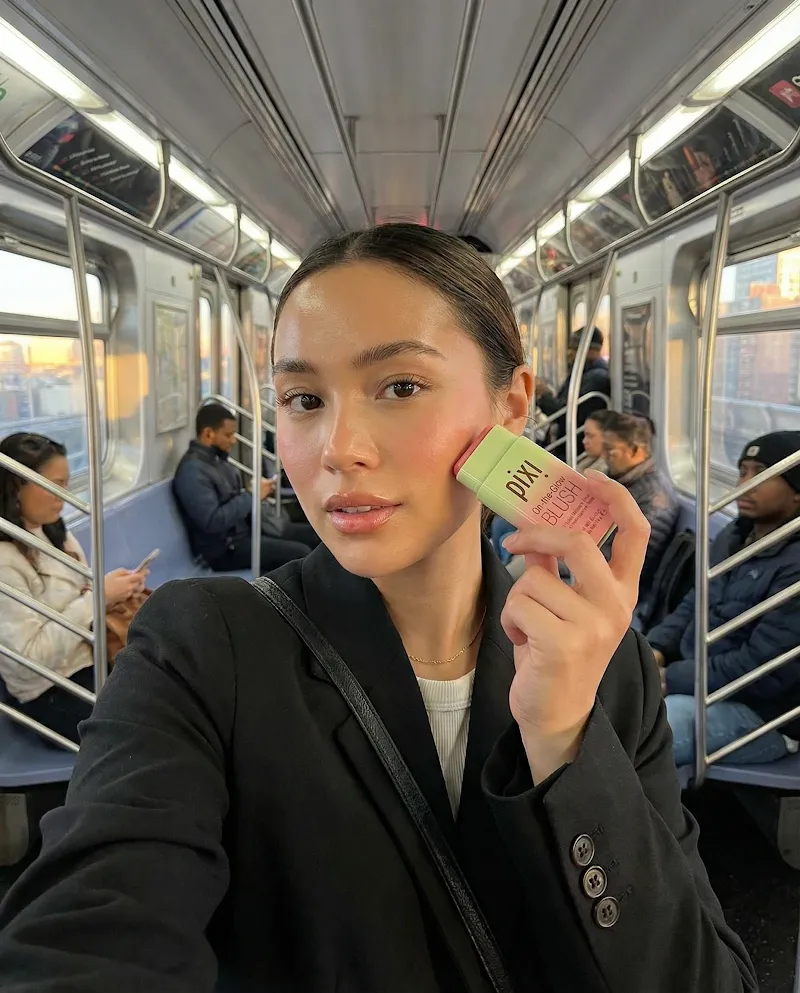
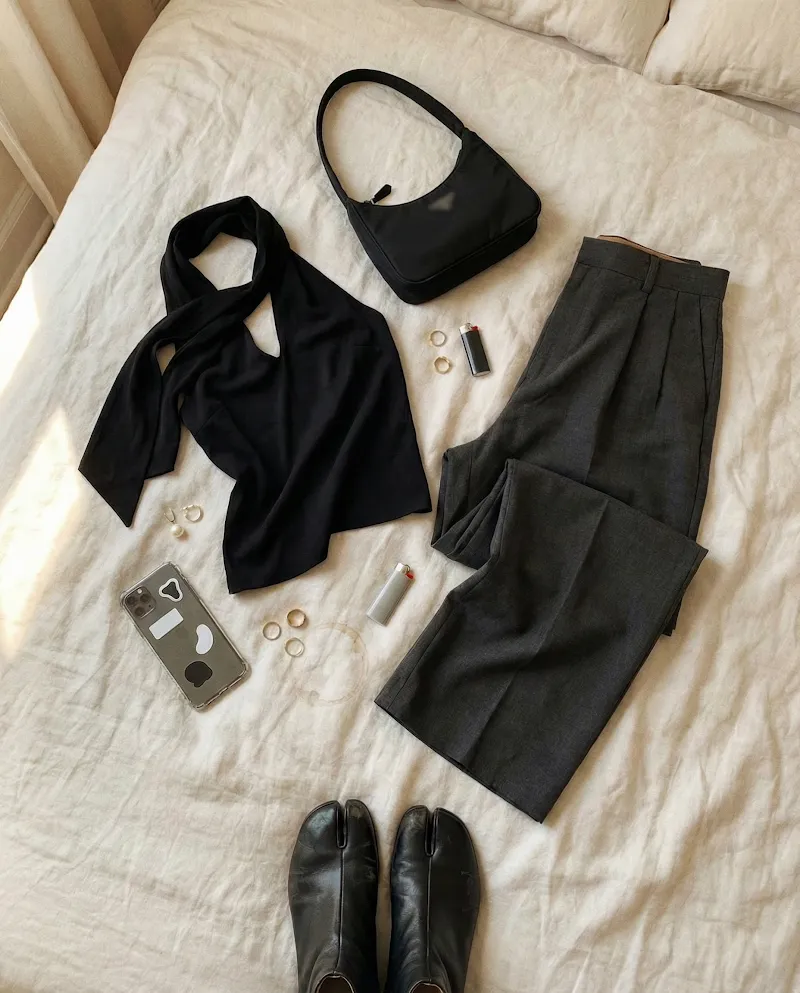
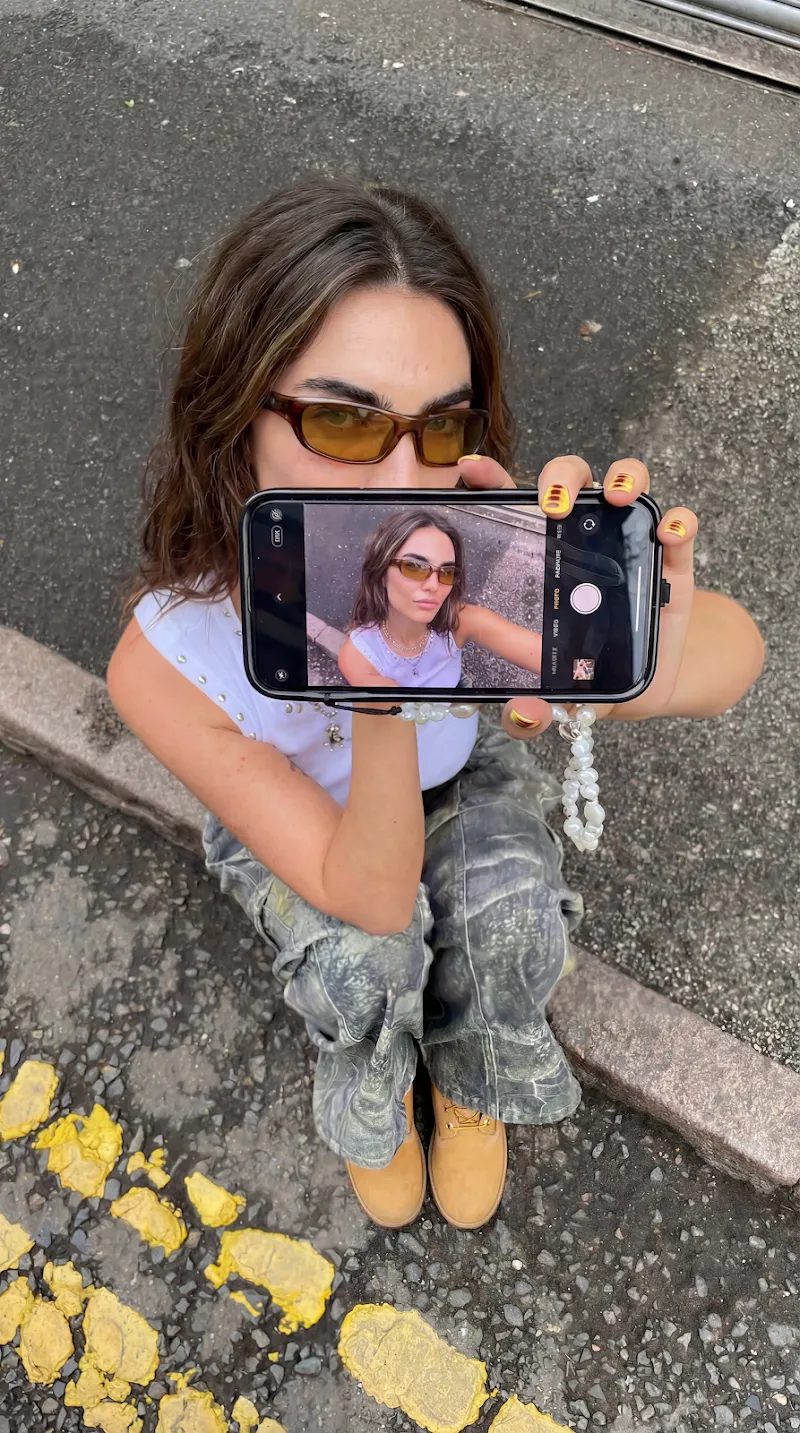
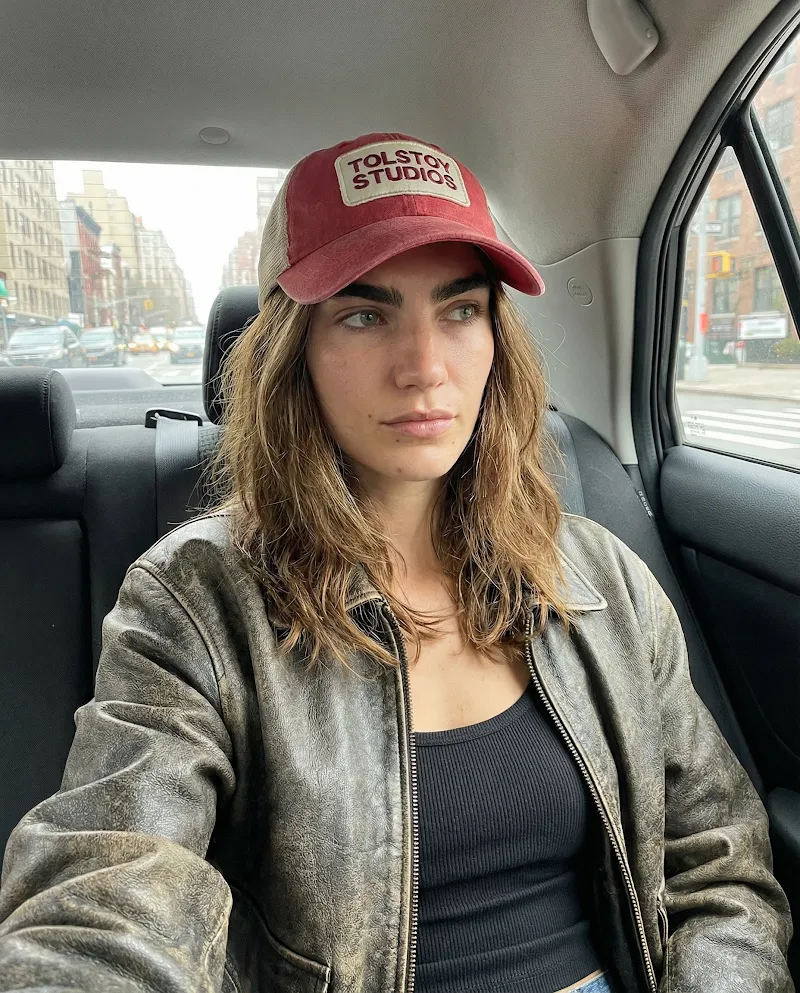
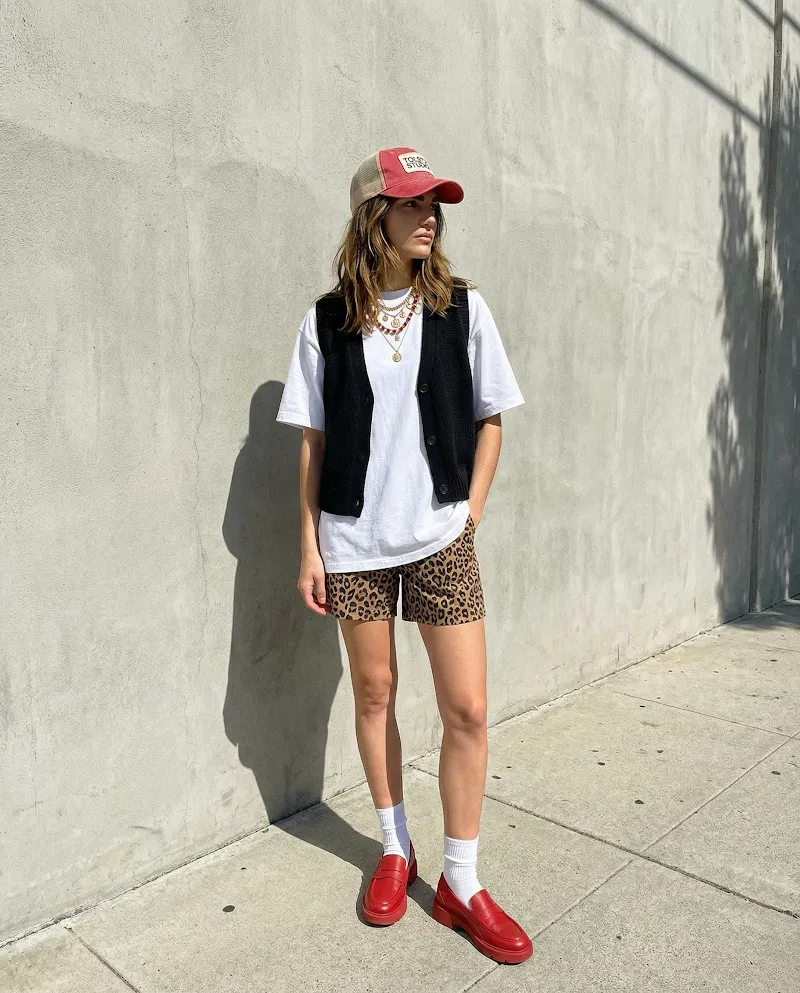
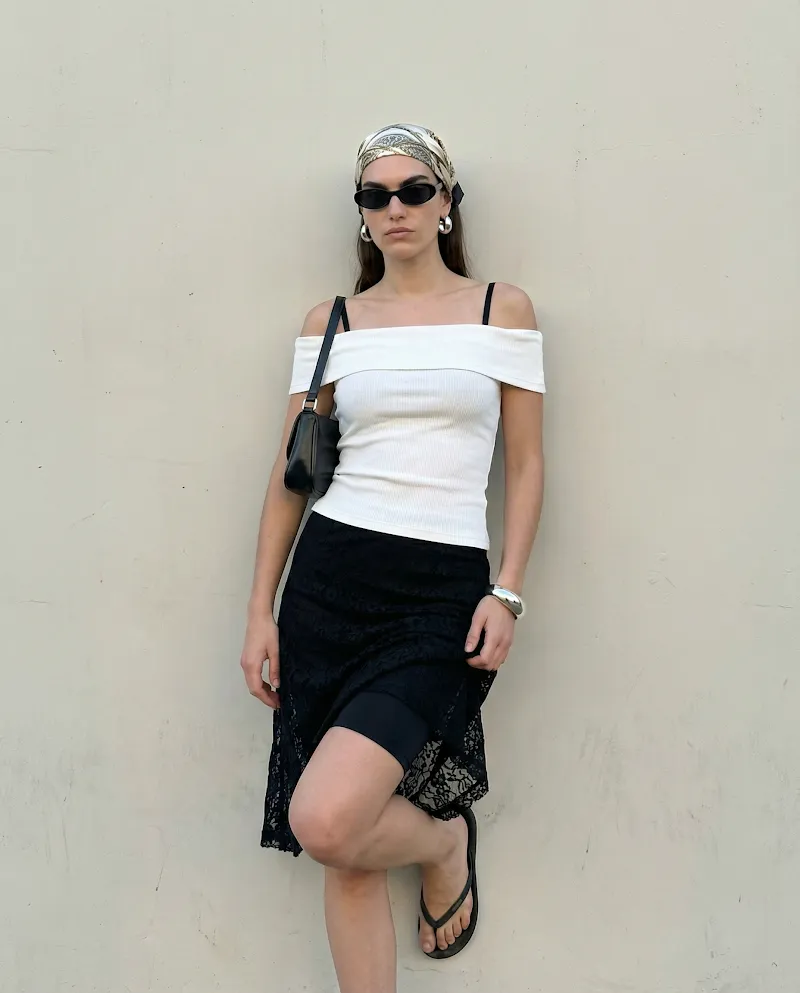
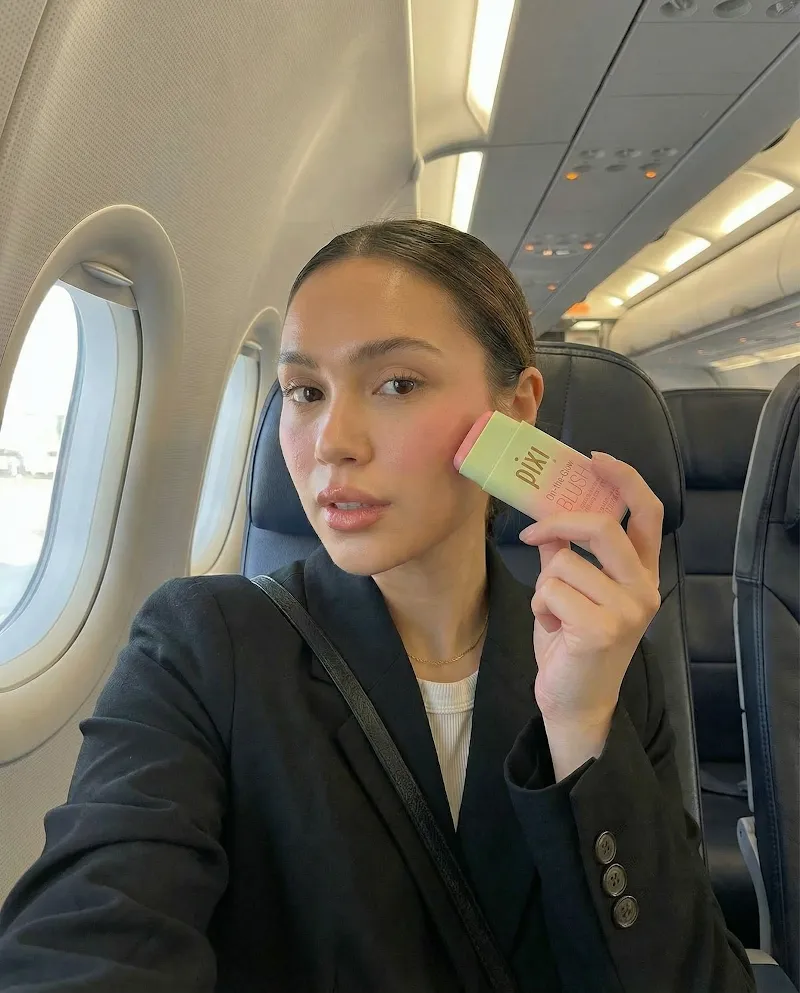
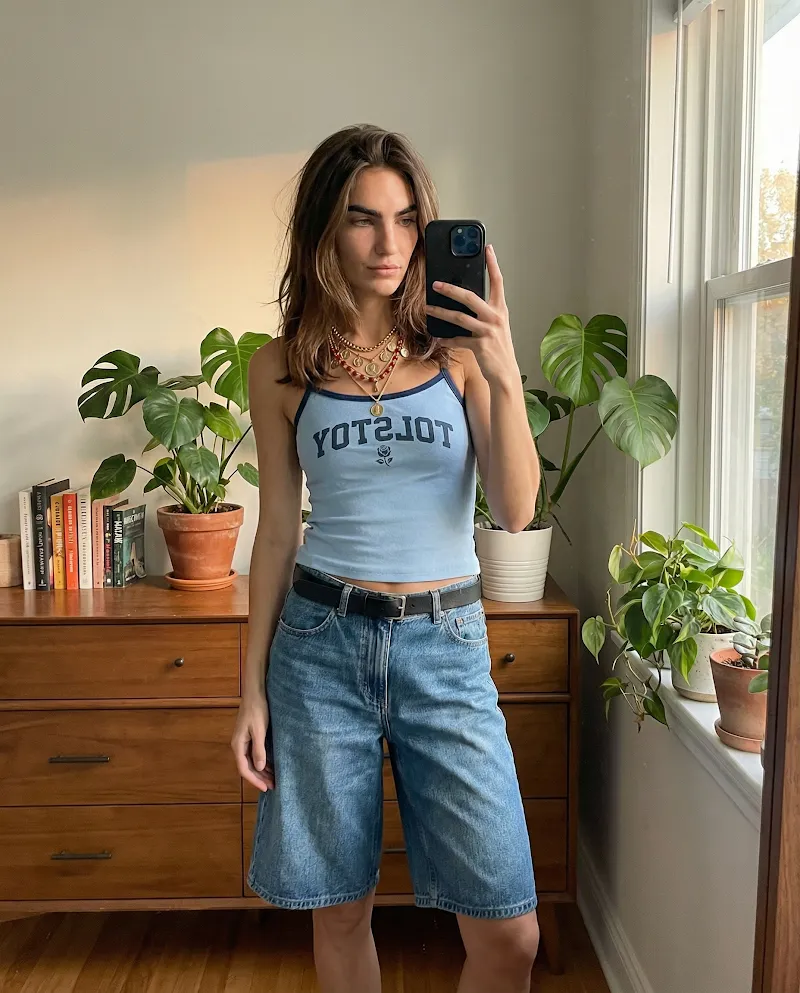
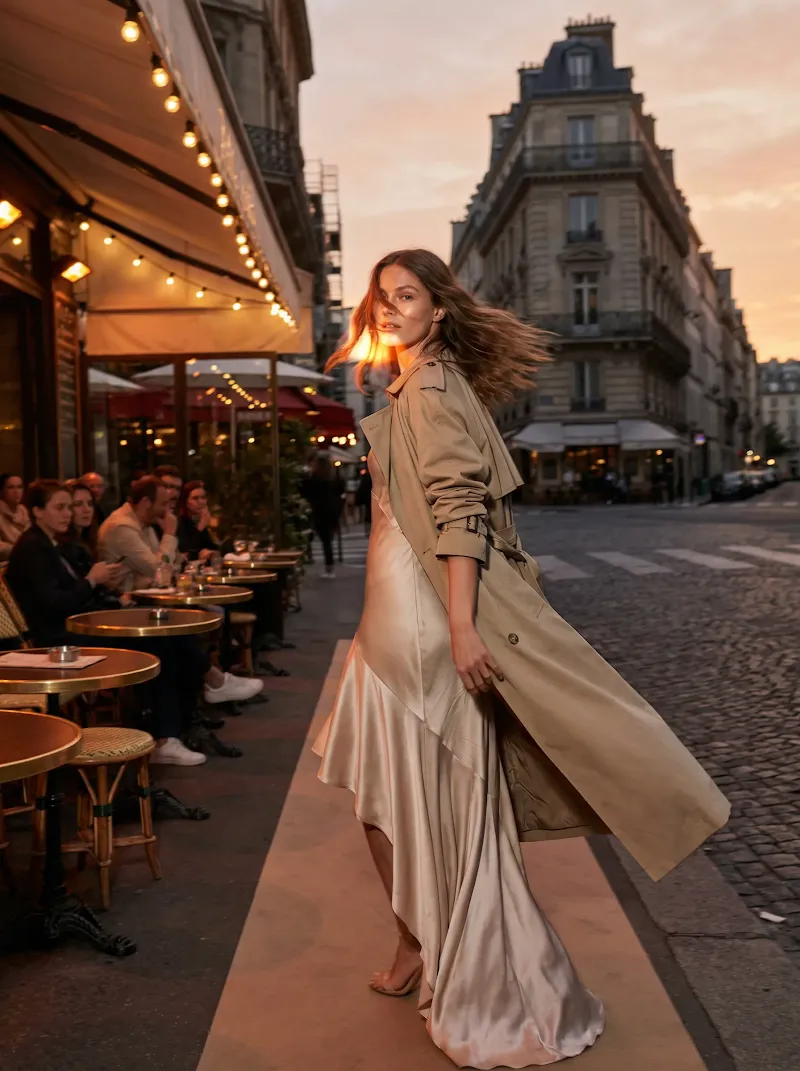
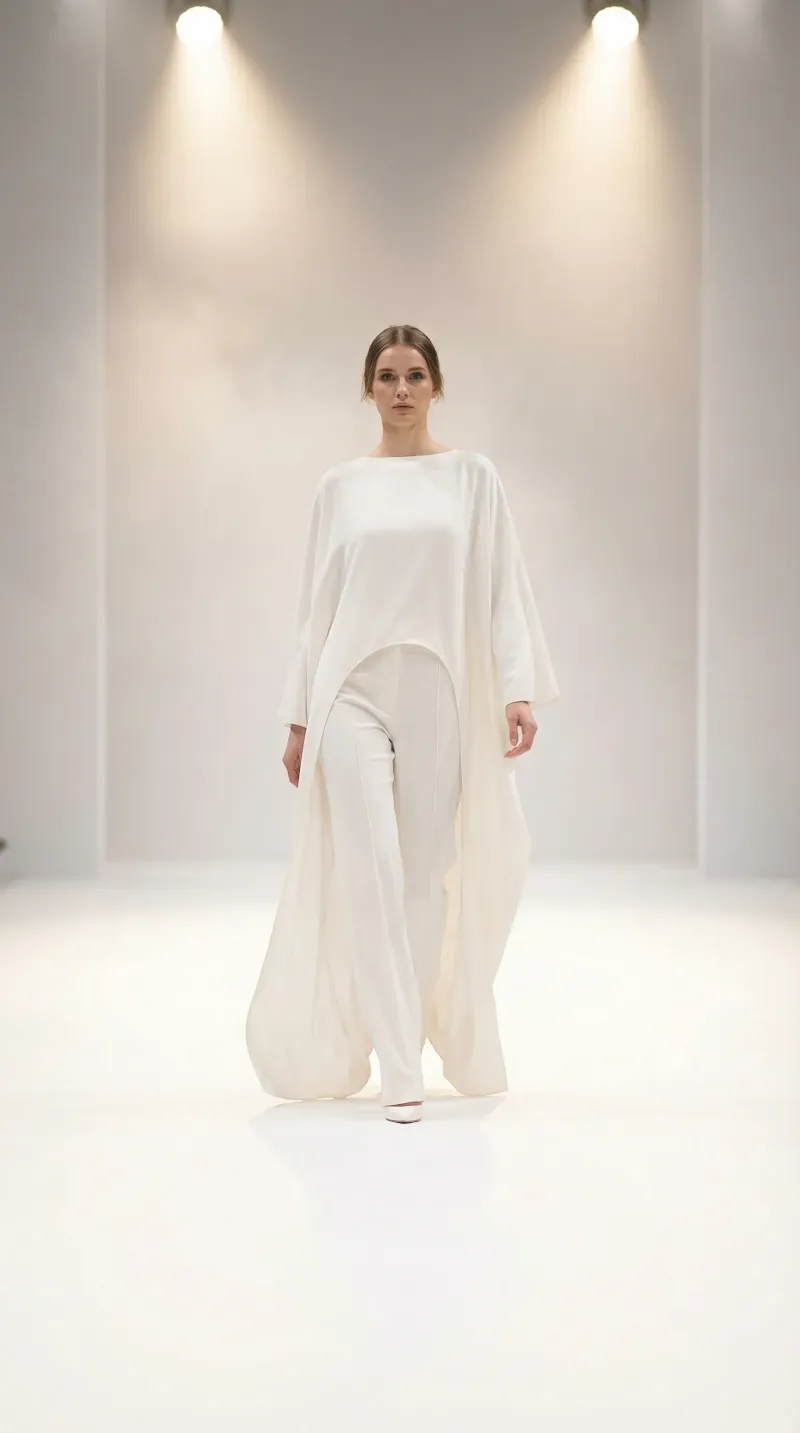
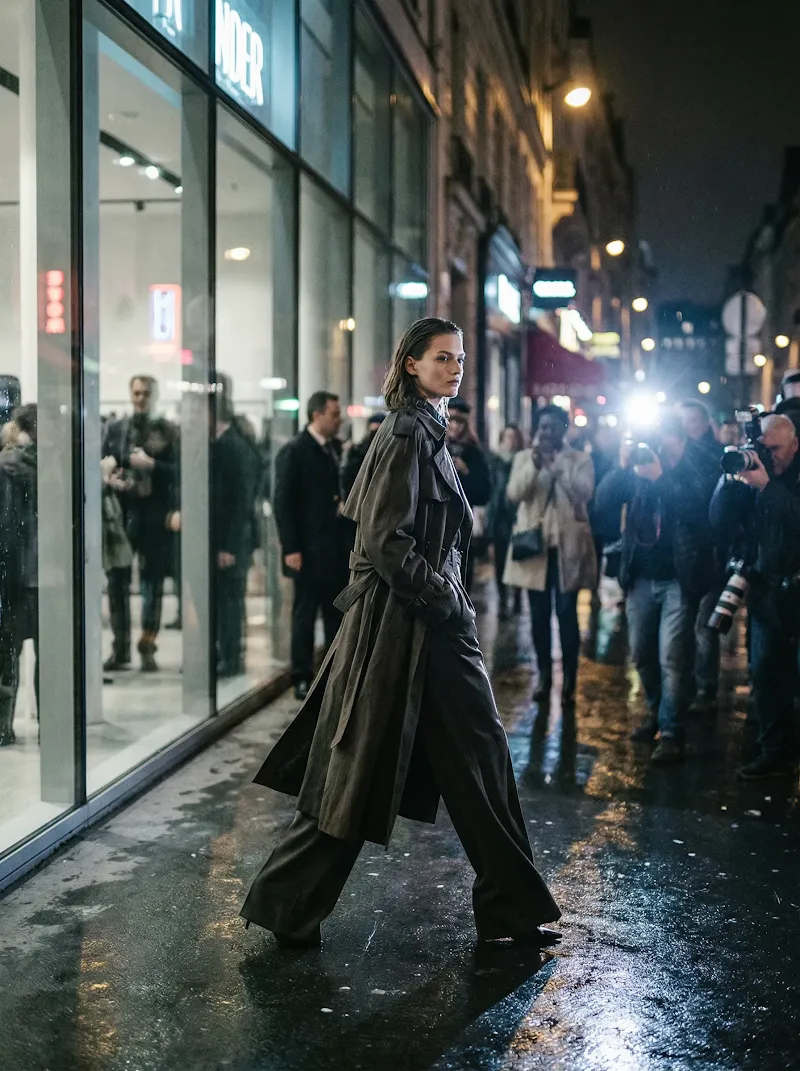
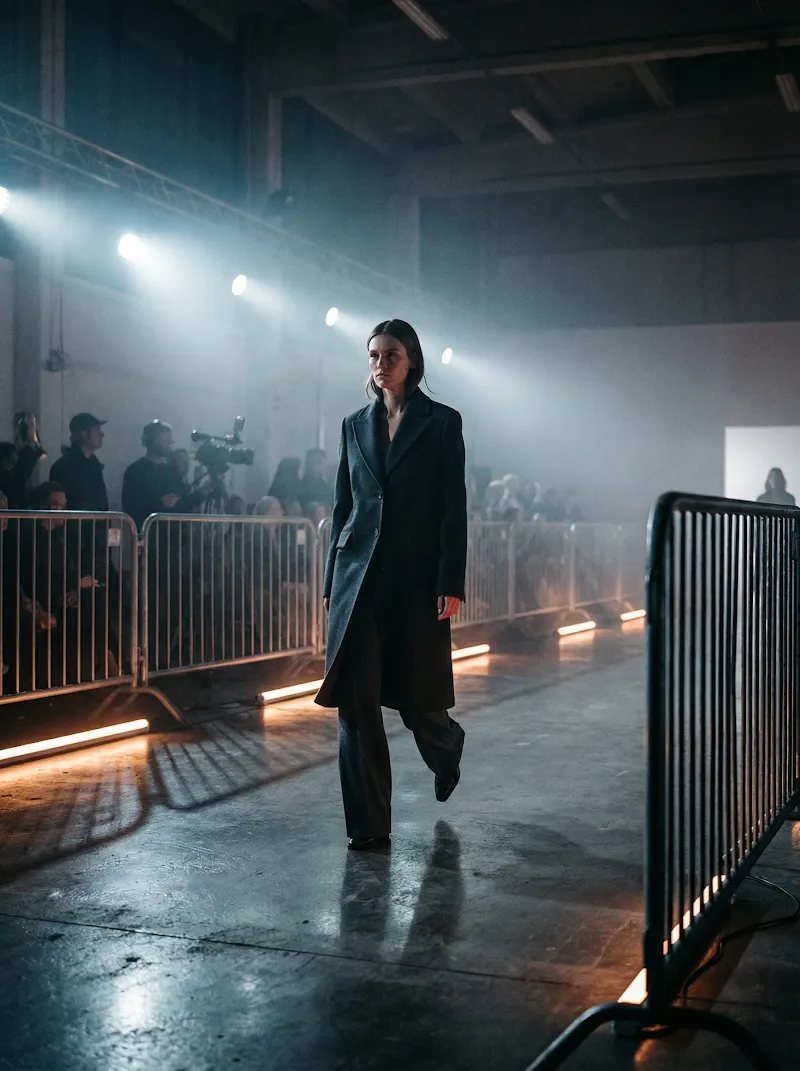
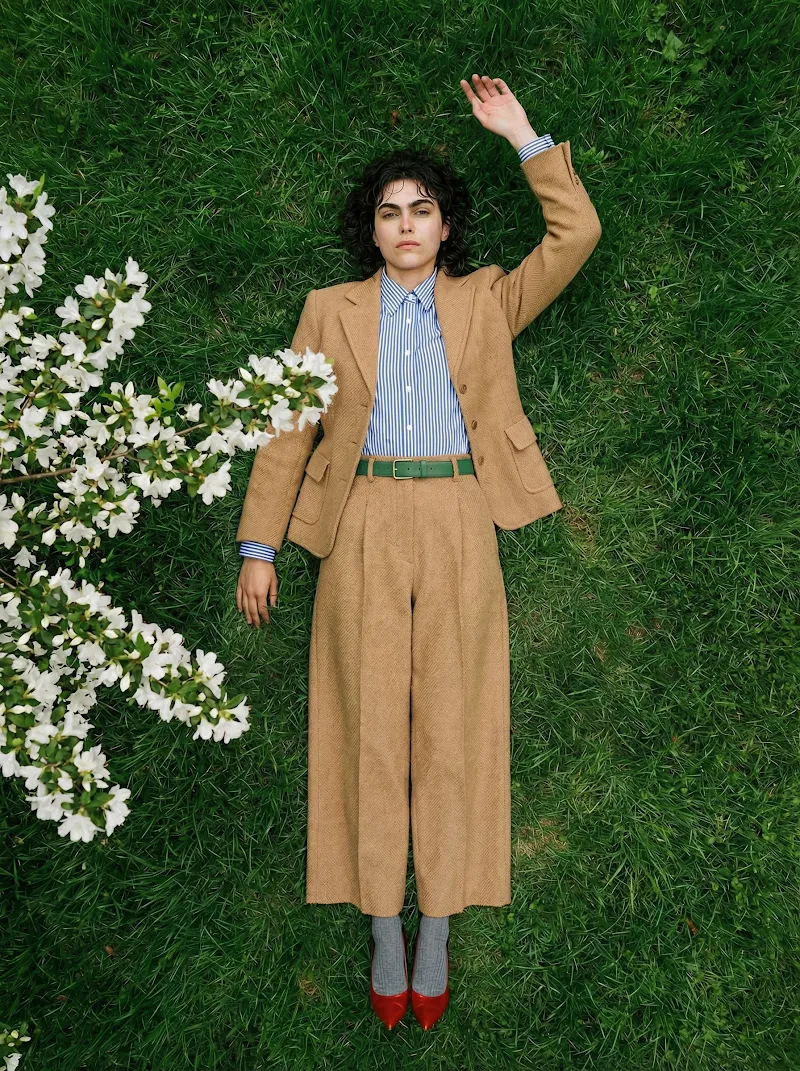
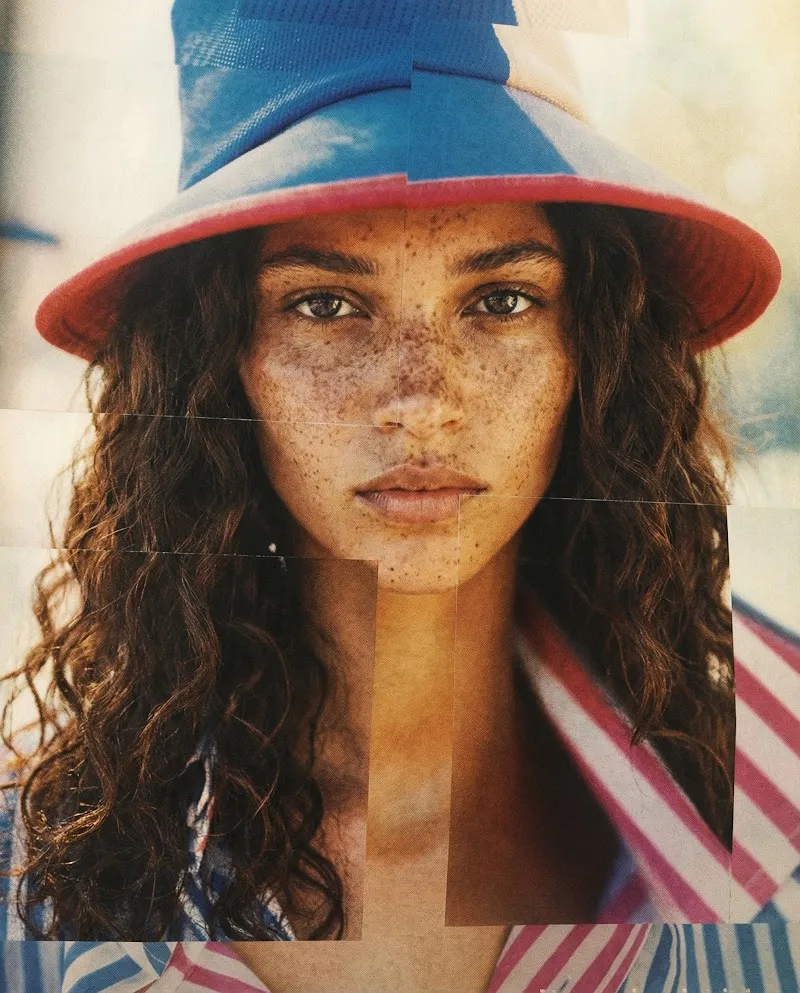
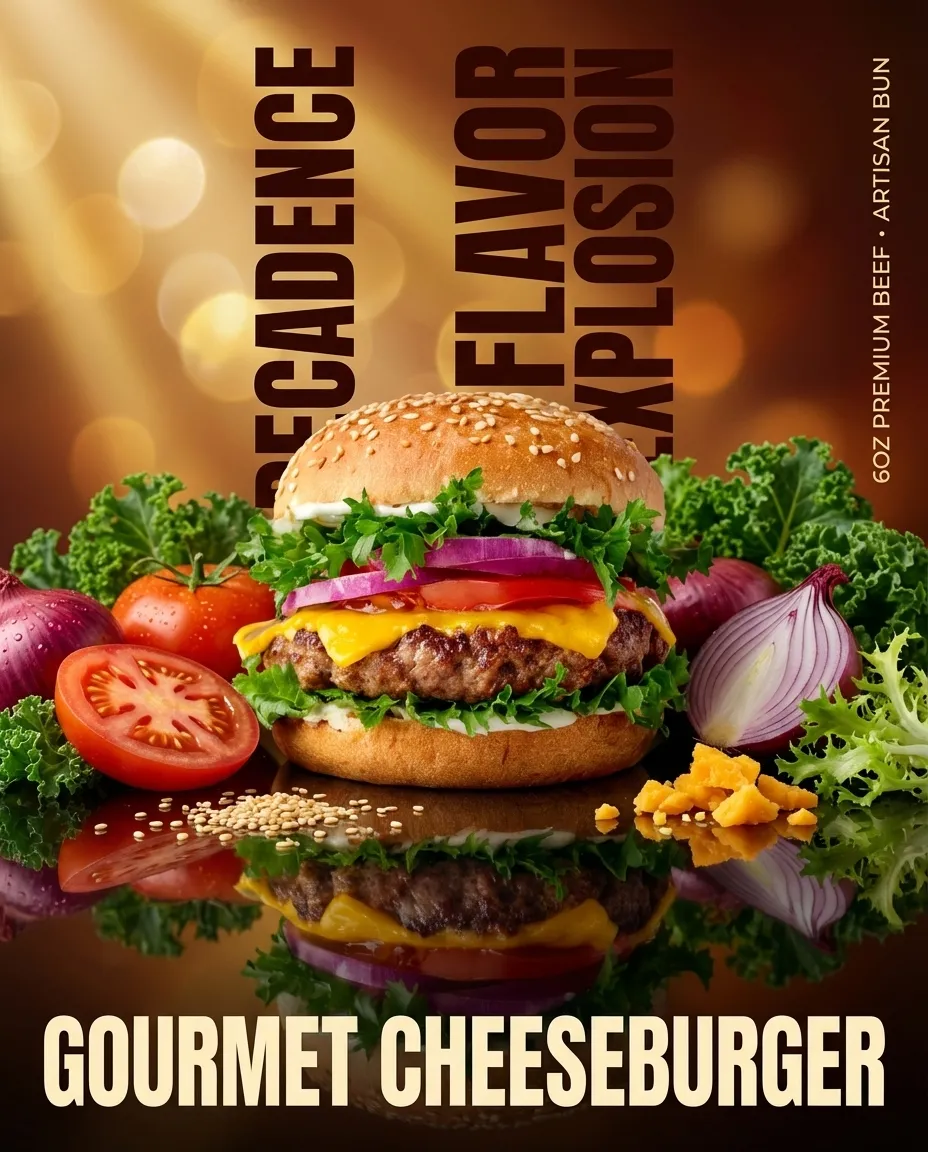
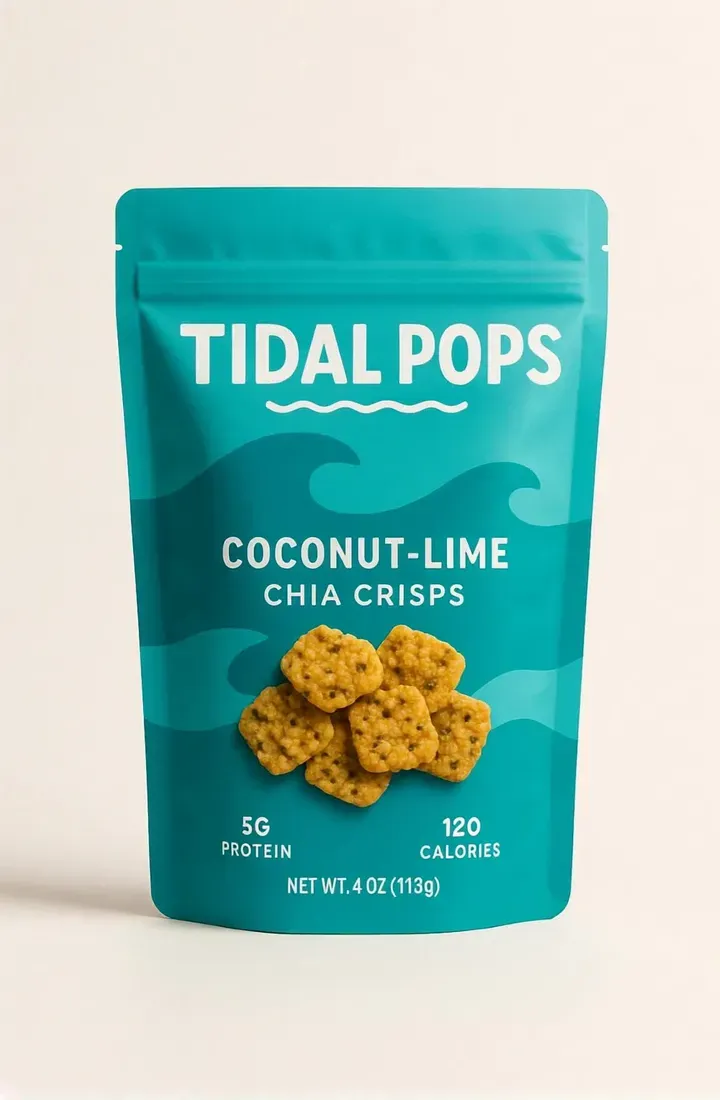
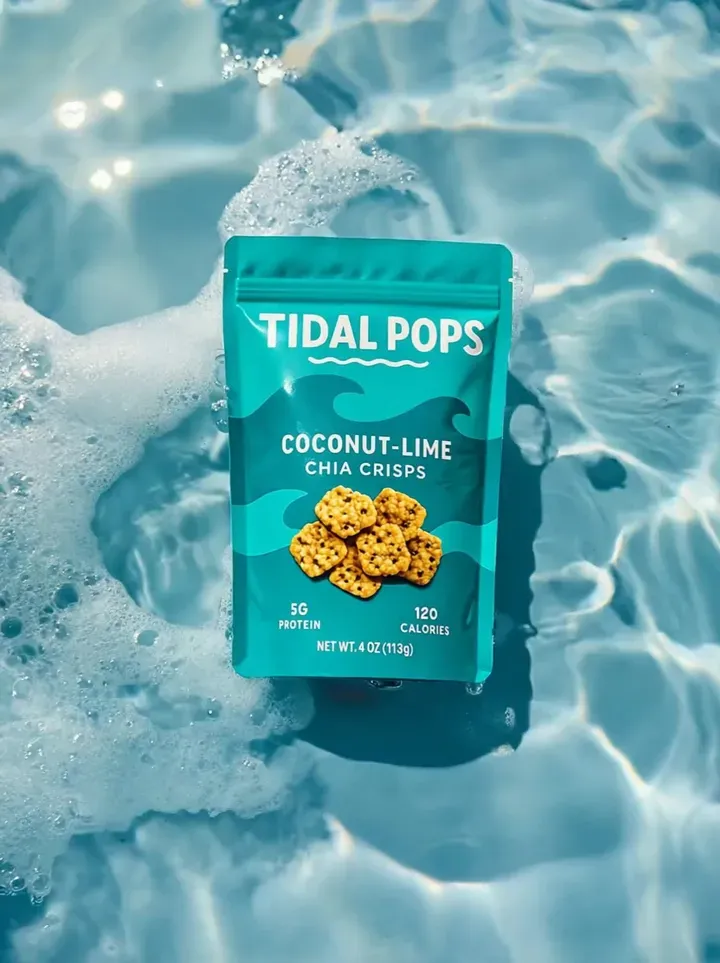
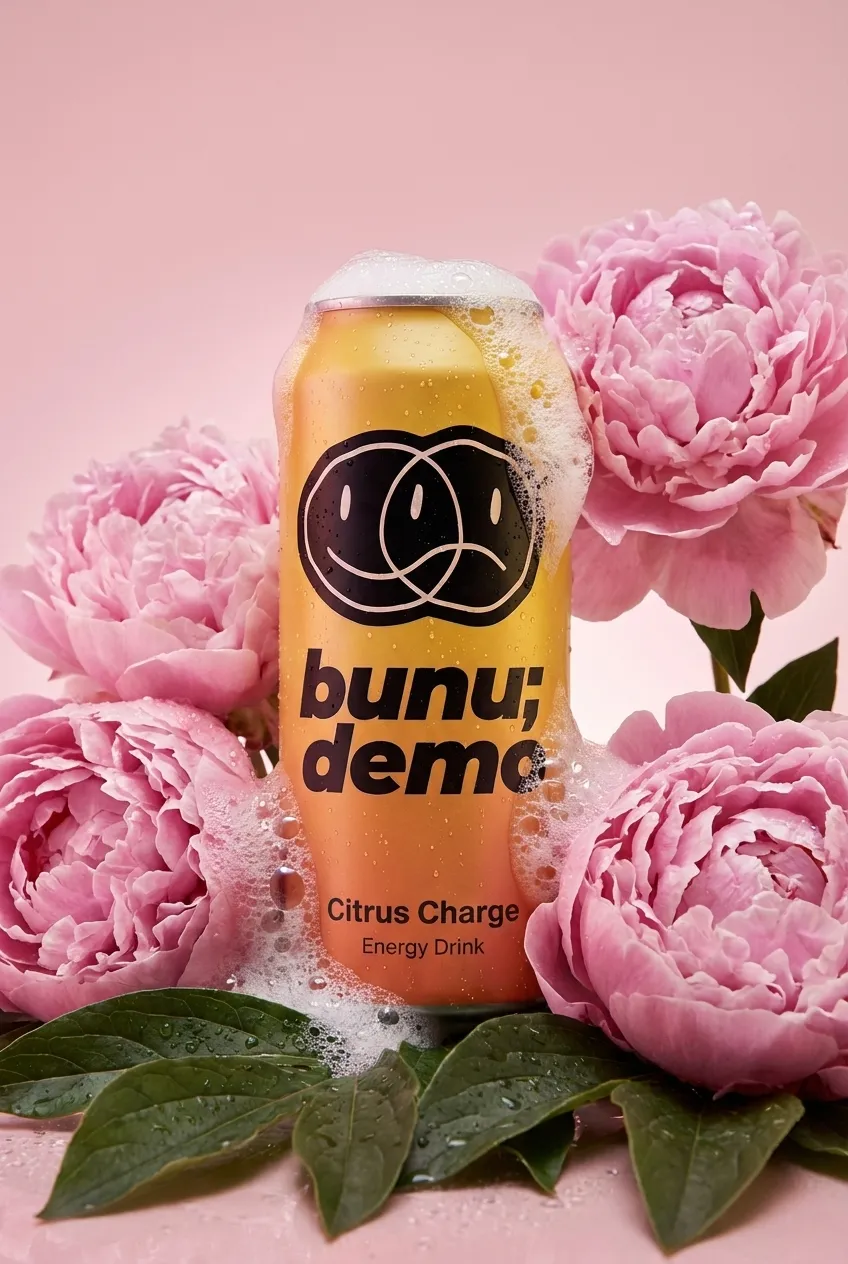
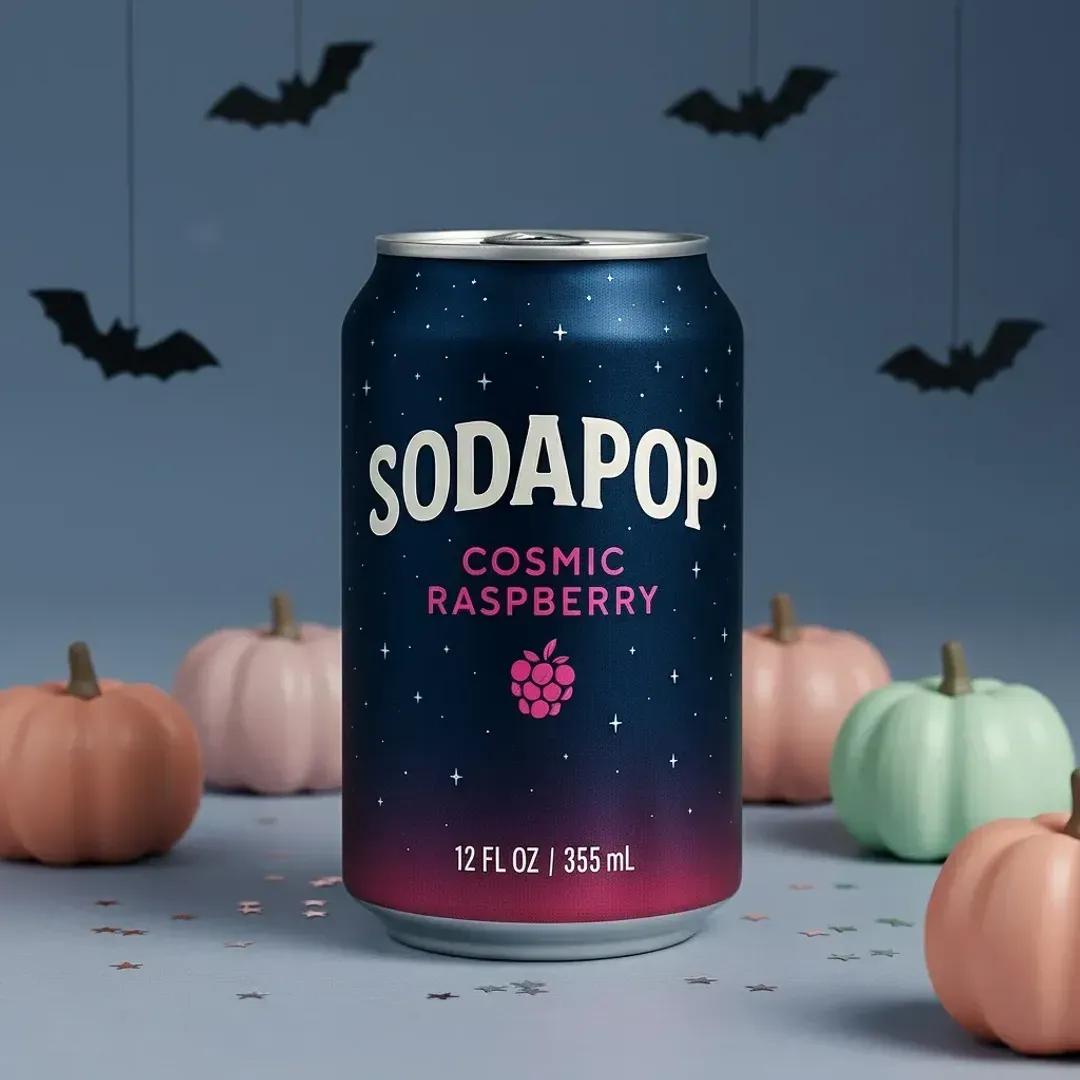
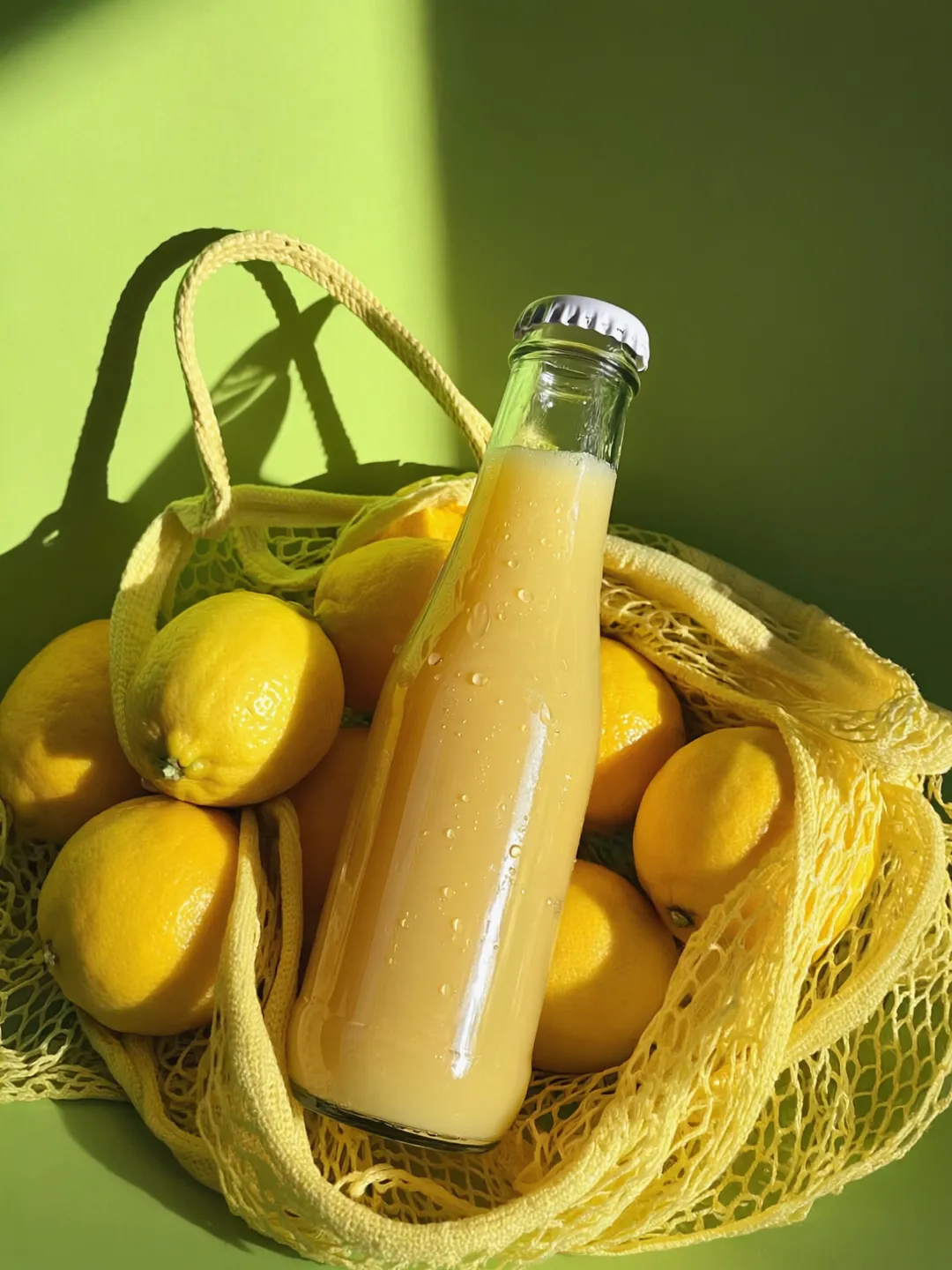
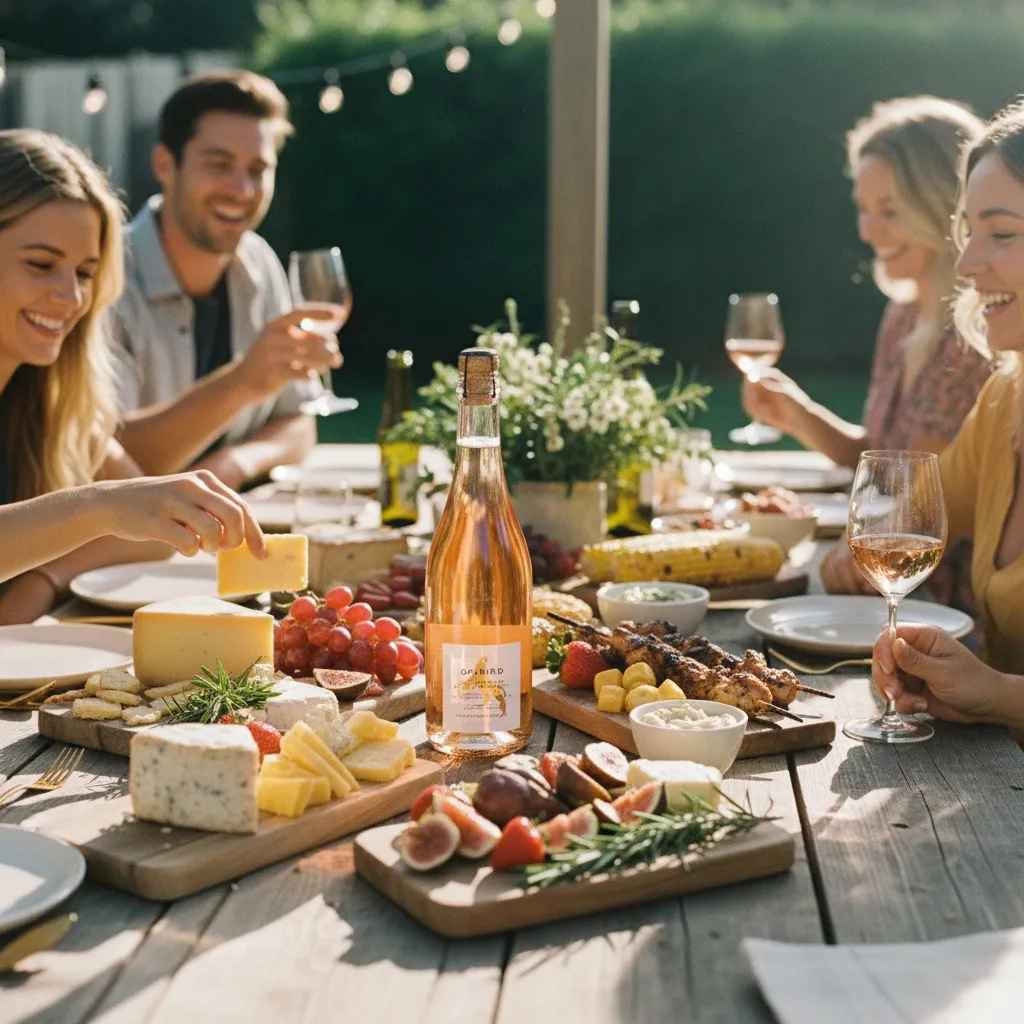
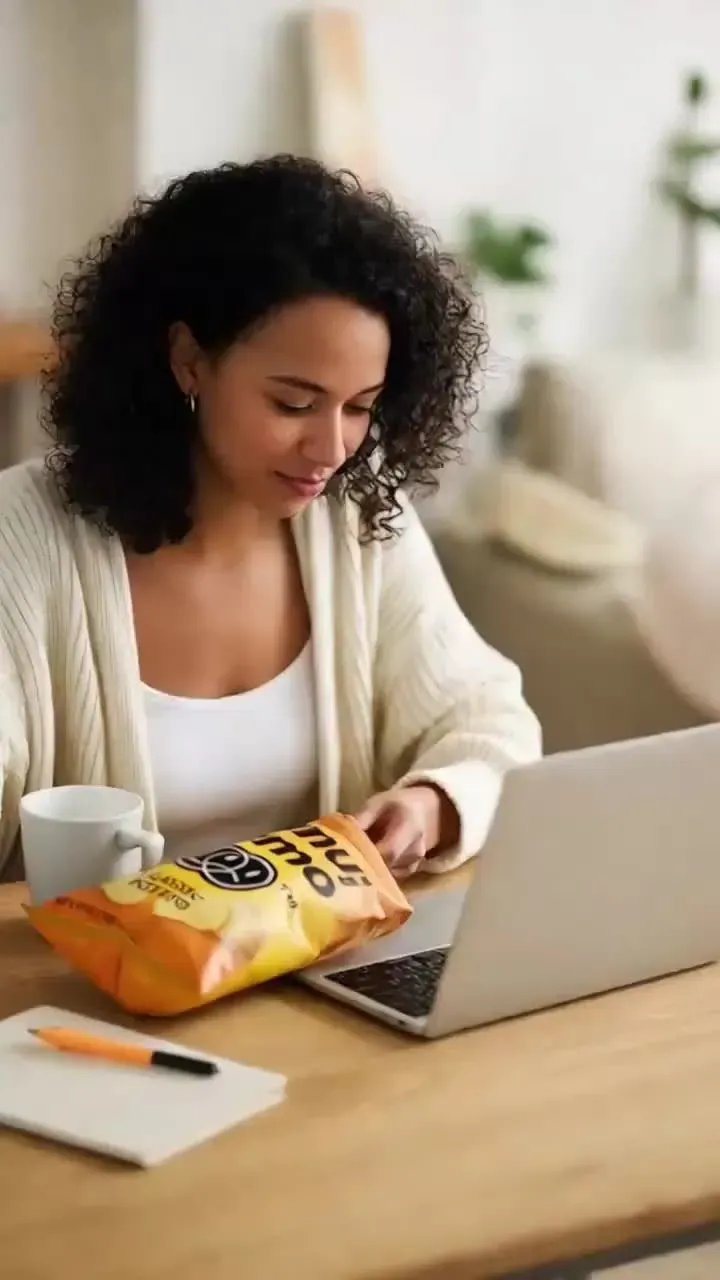
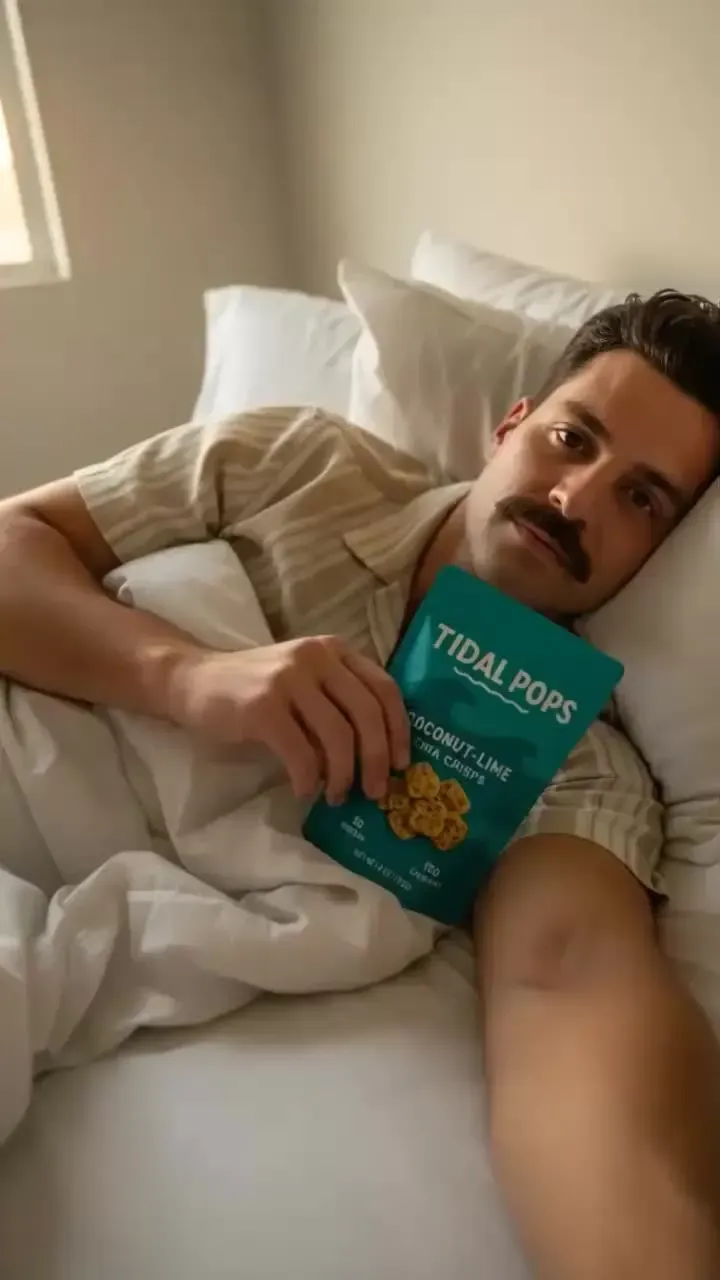
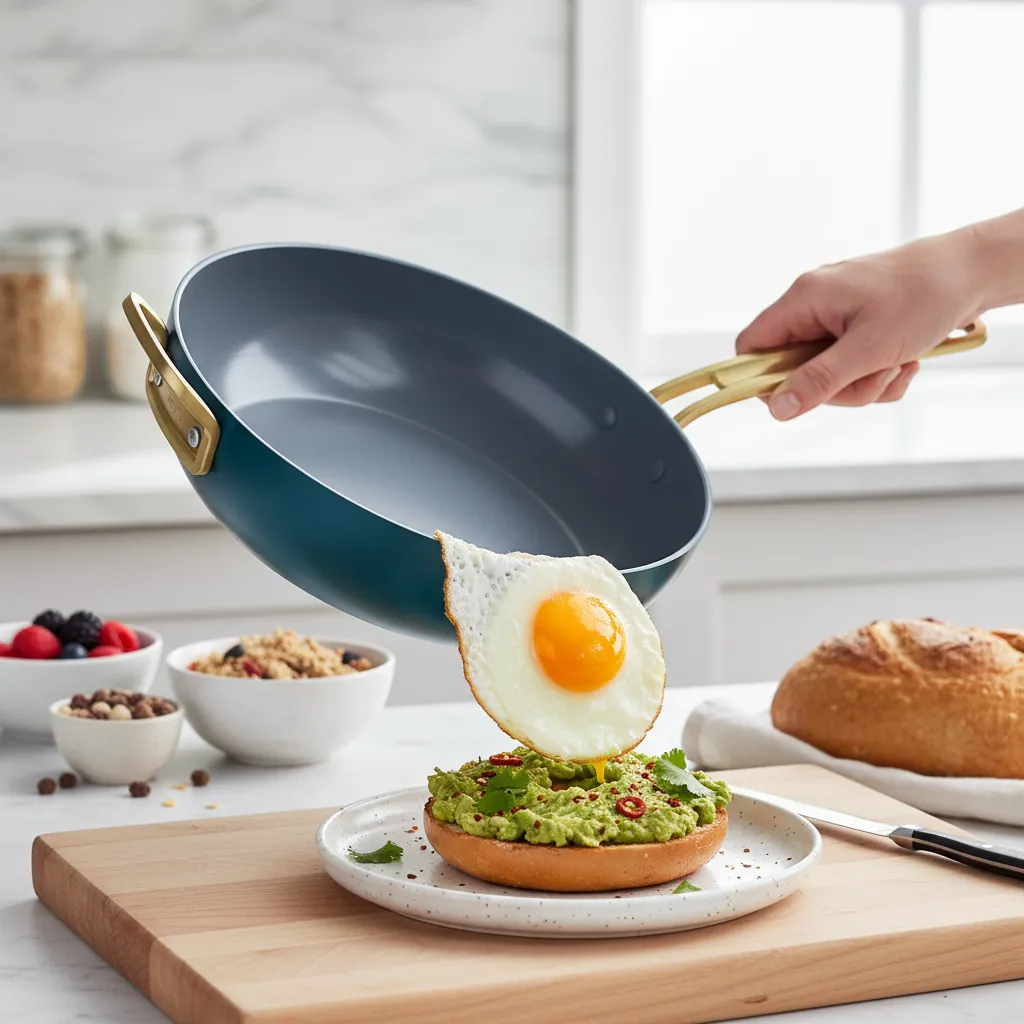
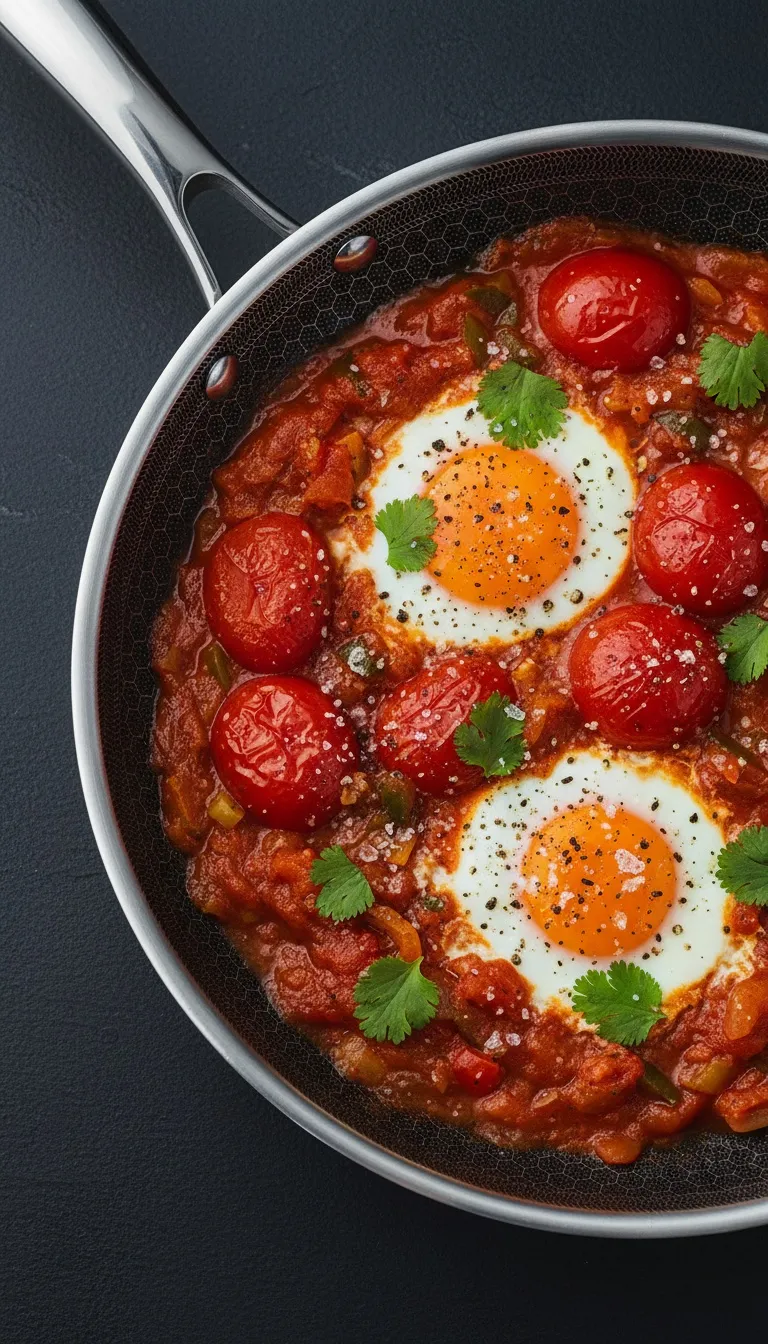
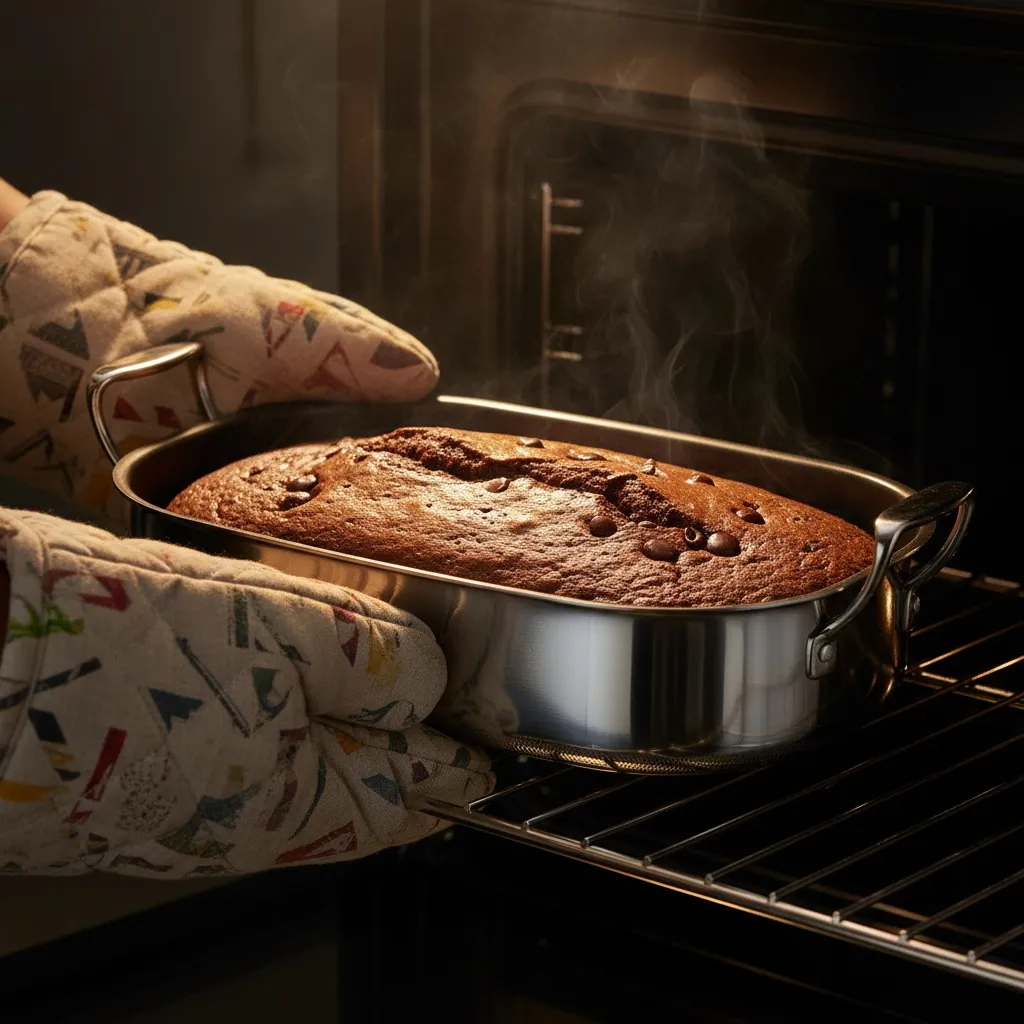
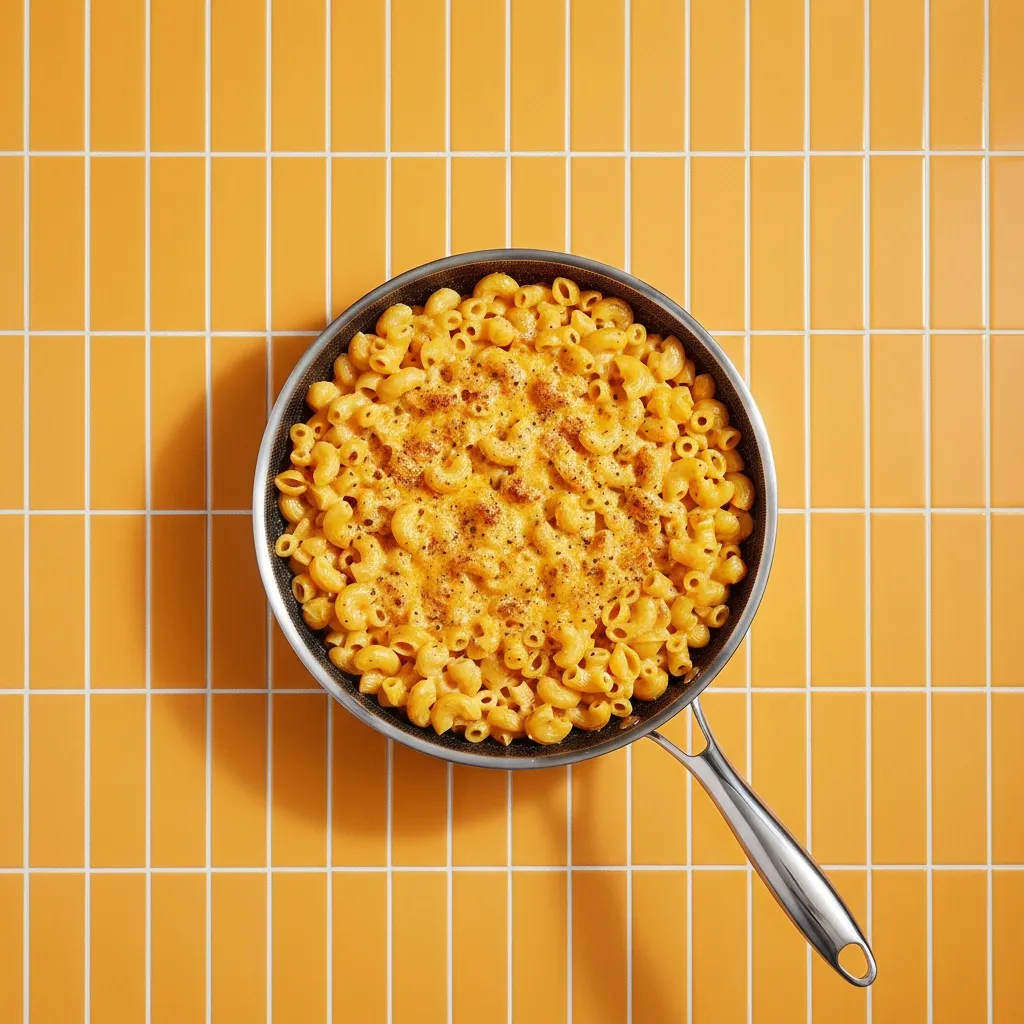
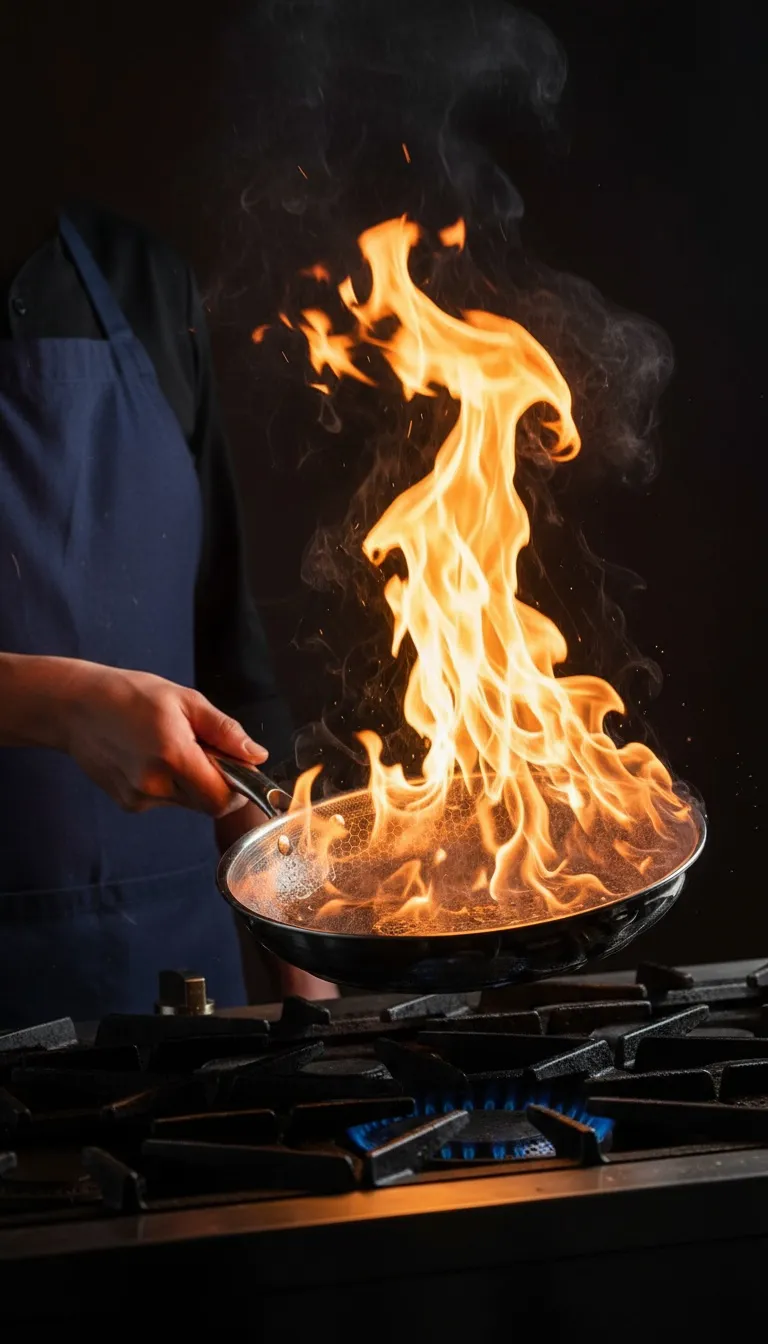
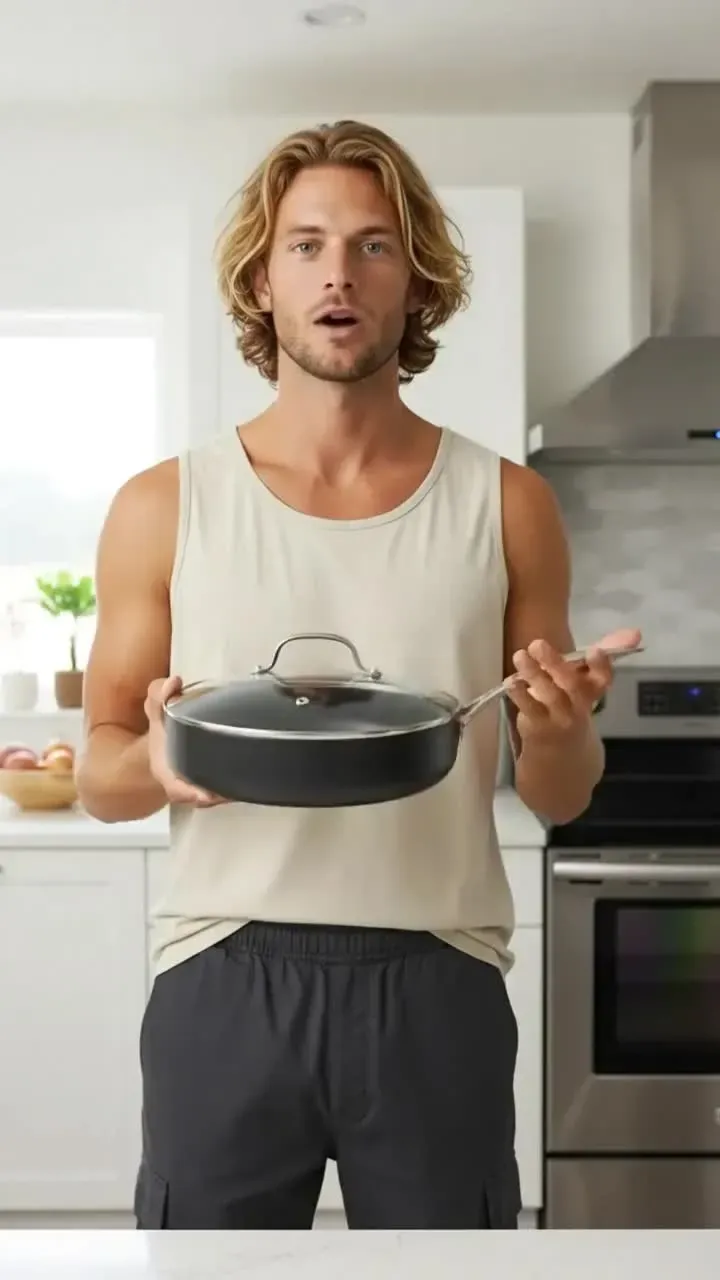
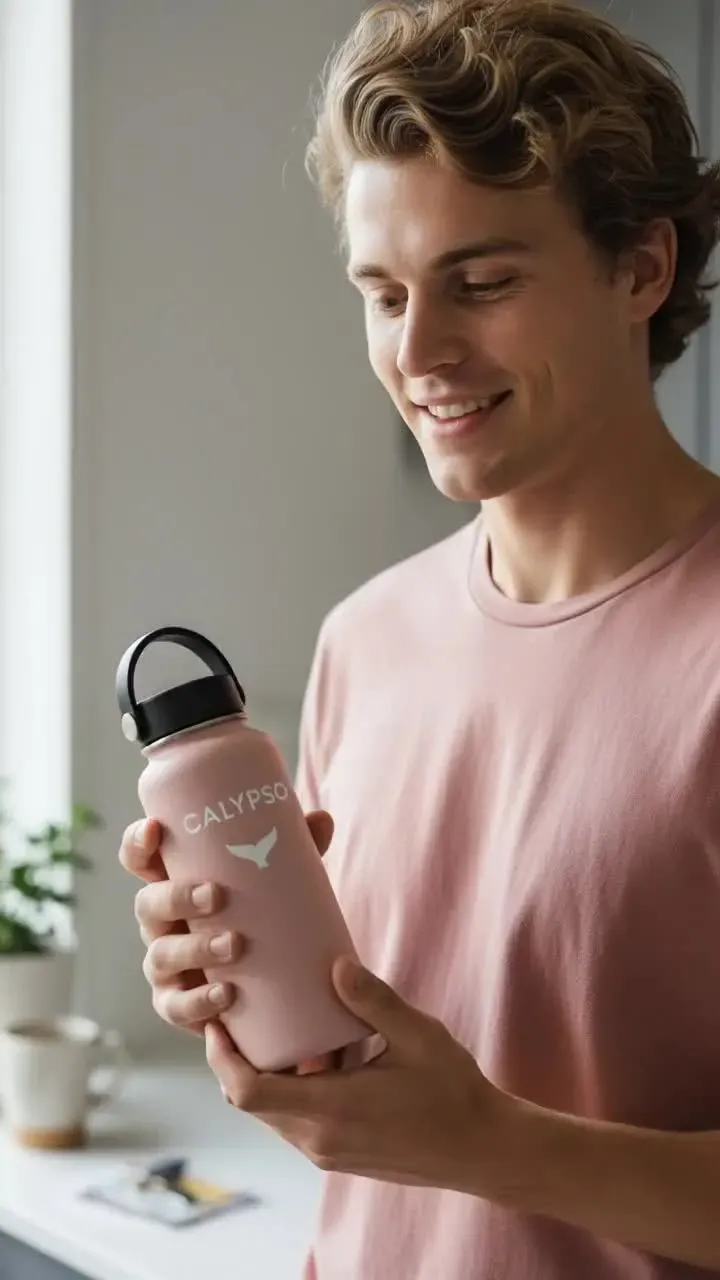
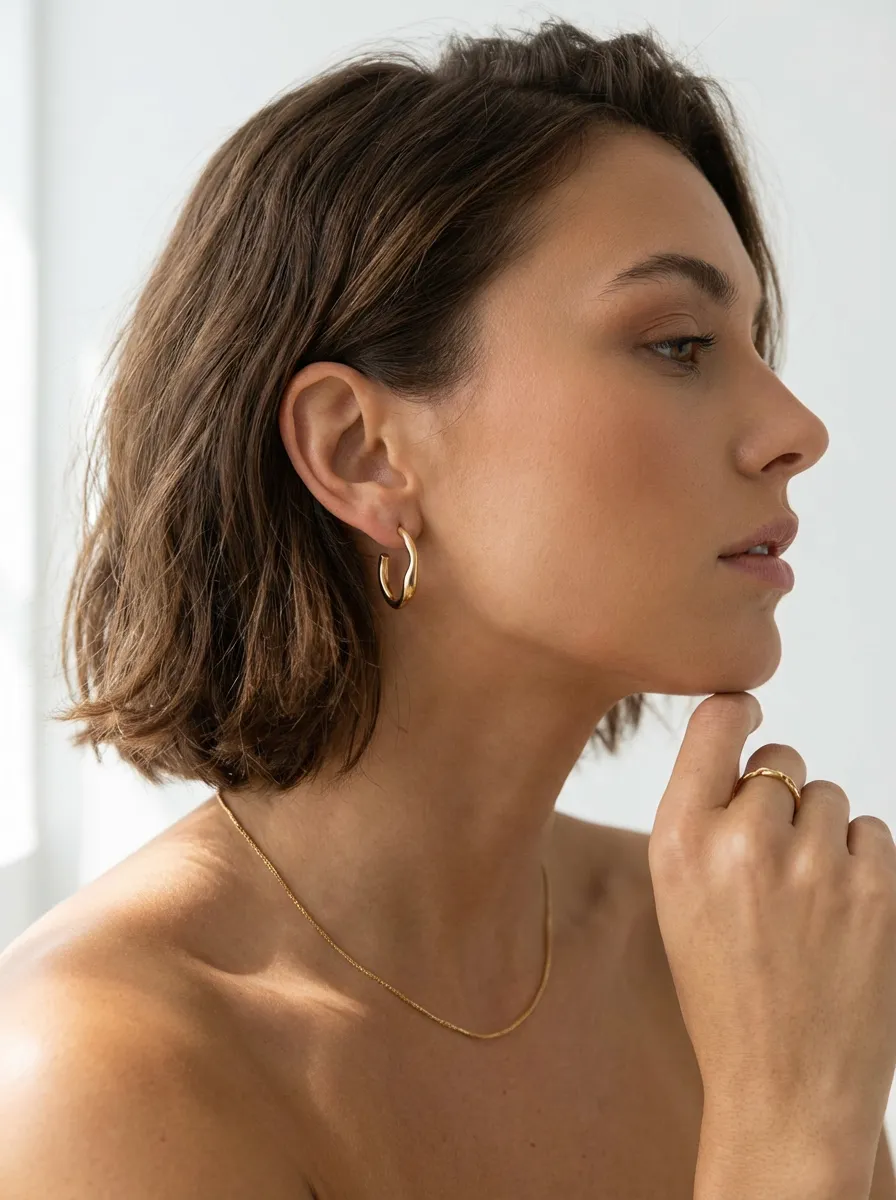
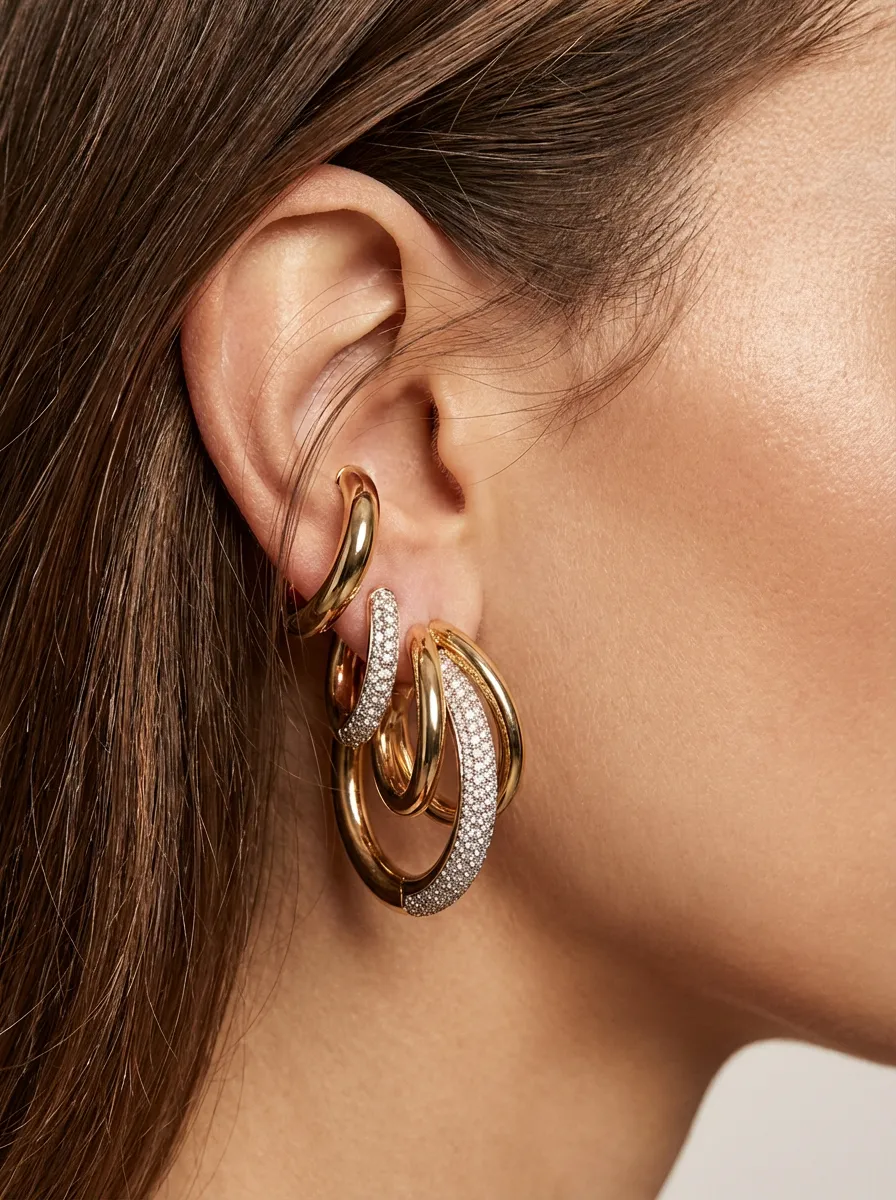
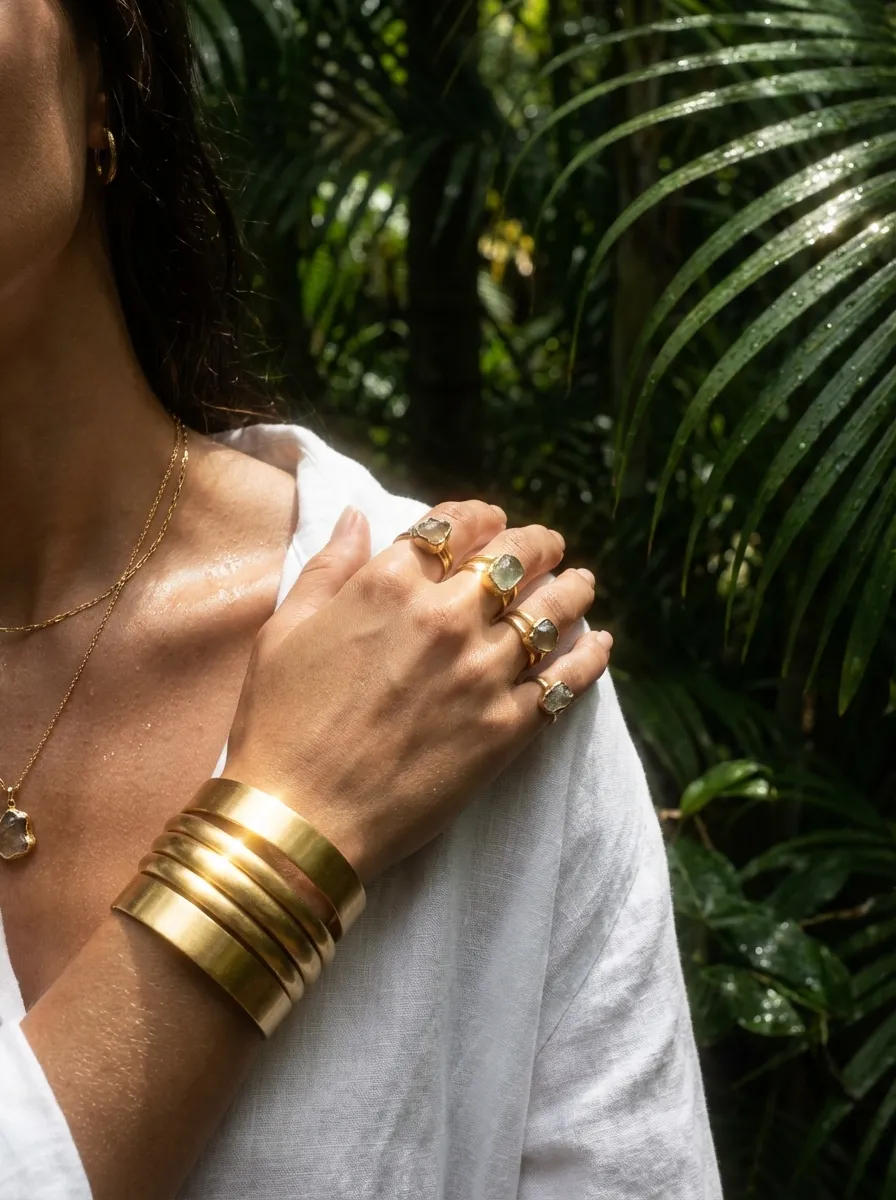
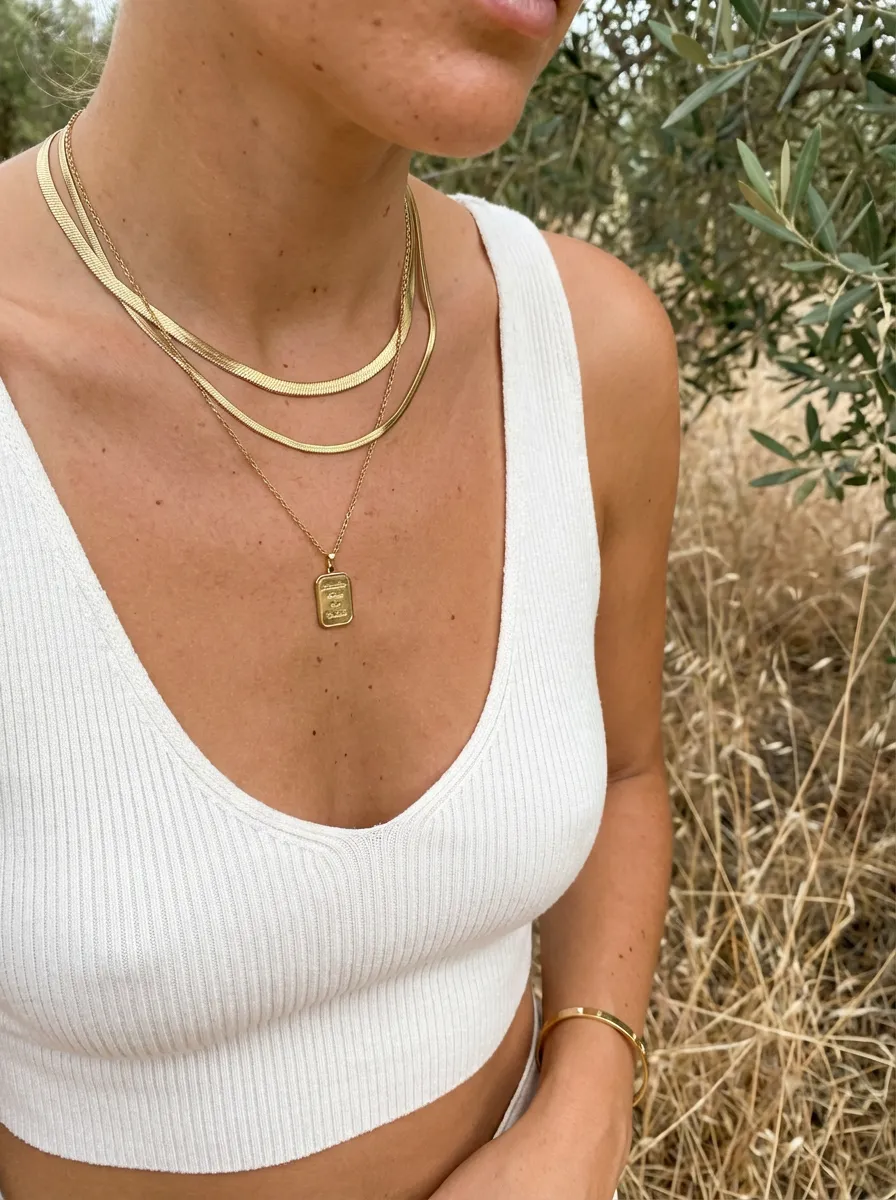
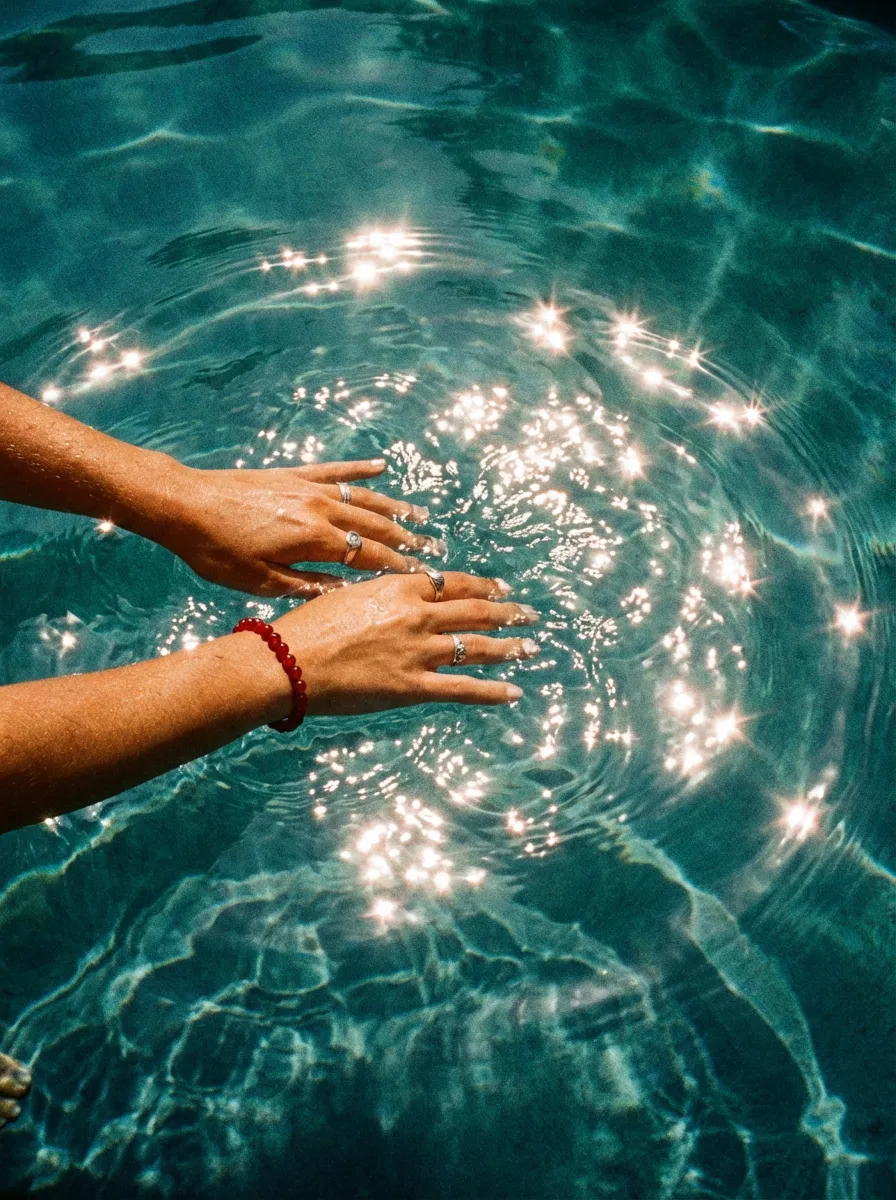
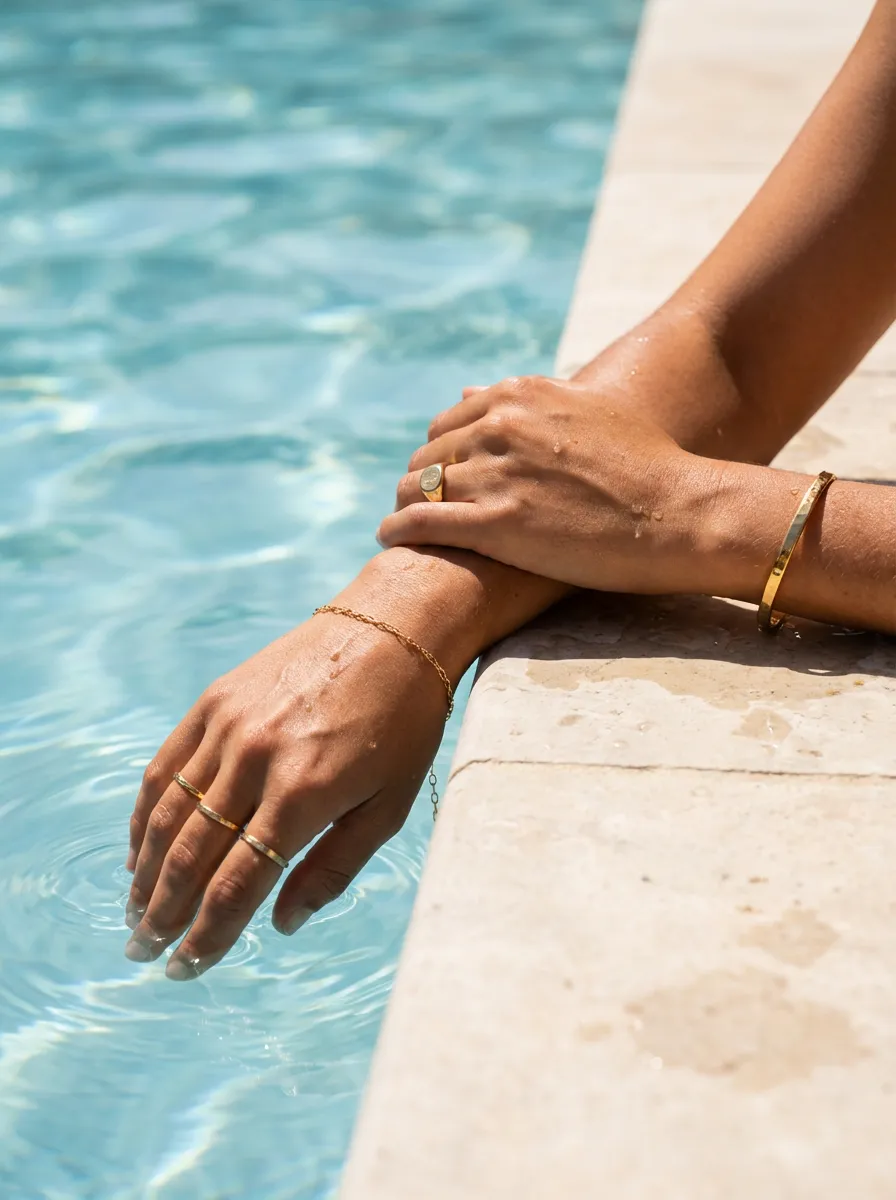
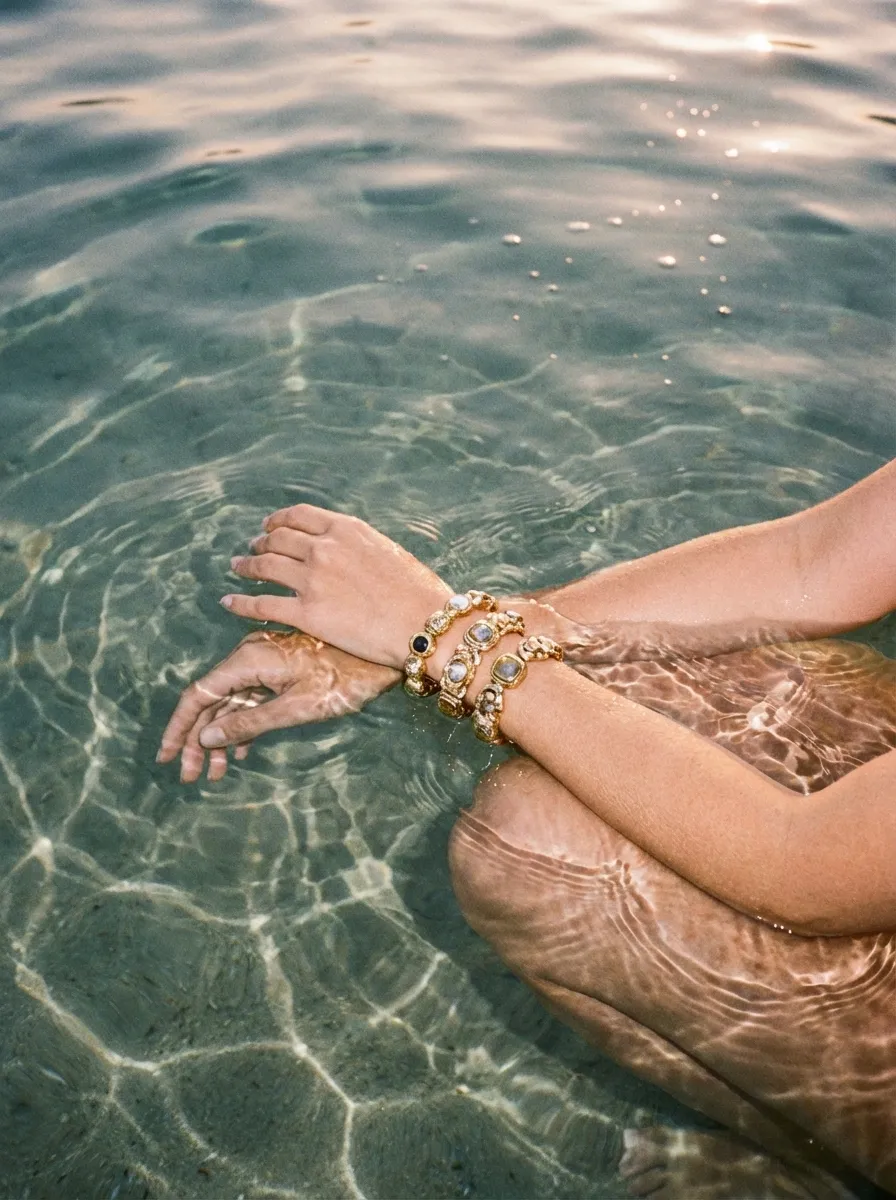
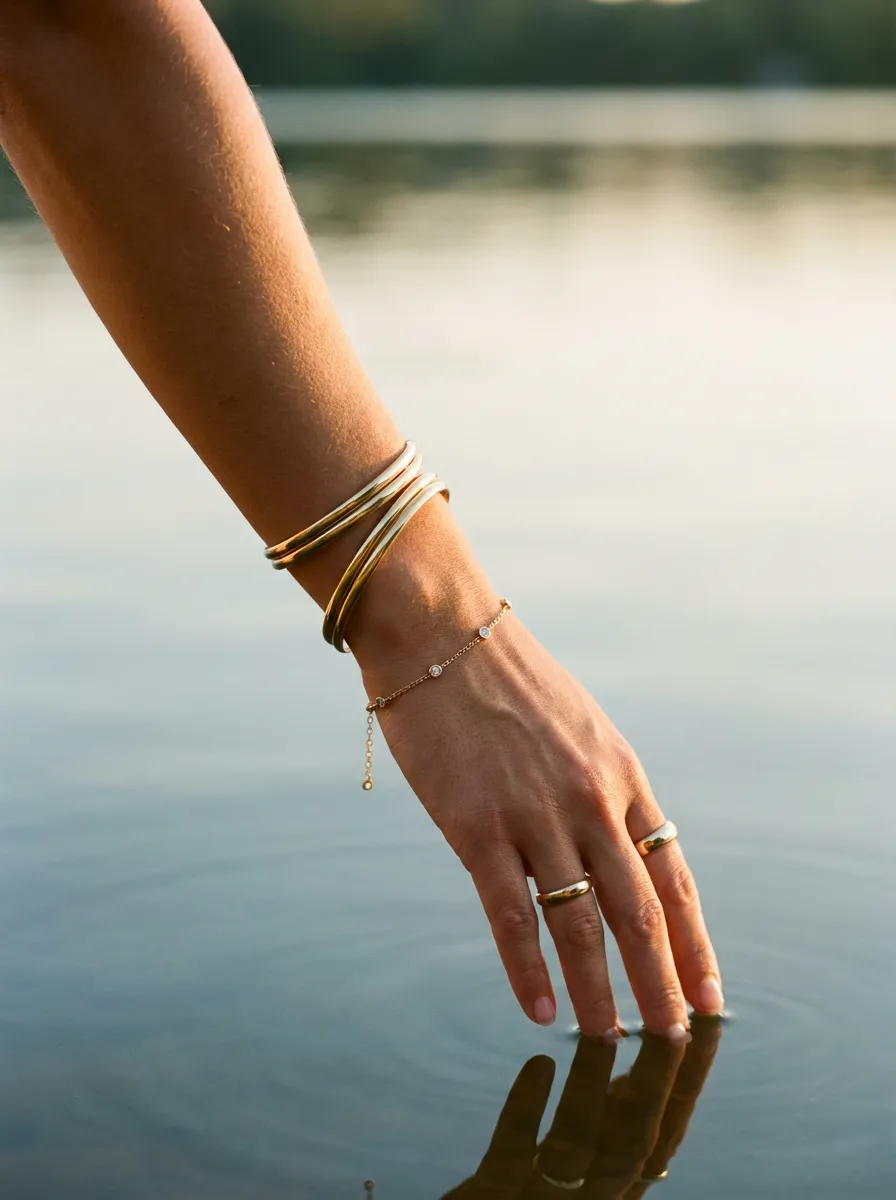
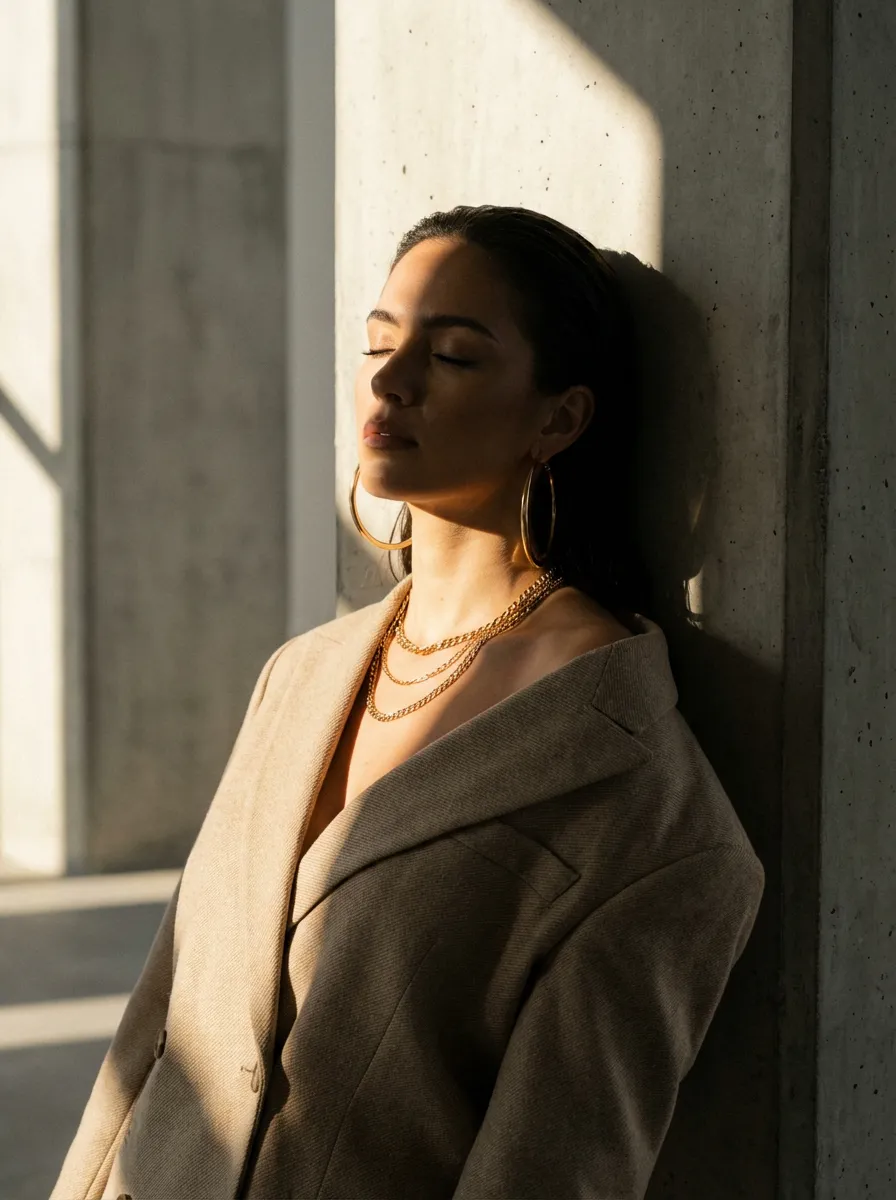
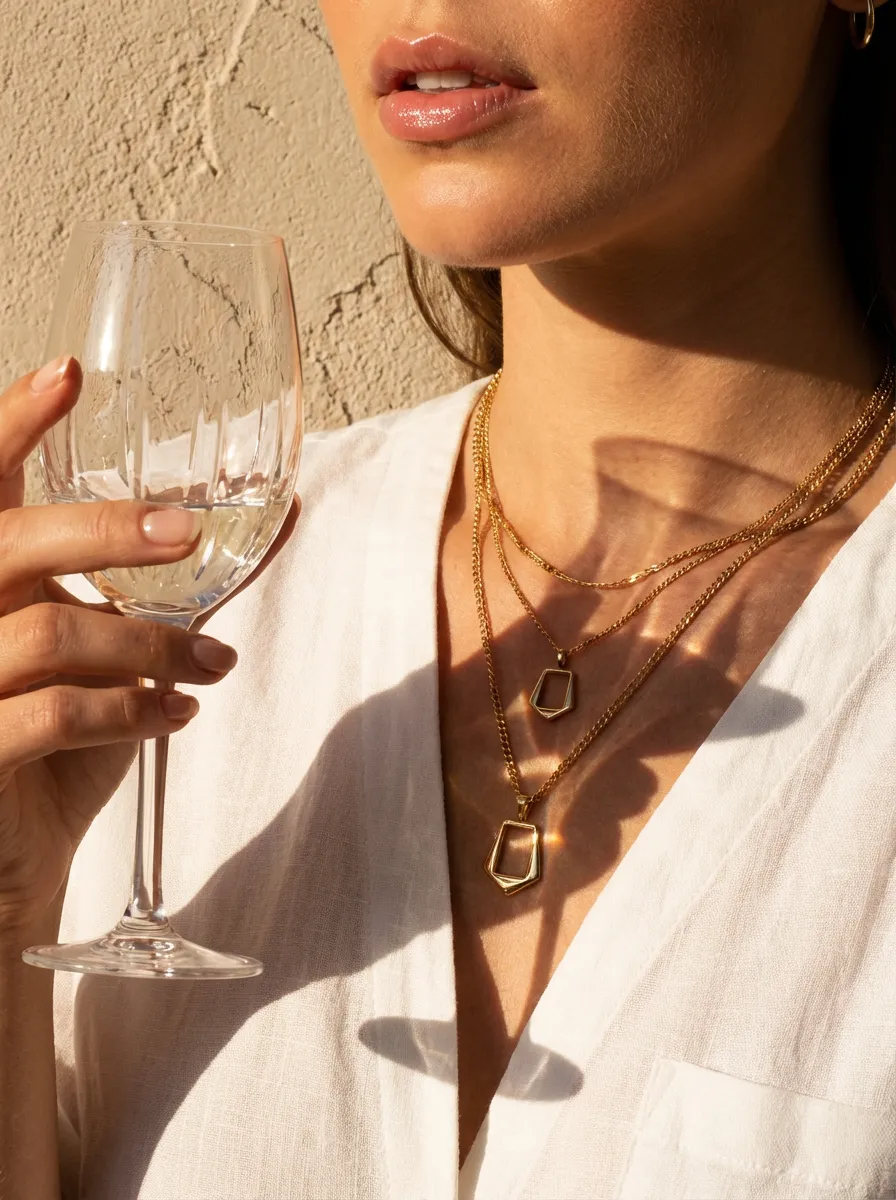
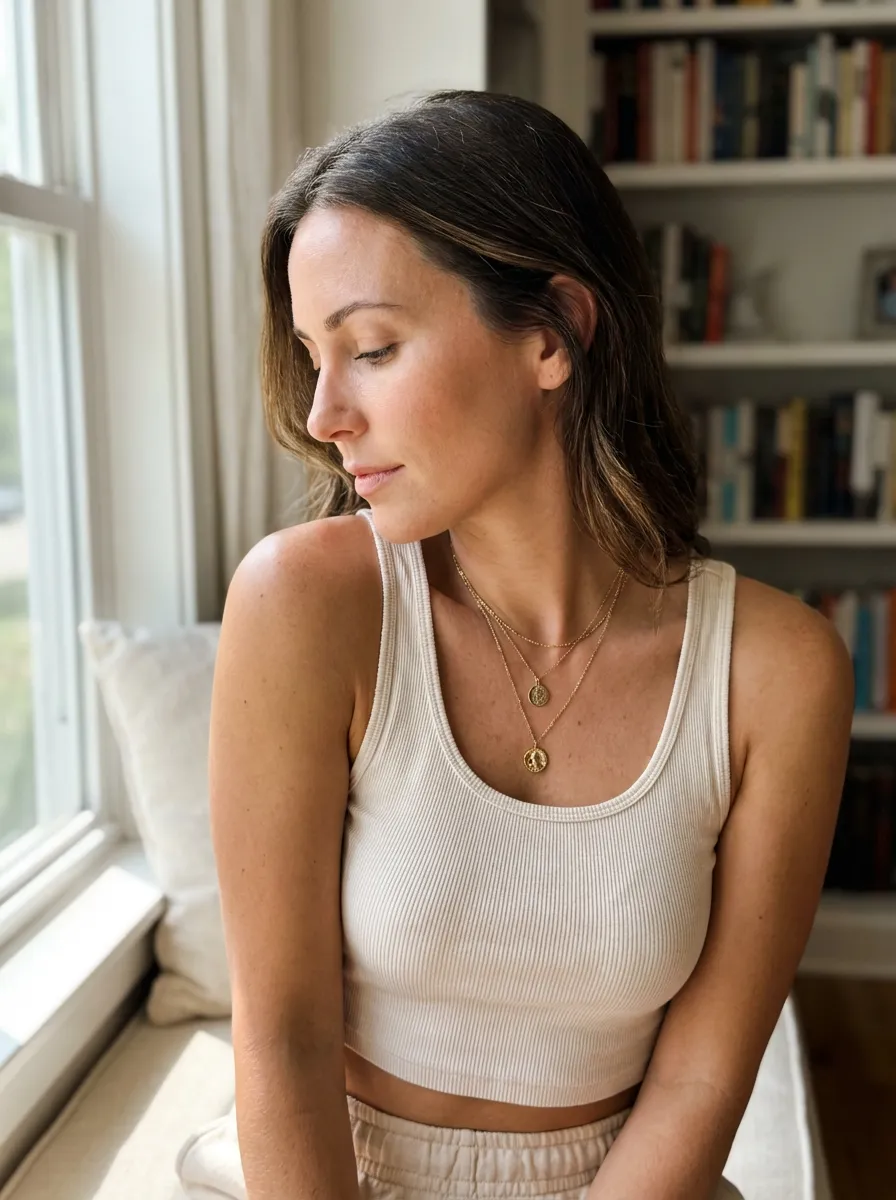
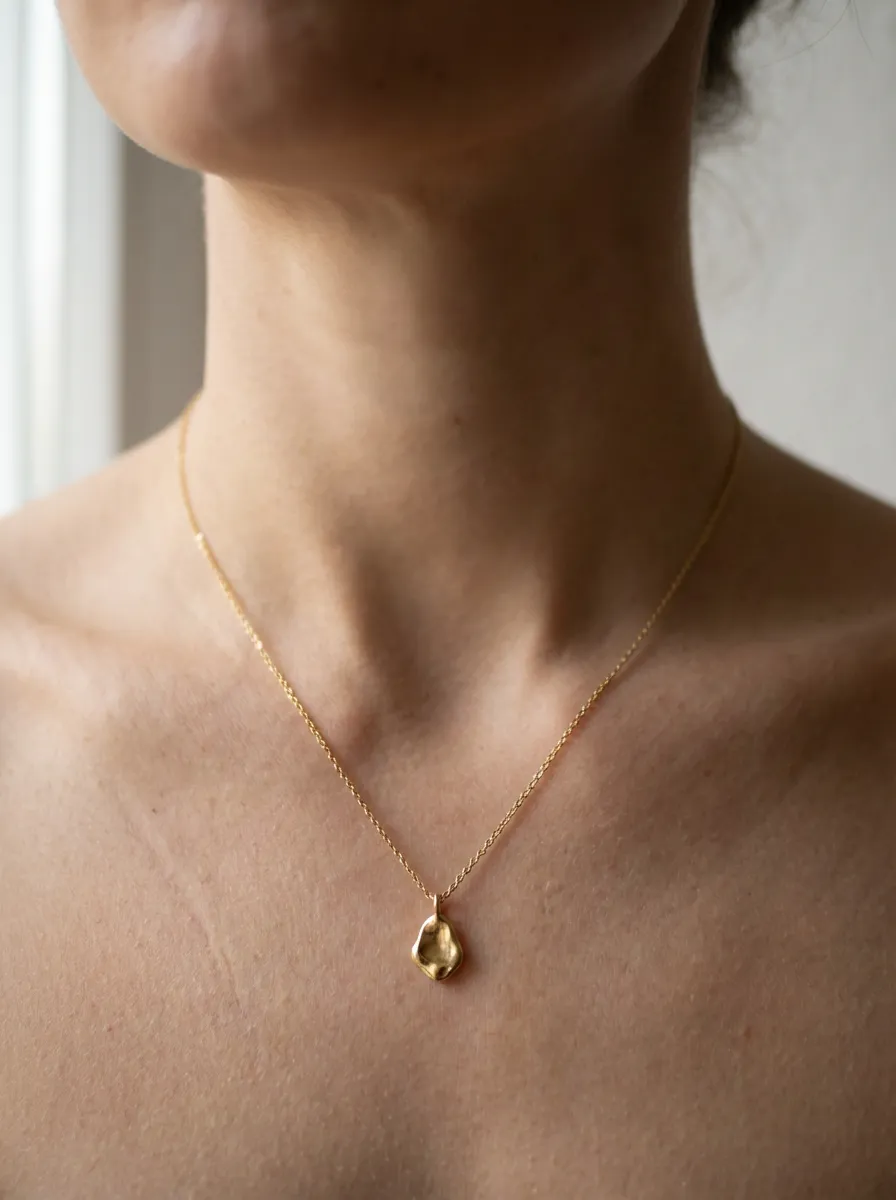
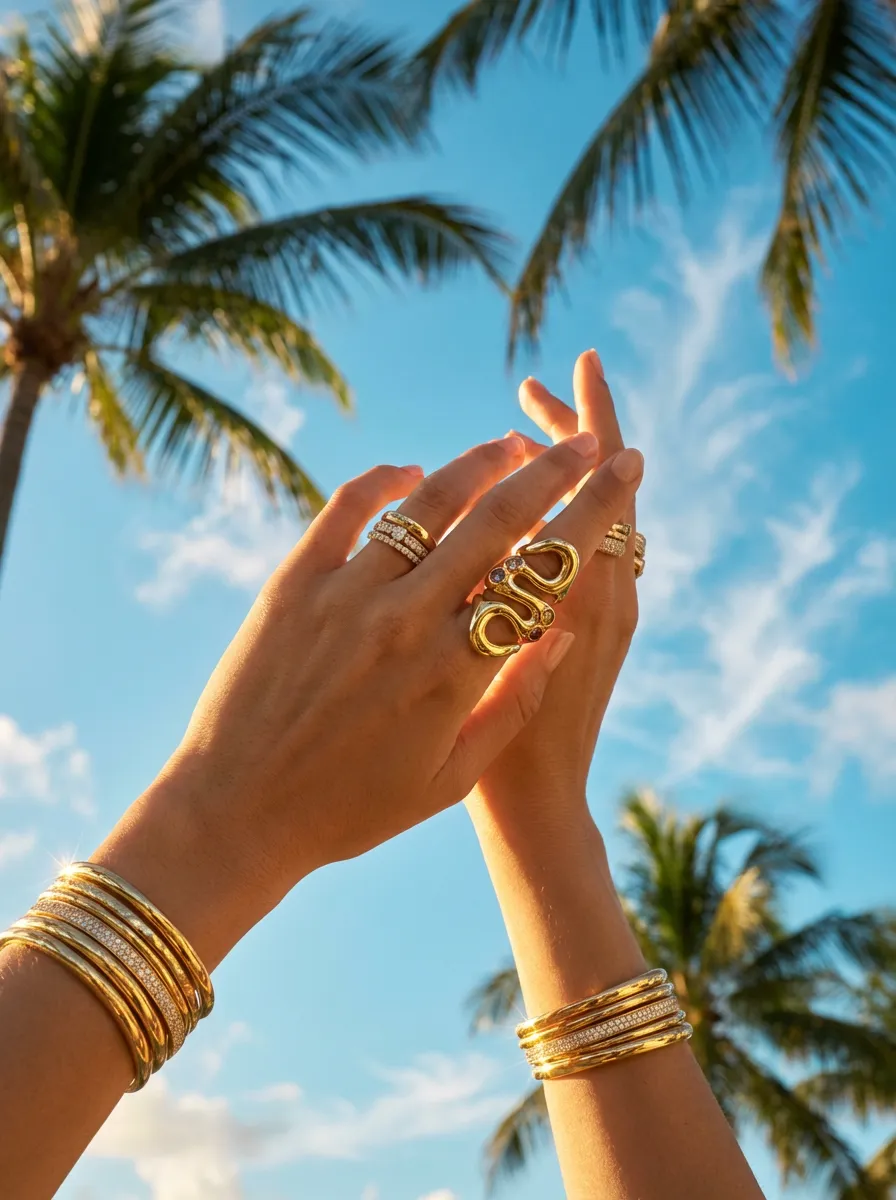
Start from a prompt
Describe the product content you need
One prompt, every leading AI model:
-
 OpenAI ChatGPT
-
 Nano Banana
-
 Google Veo
-
 Kling
-
 SeeDance
- SeeDream
-
 Topaz
-
 FASHN
Playbooks
Run the whole workflow, not one asset
A playbook takes a job from start to finish, such as a consistent catalog set, a batch of UGC ads or a weekly ad review, and opens in Tolstoy ready to run on your products.
Templates by operating context
Start with your ecommerce industry
See the jobs, review criteria, examples, and, where available, sourced customer evidence behind each template set.
How to make an AI video ad from a template
- Pick a template. Choose a UGC-style or product video ad template above, or start from a finished example in the AI video ad gallery and click "Recreate this with your product".
- Add your product. Upload a product photo or pick it from your synced catalog, and add your brand guidelines.
- Generate and review. Media Studio generates the video. Make variations of the hook, creator or scene until you're happy with one.
- Publish. Send approved ads to Meta campaigns through Ads Studio, or publish the video to product pages as shoppable video.
Frequently asked questions
AI ecommerce gallery FAQs
How to browse examples, choose templates, and create with Tolstoy.
Where can I find AI video ad templates for ecommerce products?
Tolstoy's template library at gotolstoy.com/templates has 300+ ecommerce templates, including UGC-style video ads, product video ads, try-on and PDP templates, filterable by industry. For finished references, the AI video ad gallery shows real ads generated with Tolstoy, each with a "Recreate this with your product" button.
Can AI make UGC-style ads from a template using my own product?
Yes. Open a UGC-style template, add your product photo or pick it from your catalog, and Tolstoy generates the creator, scene and hook in a vertical format for TikTok, Reels or Meta. You can generate variations to test different hooks.
How much do Tolstoy templates cost?
Templates are included with every paid plan. Plans are priced per workspace: Plus $16 and Business $80, $160 or $400 per workspace per month, billed yearly, with AI generation using credits. Enterprise pricing is custom. See /pricing for current details.
Which AI models do Tolstoy templates use?
Templates run inside Media Studio, which offers video models such as Seedance 2.0 and Kling 3.0 and image models such as Nano Banana Pro, Seedream 5 Pro, Grok Imagine and ChatGPT Images. See /ai-models for the current list.
What is an AI product image template?
An AI product image template is a reusable creative workflow with a defined output and guided inputs. Add your product and brand context in Tolstoy Media Studio, then generate product photos, ads, PDP visuals, or lifestyle creative without writing the workflow from scratch.
Can I create AI product videos from a template?
Yes. Select the Videos filter to browse templates designed for product videos, UGC-style ads, motion creative, and other ecommerce video formats. Open a template to add the required inputs and customize the result in Media Studio.
Can I use my own product images and brand context?
Yes. Templates that require source media let you add your own product images or videos. You can also provide the brand and campaign context needed to guide the creative direction before generating.
What is the difference between a template and a generated example?
A template is a reusable workflow you can open and customize in Media Studio. A generated example is a finished image or video shown for inspiration; preview it to understand the creative direction, then browse a related template to make your own version.
Can I customize an AI ecommerce template?
Yes. After opening a template in Media Studio, you can add the requested product inputs, adjust the supported creative direction, and generate variations for your brand, channel, or campaign.
How do I choose the right ecommerce creative template?
Start with the asset you need and where it will appear. Filter by image or video, narrow by industry, then compare previews for product pages, ads, UGC, lifestyle content, or campaign creative before opening a template.
Create your next ecommerce campaign with Tolstoy
Every paid Tolstoy plan includes Media Studio, Ads Studio and Storefront Studio. Plus $16 and Business $80, $160 or $400 per workspace per month, billed yearly. AI generation uses credits. Compare plans.